
How do I link a job posting to my ATS?
Link job postings to your ATS in the Job Cockpit, configure phase mapping, and automatically sync applications and status updates
In this article, you'll learn how to link a job posting in instaffo with your Applicant Tracking System (ATS). Once linked, applications will be automatically exported to your ATS and status changes will be synchronized.

Setting up ATS linking
-
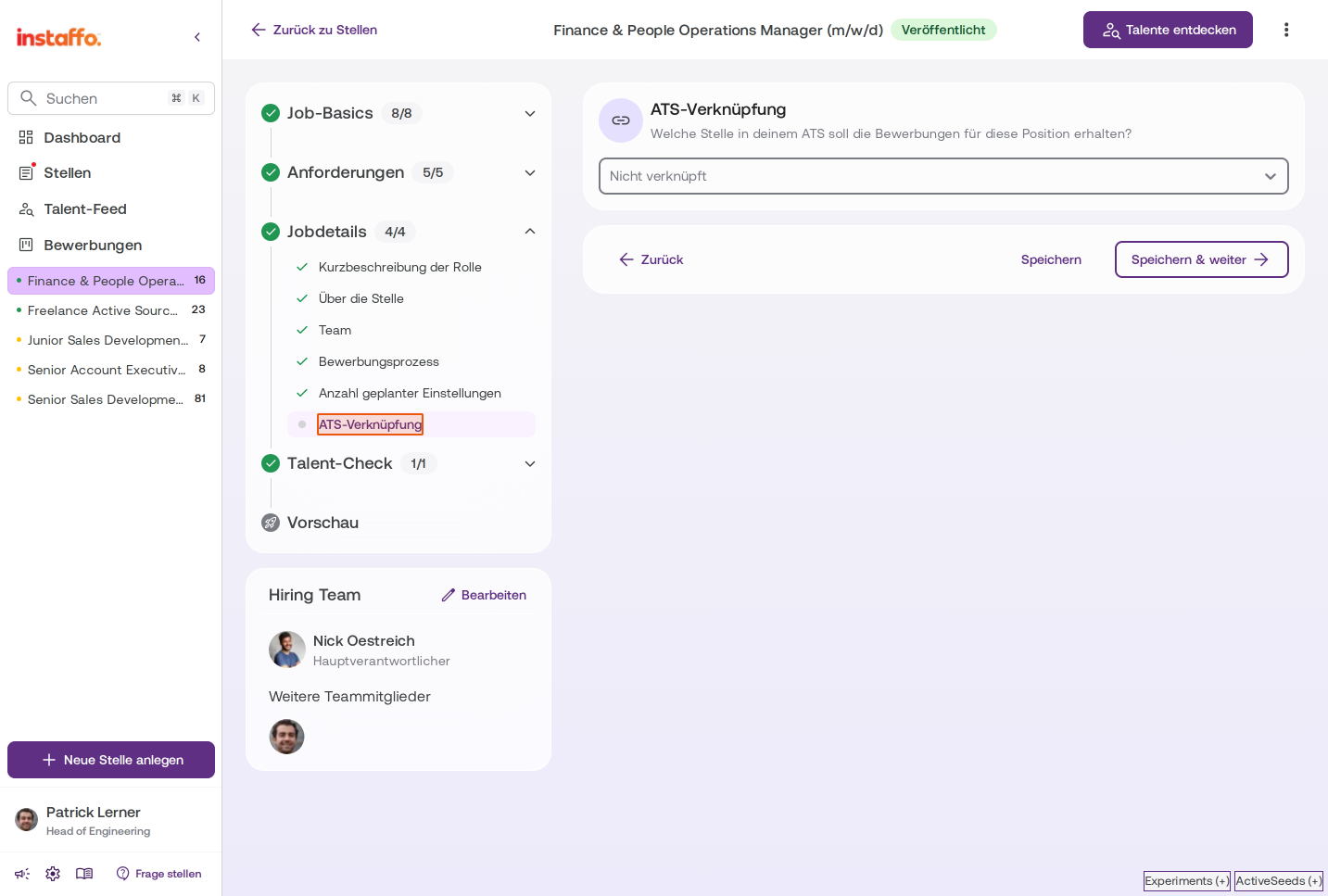
Open ATS linking in the Job Cockpit
Open the job posting you want and navigate to the ATS Linking entry in the Job Details section. When creating new job postings, this option will also be displayed directly. -
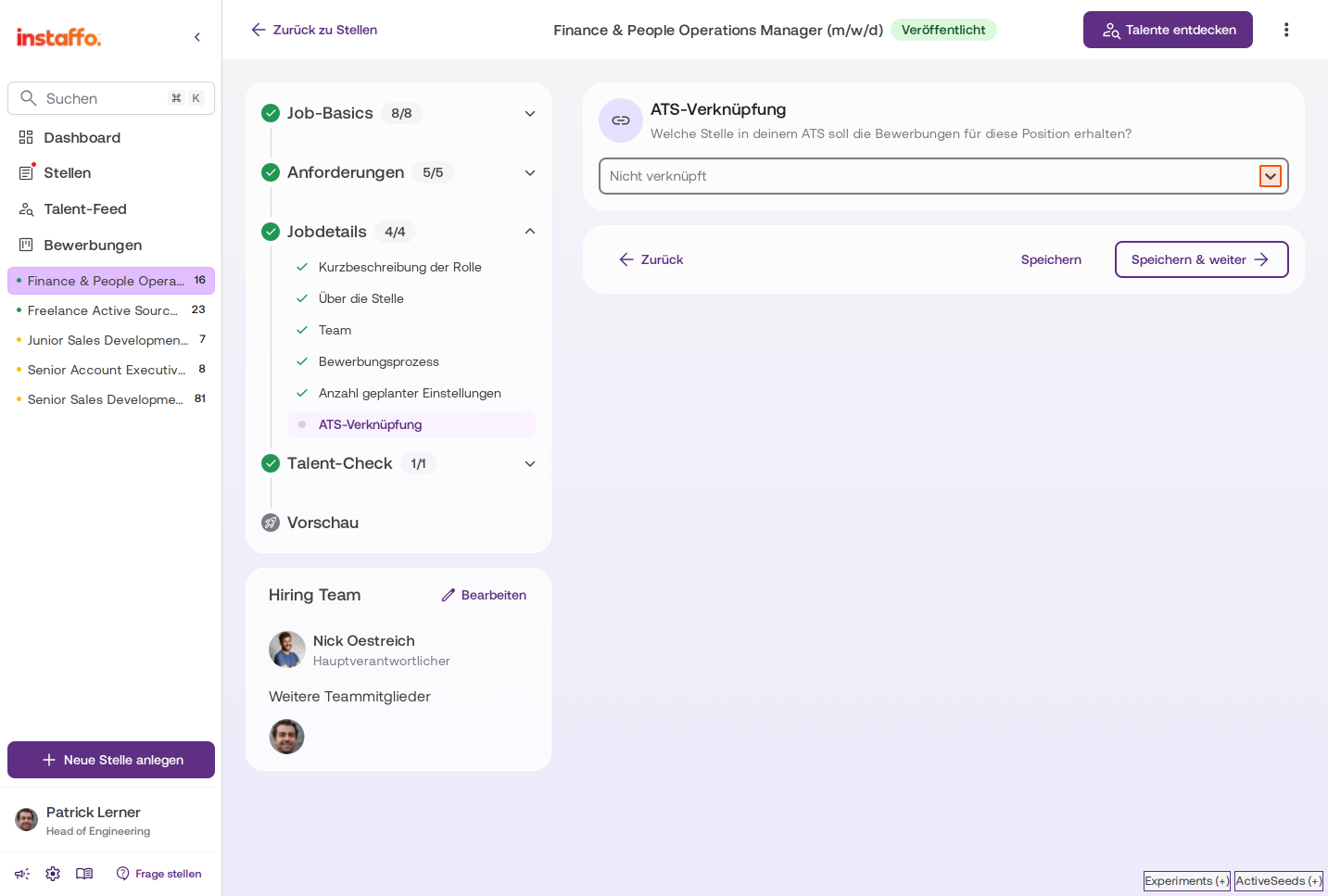
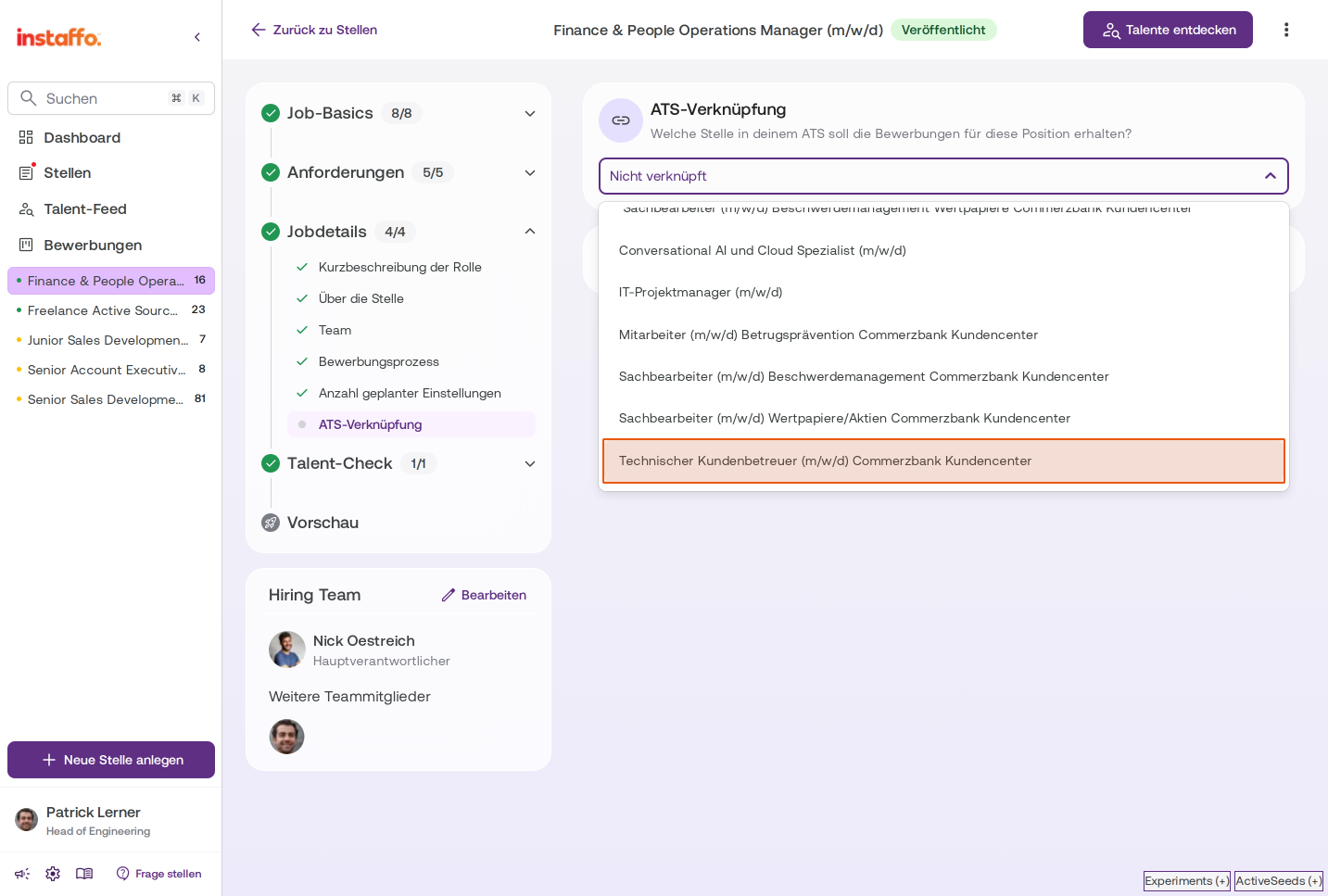
Select your ATS job
Click on the dropdown field, which initially shows Not linked, and select the matching job from your ATS that you want to link to this posting.
-
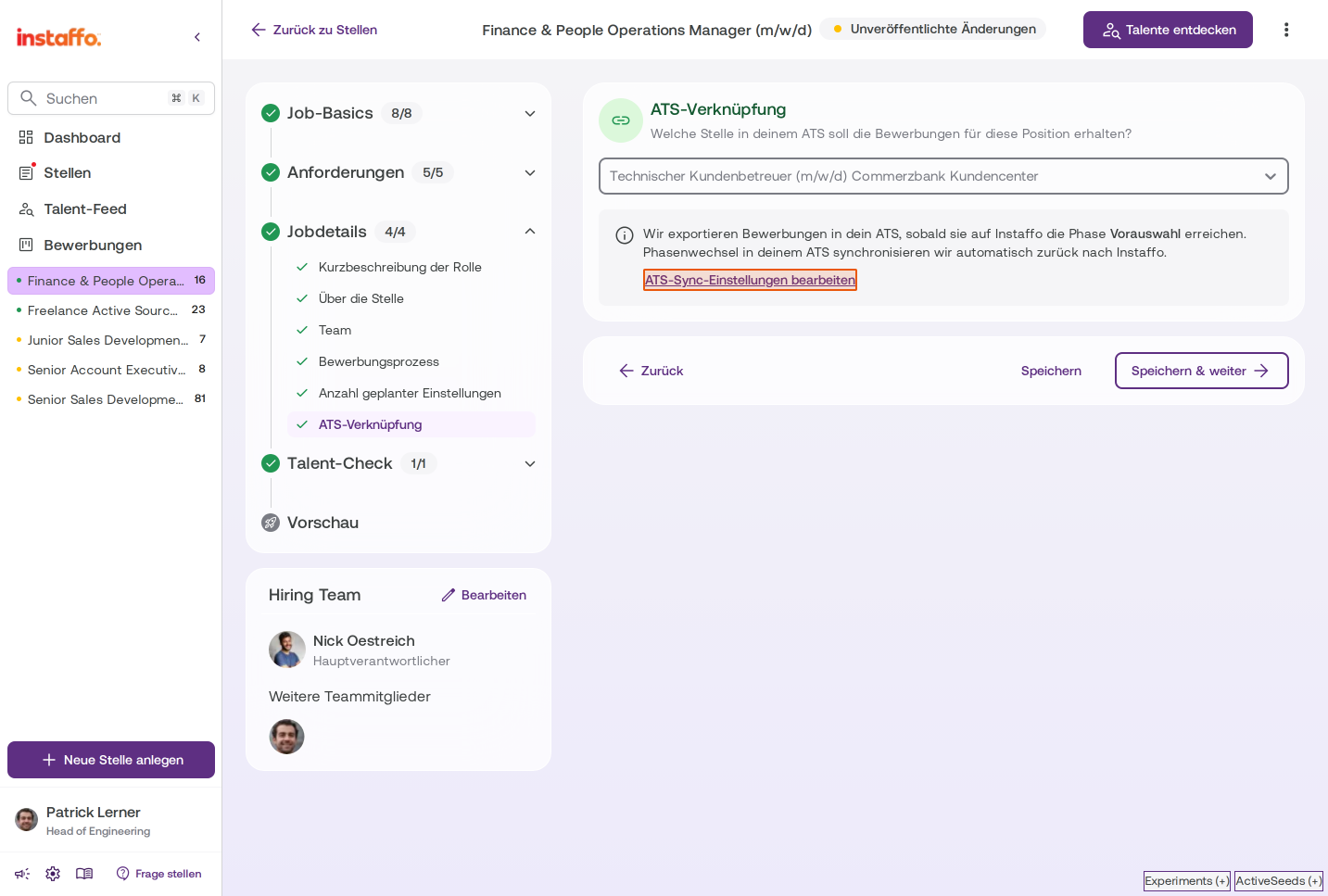
Access ATS sync settings
After you've selected an ATS job, you'll see a notification that applications will be exported to your ATS as soon as they reach the screening phase in instaffo. Click on the Edit ATS sync settings link to configure the phase mapping.
Configuring phase mapping
-
Let phases be mapped automatically
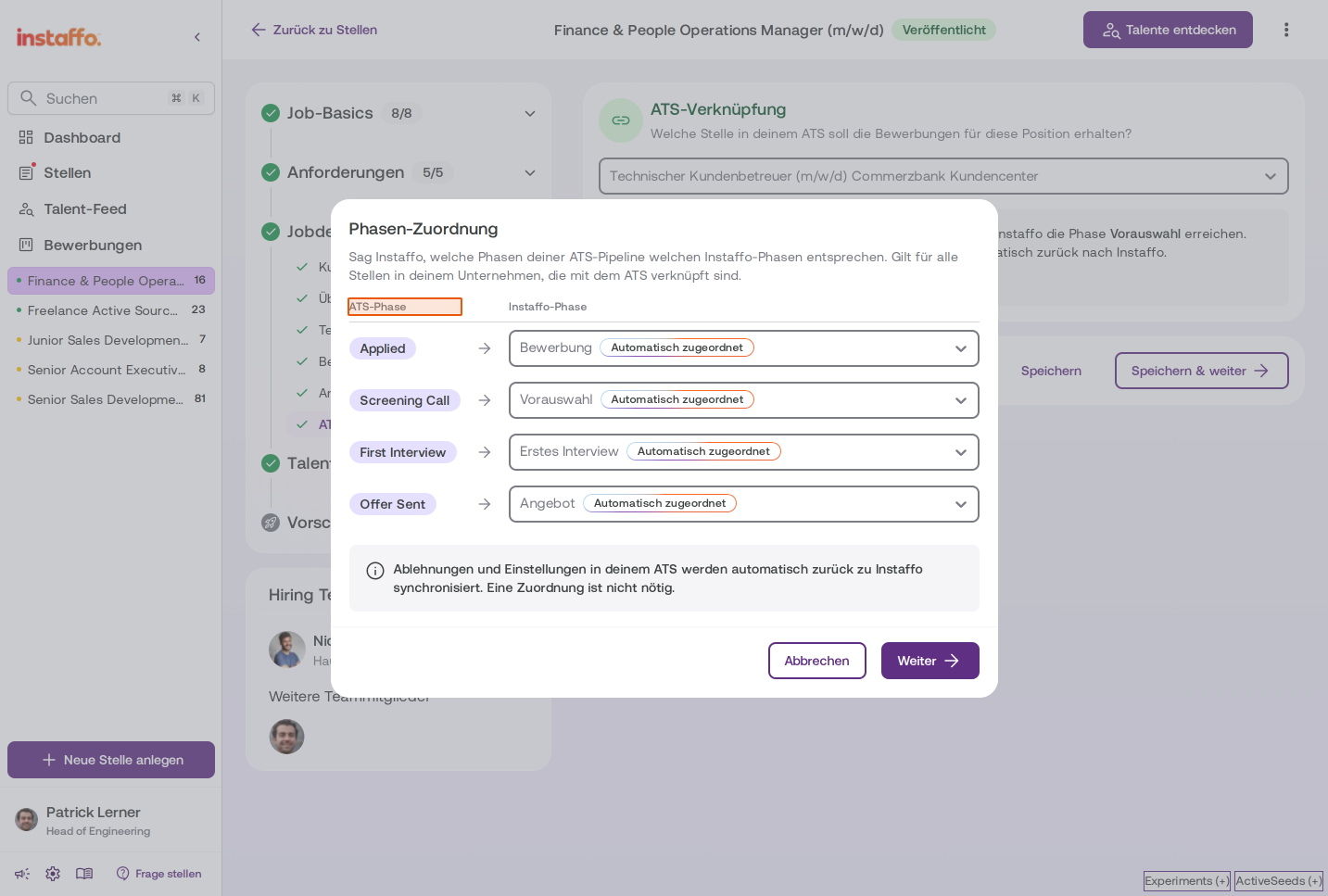
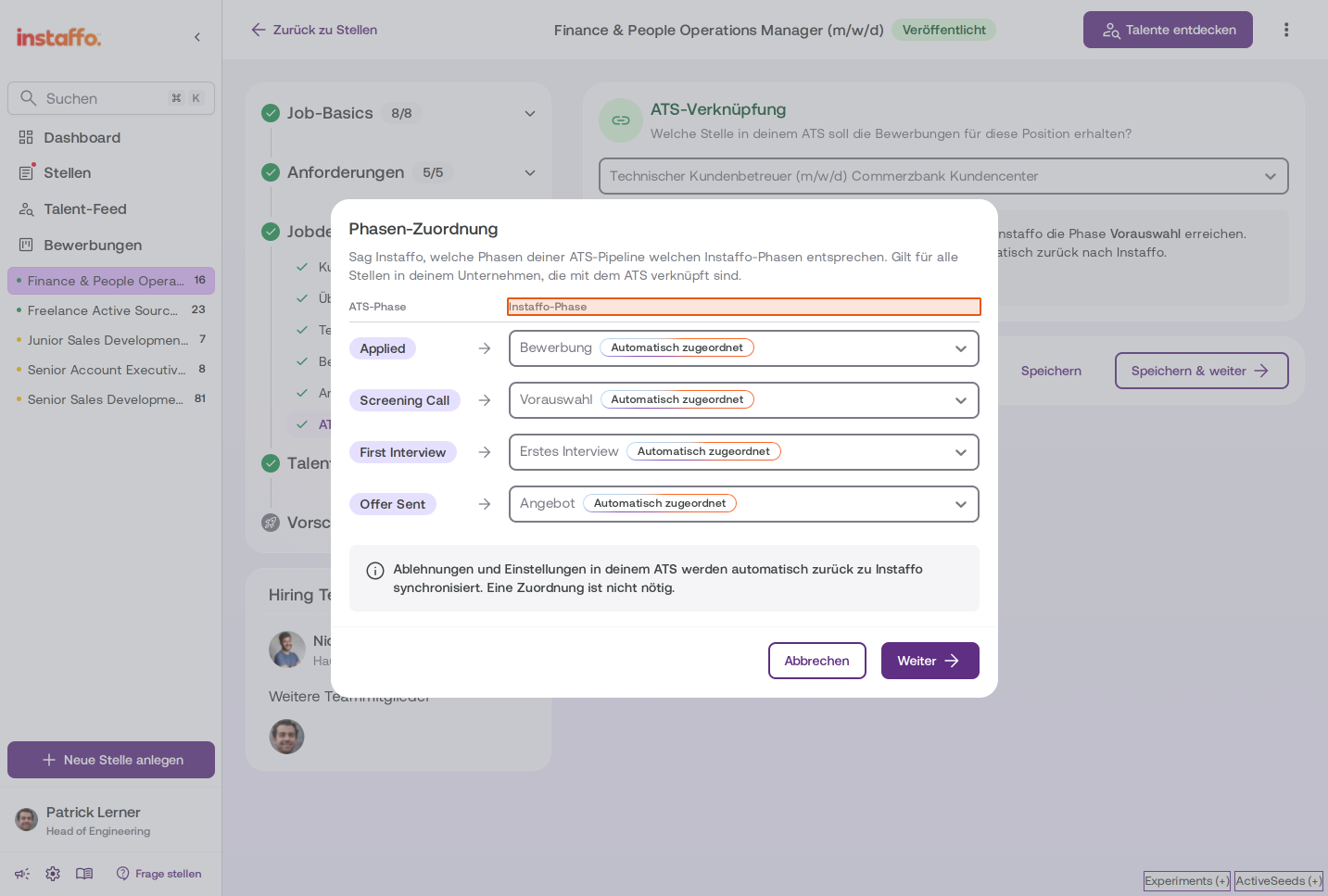
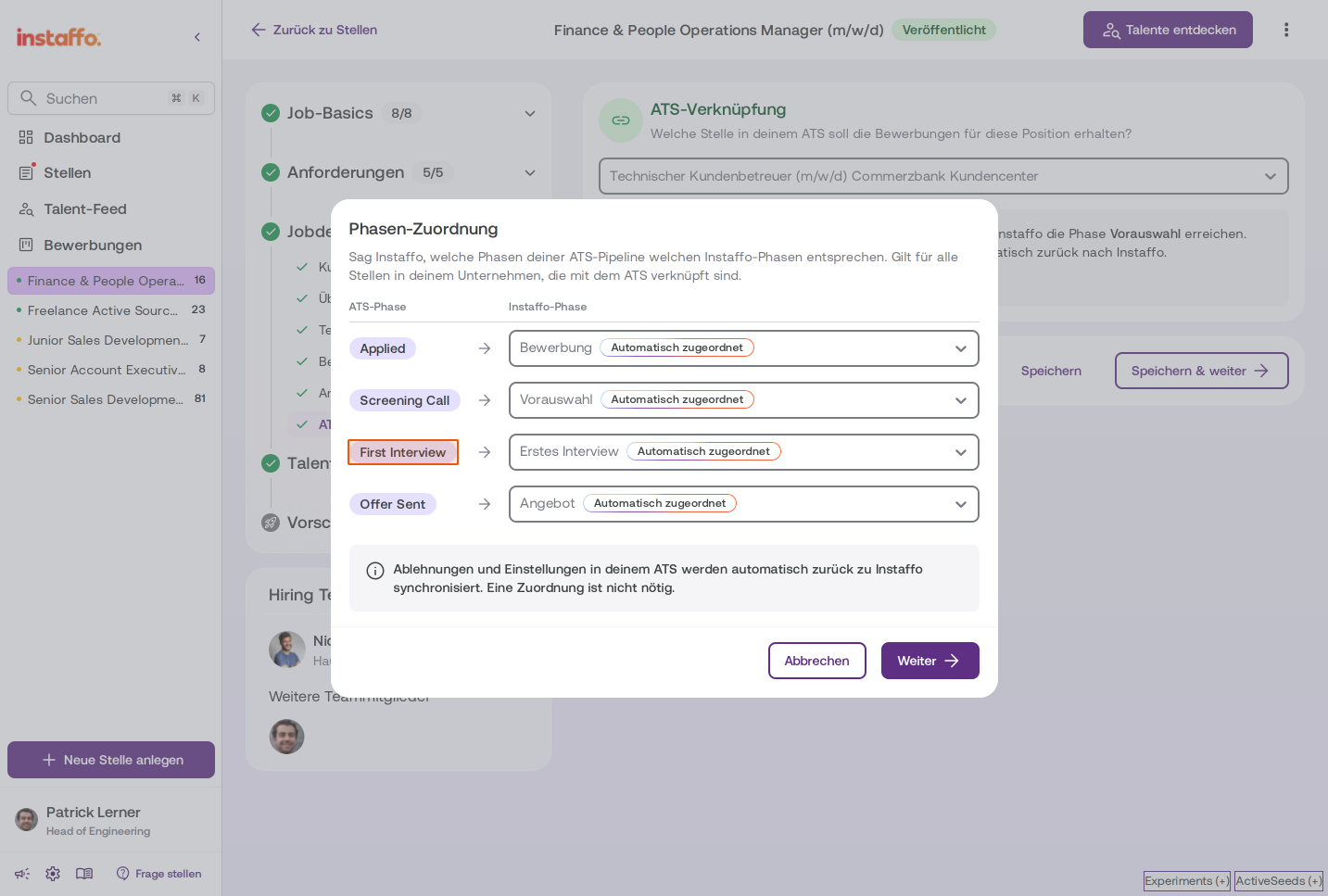
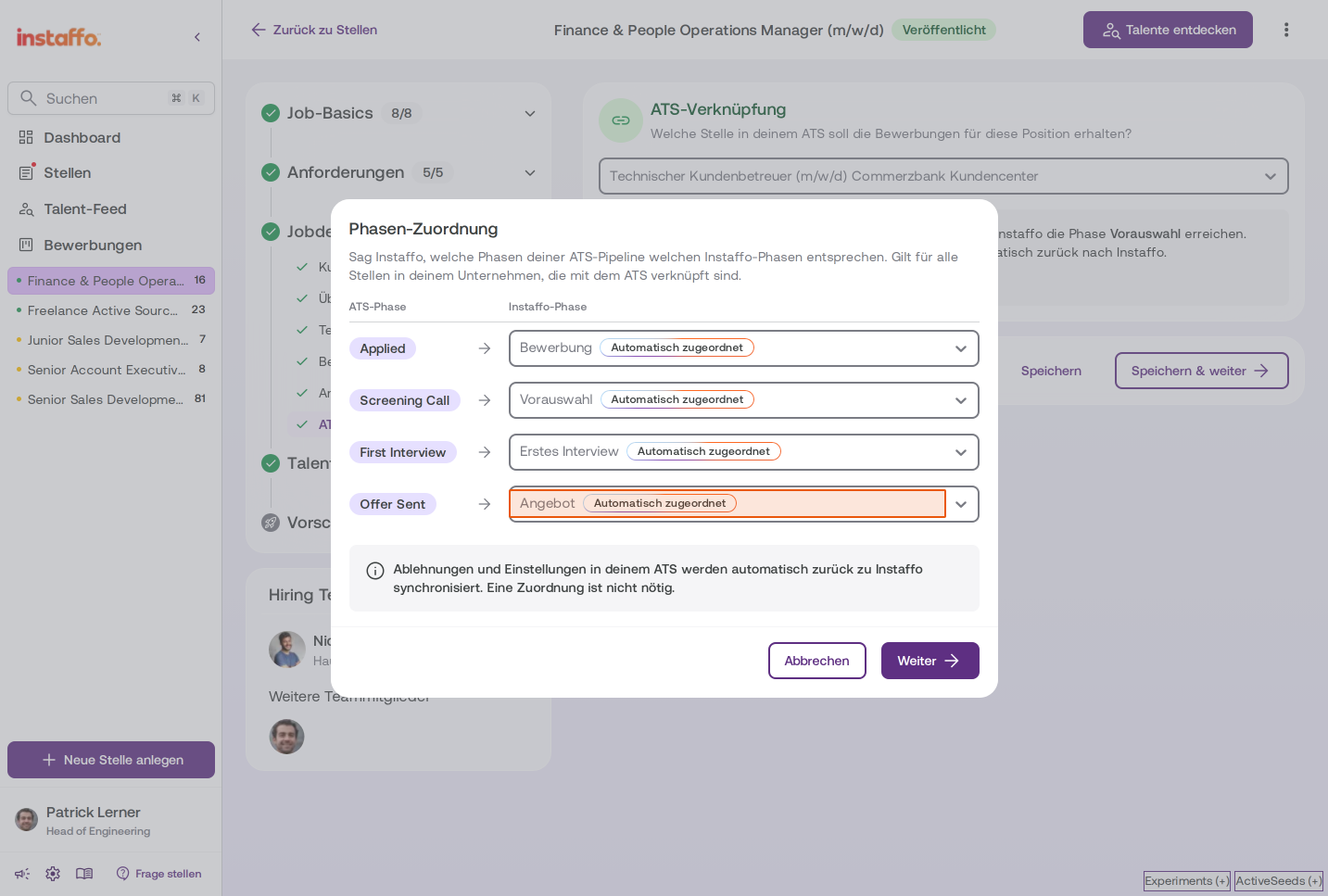
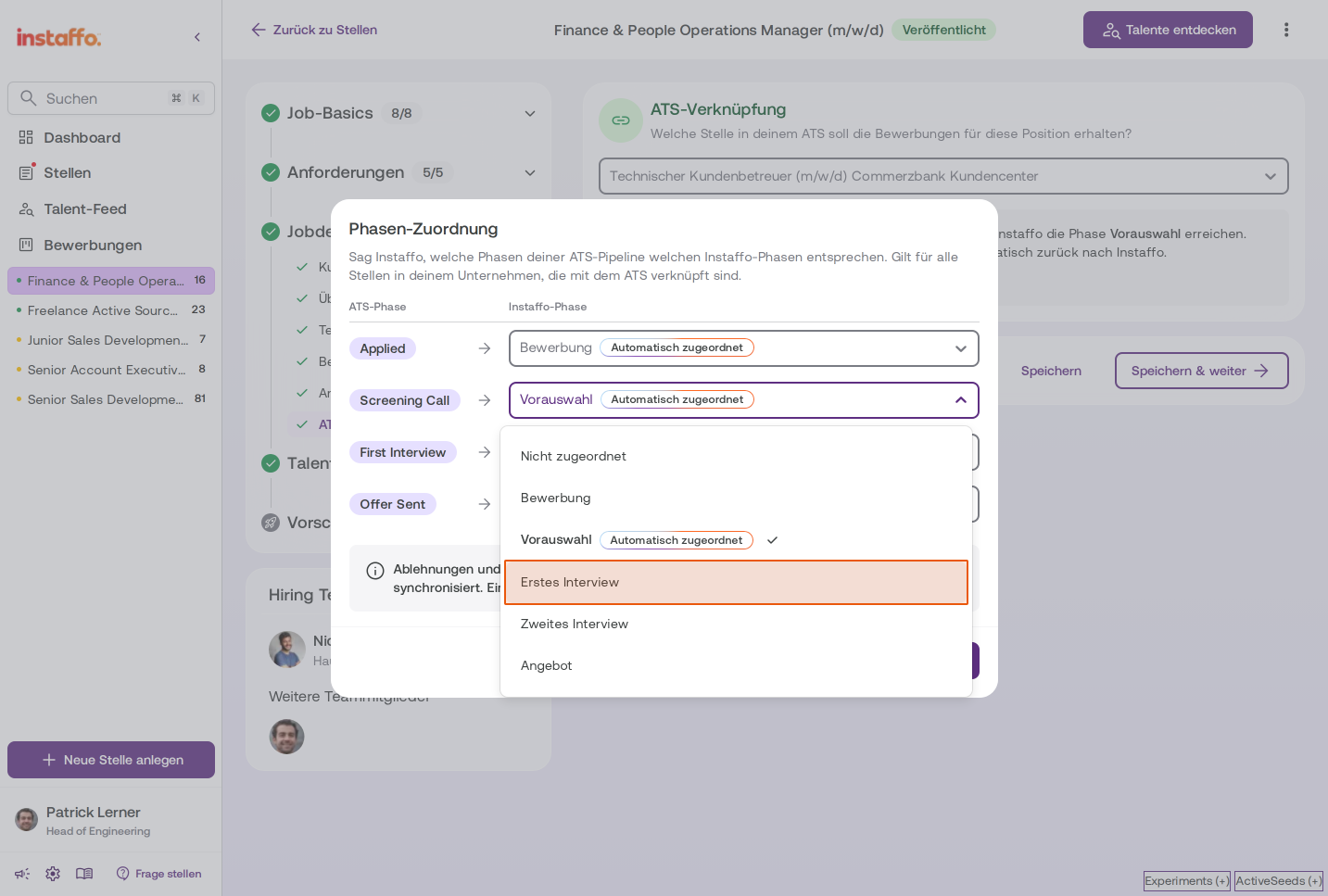
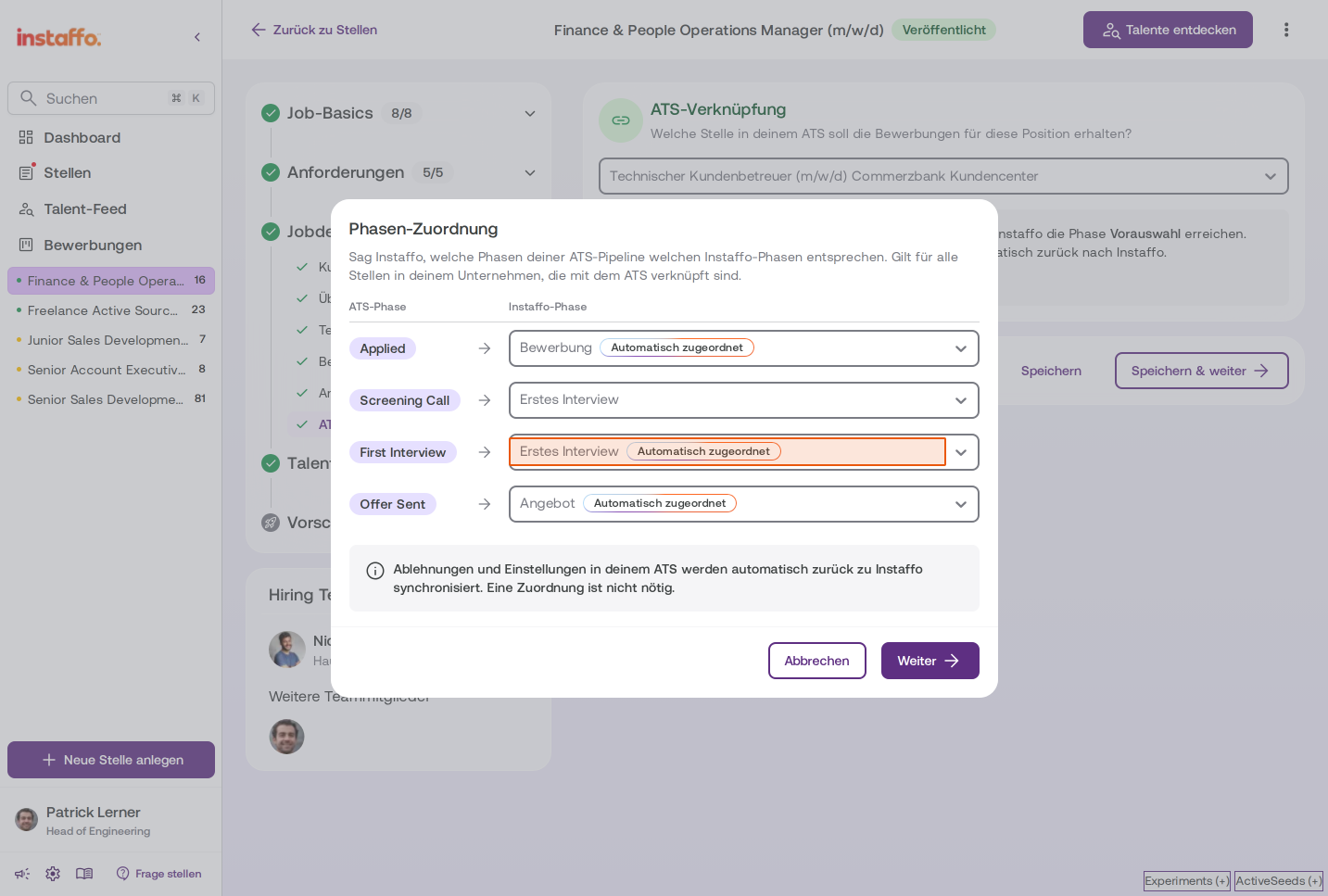
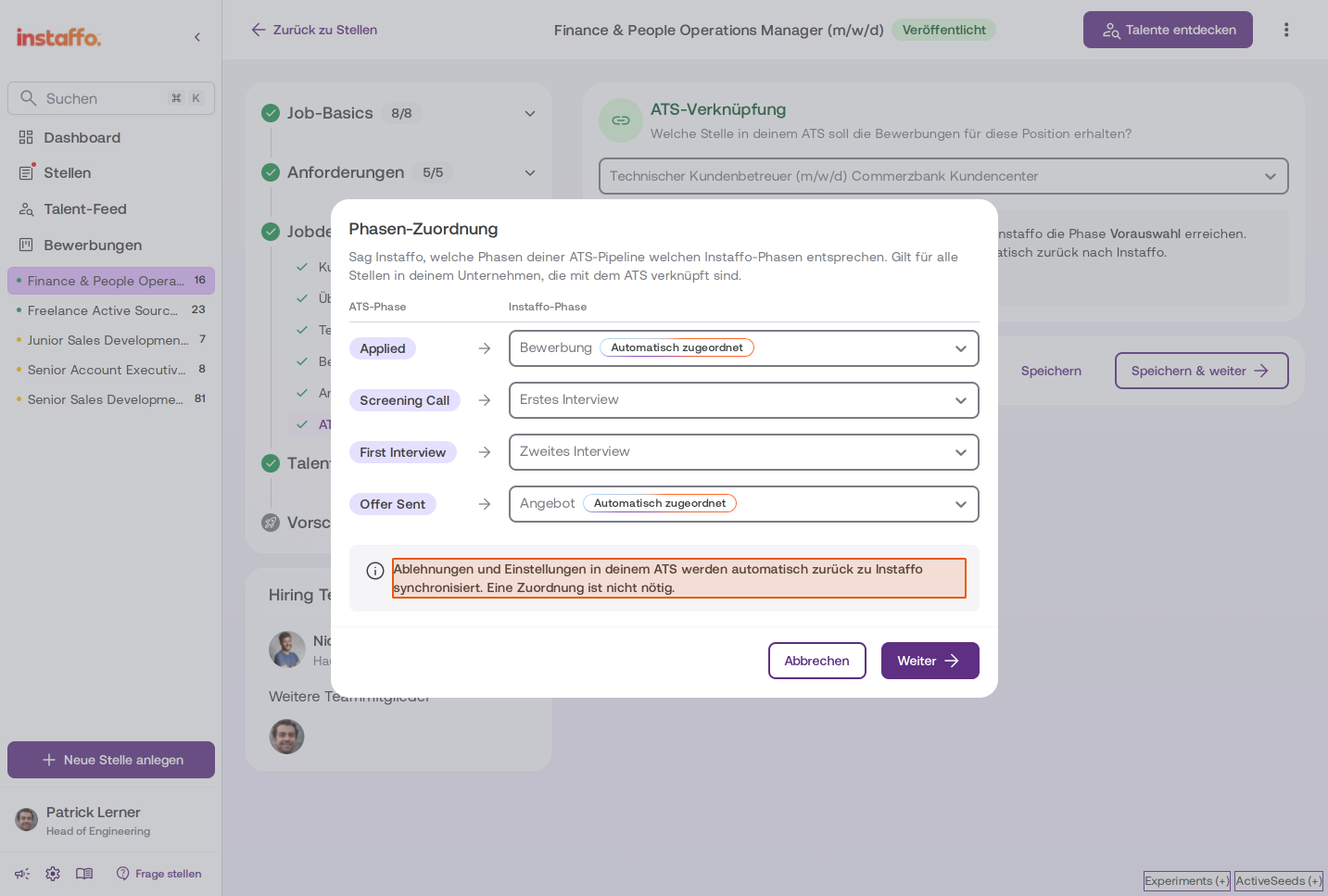
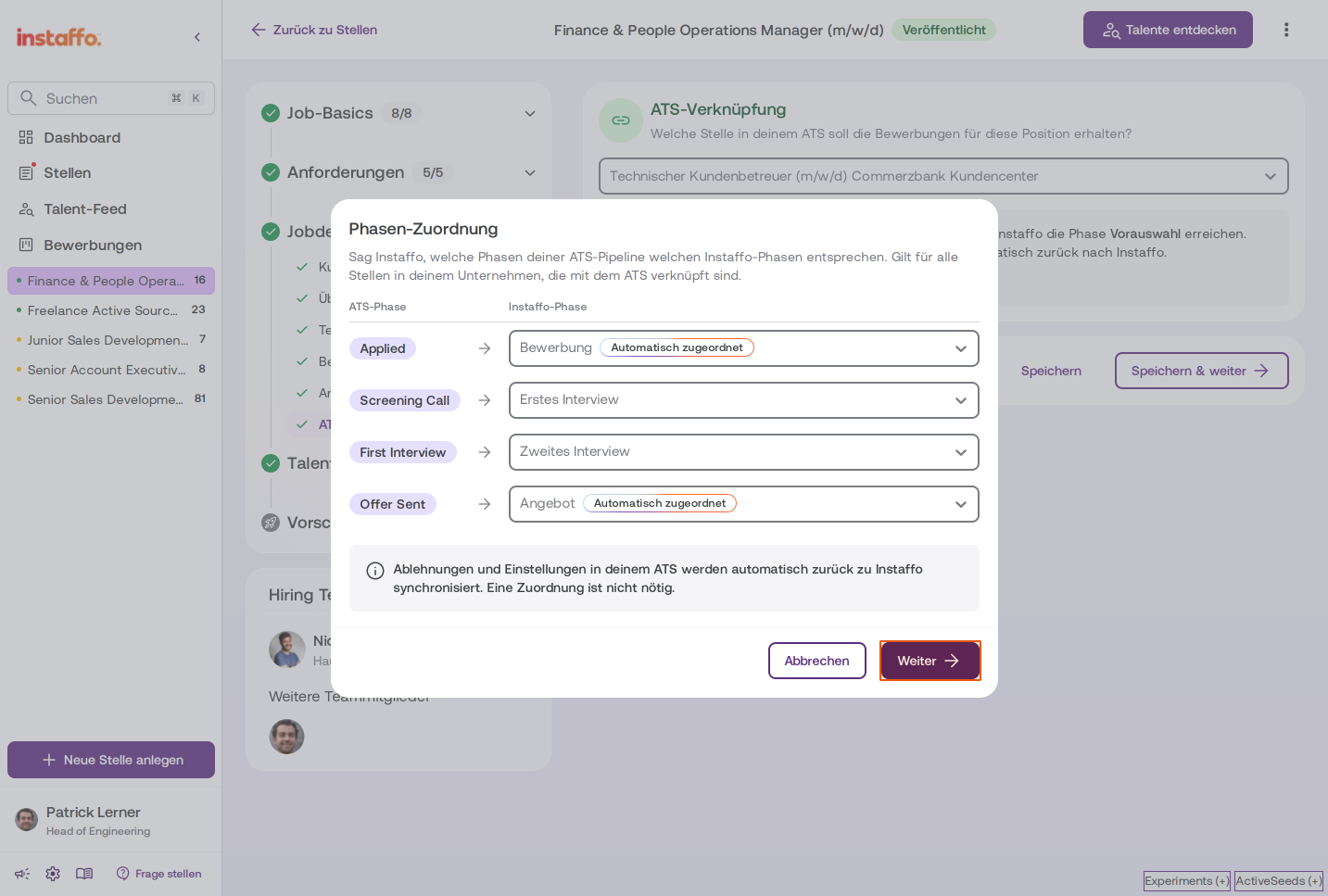
In the Phase Mapping dialog, the phases from your ATS are retrieved. Instaffo automatically suggests a mapping and assigns the instaffo phases to the best matching phases in your ATS. You'll see an overview with two columns: ATS Phase and Instaffo Phase.Note for Personio and Softgarden: Phases can only be retrieved once applications have been received. You may need to set up the phase mapping later if necessary.
-
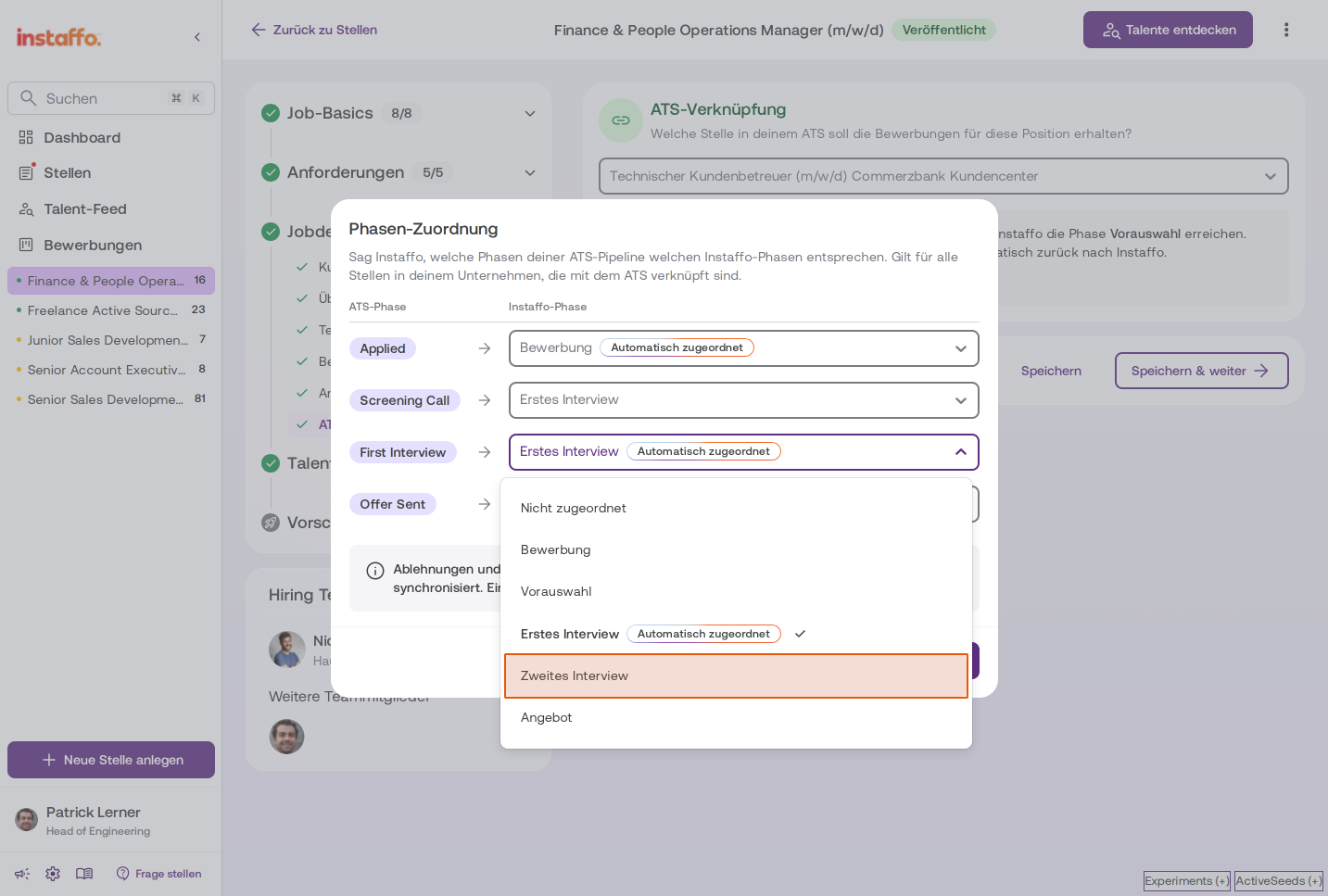
Adjust phase mapping
You can change the automatic mapping if needed. Click on the relevant dropdown field in the Instaffo Phase column and select a different phase. Available options are:- Not mapped
- Application
- Accepted/Screening
- First Interview
- Second Interview
- Offer
Rejections and hires in your ATS will be automatically synchronized back to instaffo - no manual mapping is needed for this.
-
Confirm phase mapping
Click Next to proceed to the next step.
Setting export preferences
-
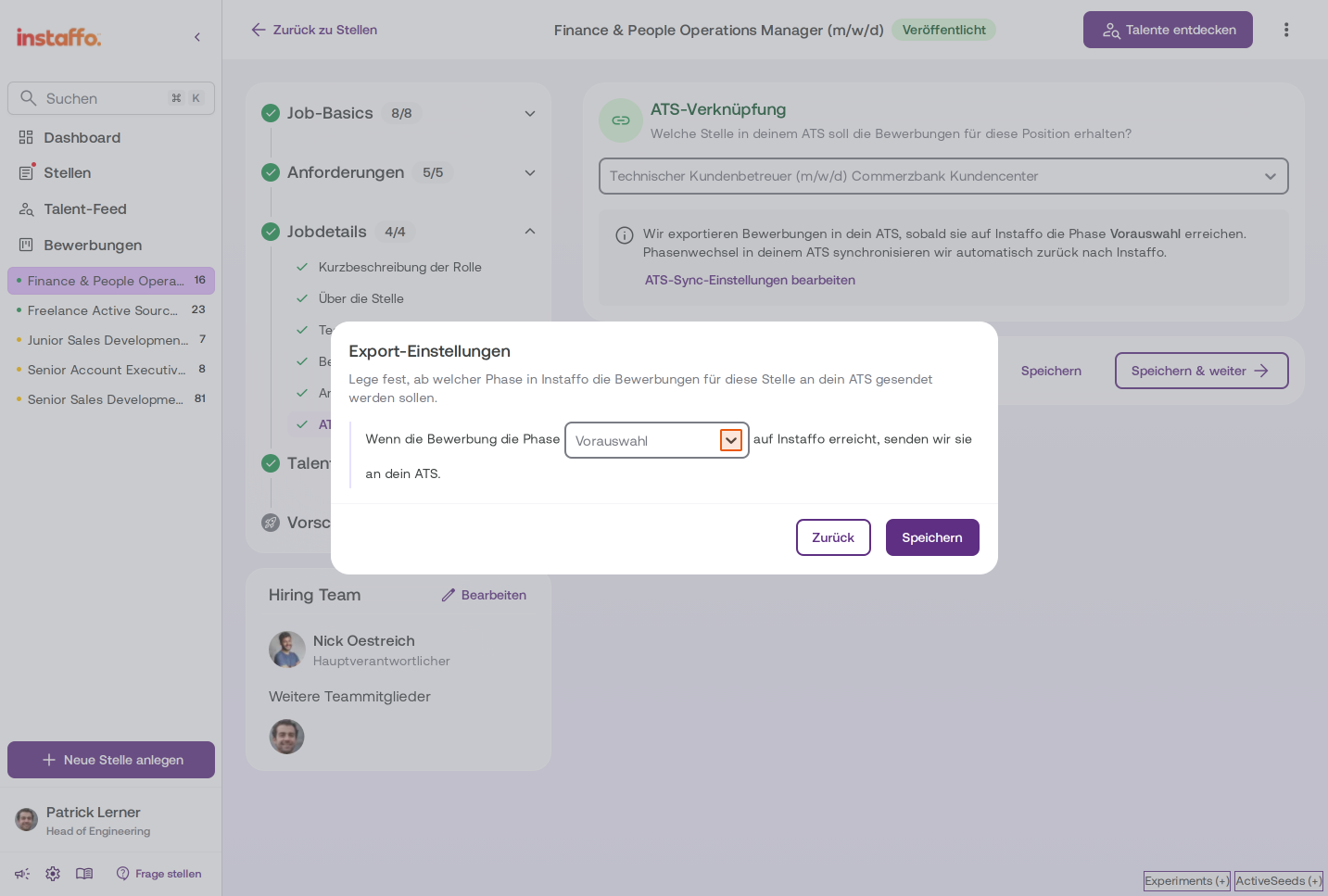
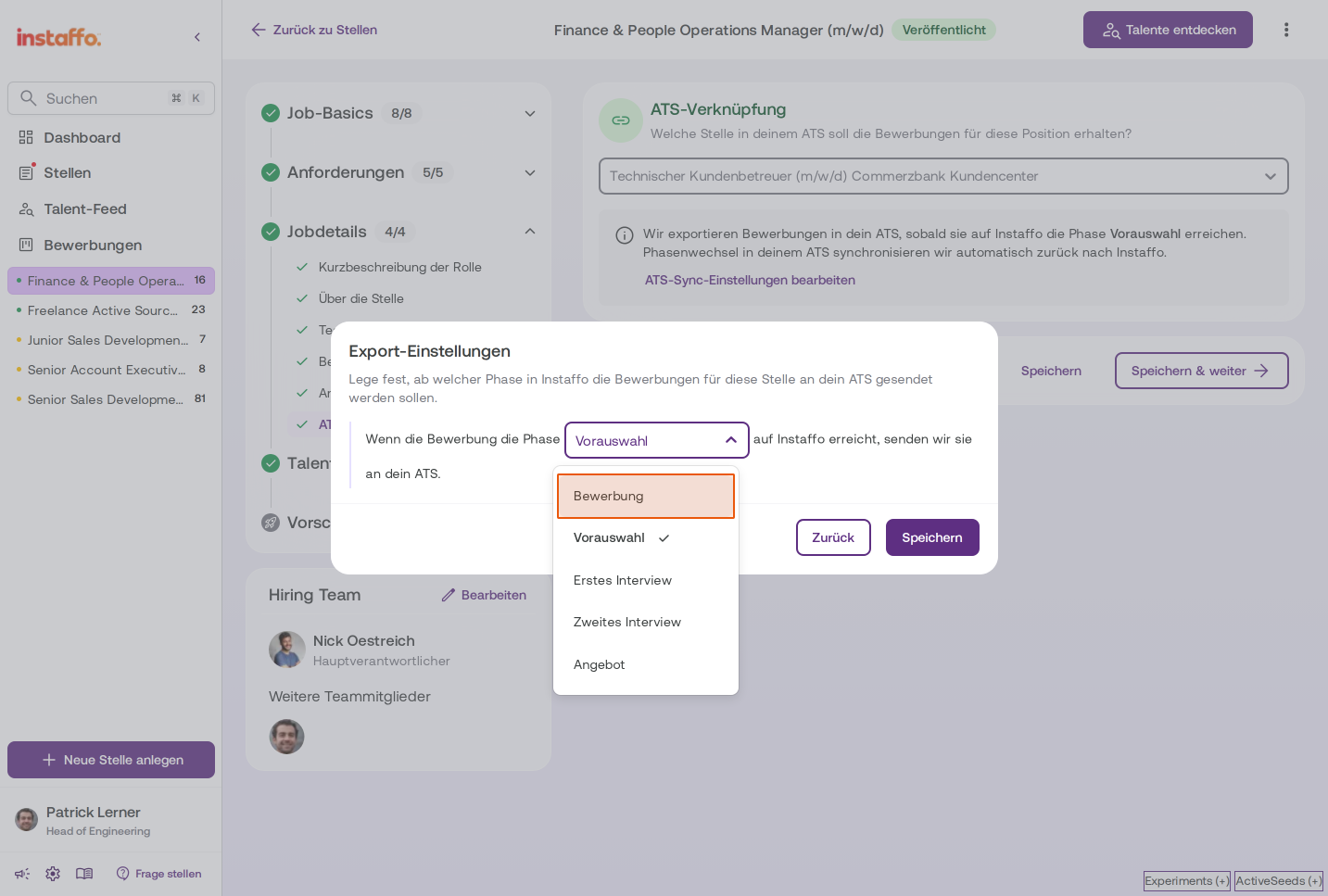
Define export phase
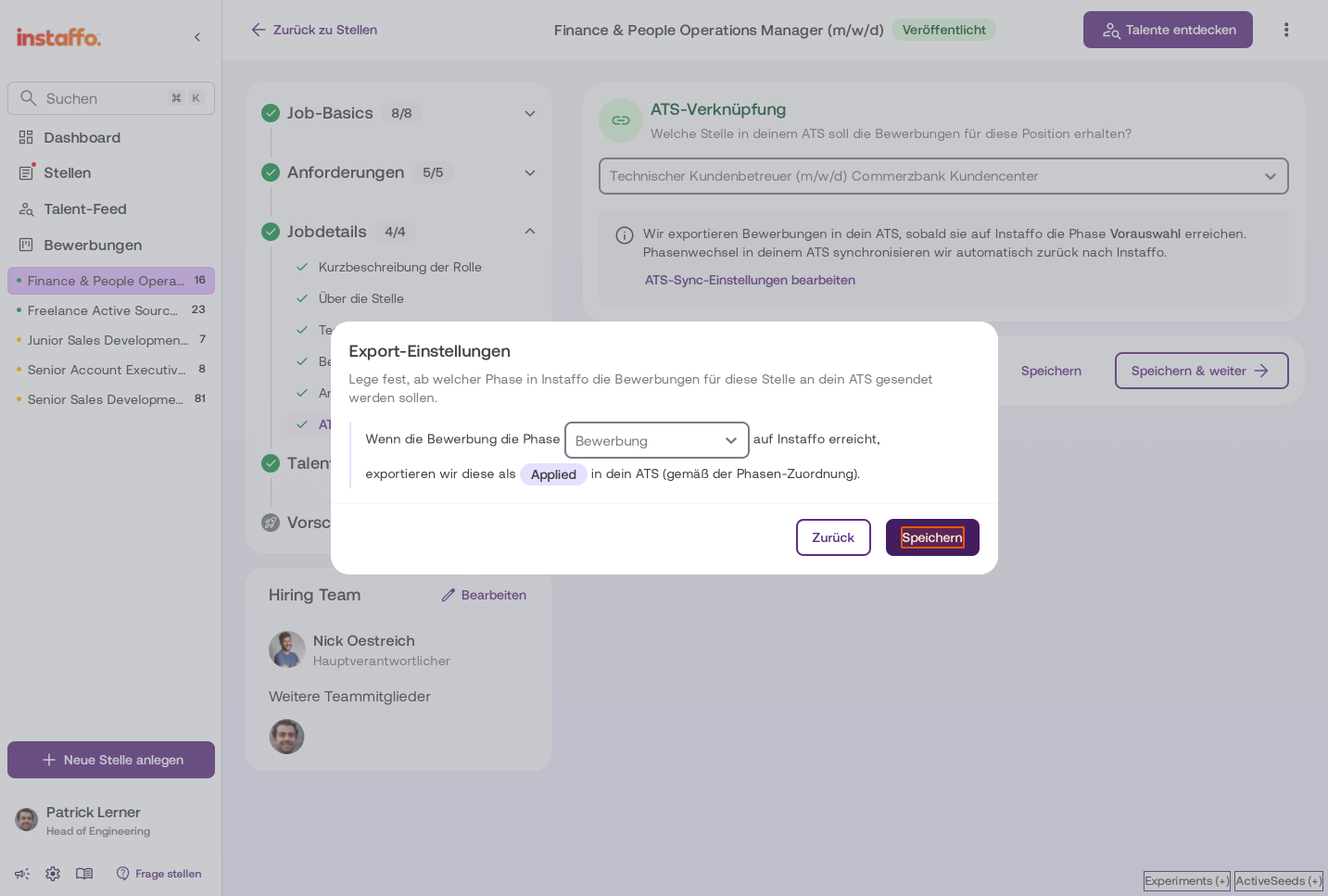
In the Export Settings dialog, you specify the phase at which applications in instaffo should be exported to your ATS. The default is Screening. However, you can also select Application if you want the application to be exported immediately after submission. The application will then be exported to the ATS phase you mapped in the previous step. -
Save settings
Click Save to confirm the export settings.
Your job posting is now linked to your ATS. Applications will be automatically exported according to your settings and status changes will be synchronized between both systems.
 Powered by happysupport.ai