
How do I create and publish a job posting on Instaffo?
Create and publish job postings on Instaffo by entering job title, category, roles, and work mode to match with suitable talent
In this article, you'll learn how to create a new job posting on Instaffo. The job posting is the most important step to getting applications and finding talent - it forms the basis for matching.

Get started creating a job posting
-
Choose a way to create a new job posting
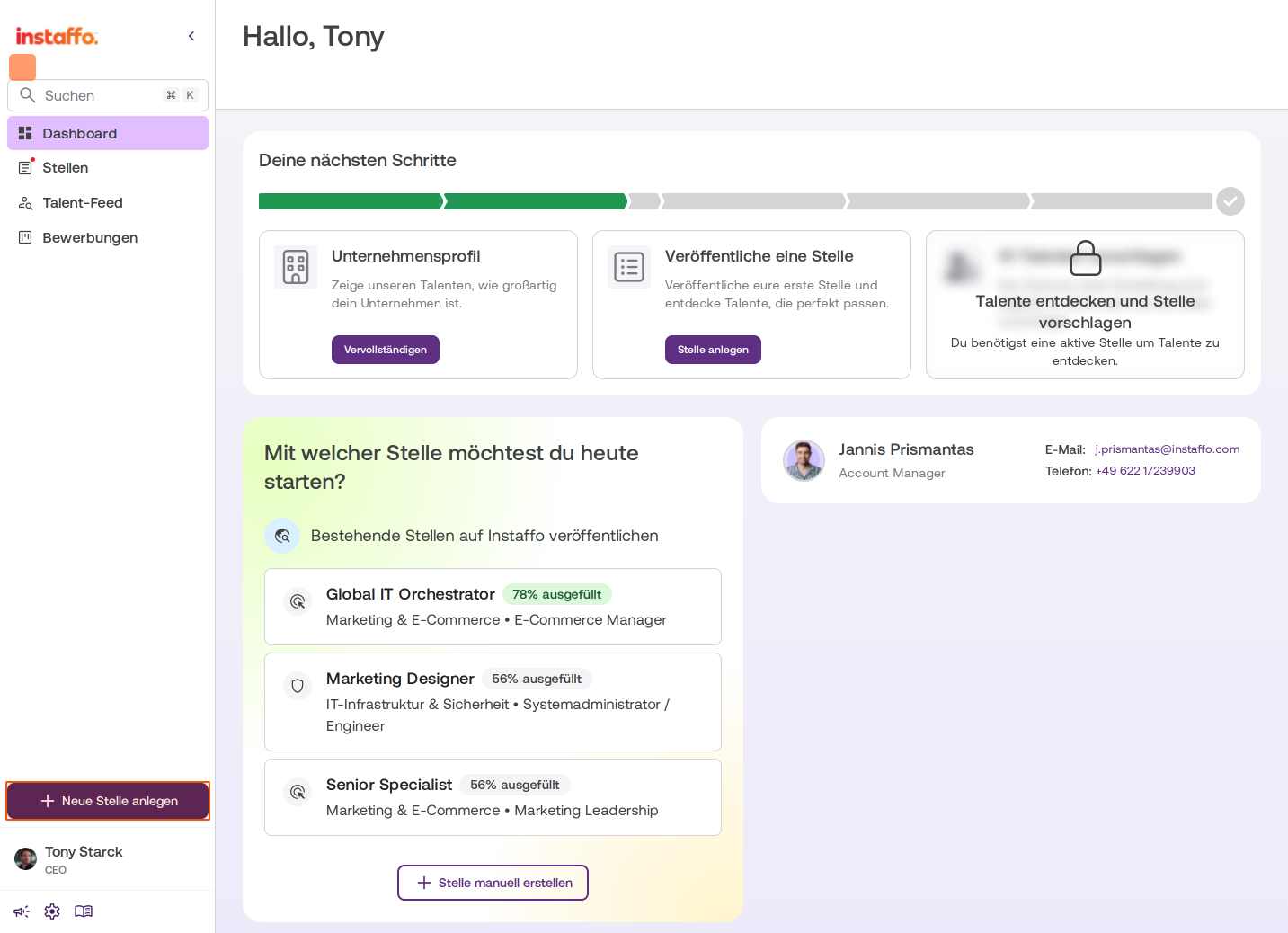
There are several ways to create a job posting on Instaffo:- Button in the sidebar: Click on Create New Job in the left sidebar.
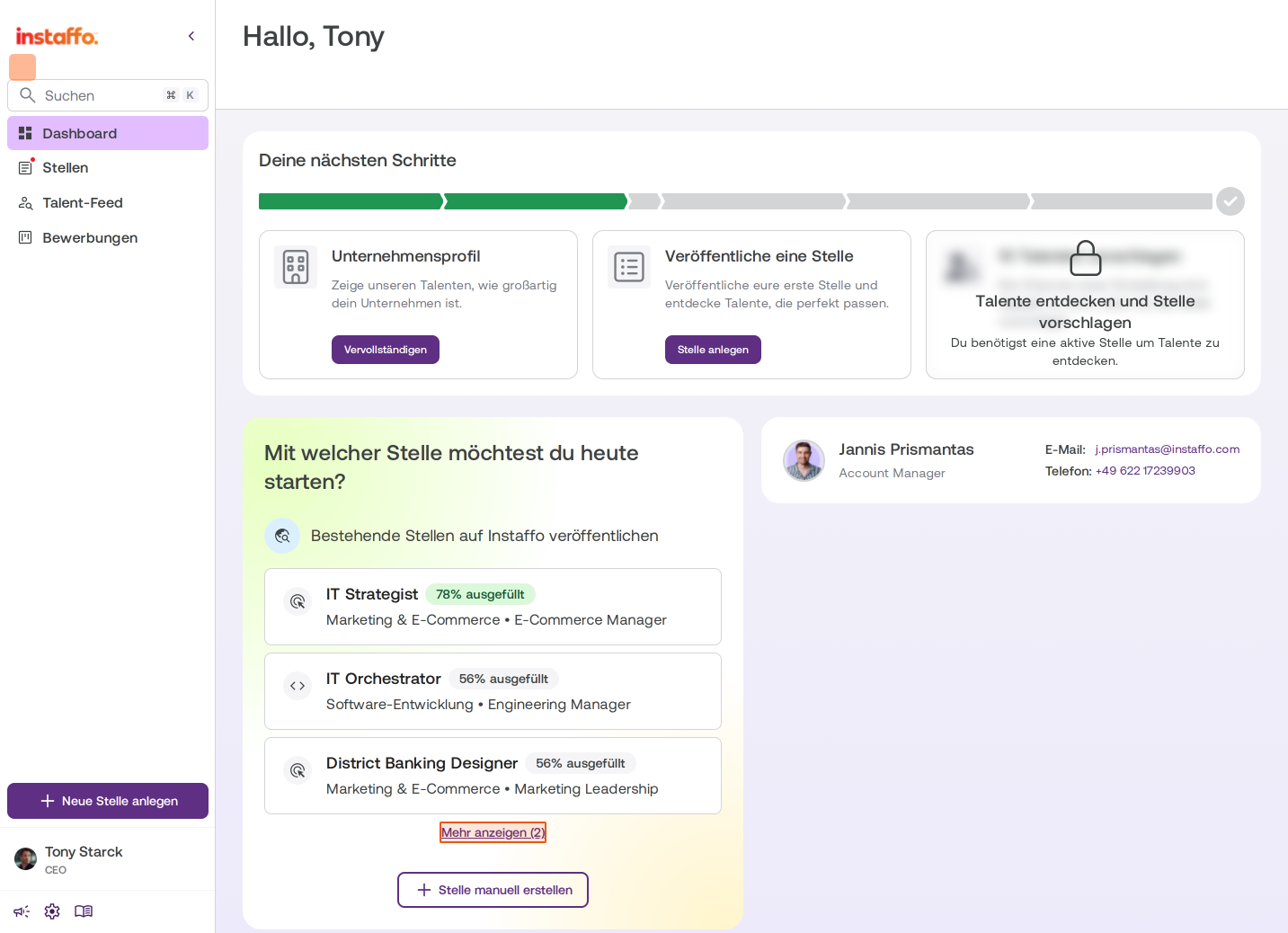
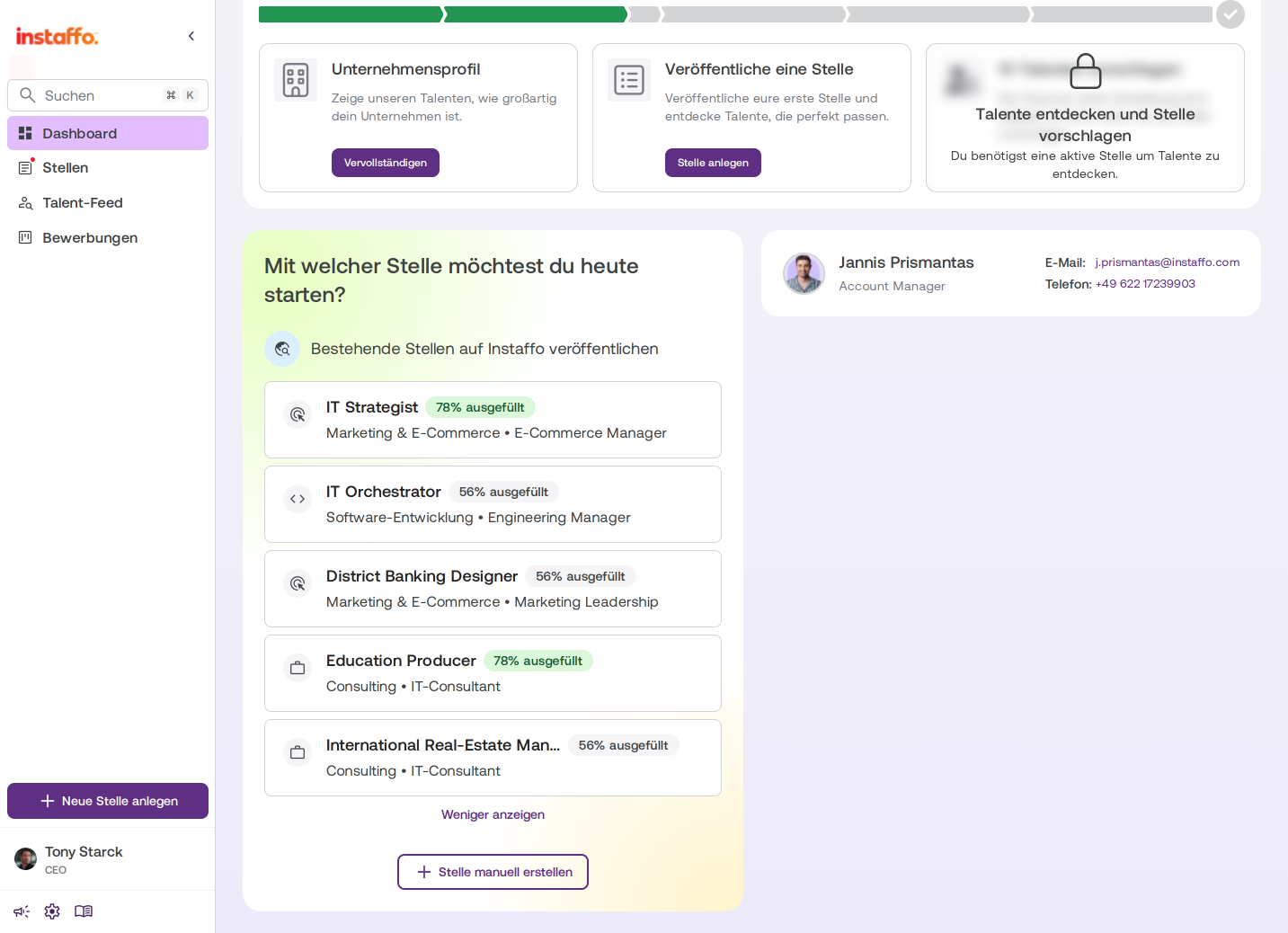
- Dashboard widget: In the dashboard, you'll find the same options under "Which job would you like to start with today?"
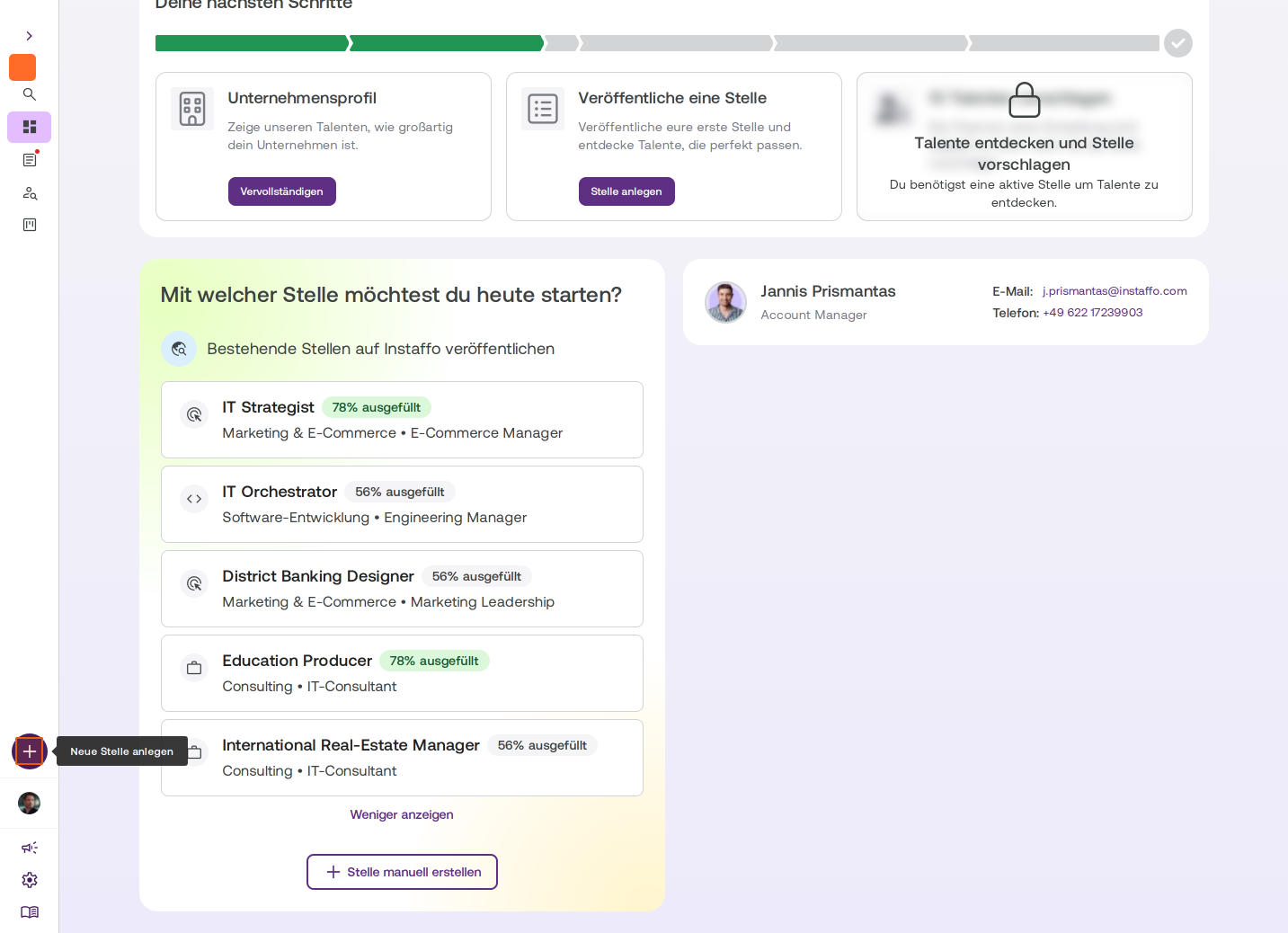
- Plus button: In the collapsed sidebar, you can also create a new job posting using the plus button.
If you're new to Instaffo, you'll go directly to the job creation view during onboarding.
-
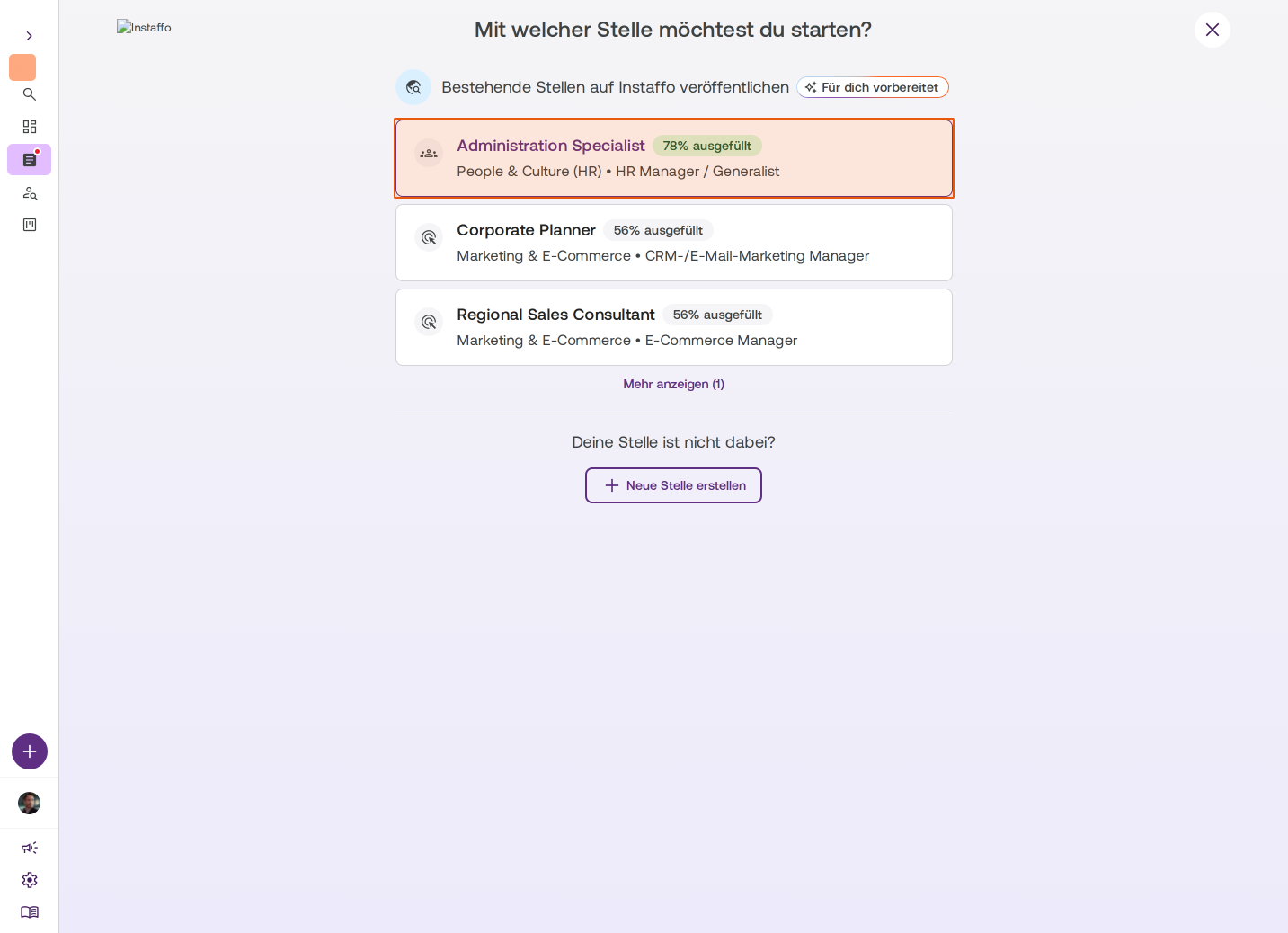
Choose a prepared or new job posting
The start window will show you job postings that we've found from your company and pre-filled for you. You can select one of these or create a completely new job posting via manually create job. The easiest way is to choose a prepared job posting - these are already partially filled out.
As long as a job posting is less than 80% complete, you'll go through the entire creation process step by step. If it's more than 80% complete, you can jump directly to the job preview. All information can be changed later. Fields that were automatically pre-filled will be marked accordingly.
Basic job information
-
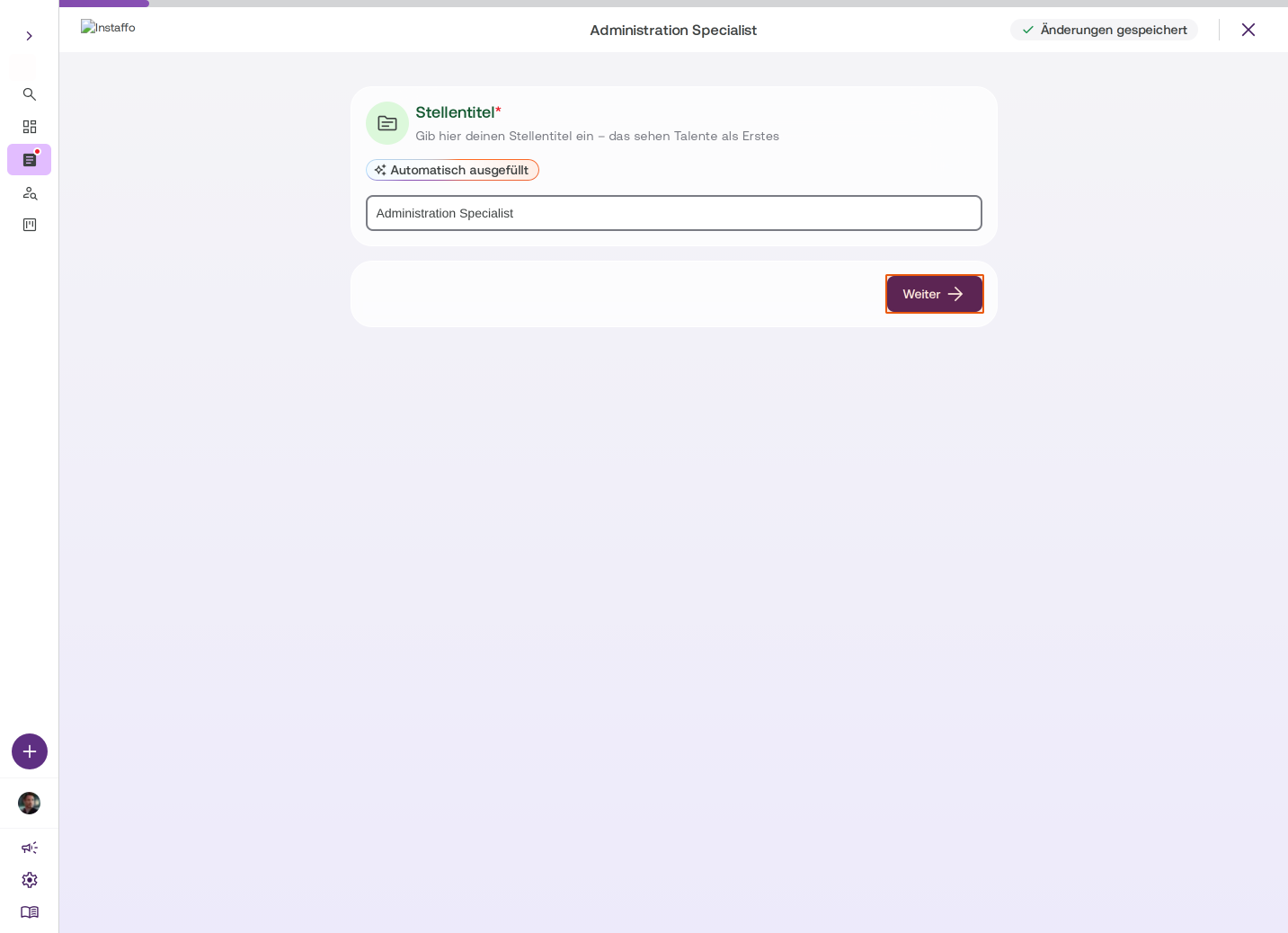
Enter the job title
The job title is the first thing talent will see. Enter your job title here and click Next. -
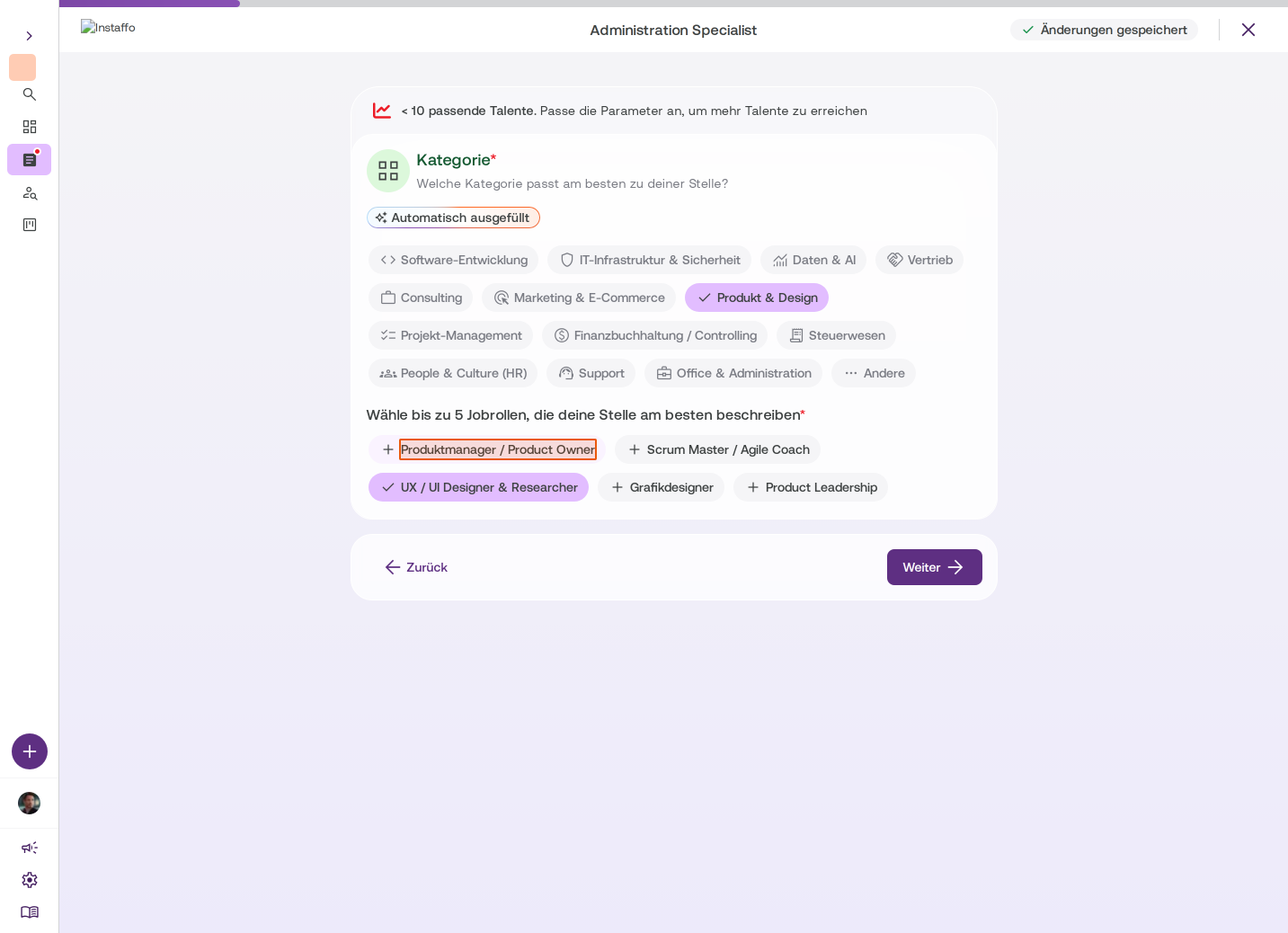
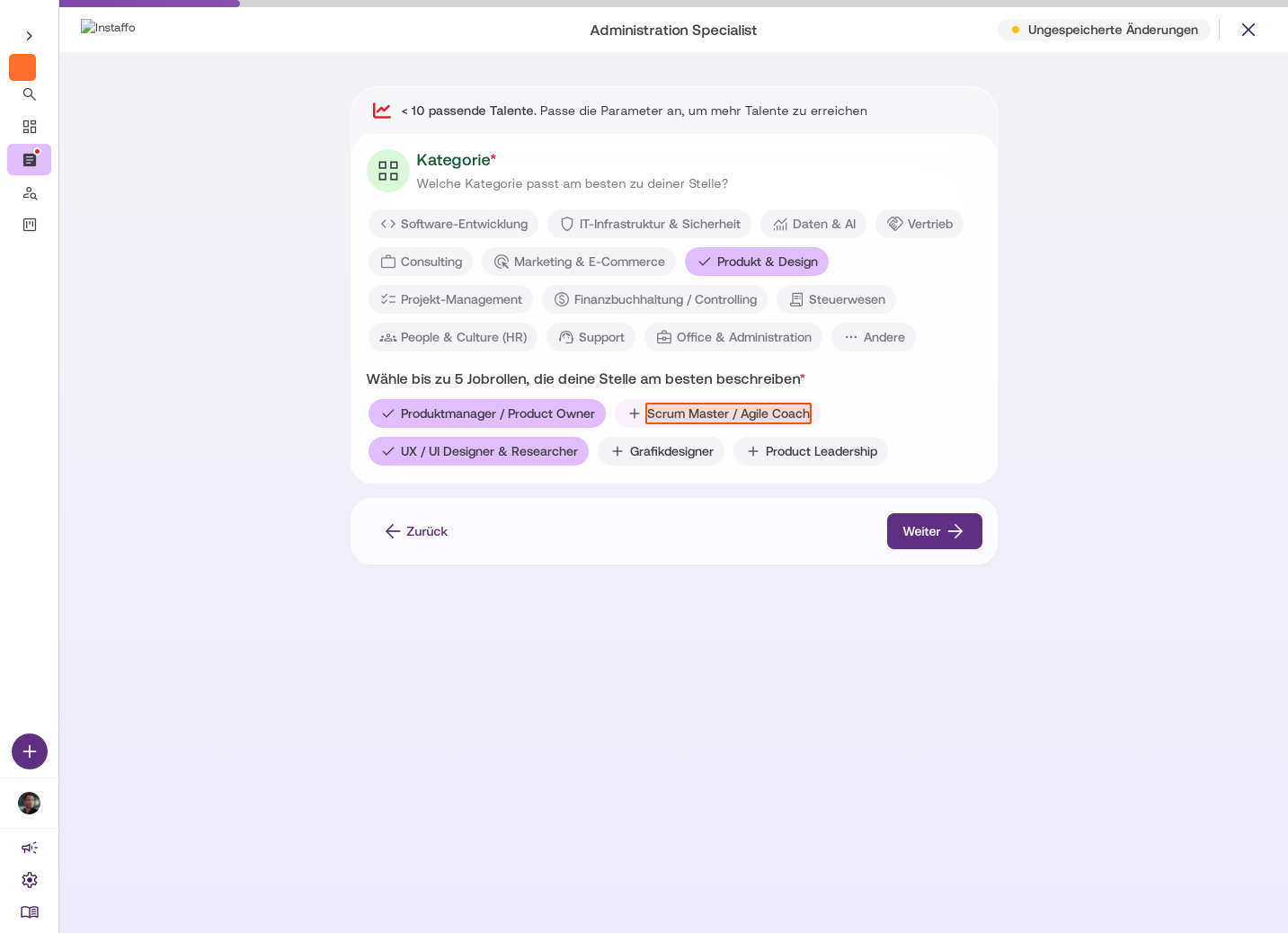
Choose category and job roles
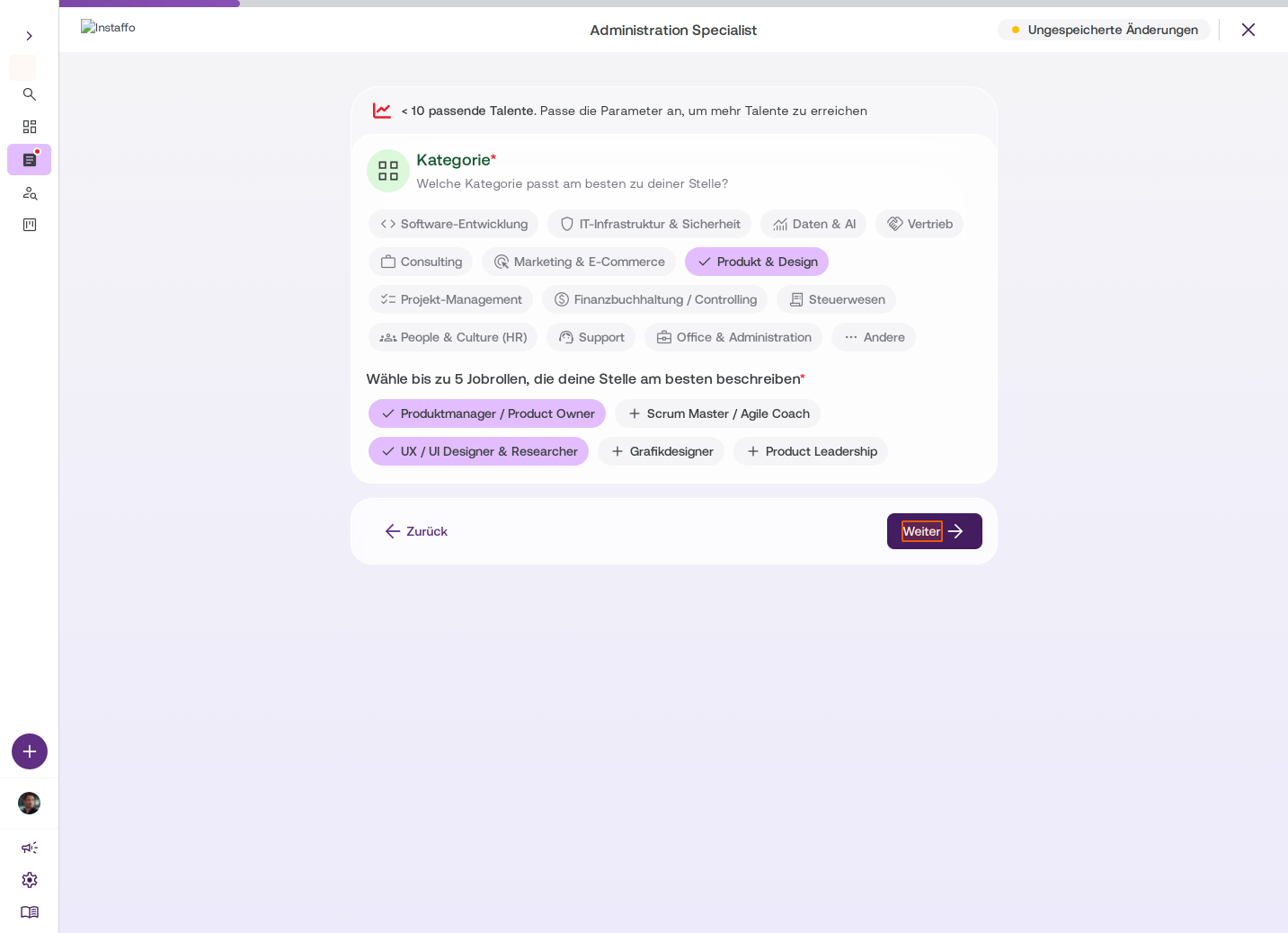
Select the appropriate category for your job posting (e.g. Product & Design, Software Development). Then you can select up to 5 job roles that best describe your position. Job roles are important for matching with suitable talent. -
Set the work mode
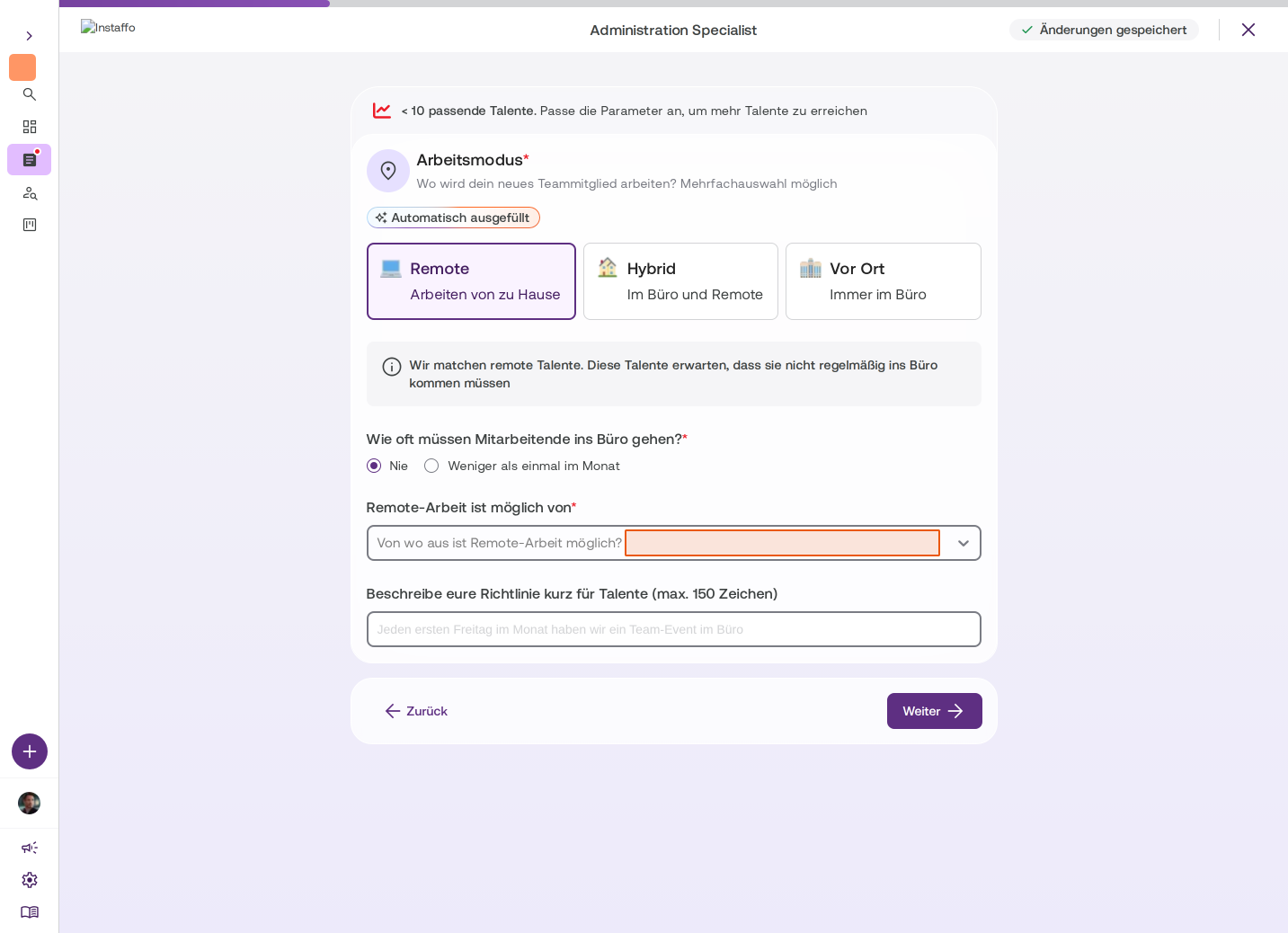
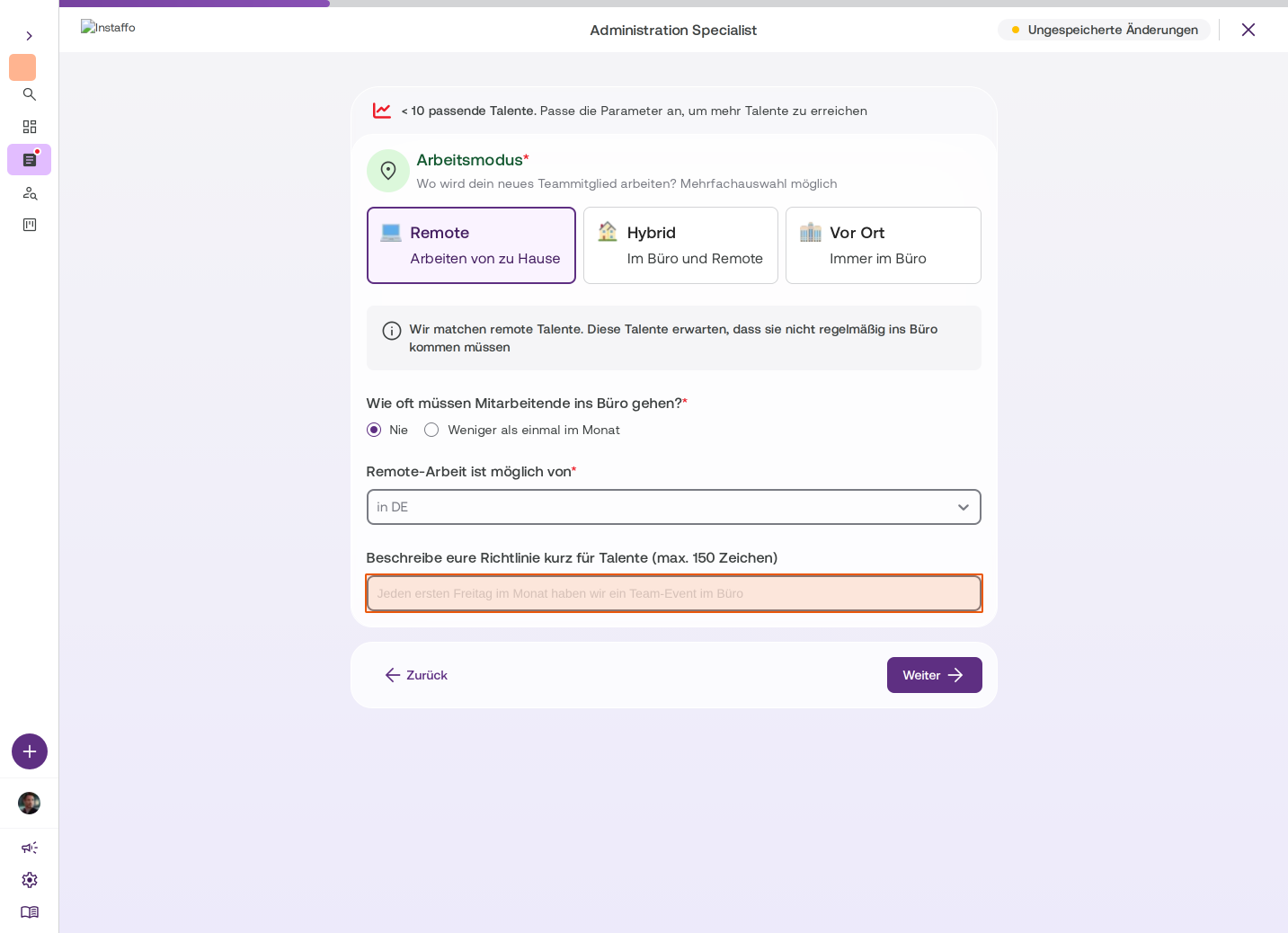
Define where the new employee will work:- Remote: Working from home
- Hybrid: In the office and remote
- On-site: Always in the office
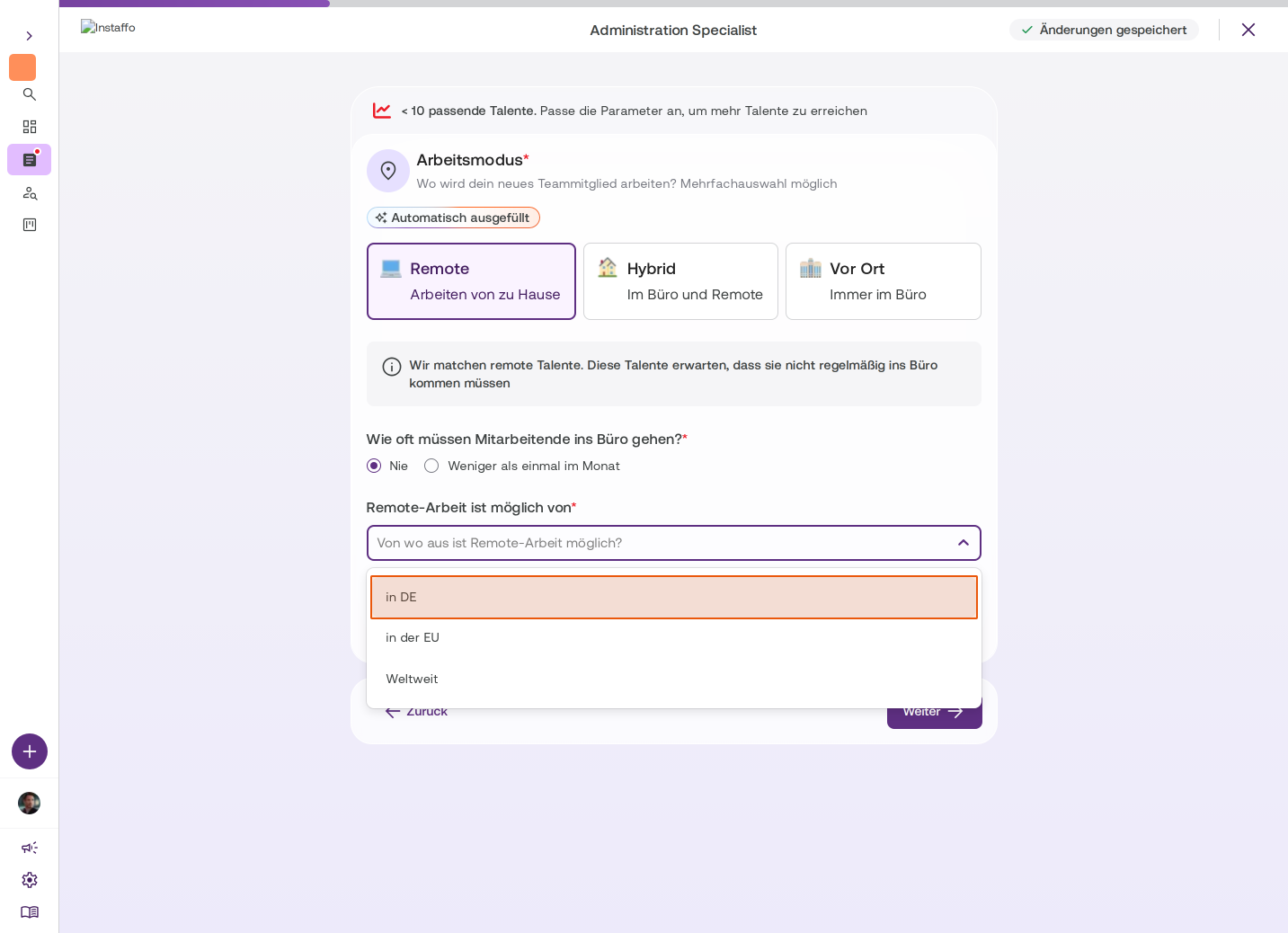
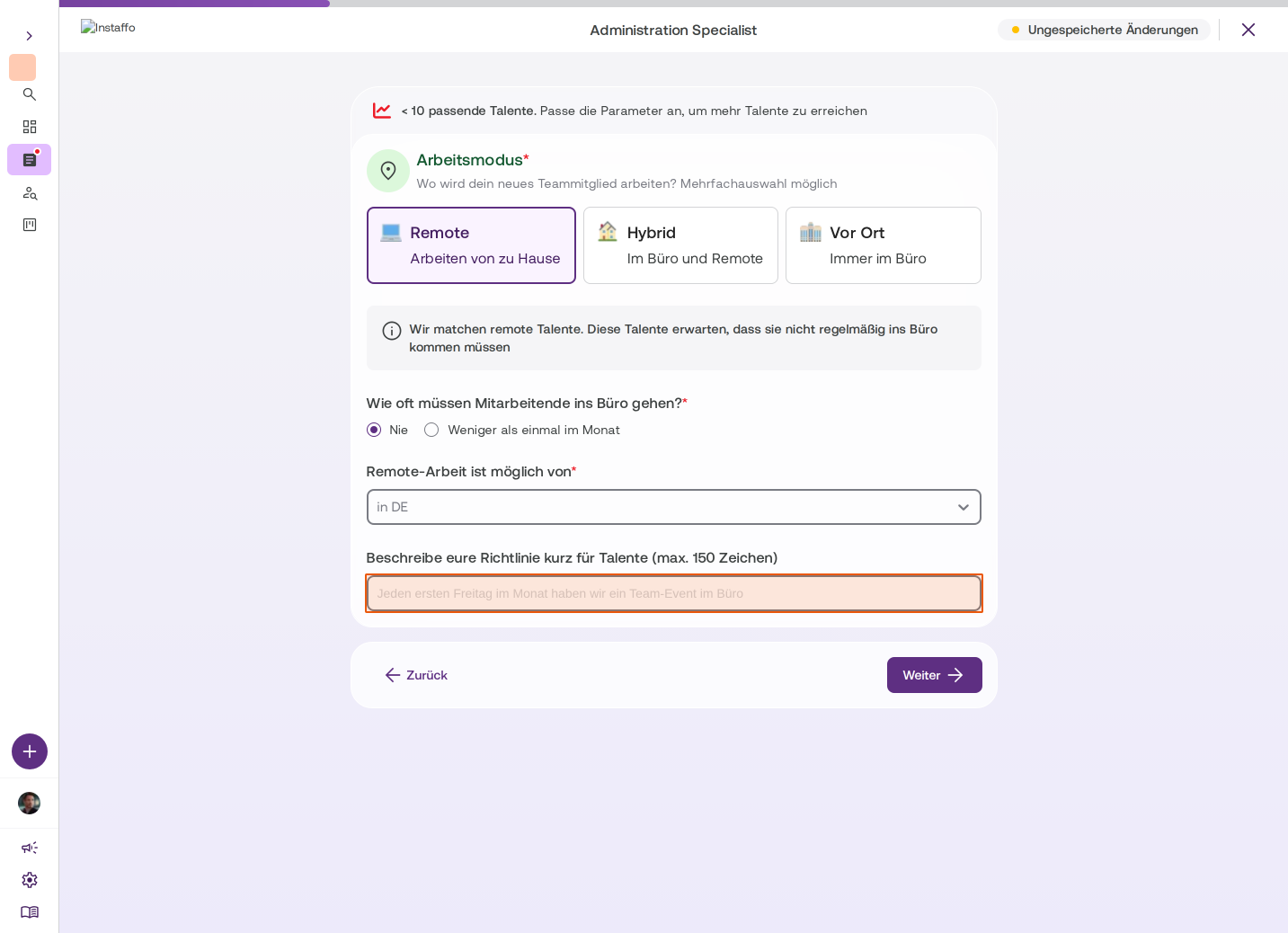
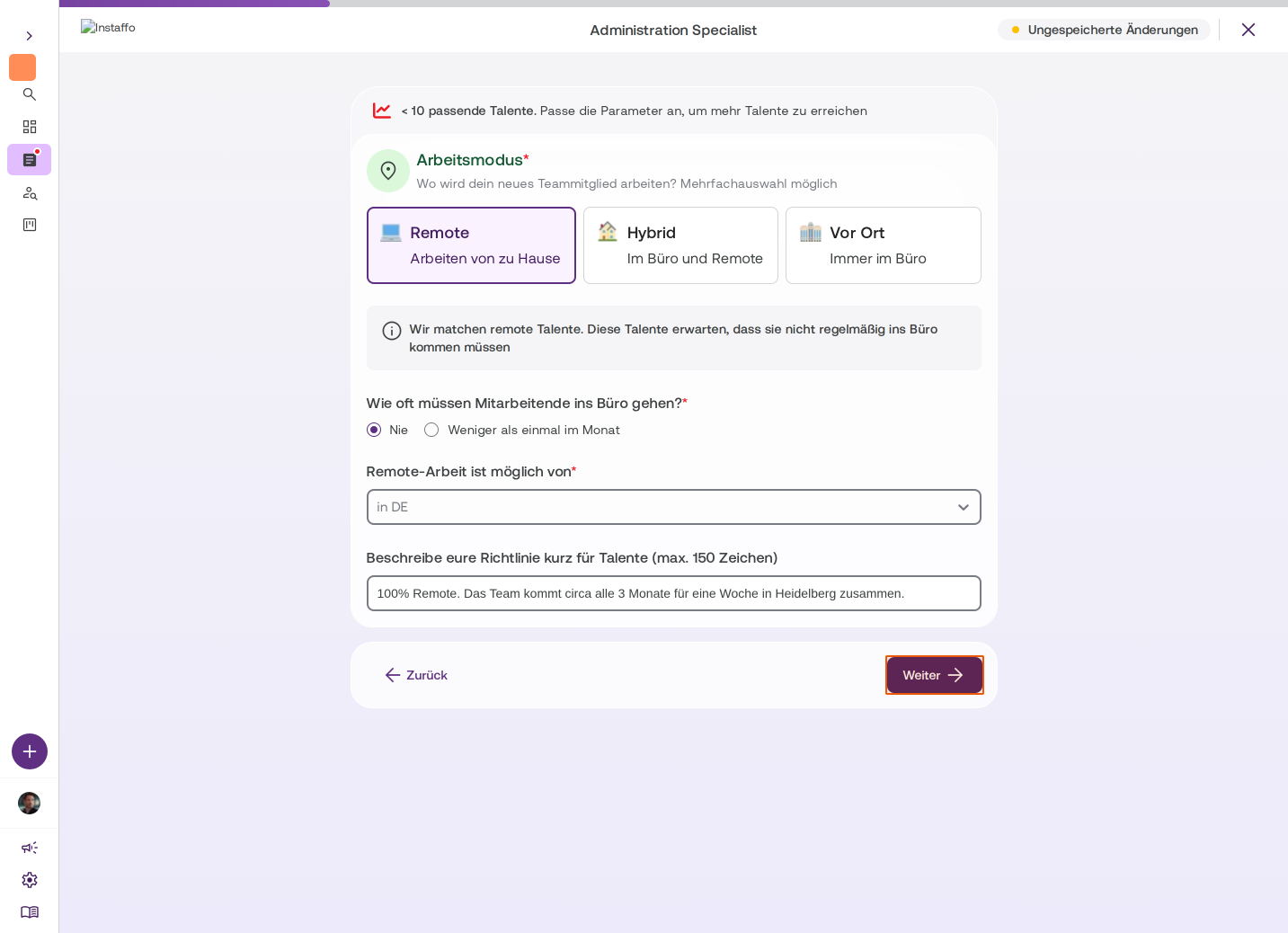
For remote jobs, you'll also specify how often employees need to come to the office and from where remote work is possible (e.g. in Germany, in the EU, worldwide). You can also add a short description of your remote policy.
-
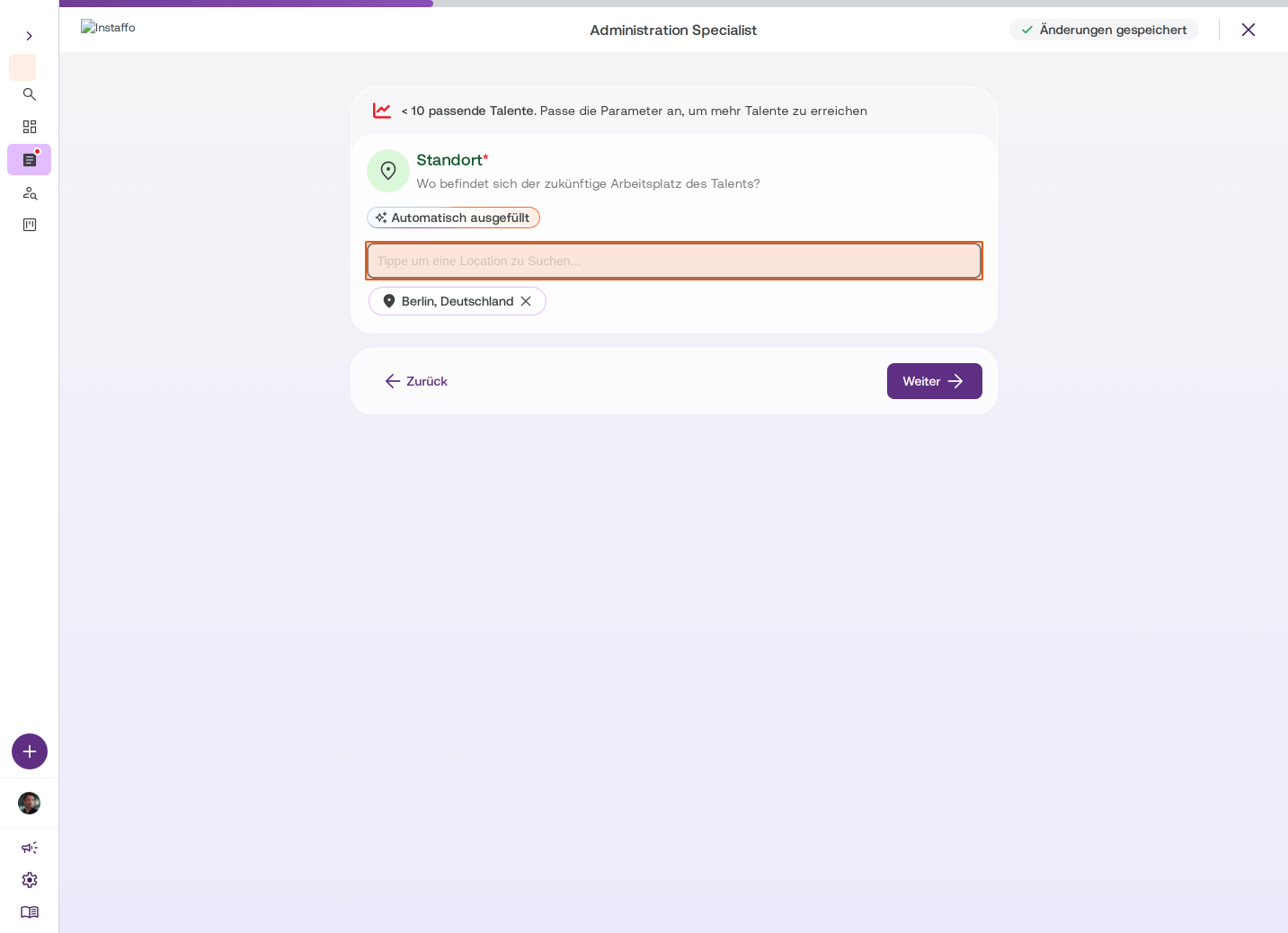
Specify the location
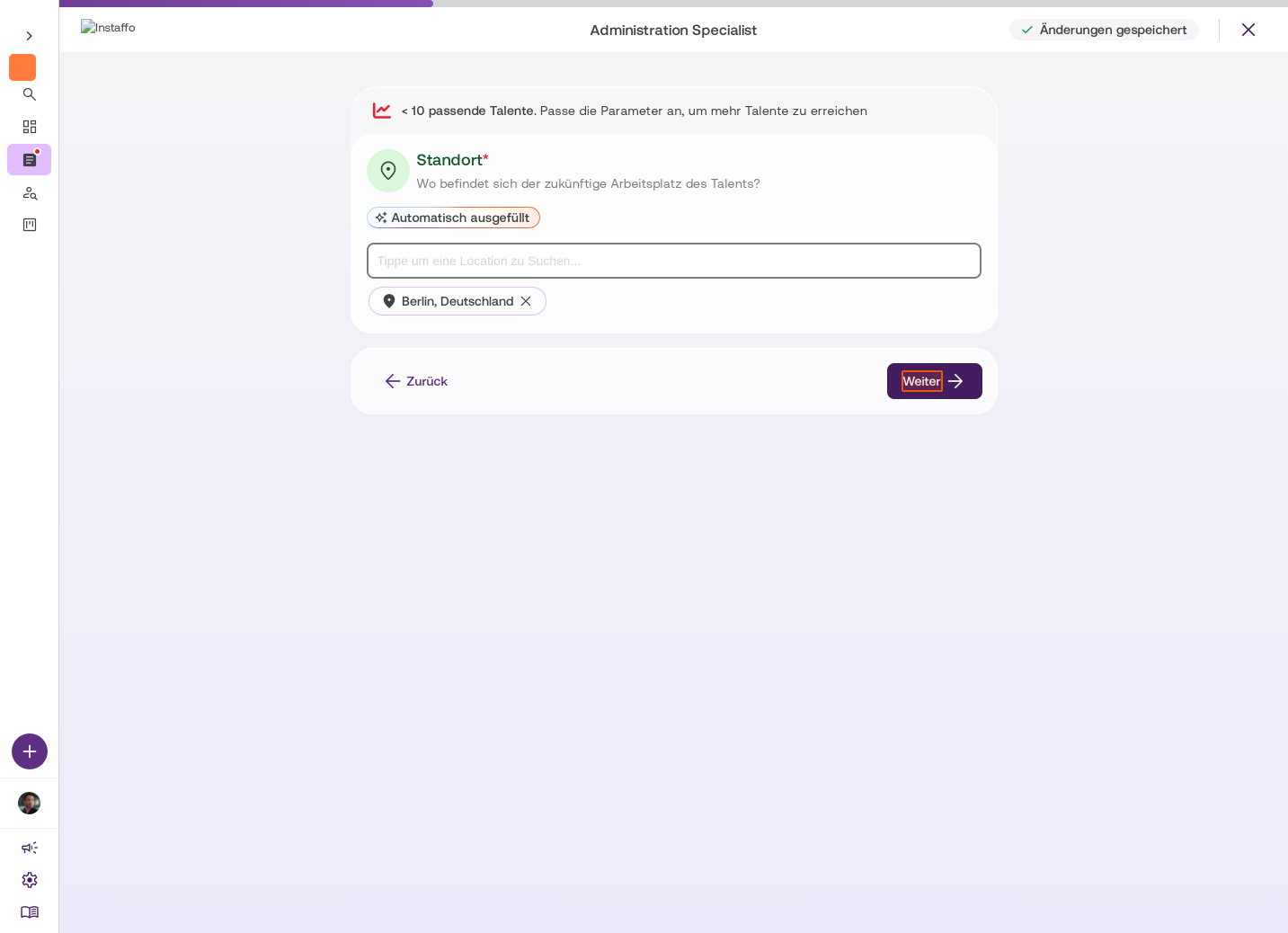
Indicate where the future workplace will be located. Locations are taken from your company profile. You can add additional locations here. -
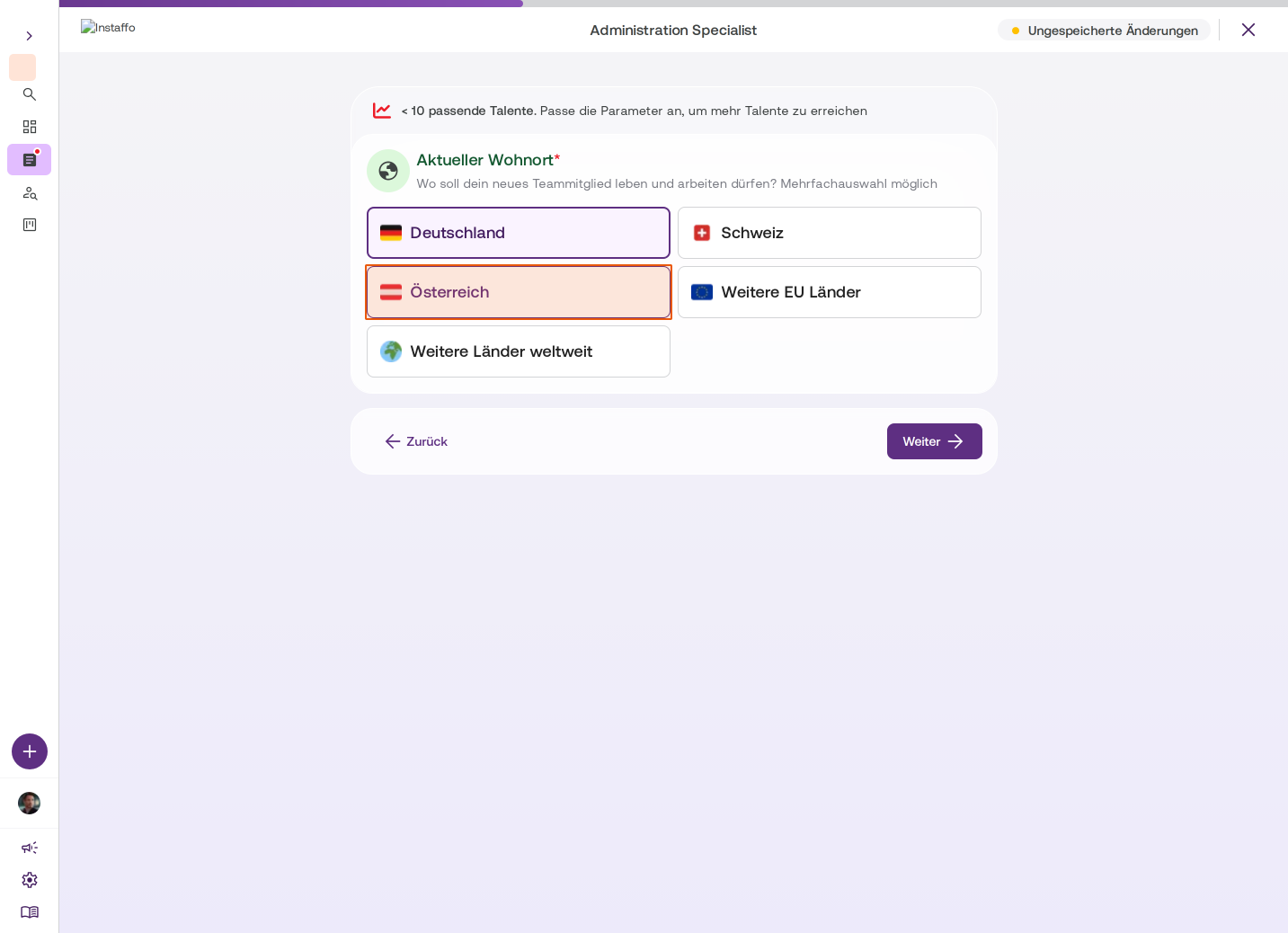
Set the current location of talent
Choose where the new employee can live and work. Multiple selections are possible (Germany, Switzerland, Austria, Other EU countries, Other countries worldwide). -
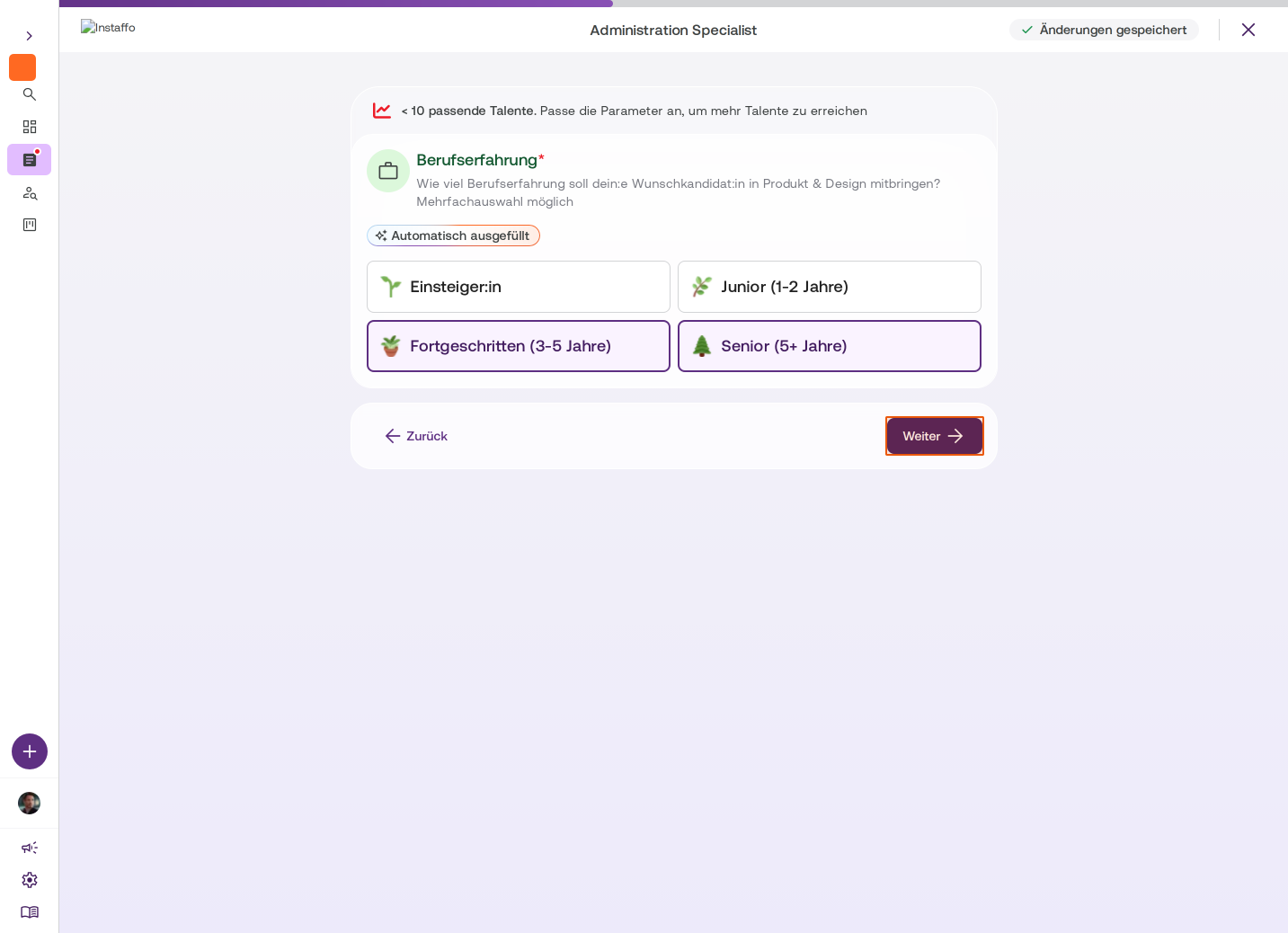
Define work experience
Specify how much work experience the ideal candidate should have:- Entry-level
- Junior (1-2 years)
- Mid-level (3-5 years)
- Senior (5+ years)
Multiple selections are possible.
-
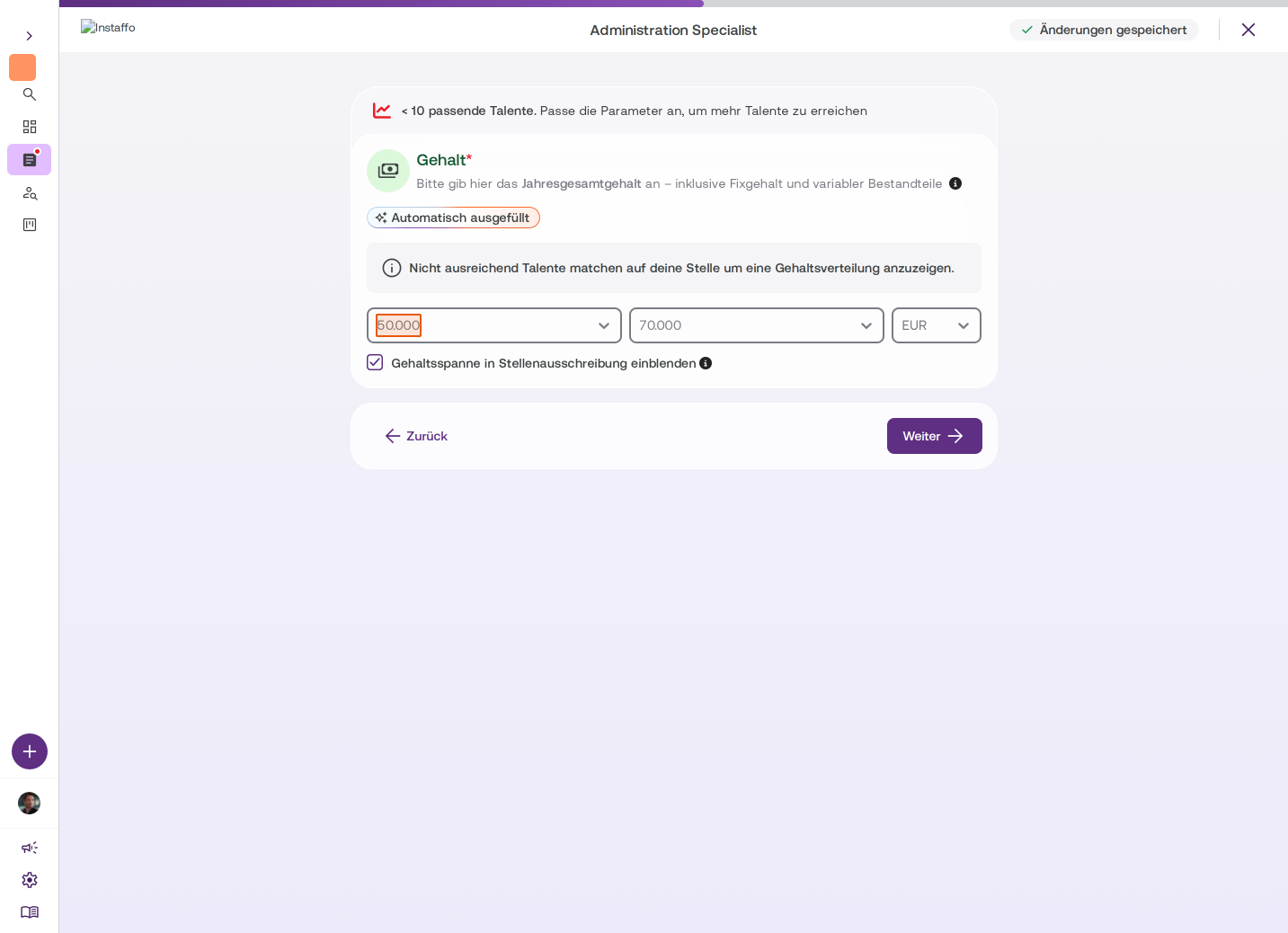
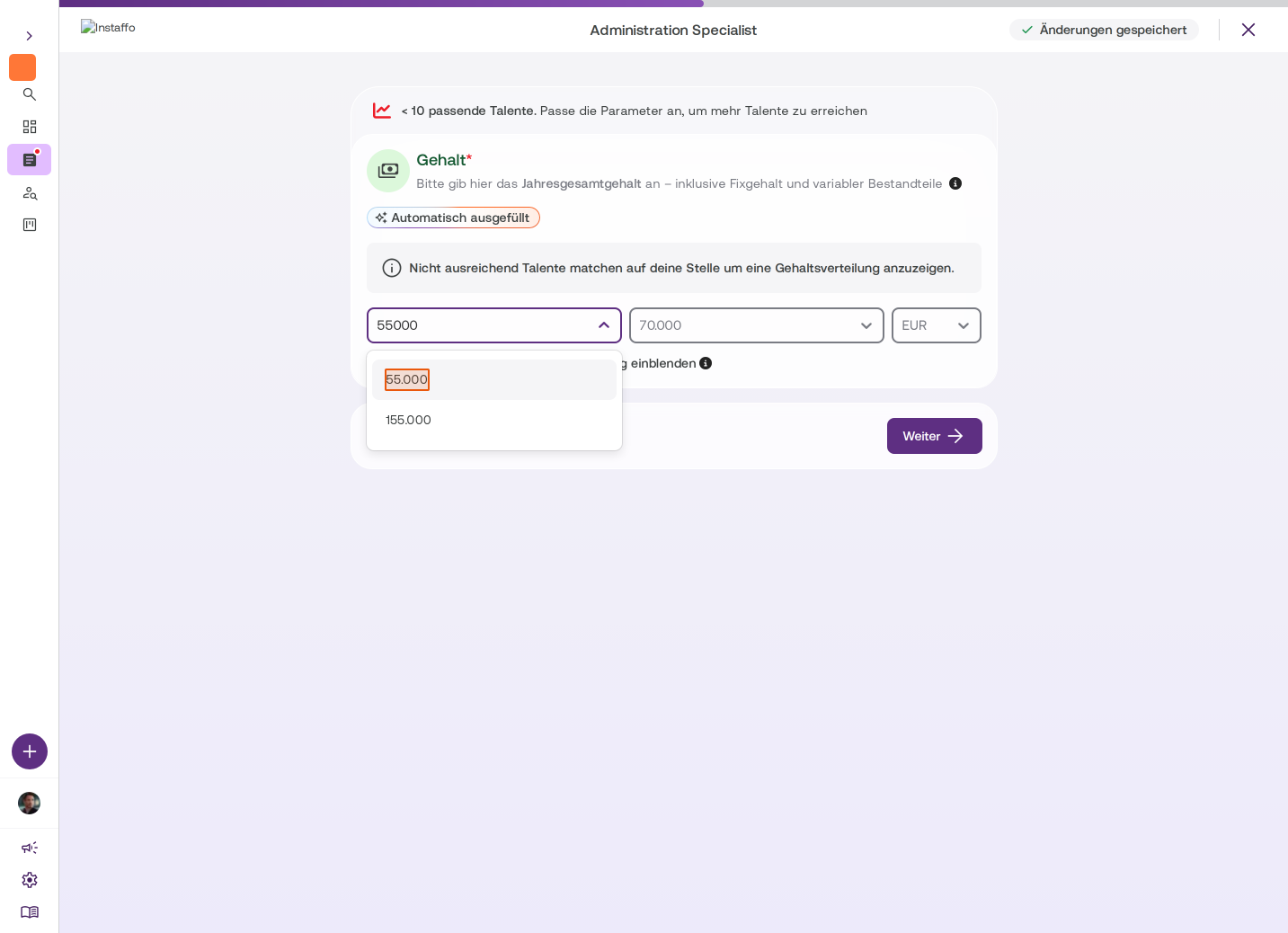
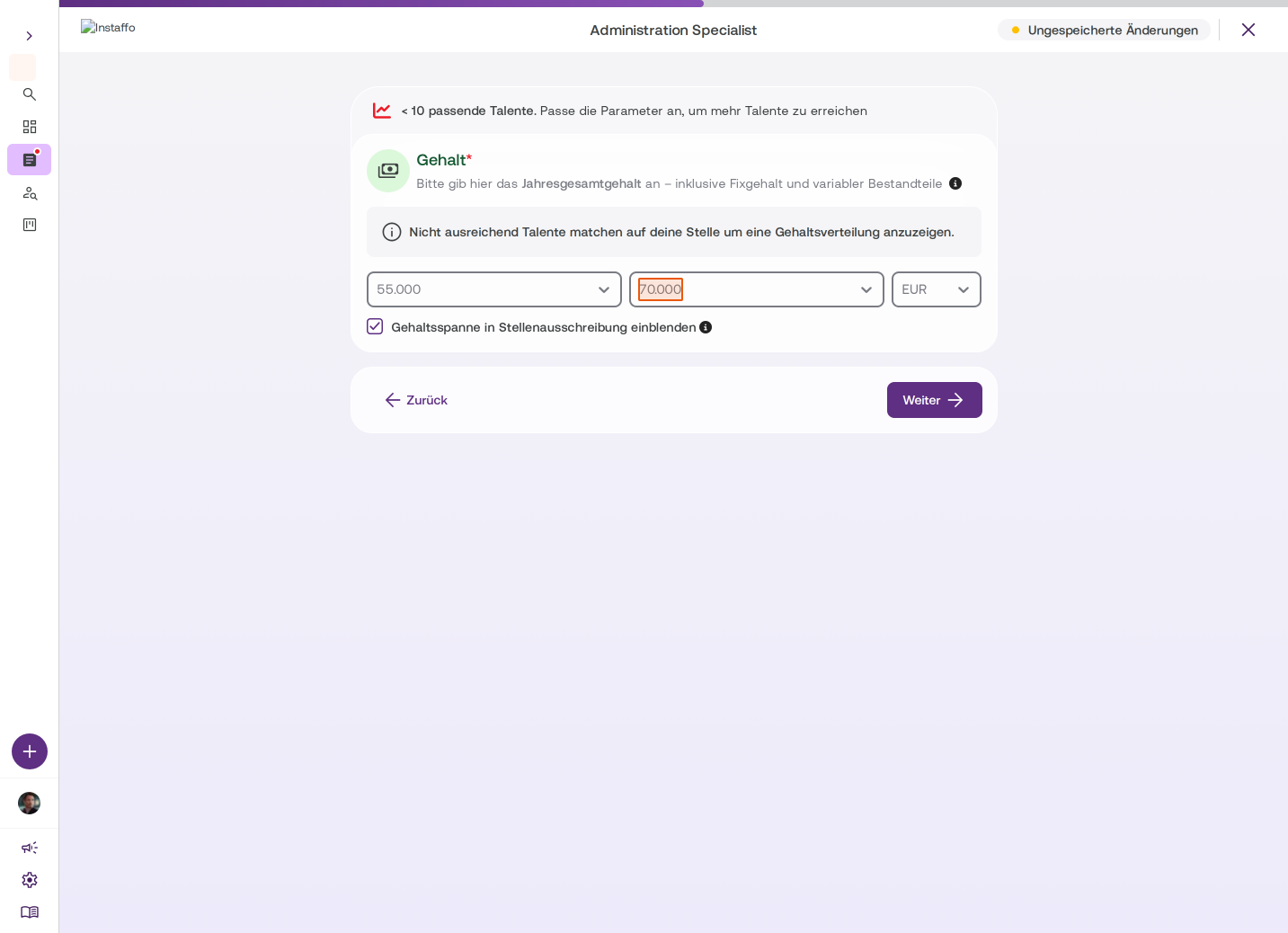
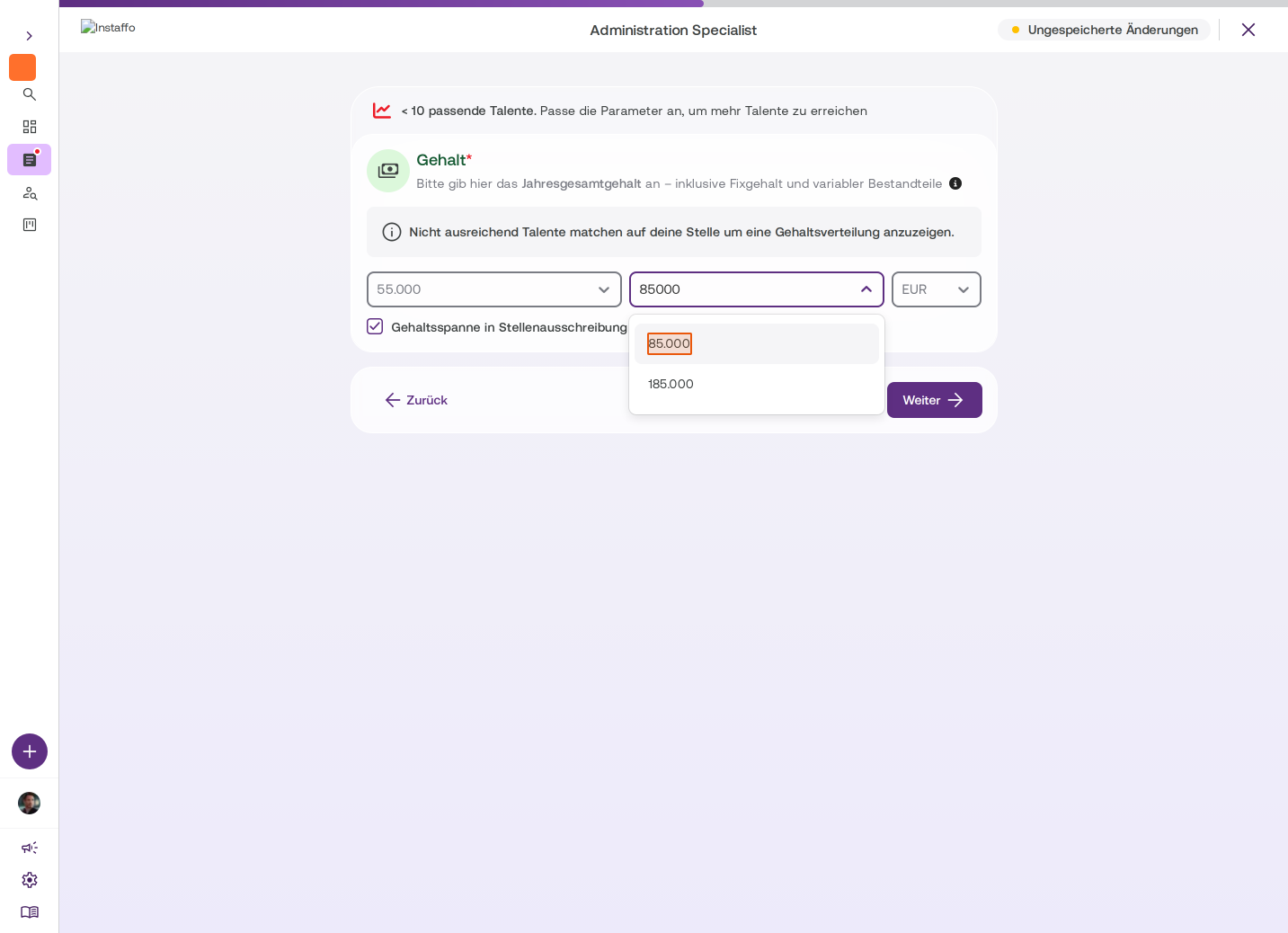
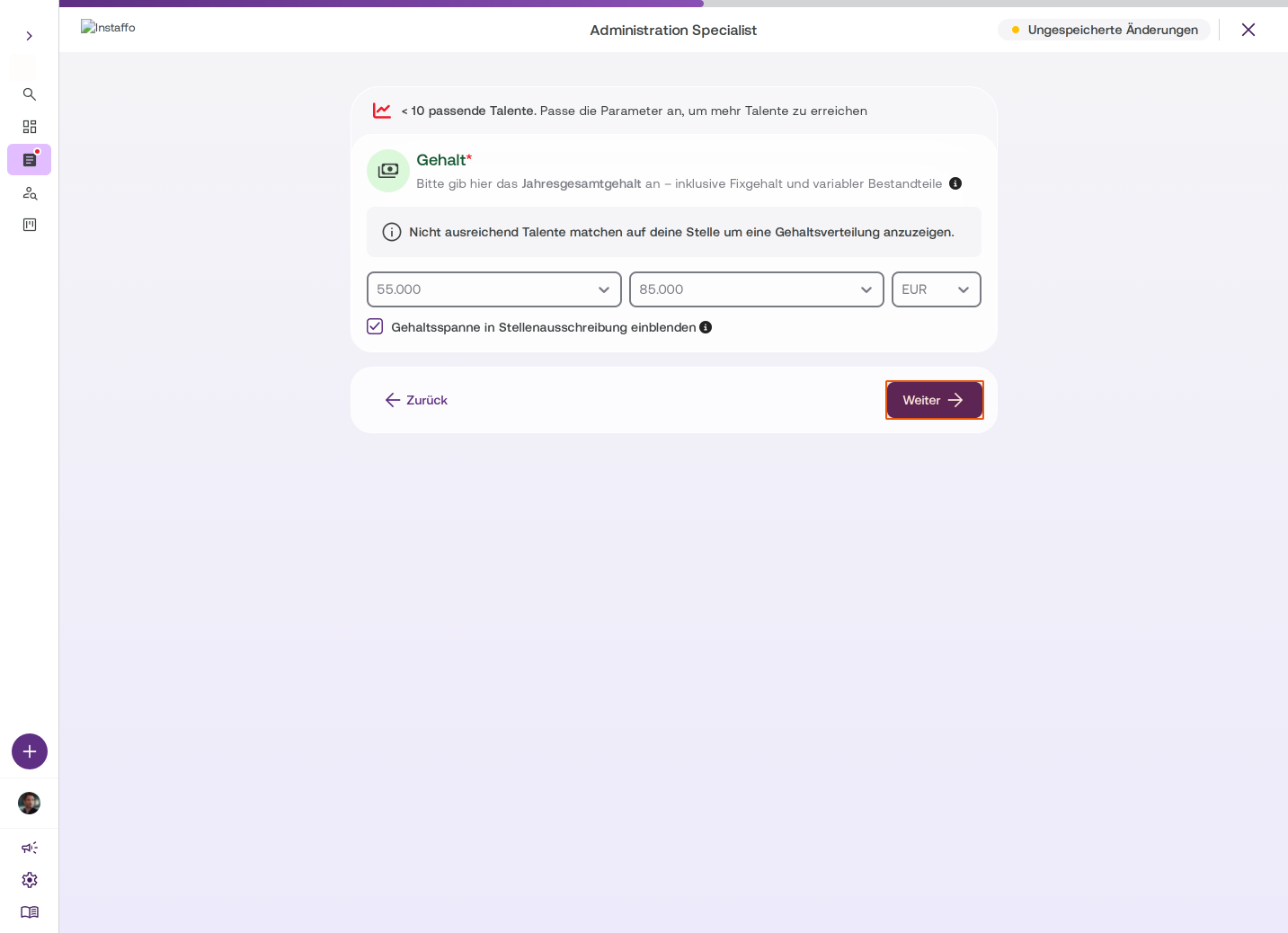
Specify salary
Enter the annual gross salary including fixed salary and variable components. You can choose a salary range of up to 30,000 euros. Enable the Show salary range in job posting option to be transparent - job postings with visible salary ranges receive up to 3.5x more applications.
Requirements and skills
-
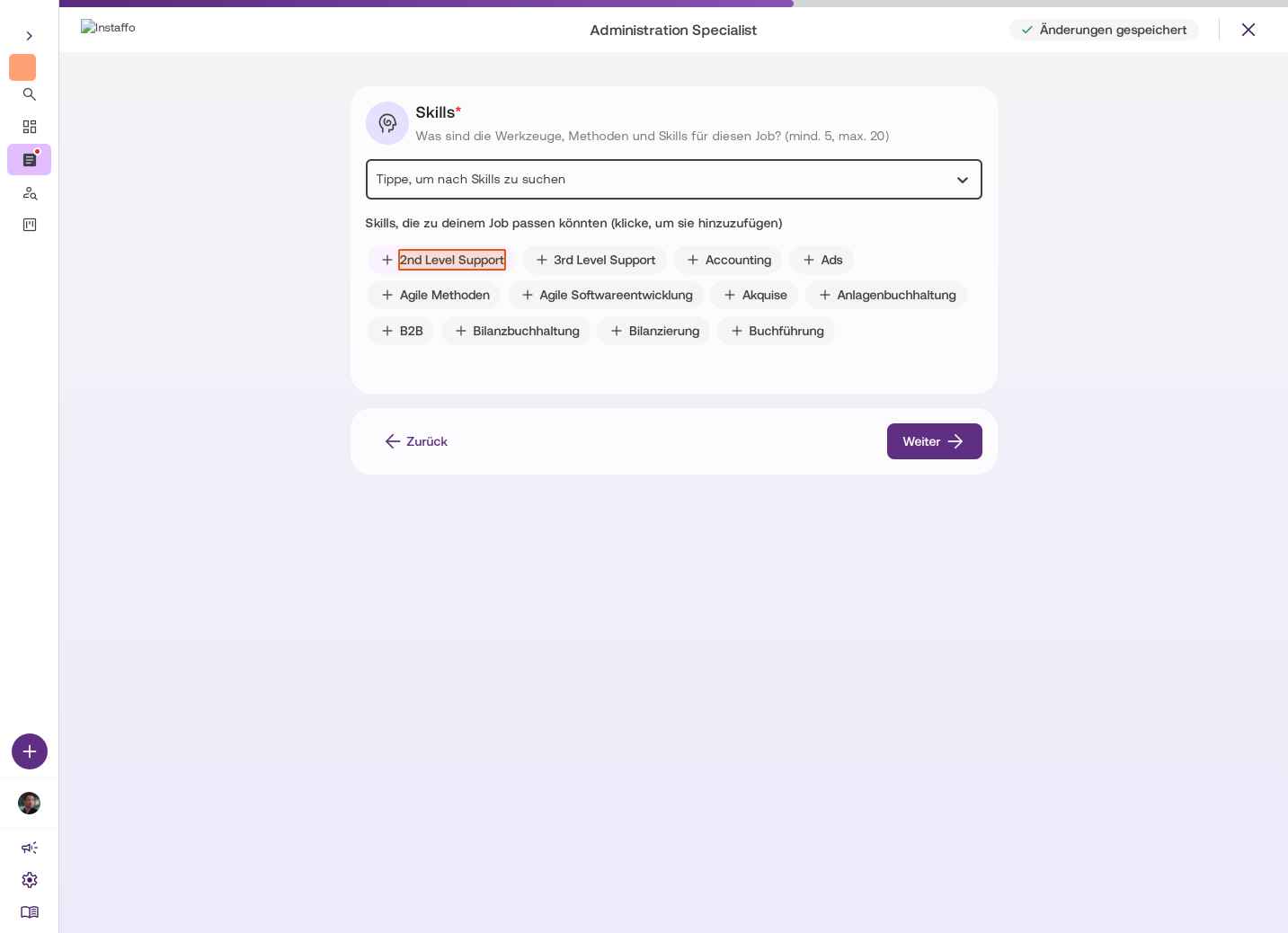
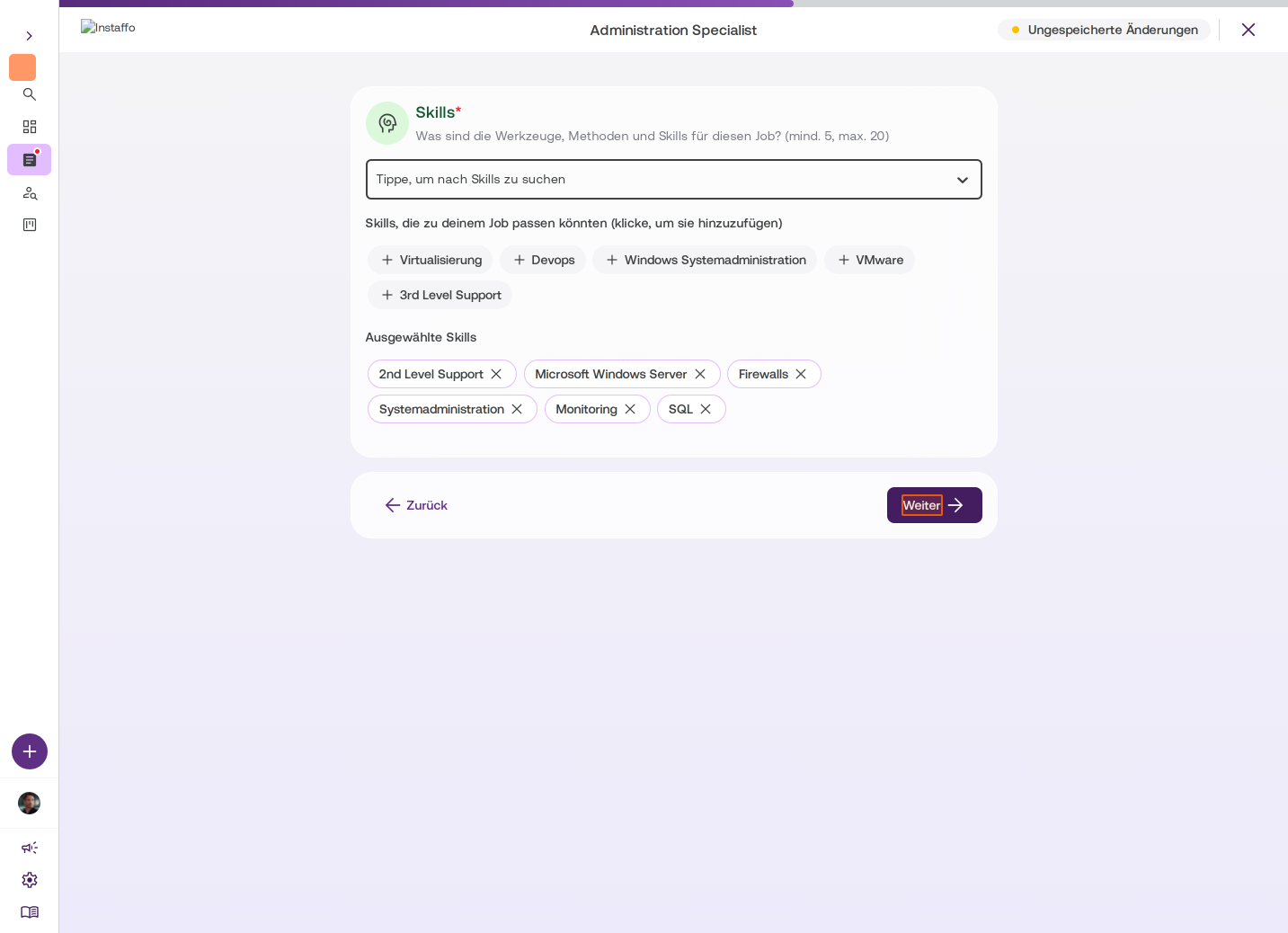
Select skills
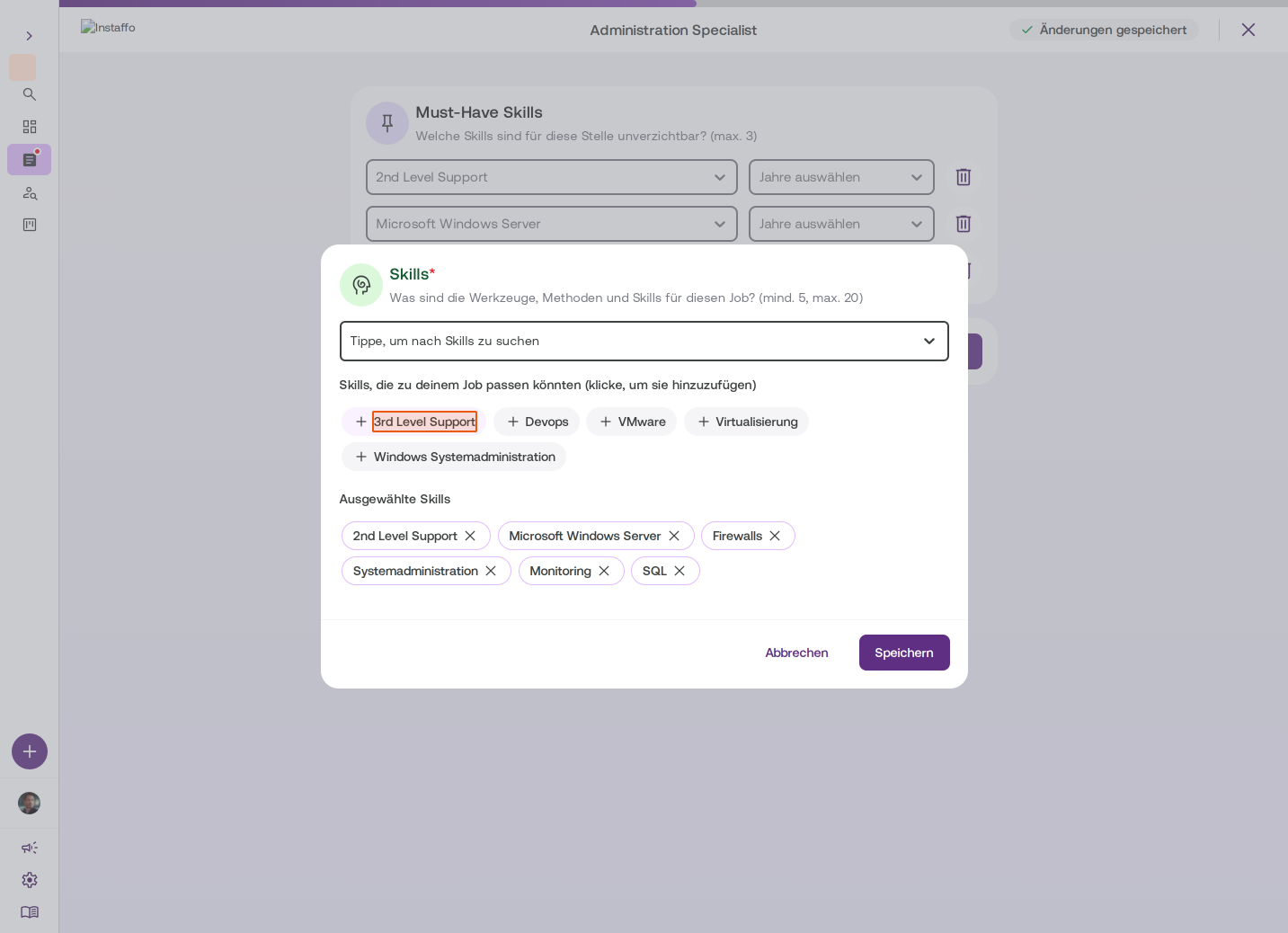
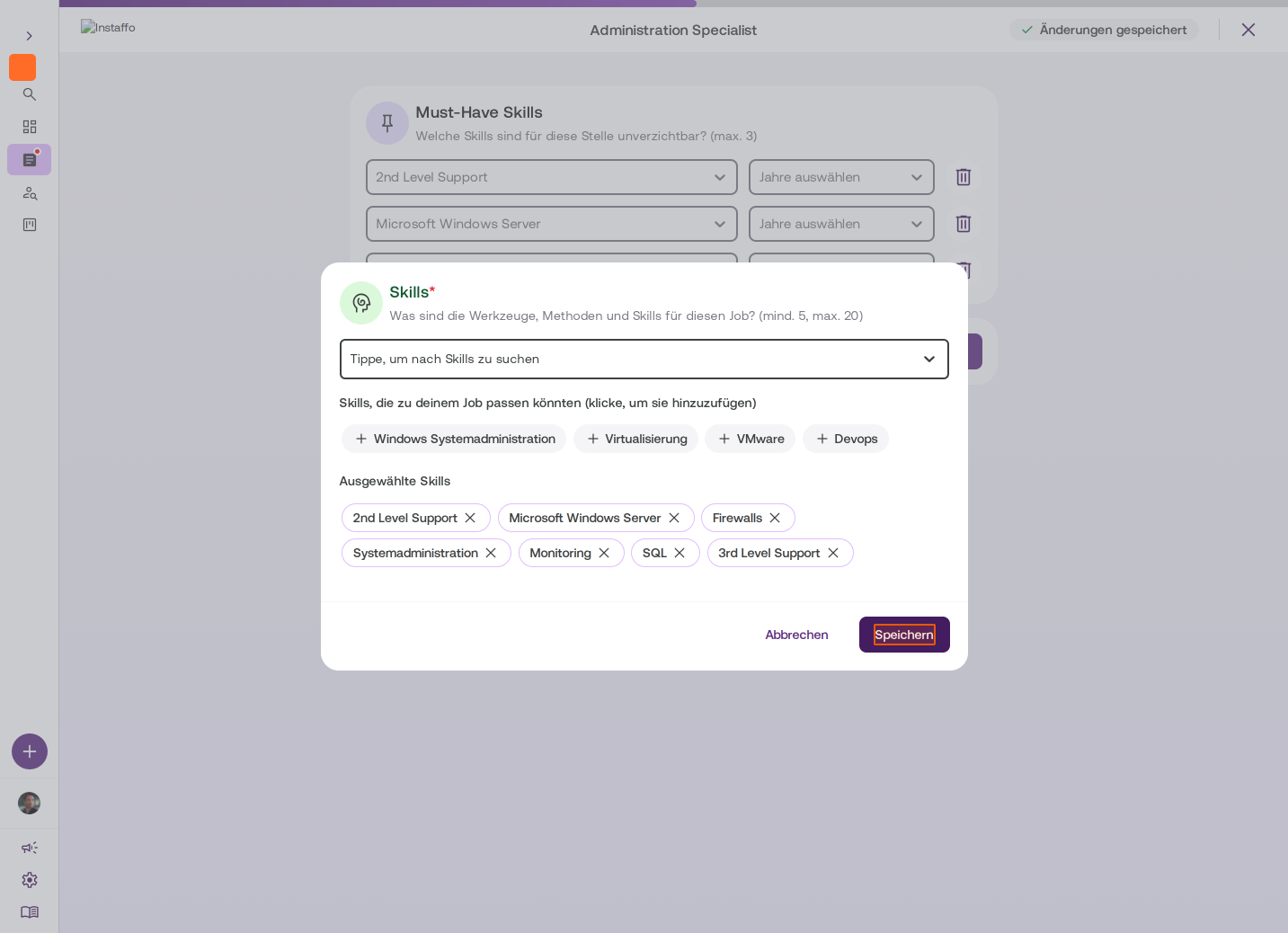
Choose a minimum of 5 and maximum of 20 skills that are relevant for the position. You can select from suggestions or search for specific skills. -
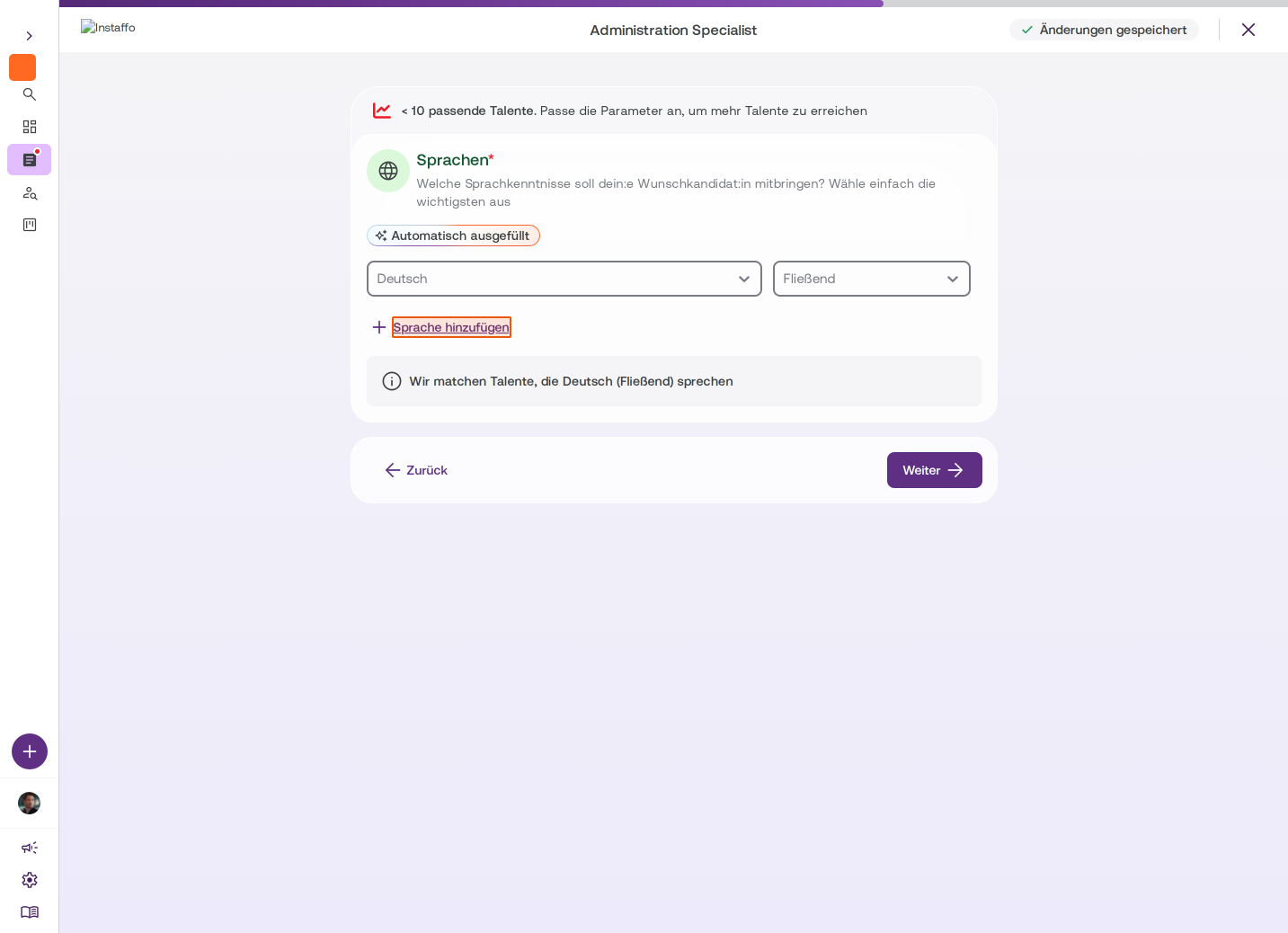
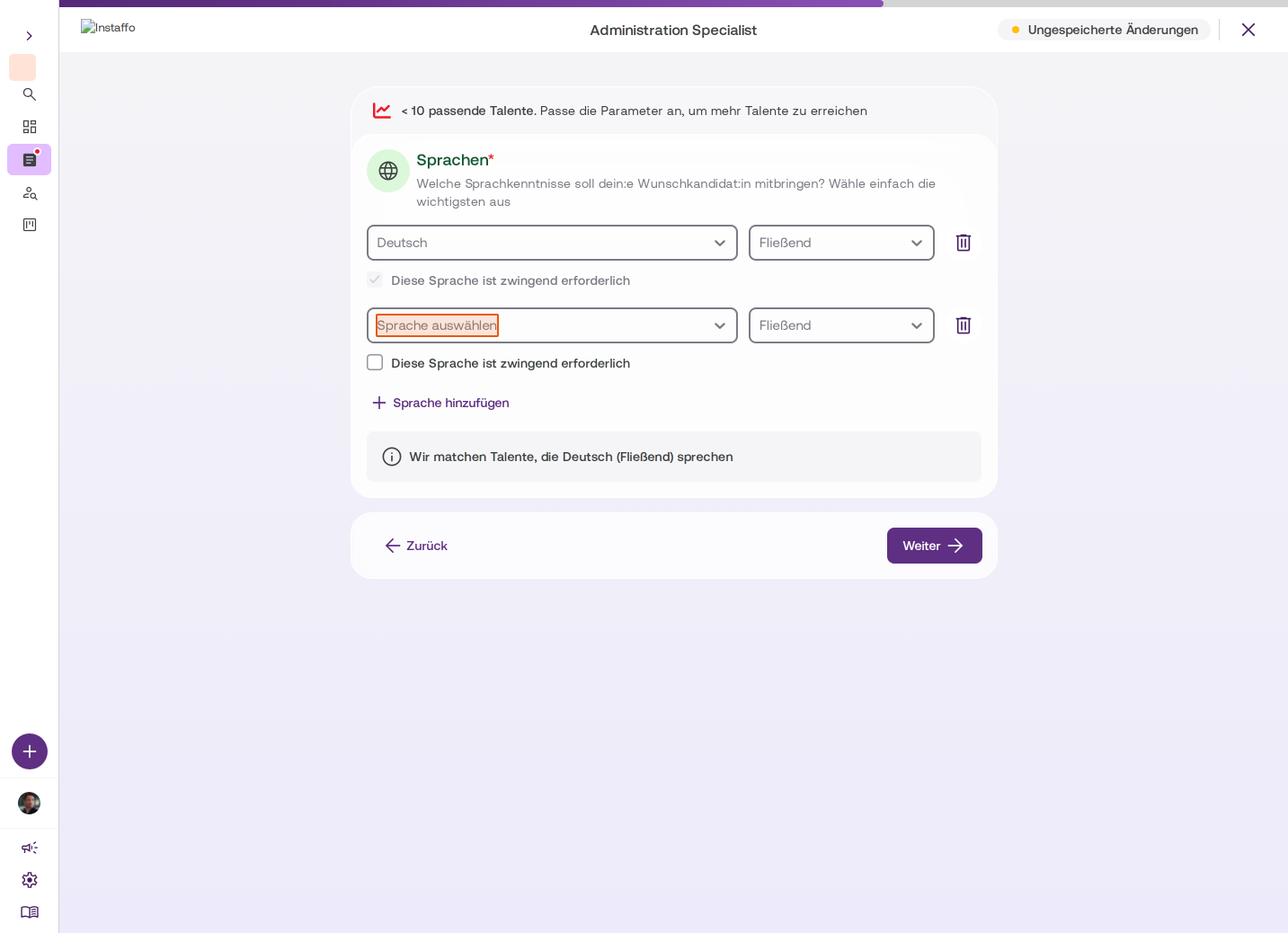
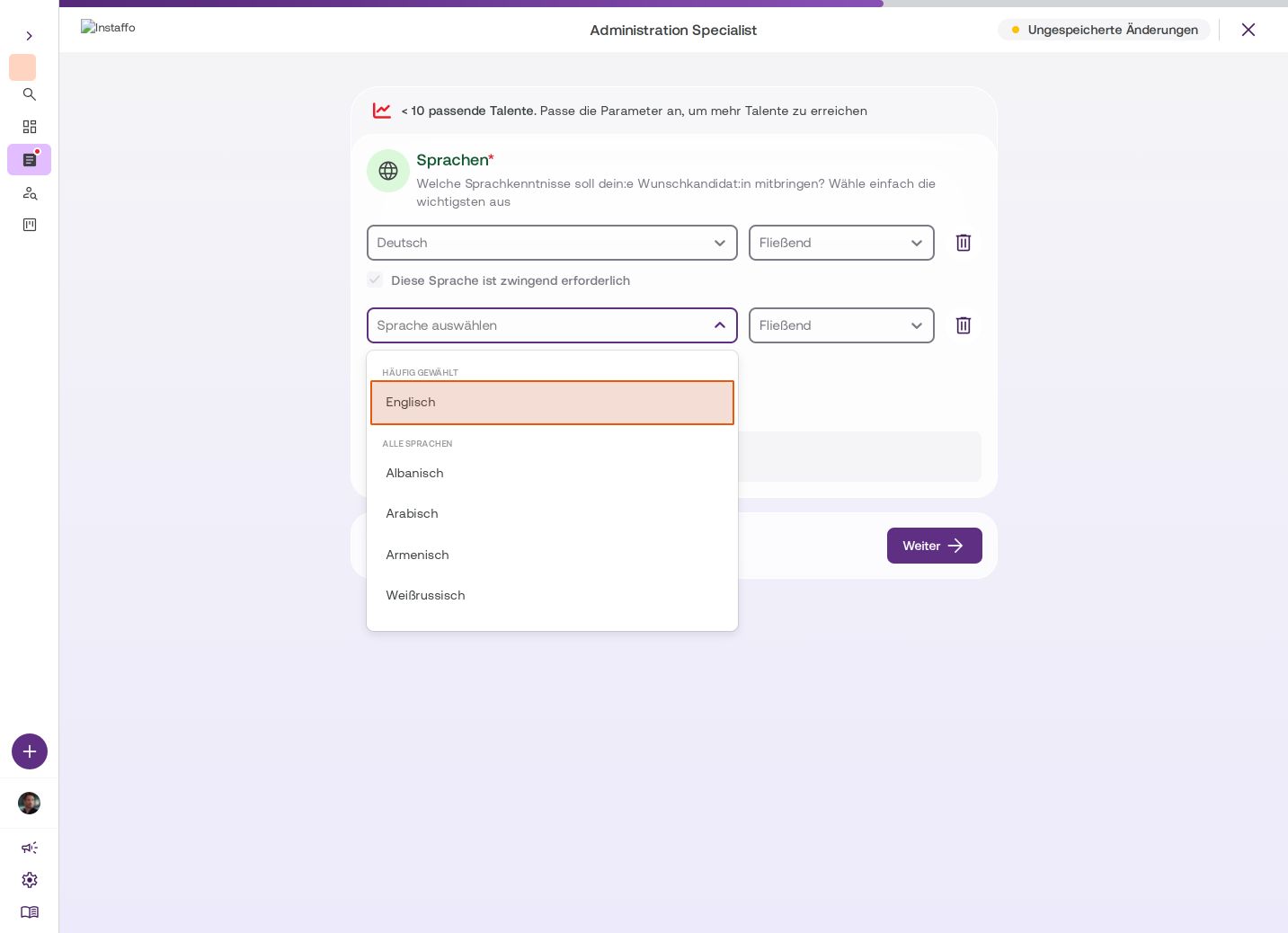
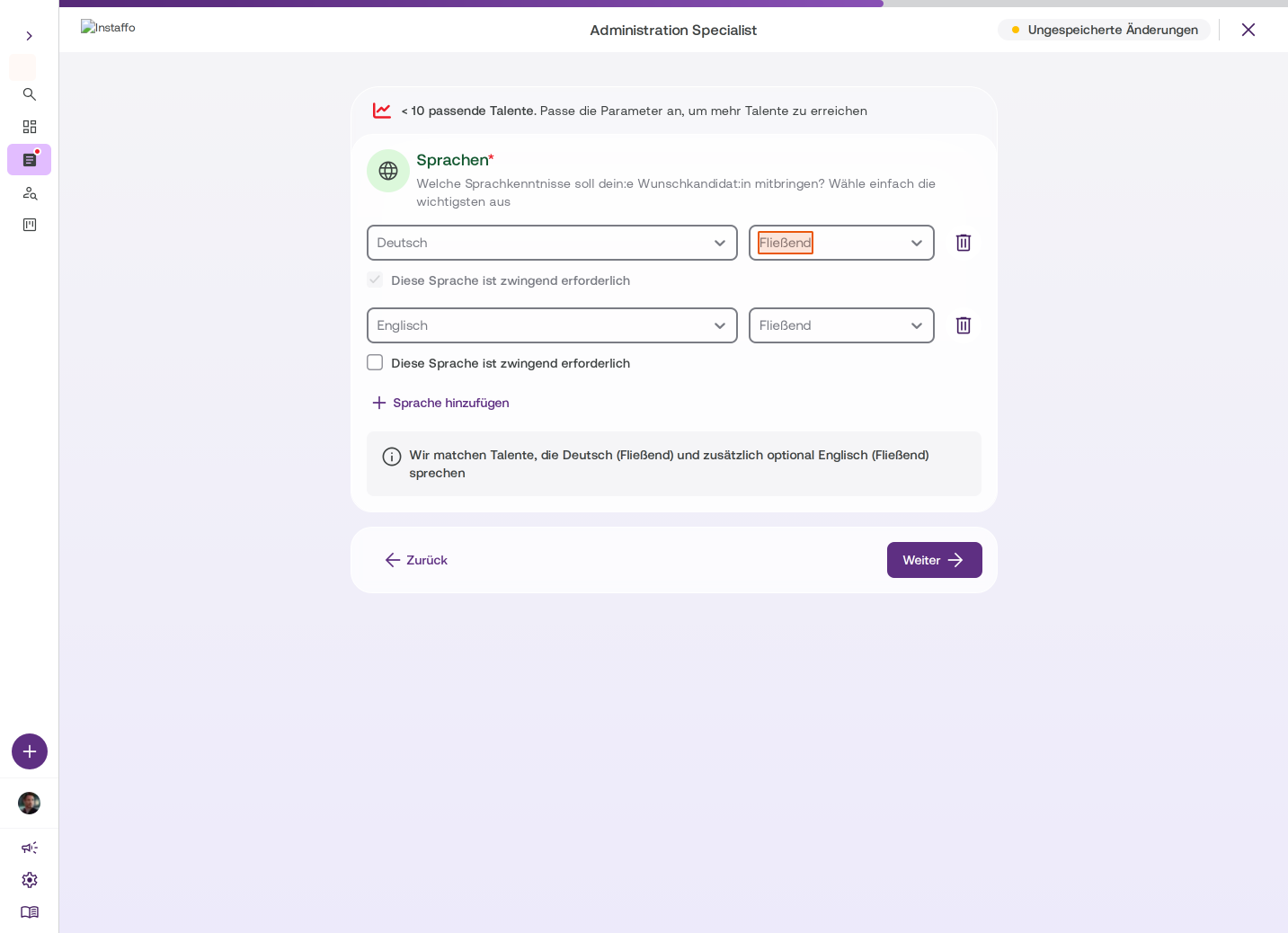
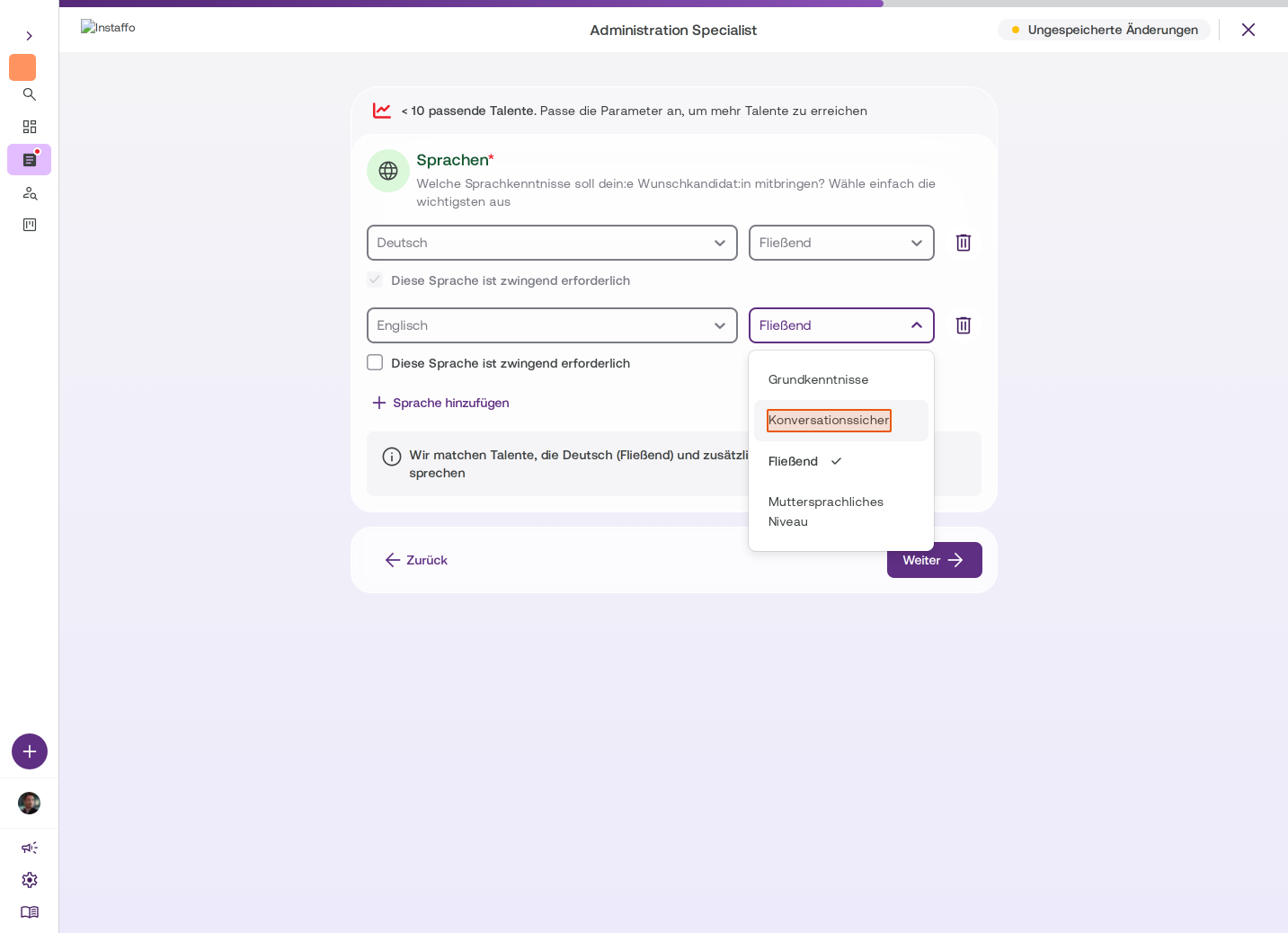
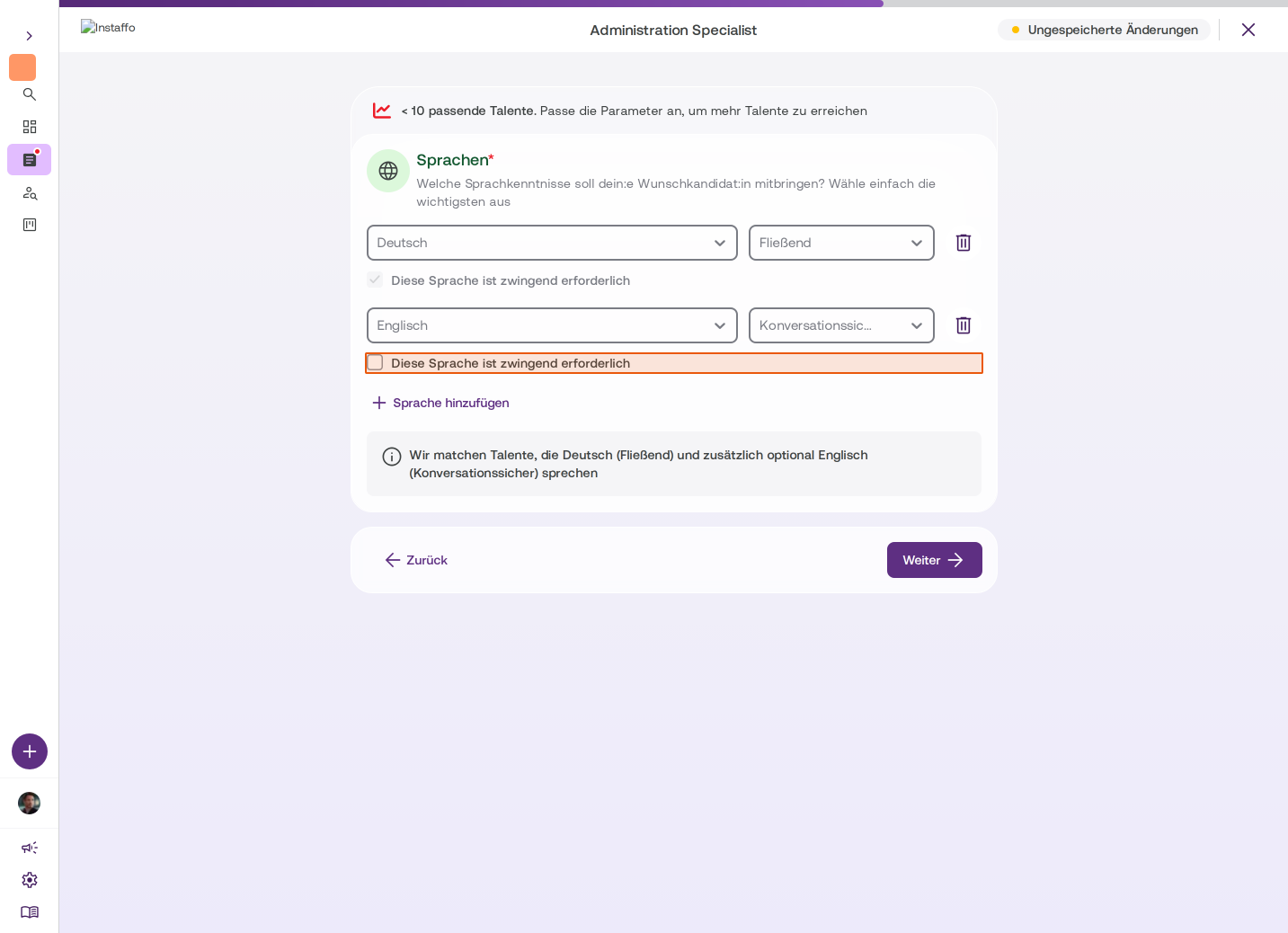
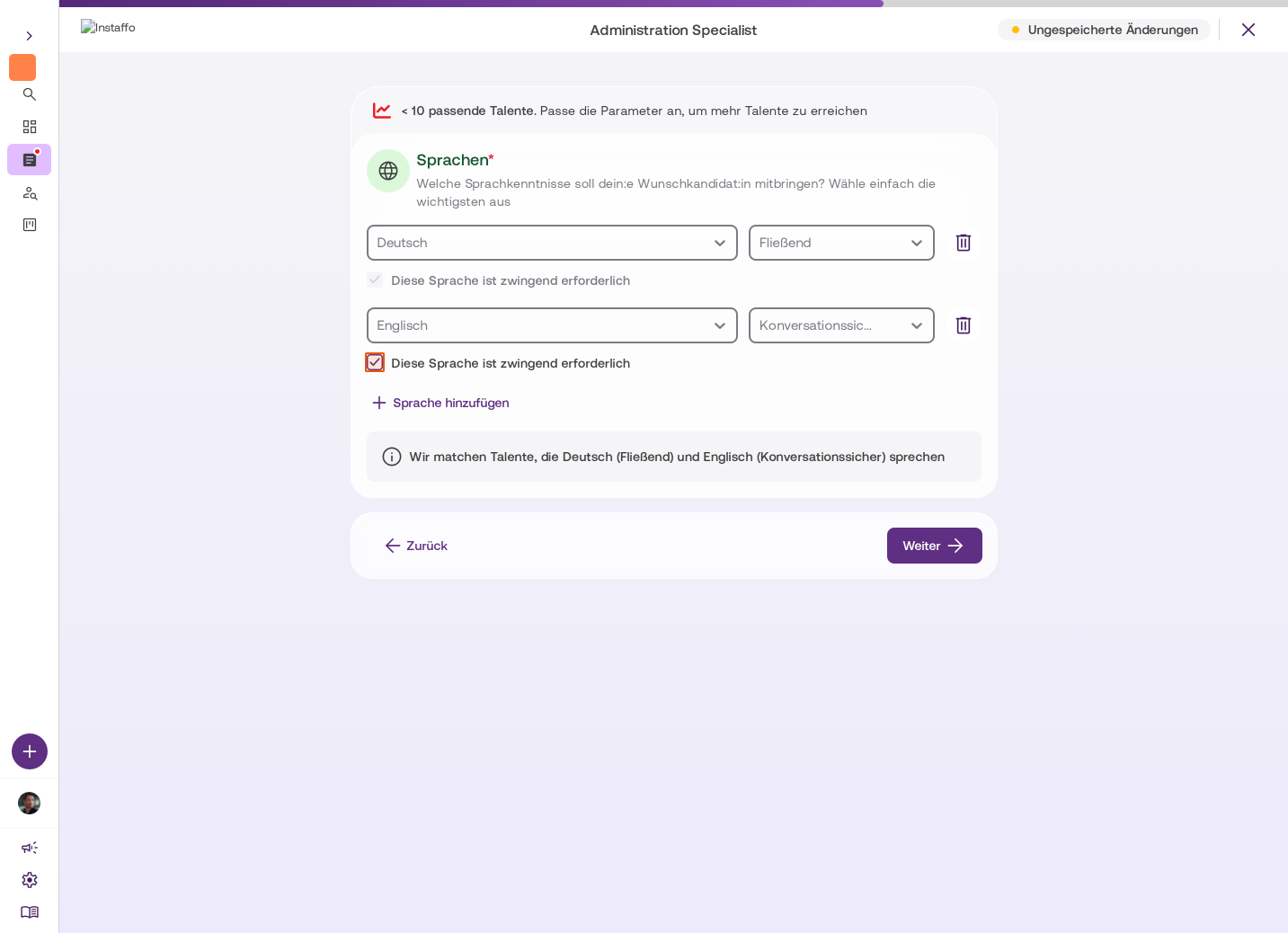
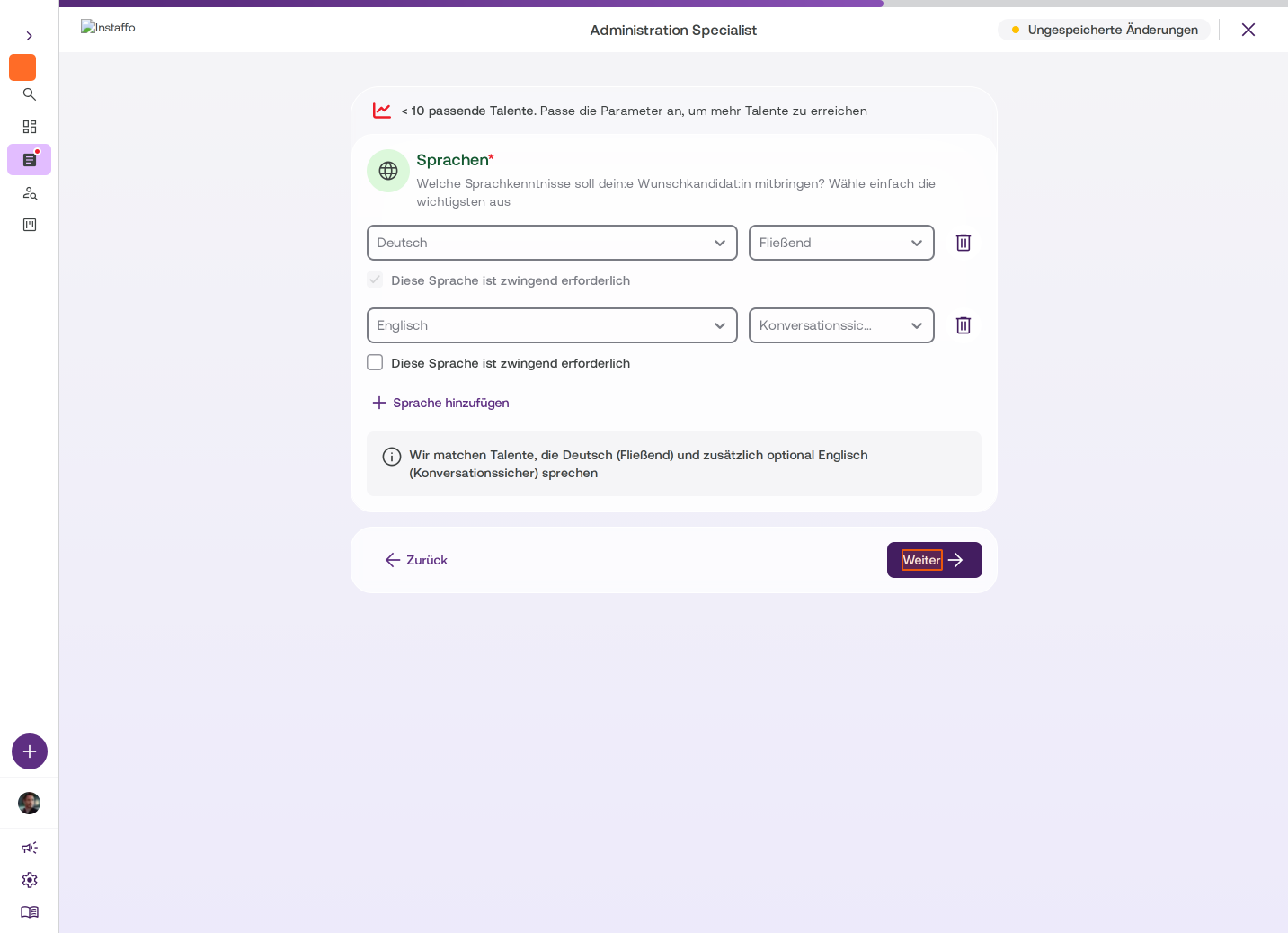
Set languages
The first language (e.g. English) is marked as mandatory by default. You can add additional languages and specify the language level:- Basic knowledge (lowest language level)
- Conversational
- Fluent
- Proficient (highest language level)
For each language, you can specify whether it's mandatory or optional. Keep in mind that overly restrictive language requirements will significantly limit the number of suitable talent.
Job description
-
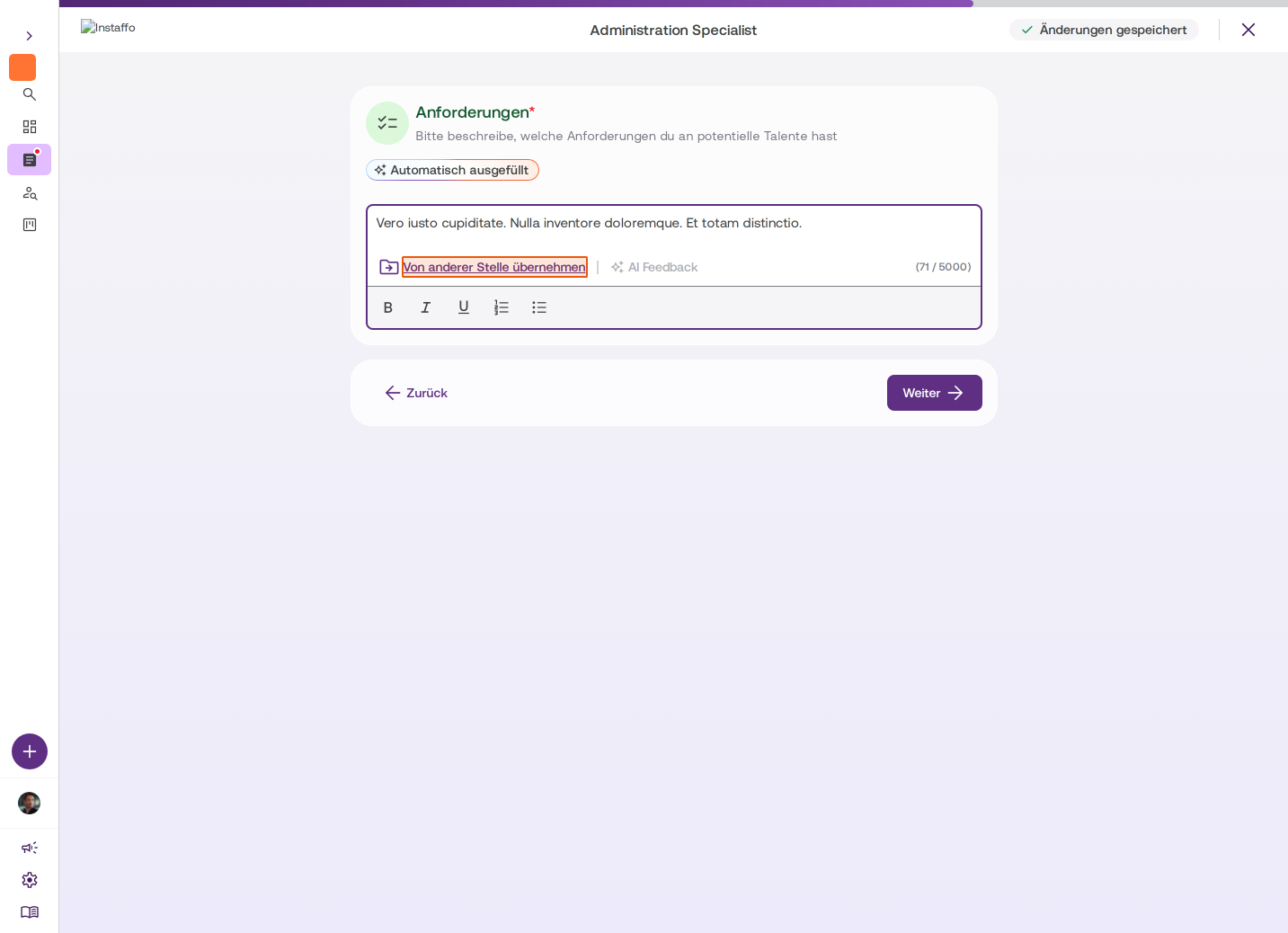
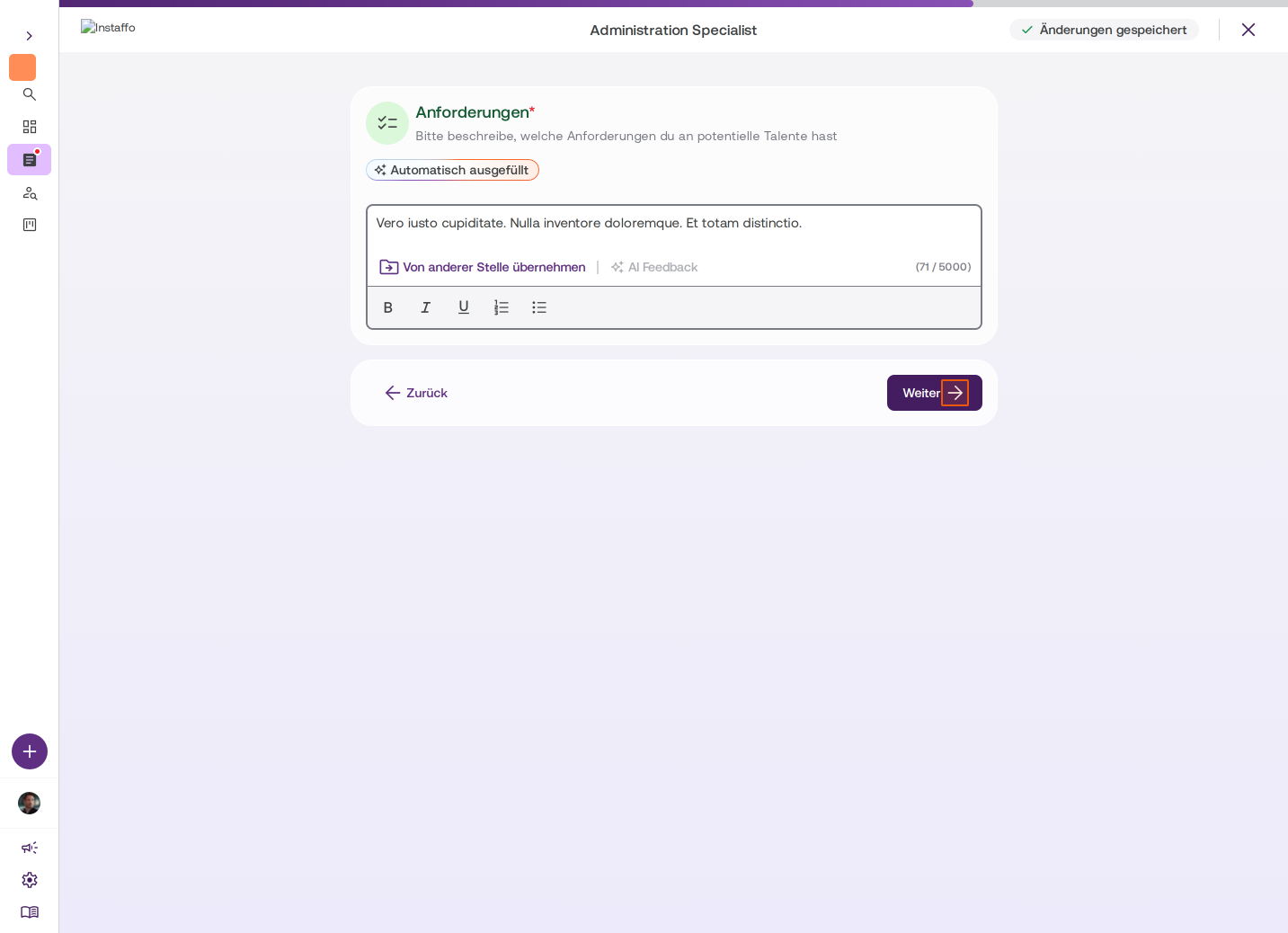
Describe requirements
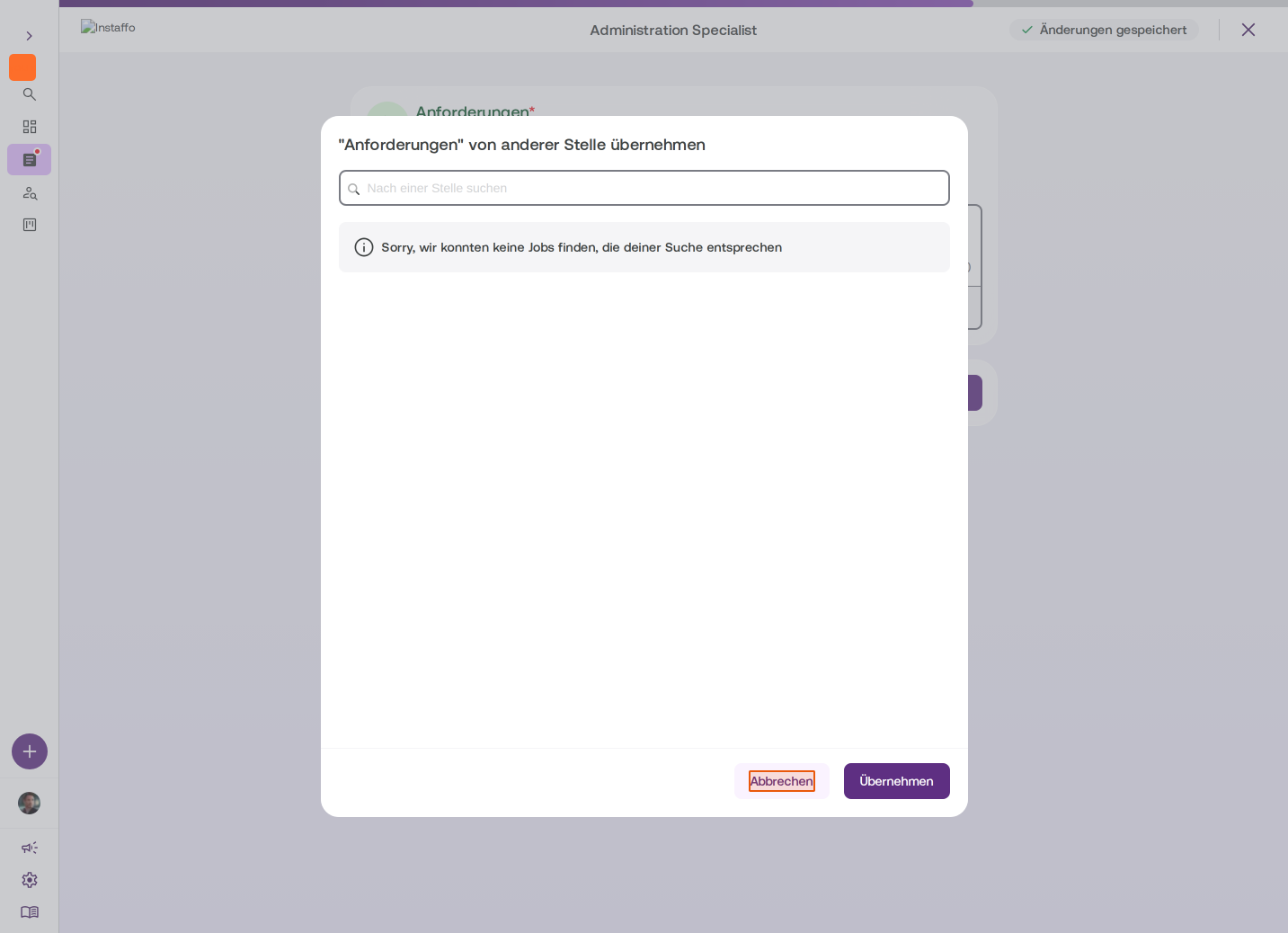
Describe the requirements for potential candidates. You can copy text from other job postings if you've already created some. -
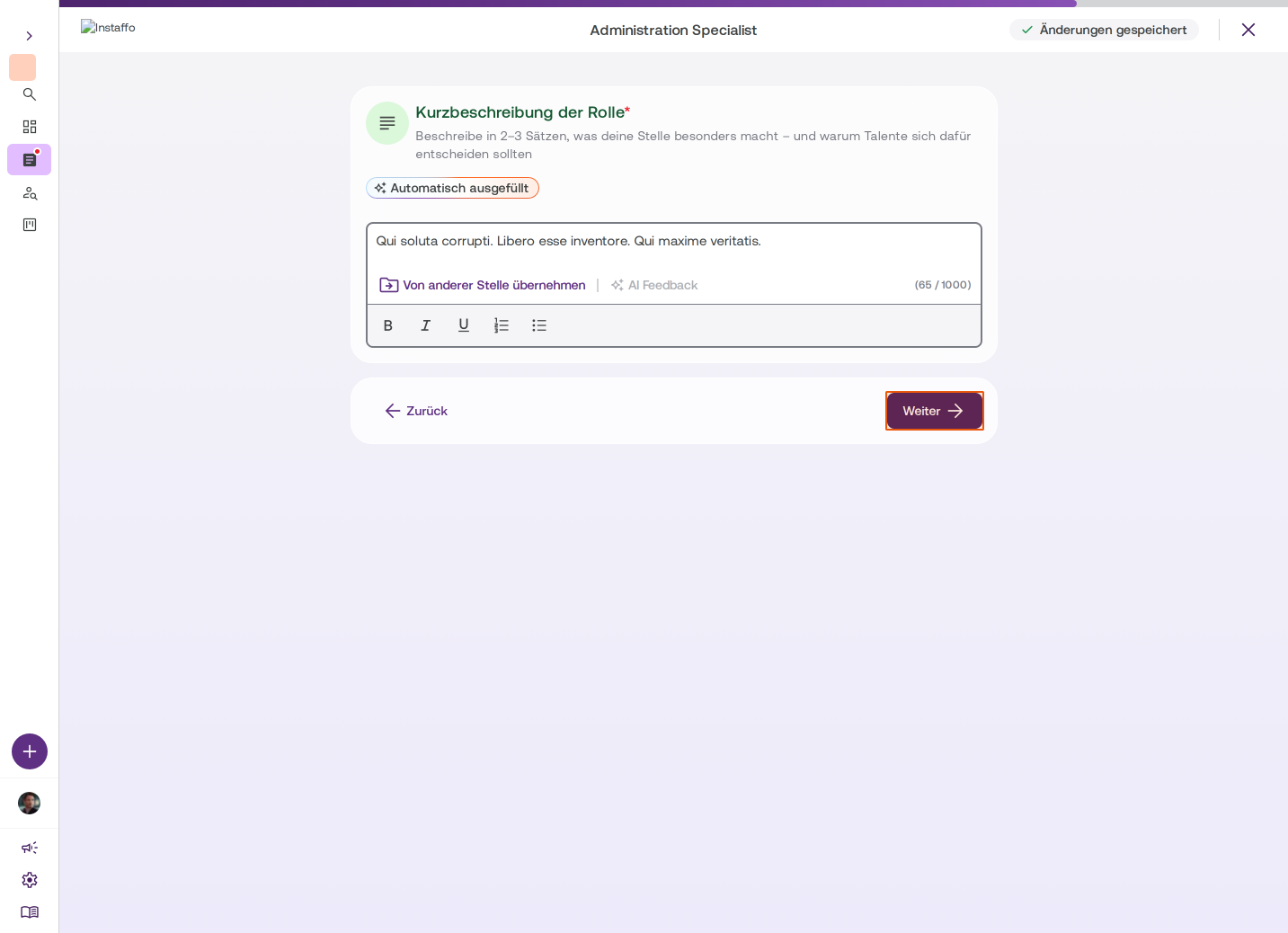
Write a short role description
Describe in two to three sentences what makes your job posting special and why talent should apply. -
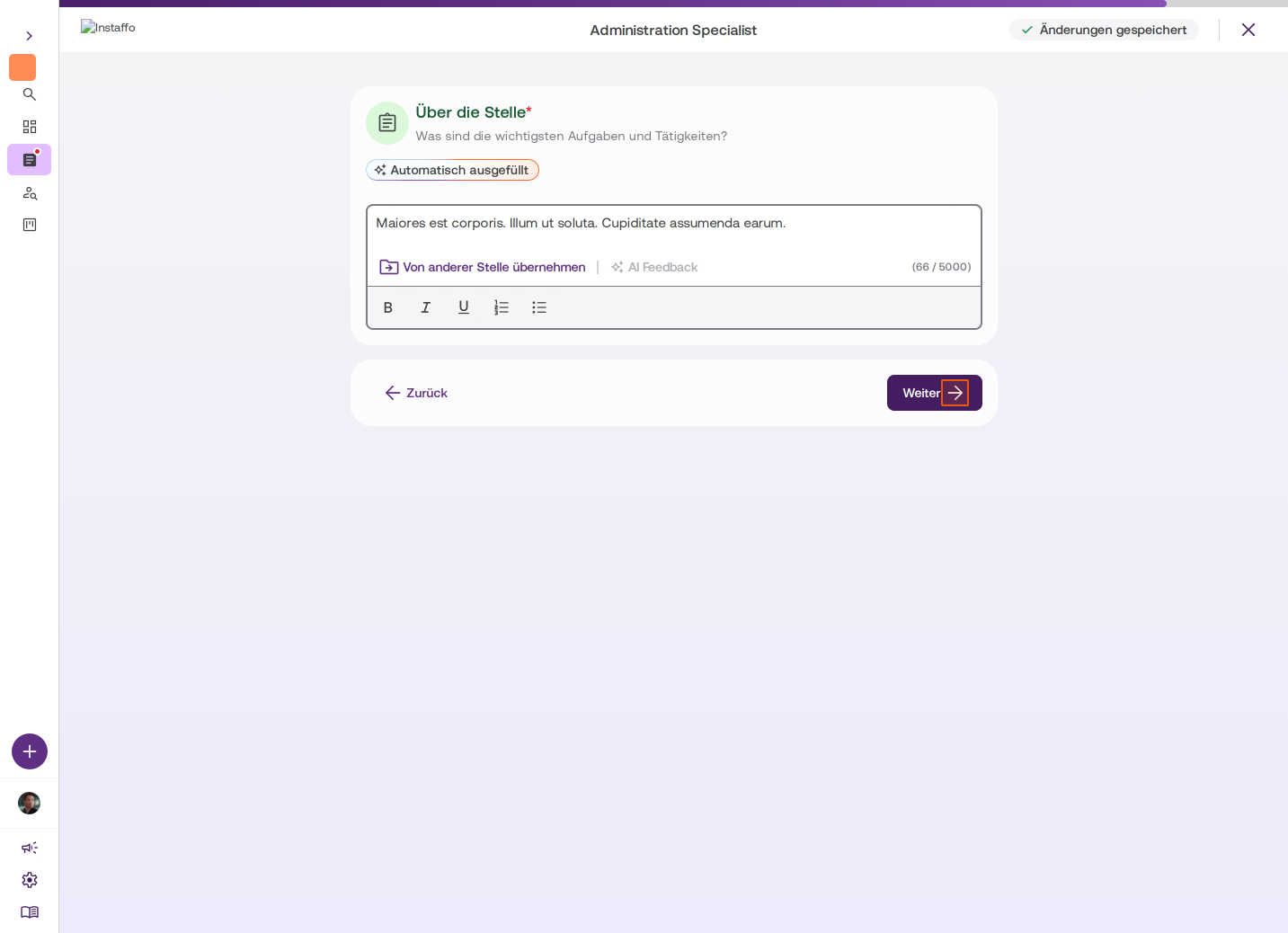
Provide information about the job
Specify the main tasks and responsibilities. -
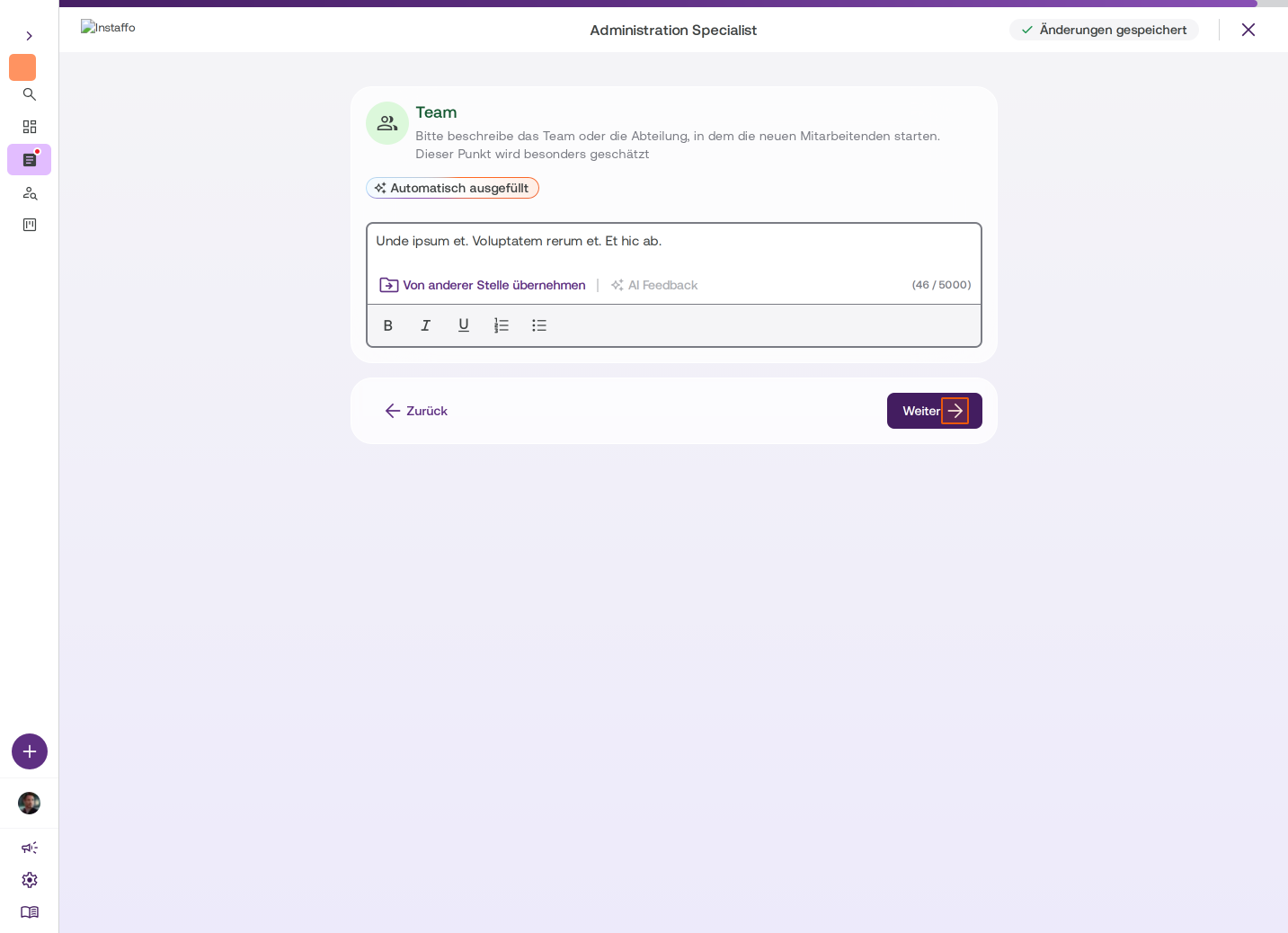
Describe the team
Describe the team or department where the employee will work, not the entire company. Talent particularly values this. -
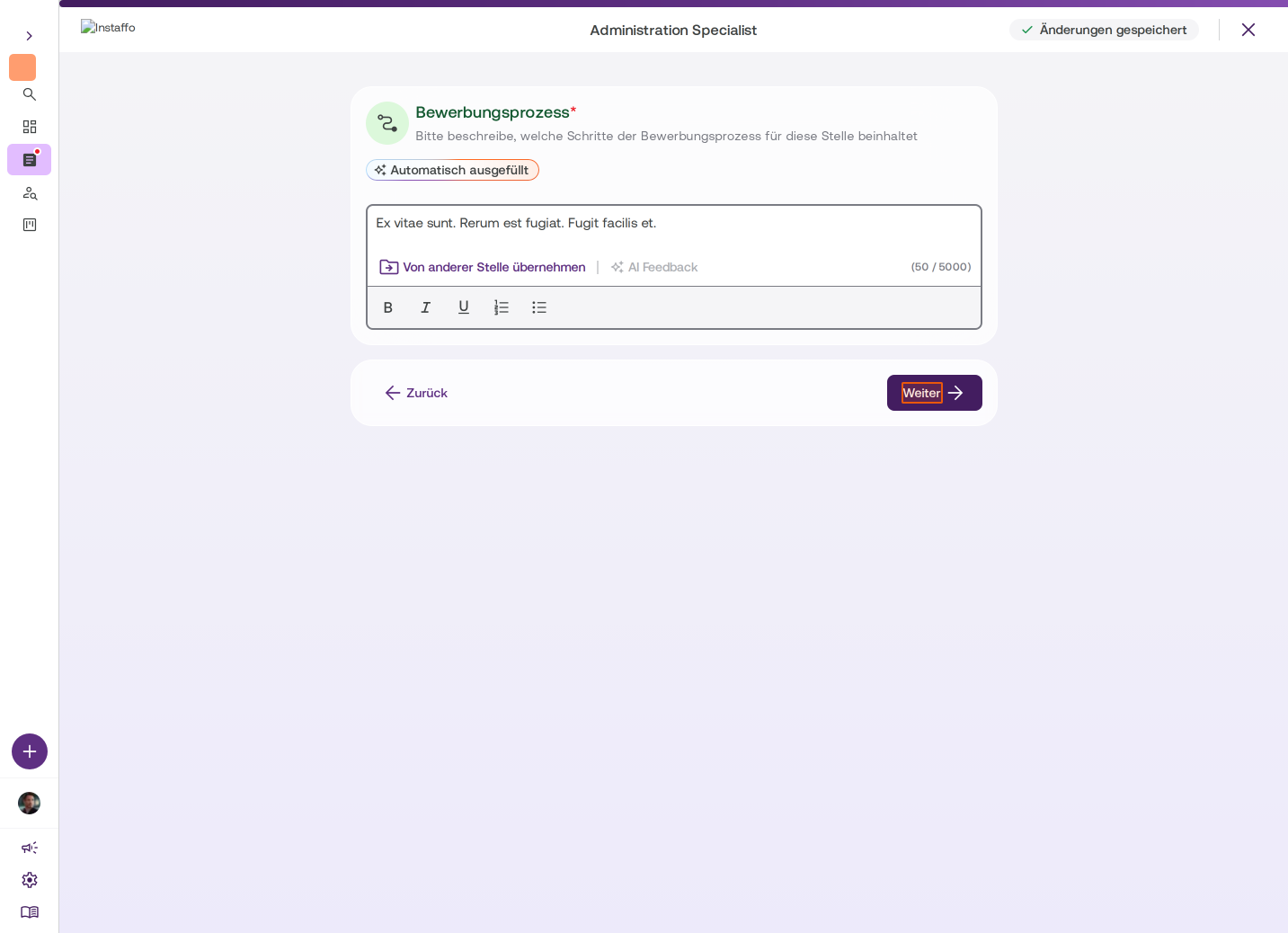
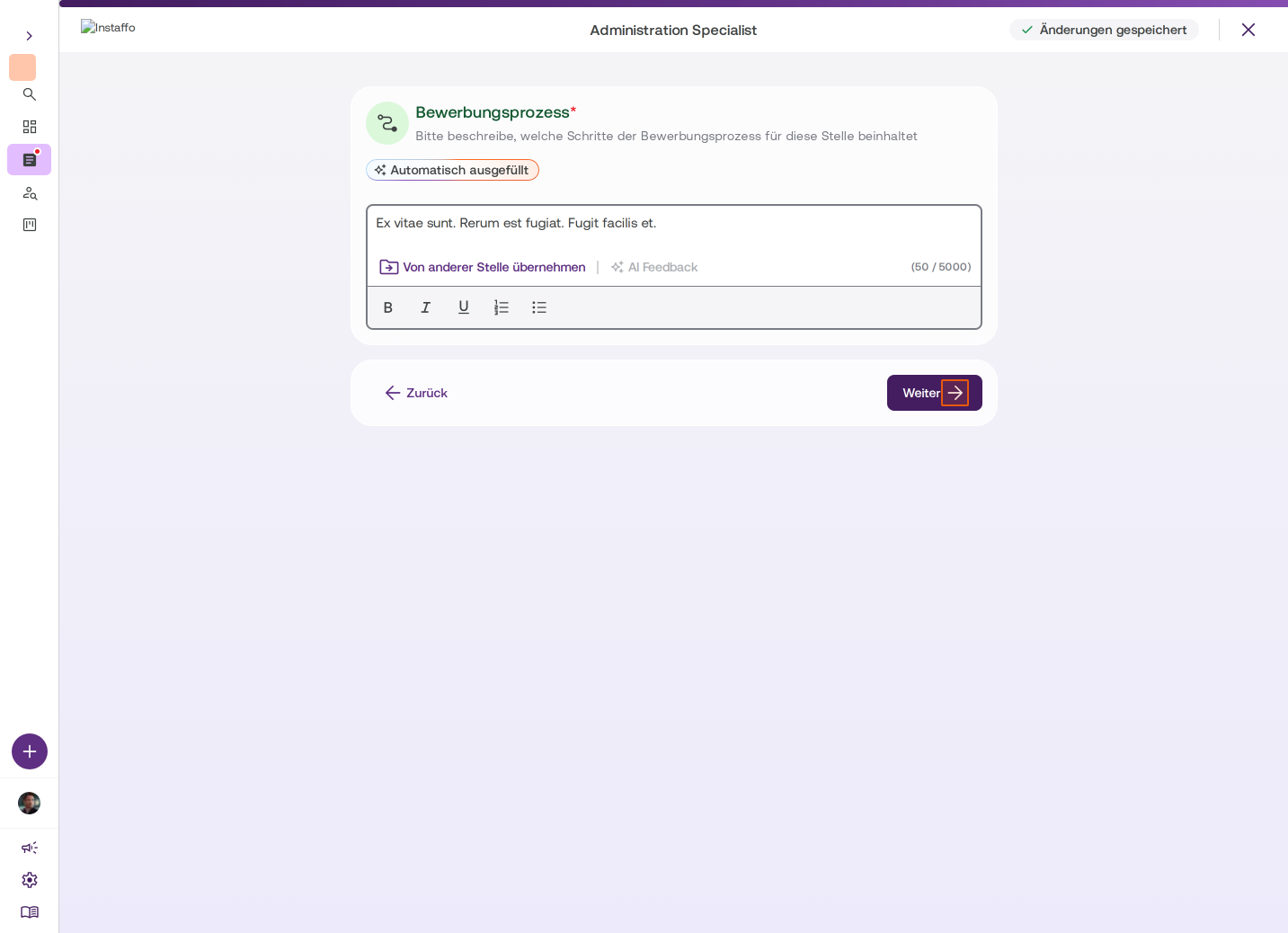
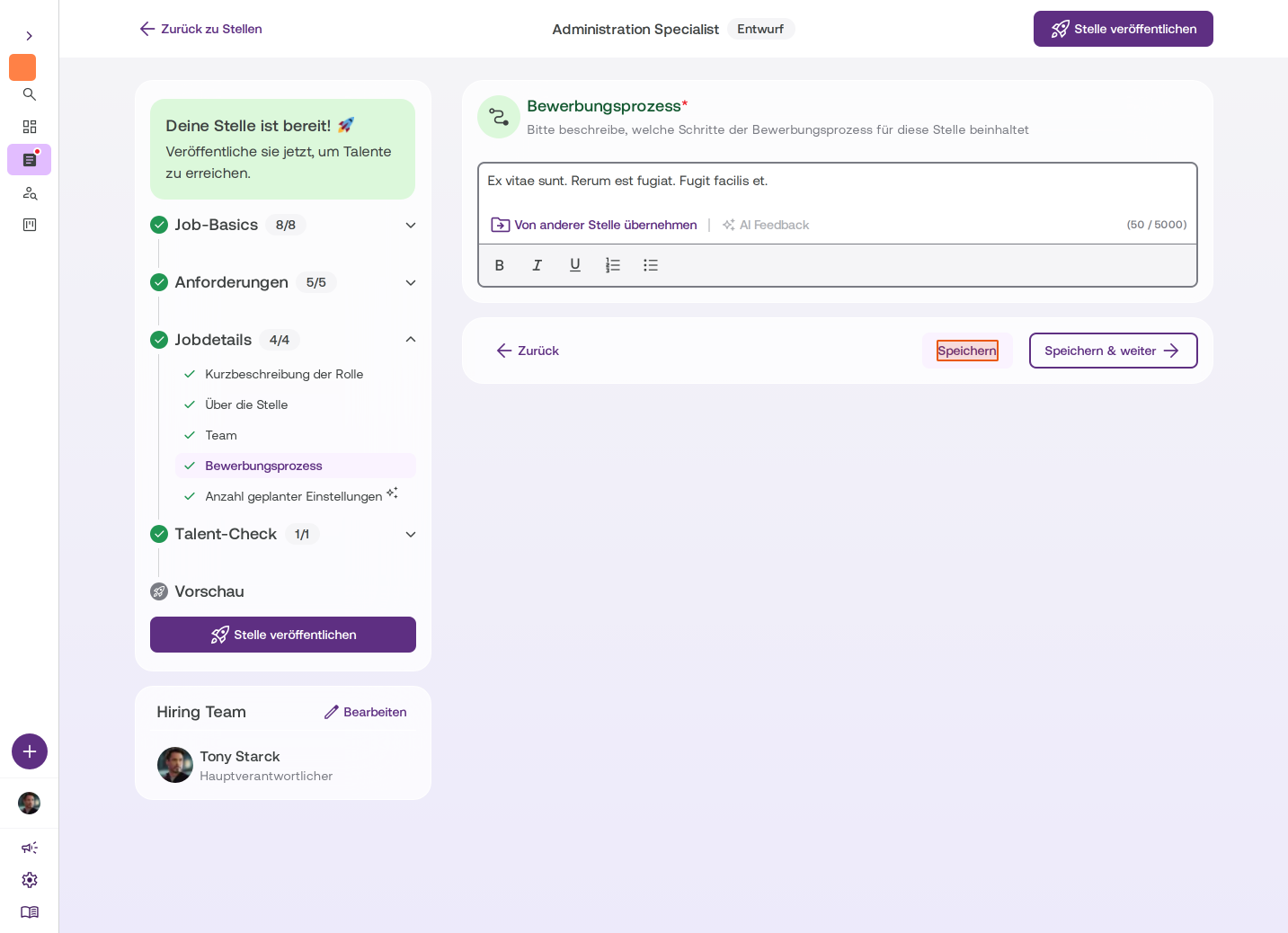
Outline the application process
A transparent application process is important for talent. Describe what steps the application process includes for this position.
Set up Talent Check
-
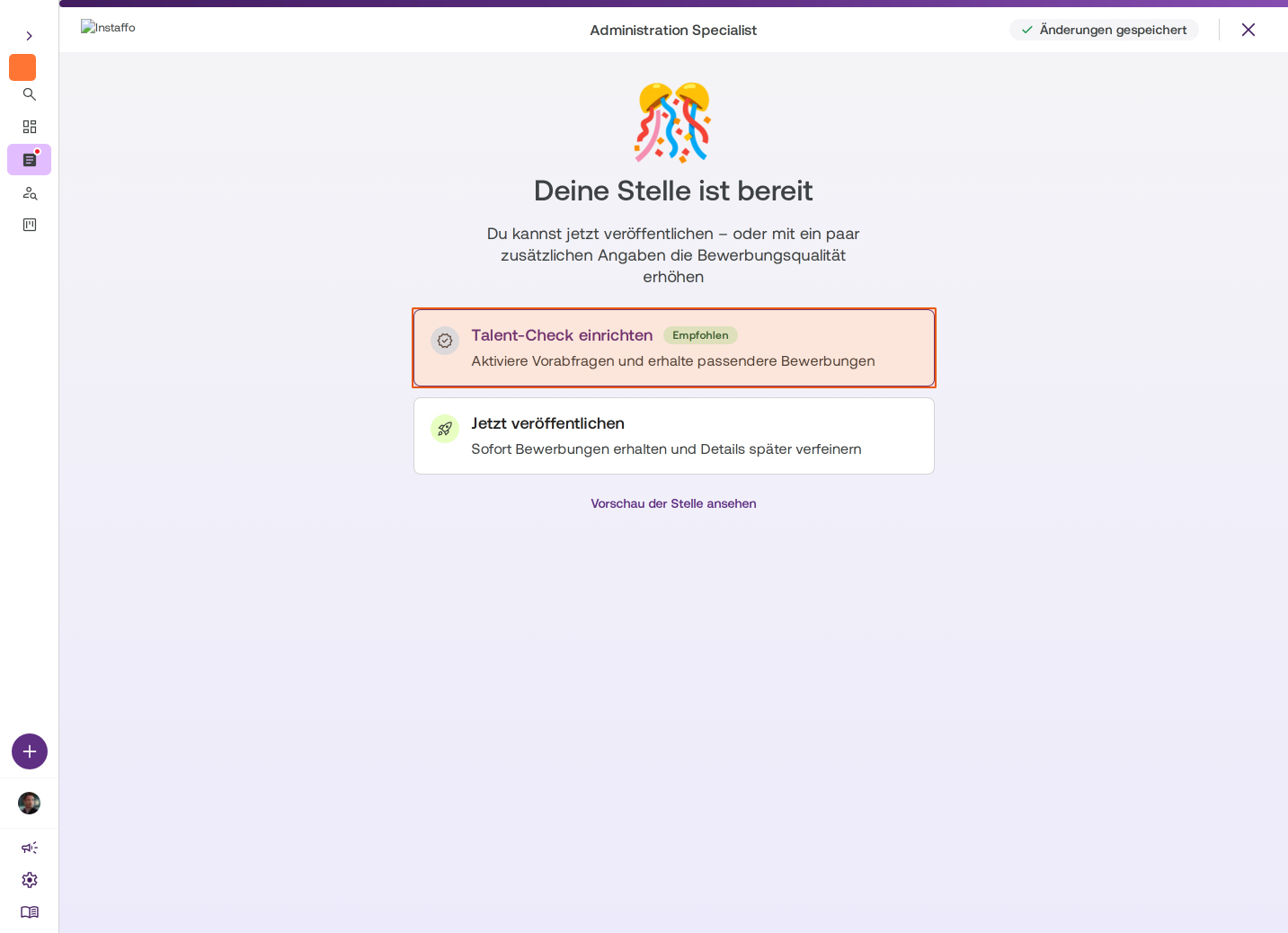
Decide whether you want to set up a Talent Check
After initial creation, you have the following options:- Set up Talent Check: Define pre-screening questions for better-matched applications (recommended)
- Publish now: Start receiving applications and refine details later
- Preview the job posting: Review the posting before publishing
-
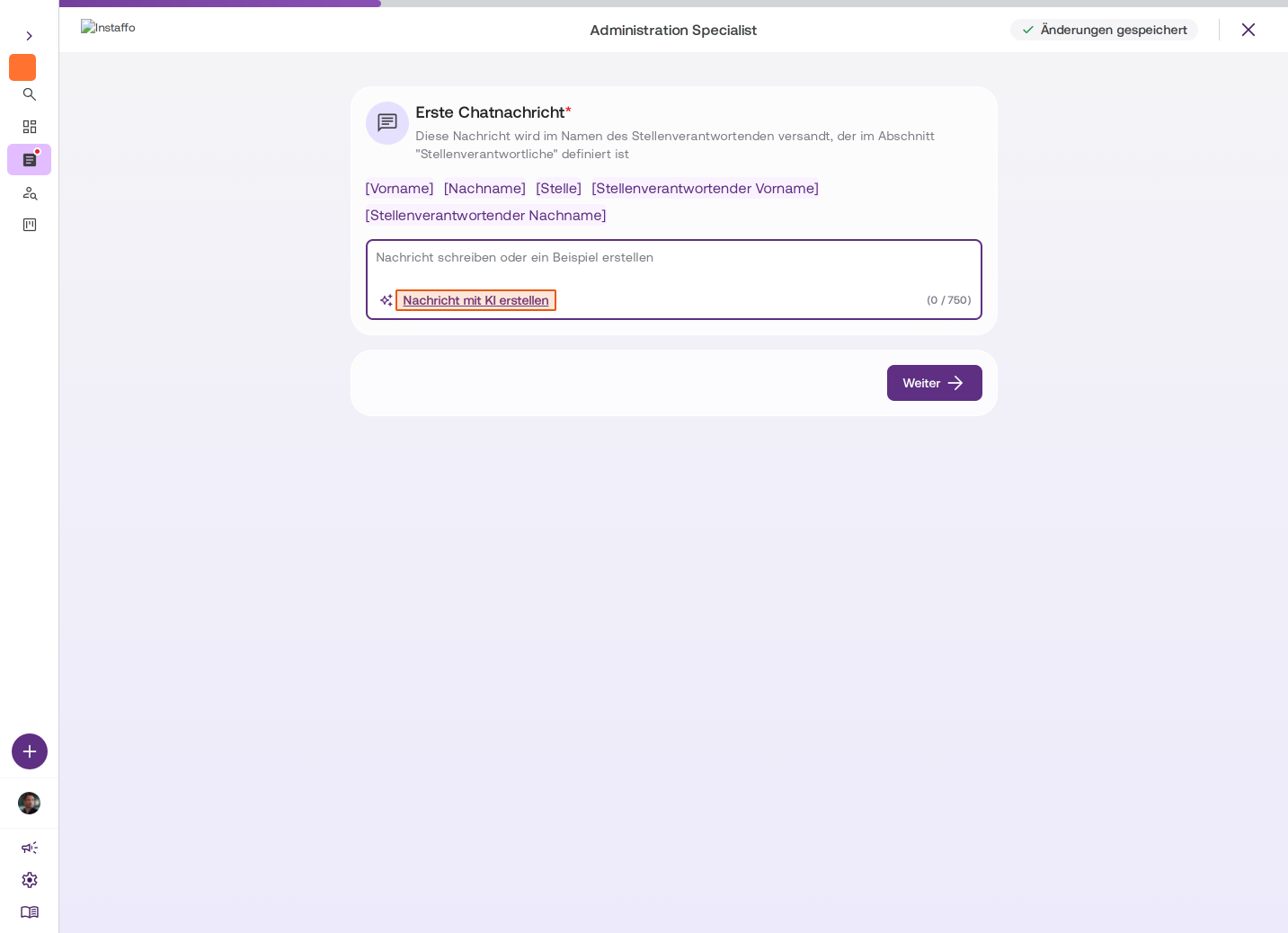
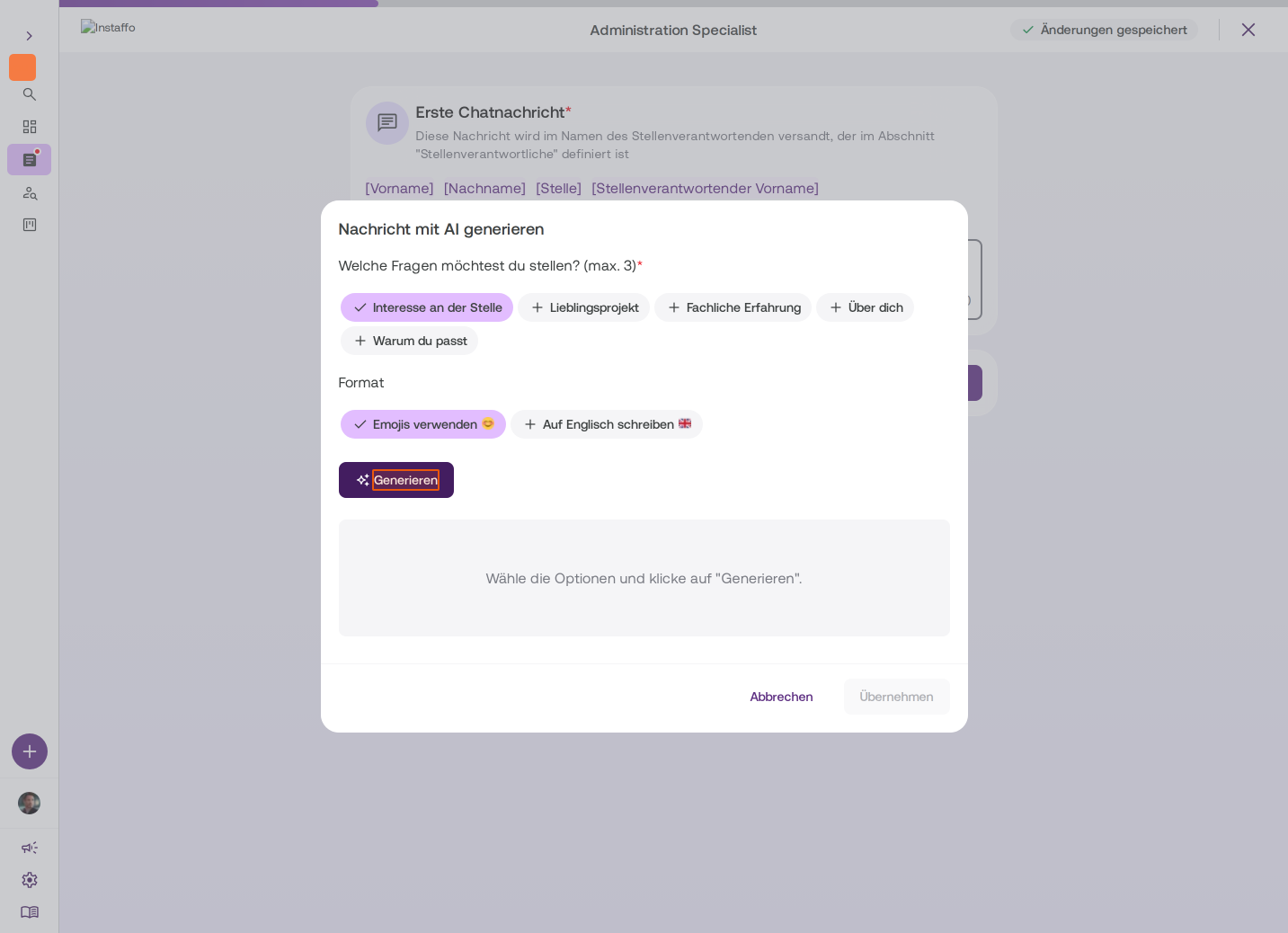
Create an initial chat message
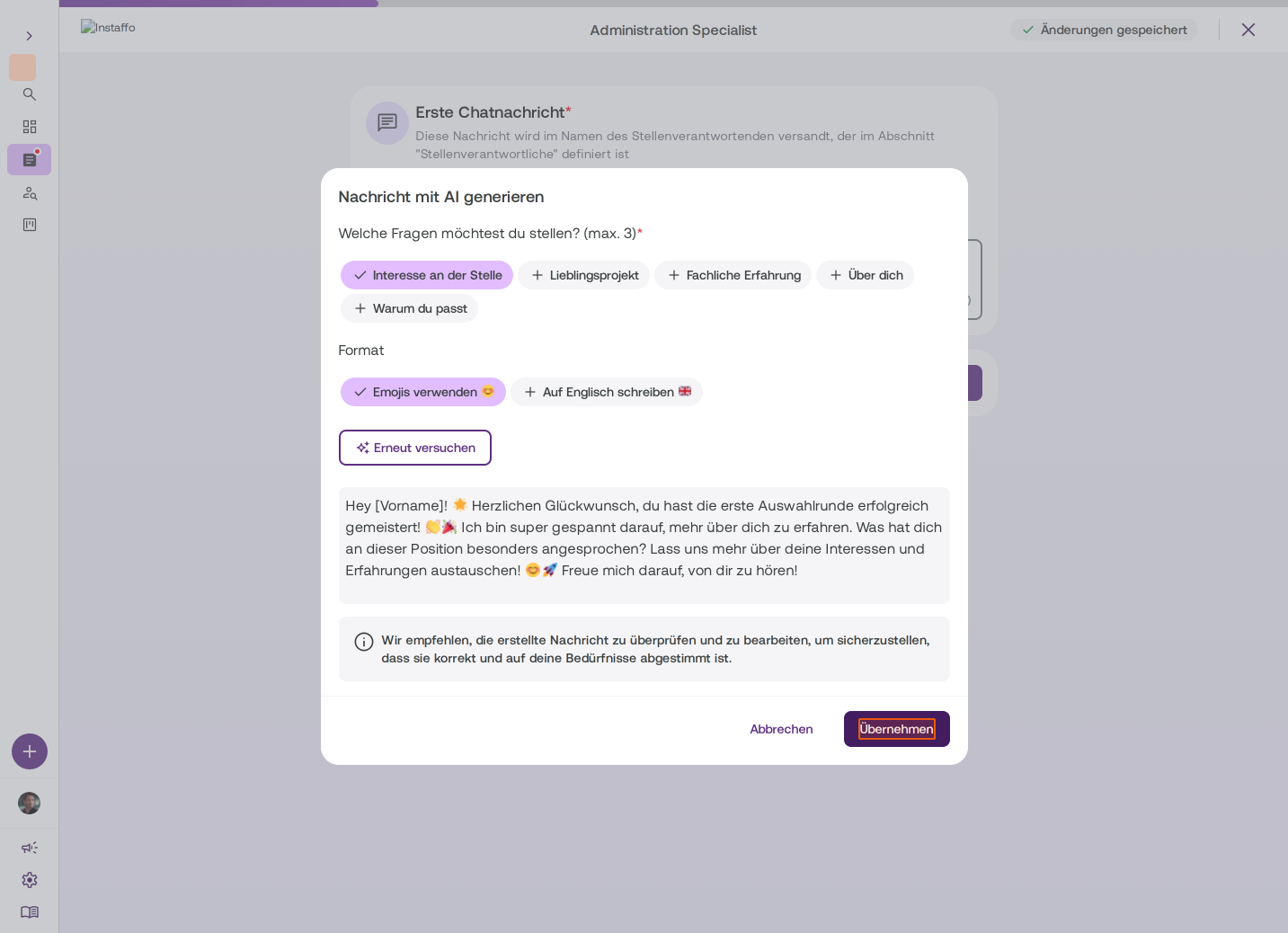
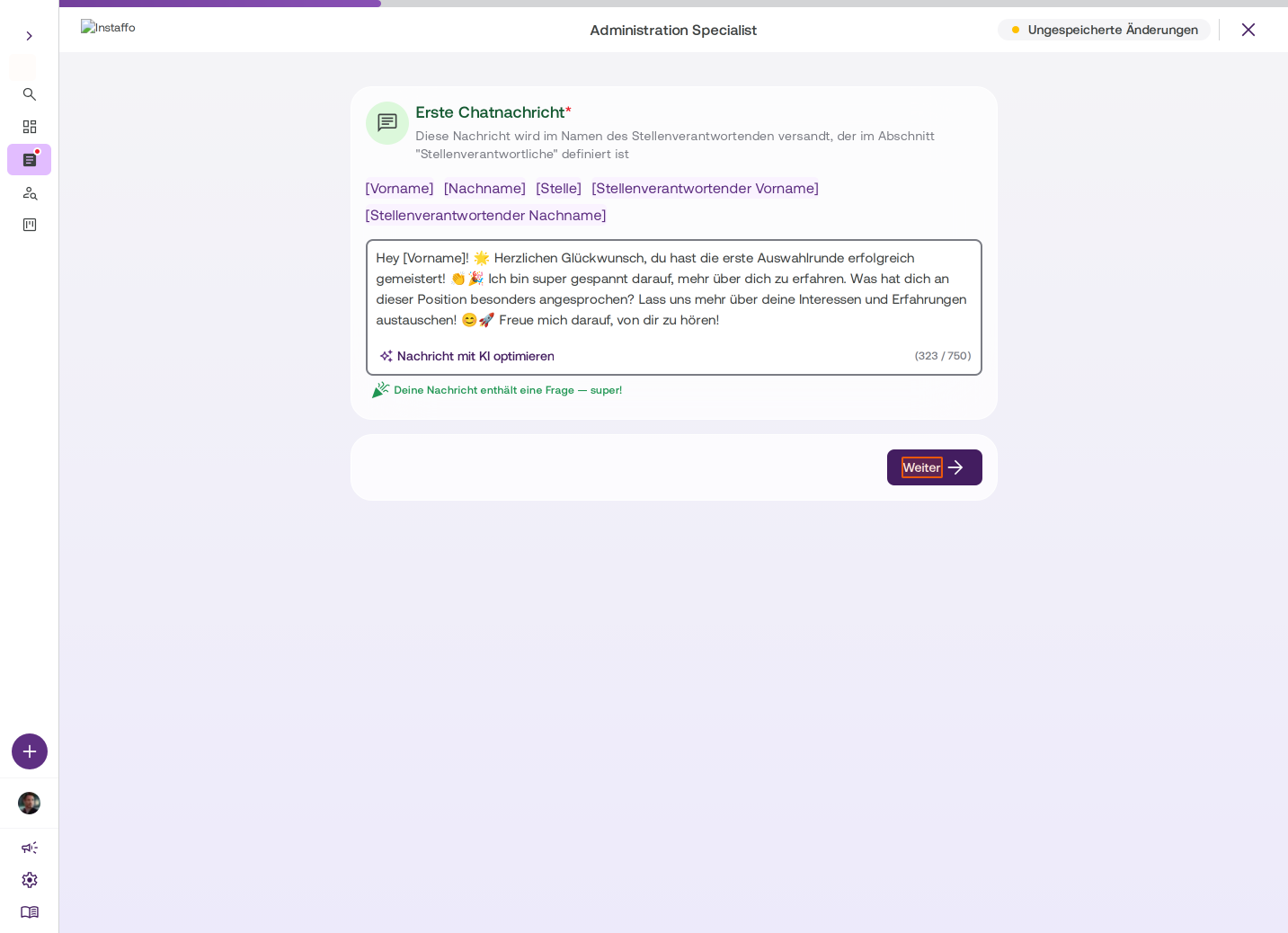
This message will be sent to talent once you accept their application. You can write the message manually or generate it using Create message with AI. Choose which questions you want to ask (e.g. interest in the position, favorite project). It makes sense to include questions to start a conversation. -
Define must-have skills
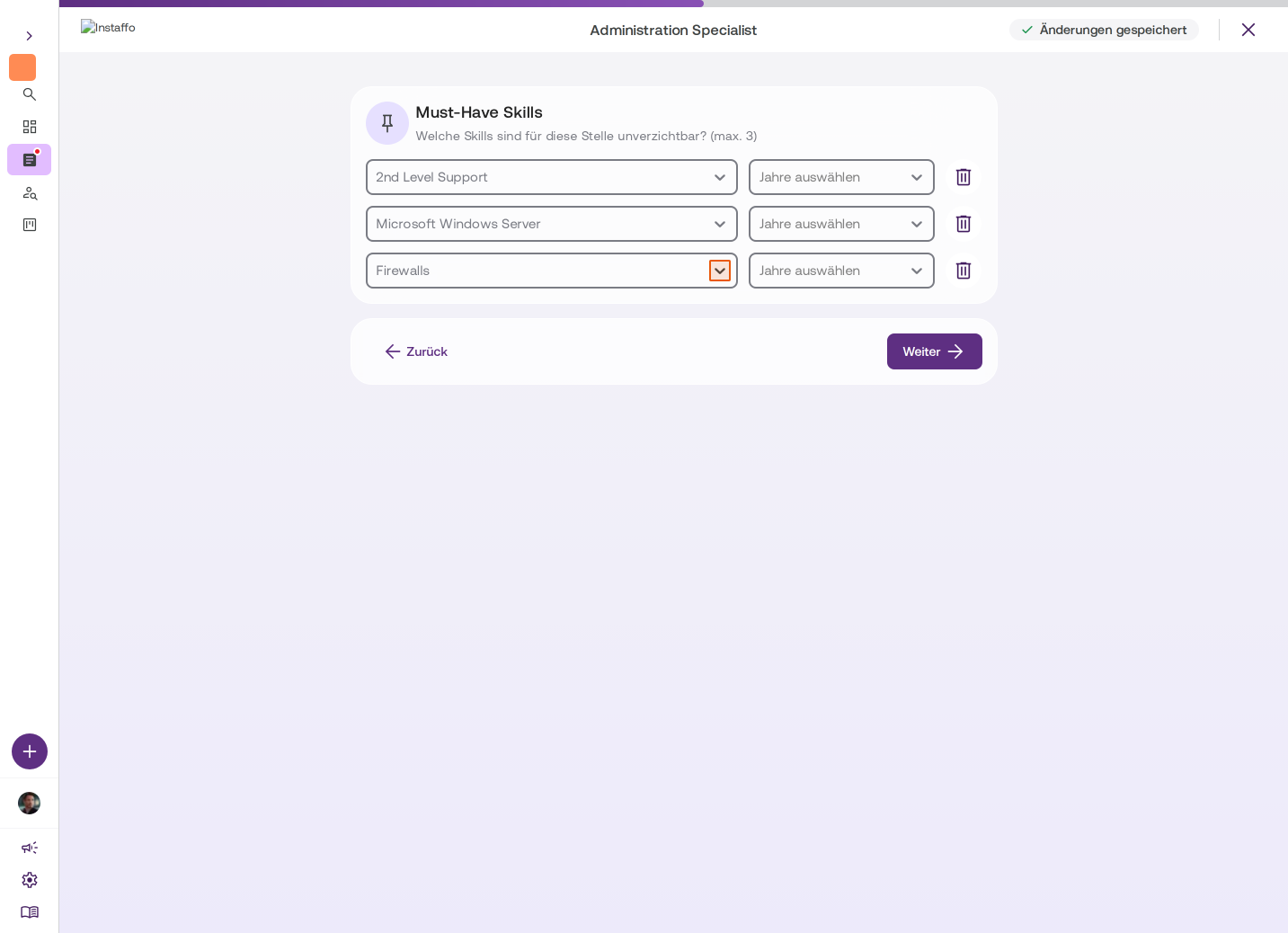
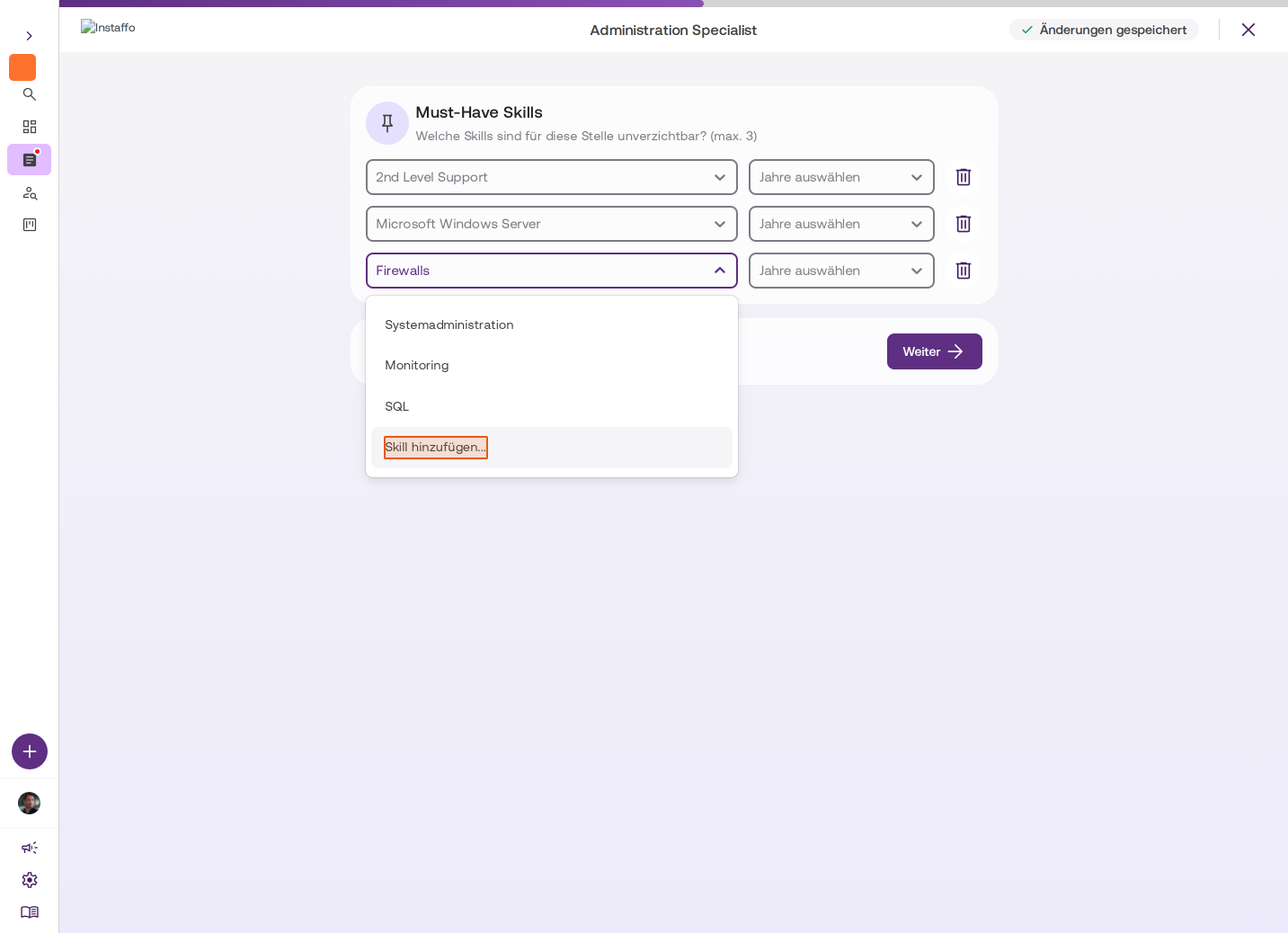
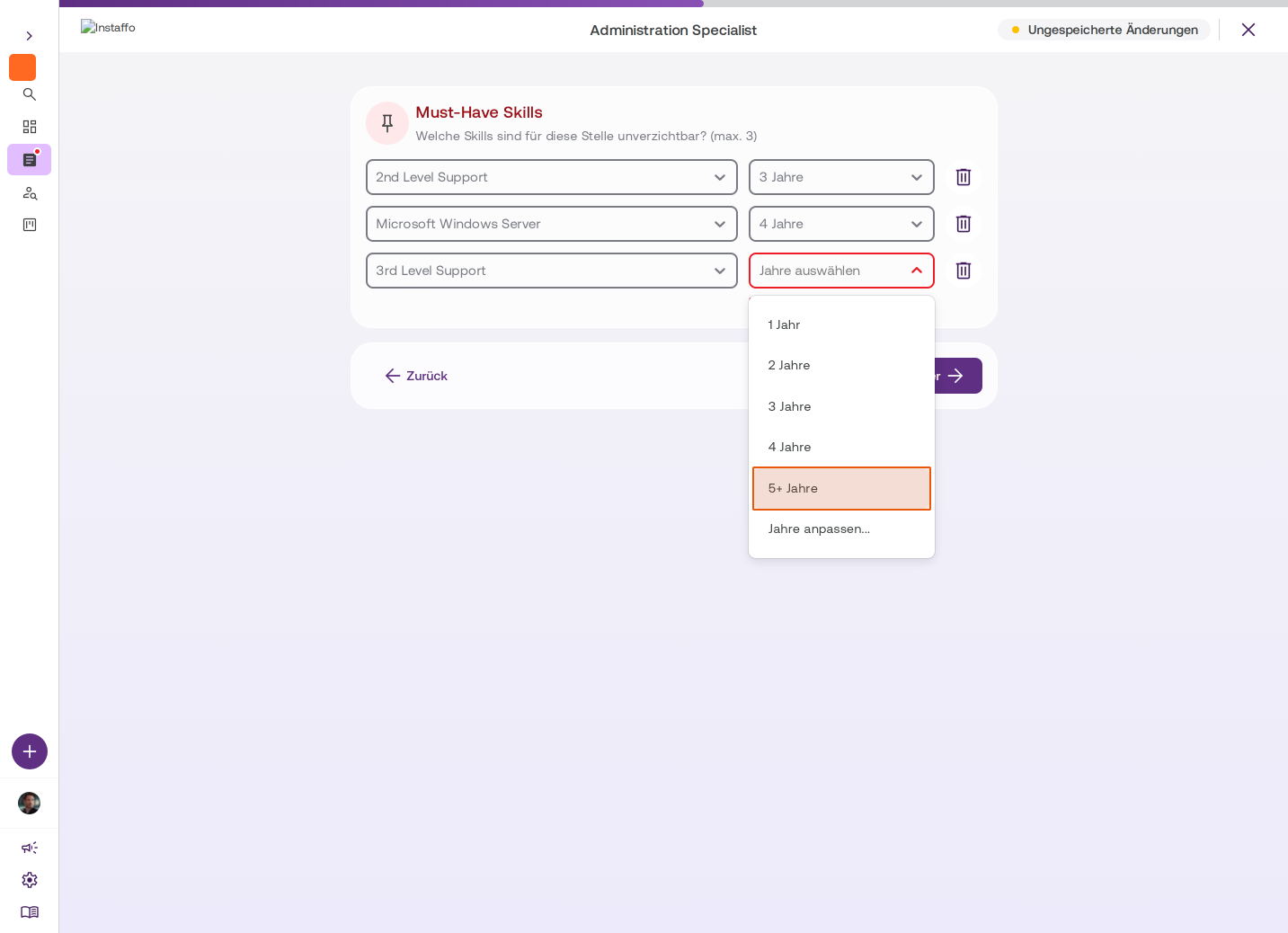
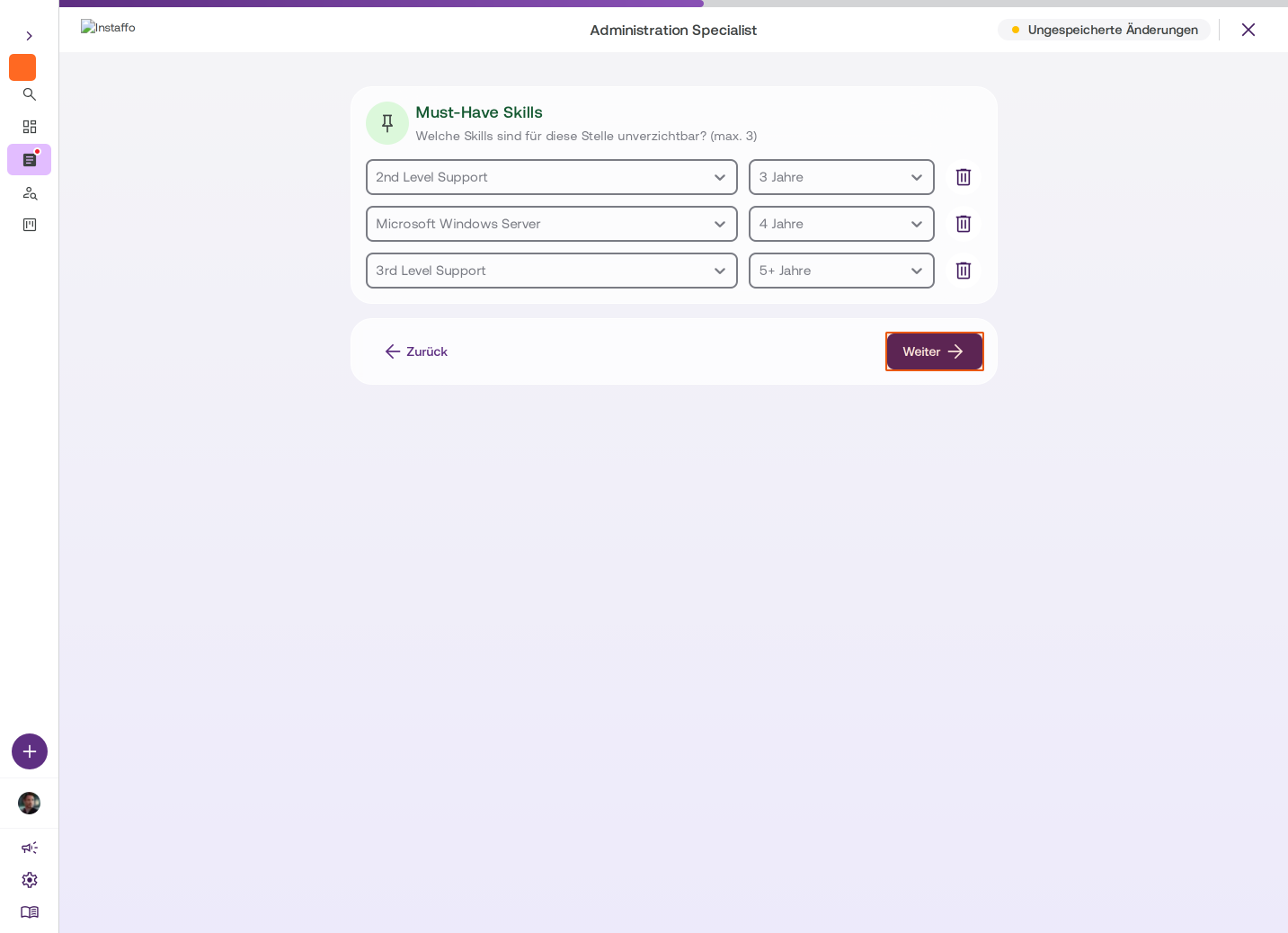
Select up to 3 essential skills and specify how many years of experience the candidate should have in each skill. These skills will be requested during the application and you can view them in the talent profile. -
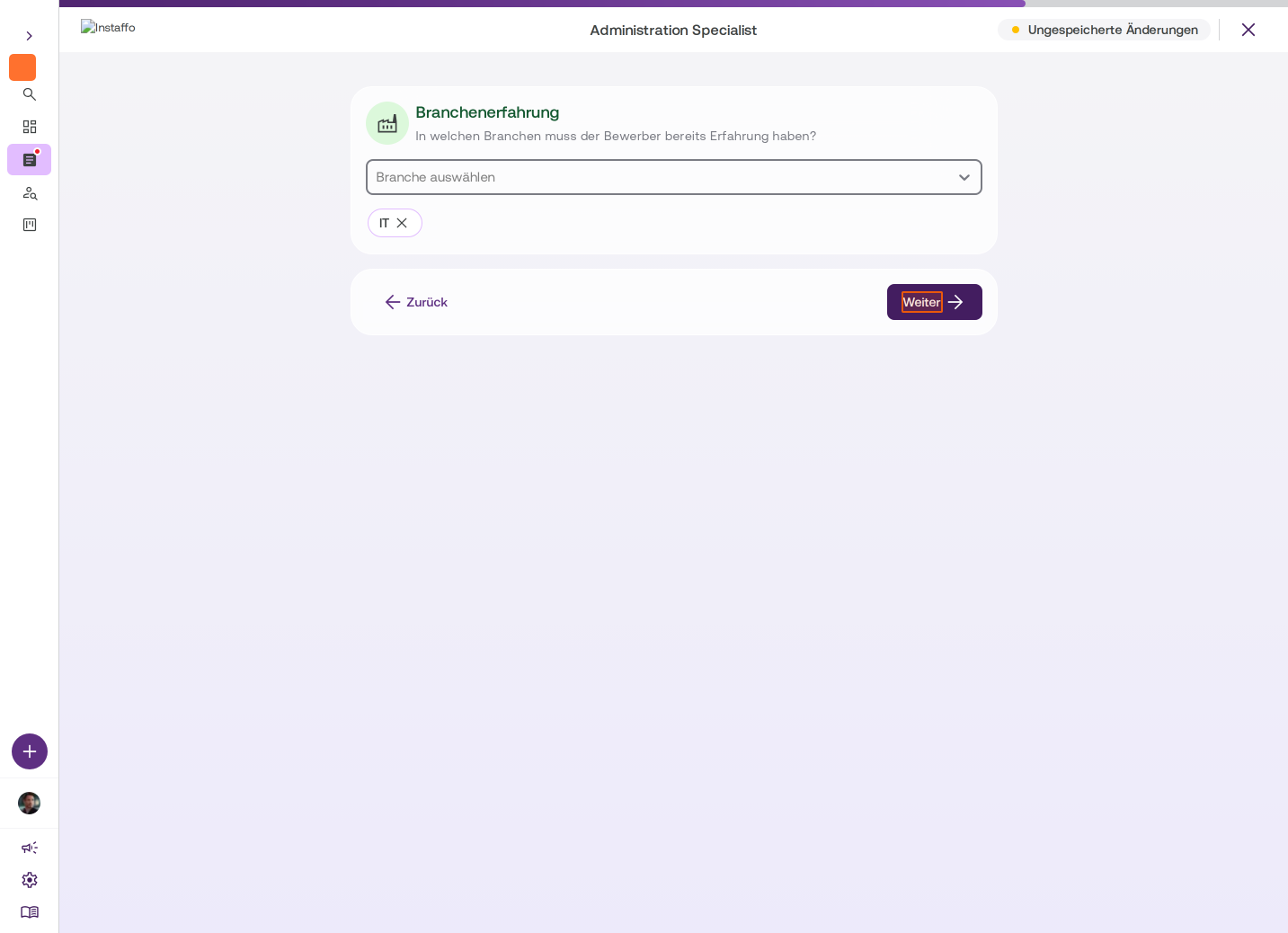
Specify industry experience (optional)
Define which industries the candidate must have prior experience in. -
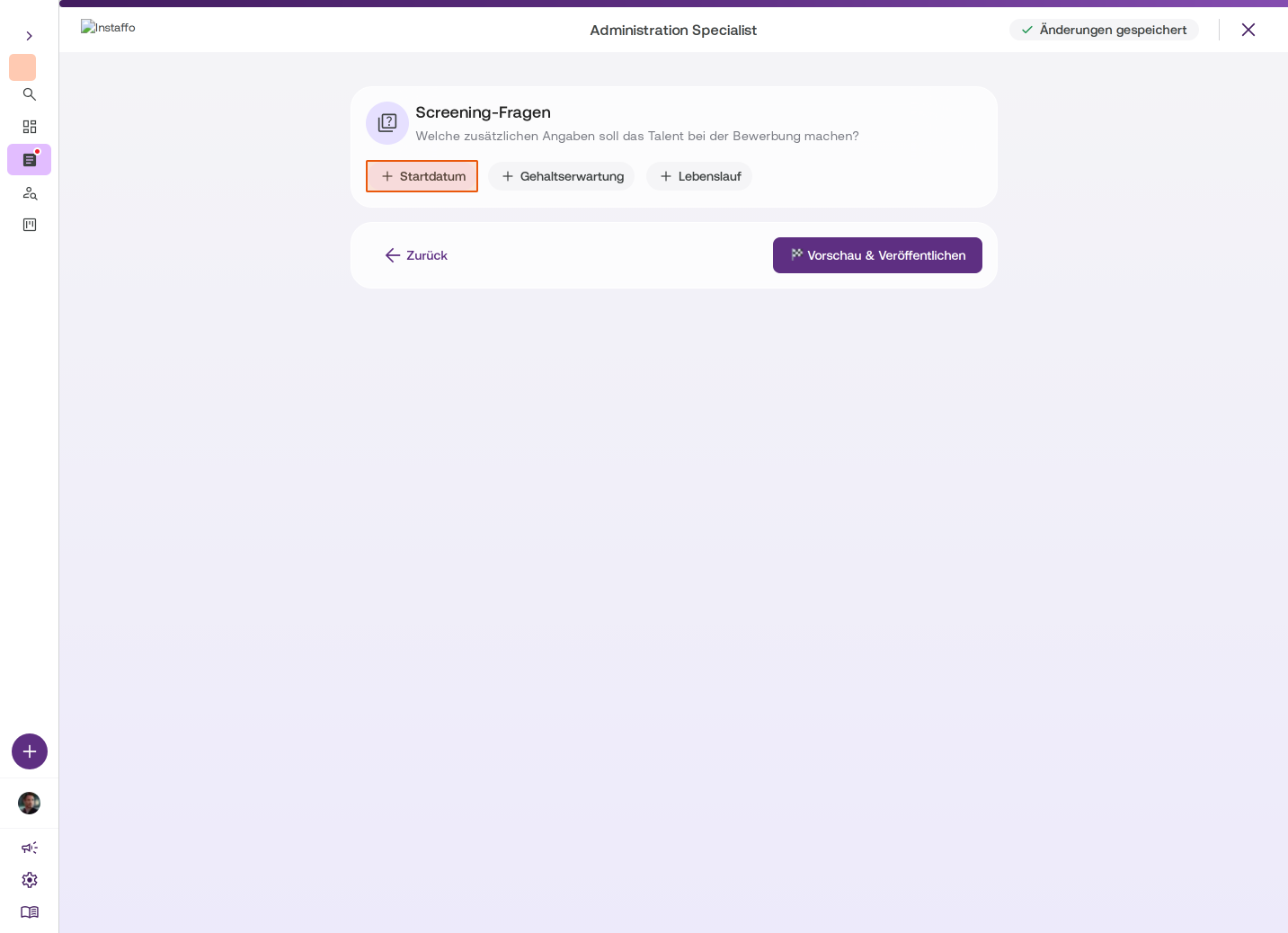
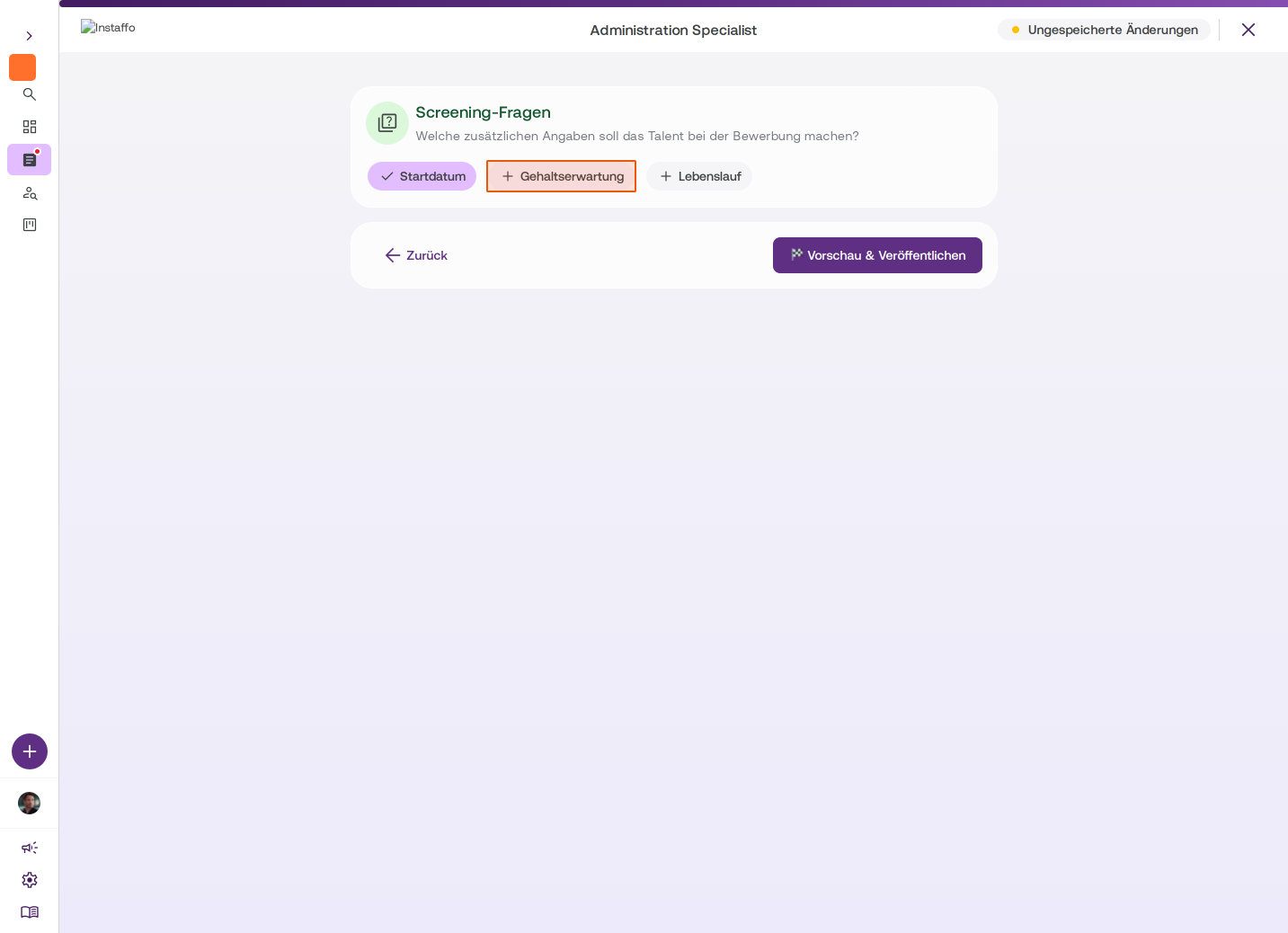
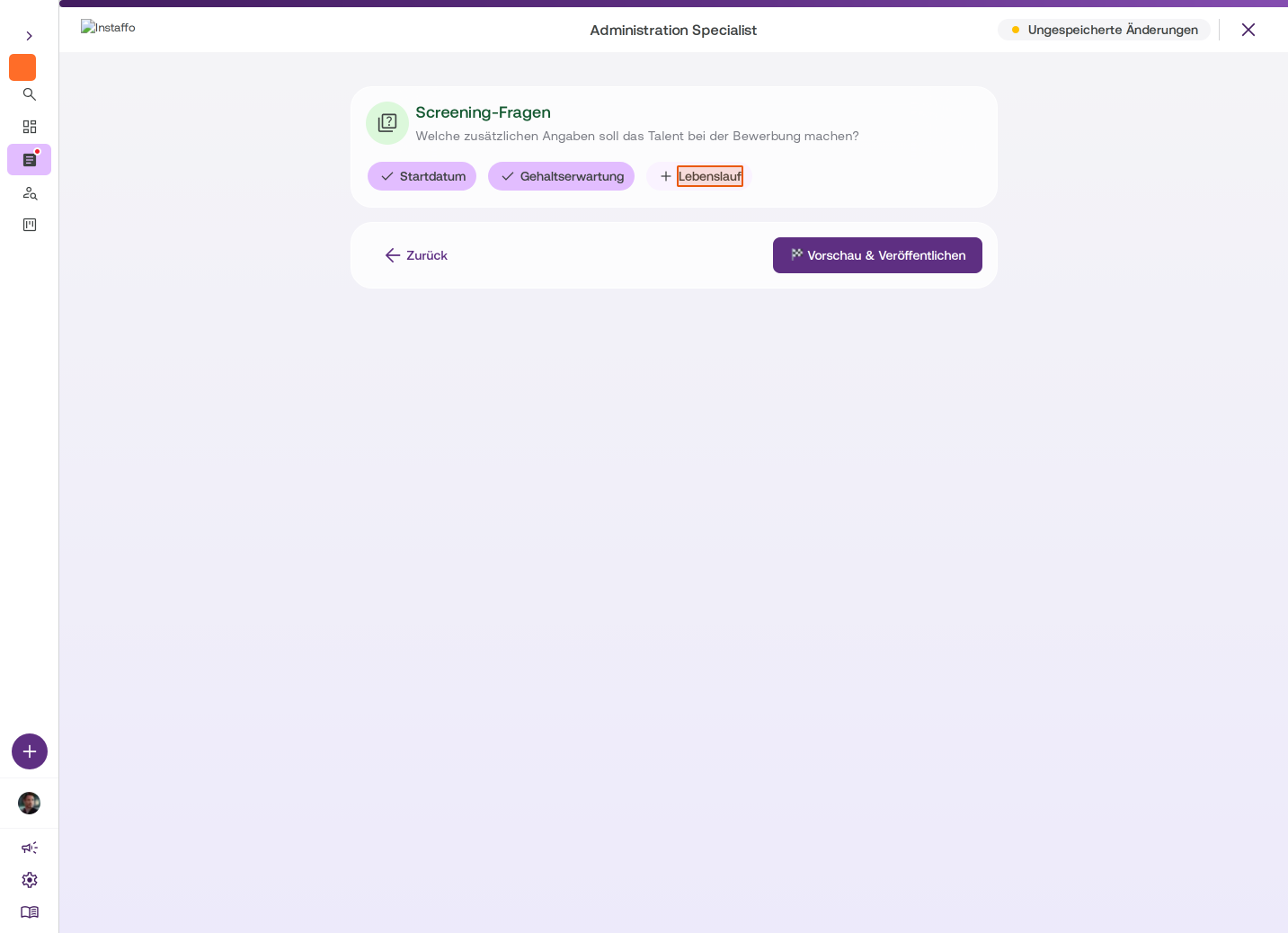
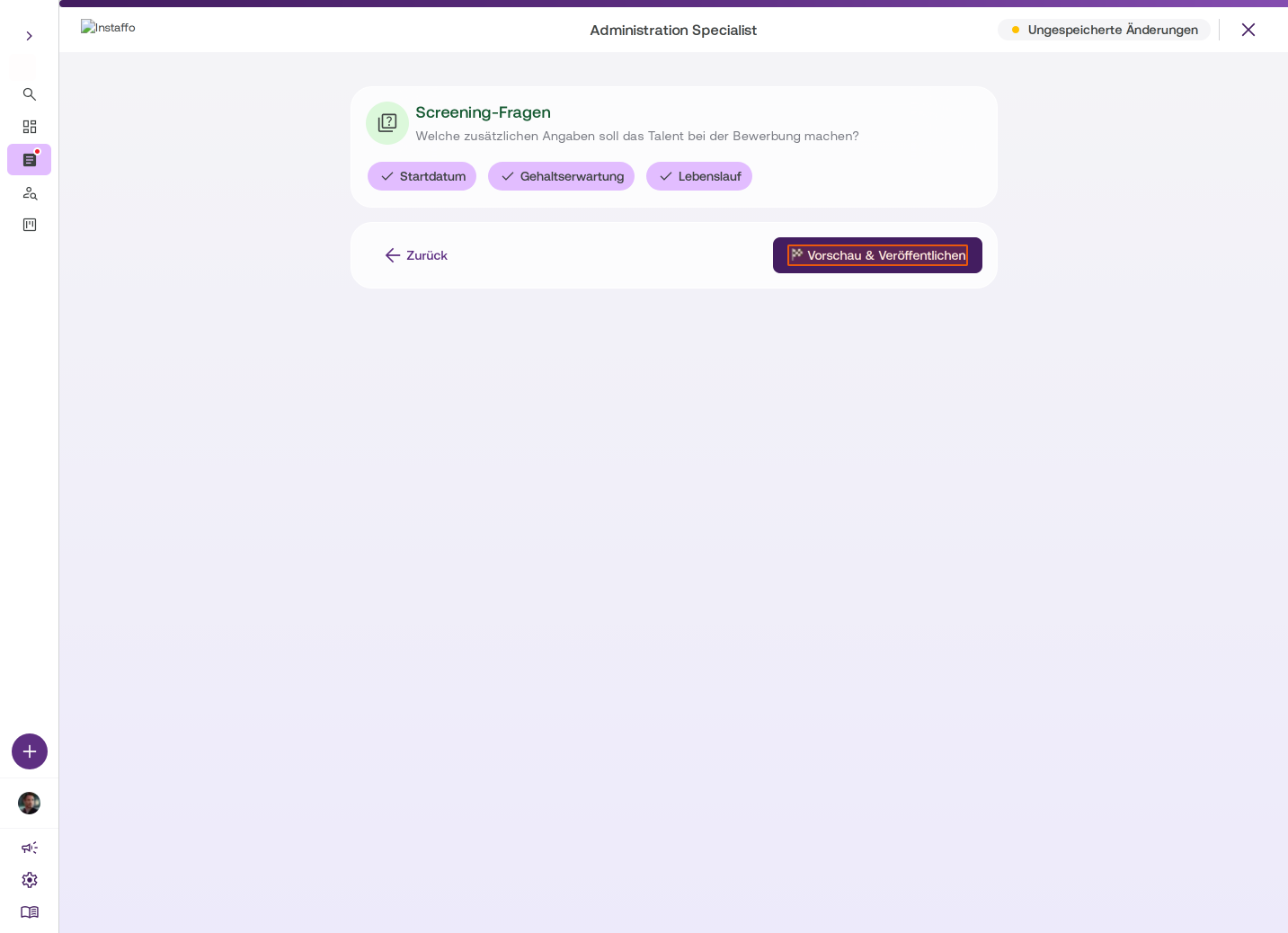
Activate screening questions (optional)
Enable additional questions that talent should answer when applying:- Start date
- Salary expectations
- Resume
Preview and publish
-
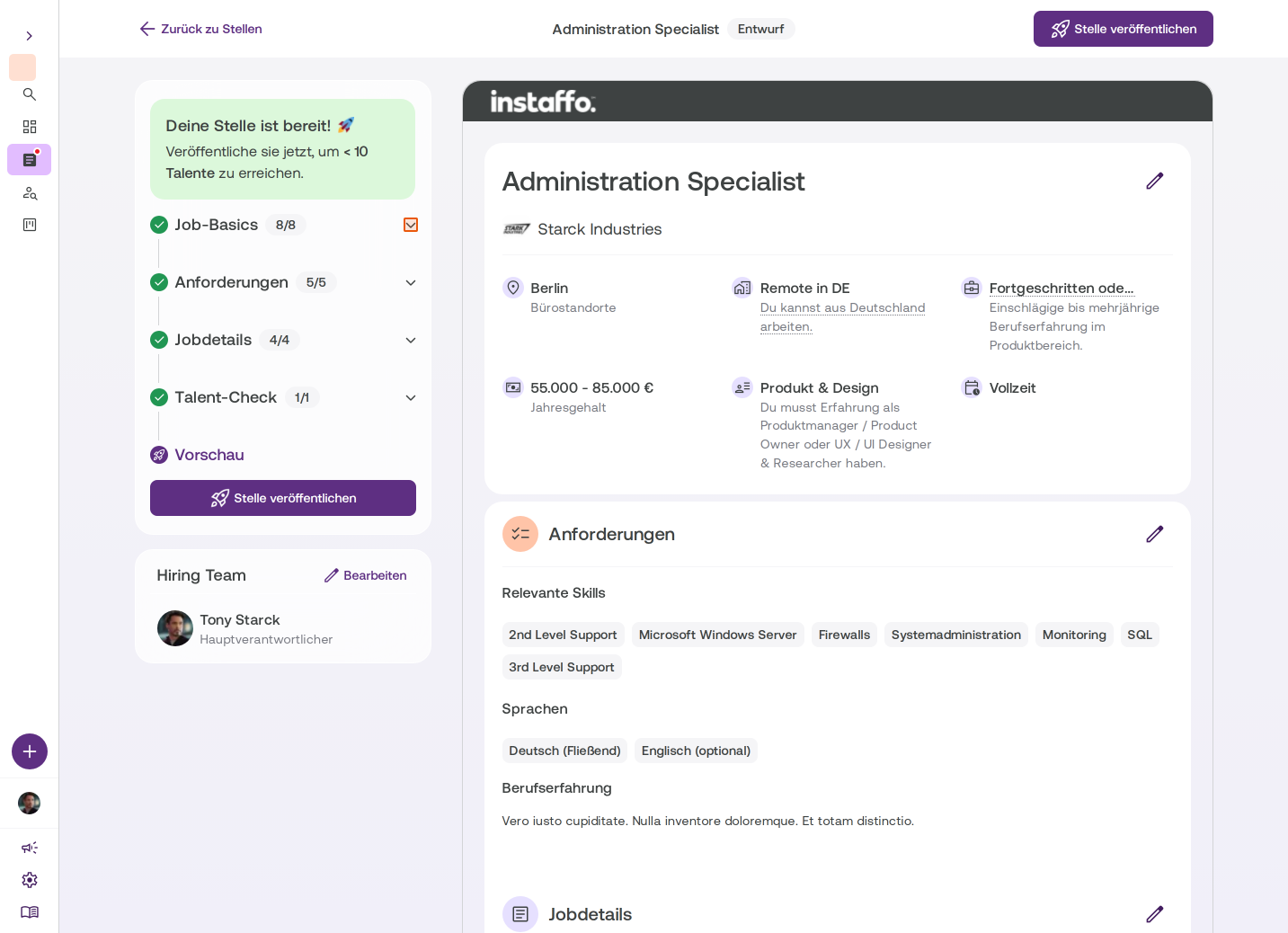
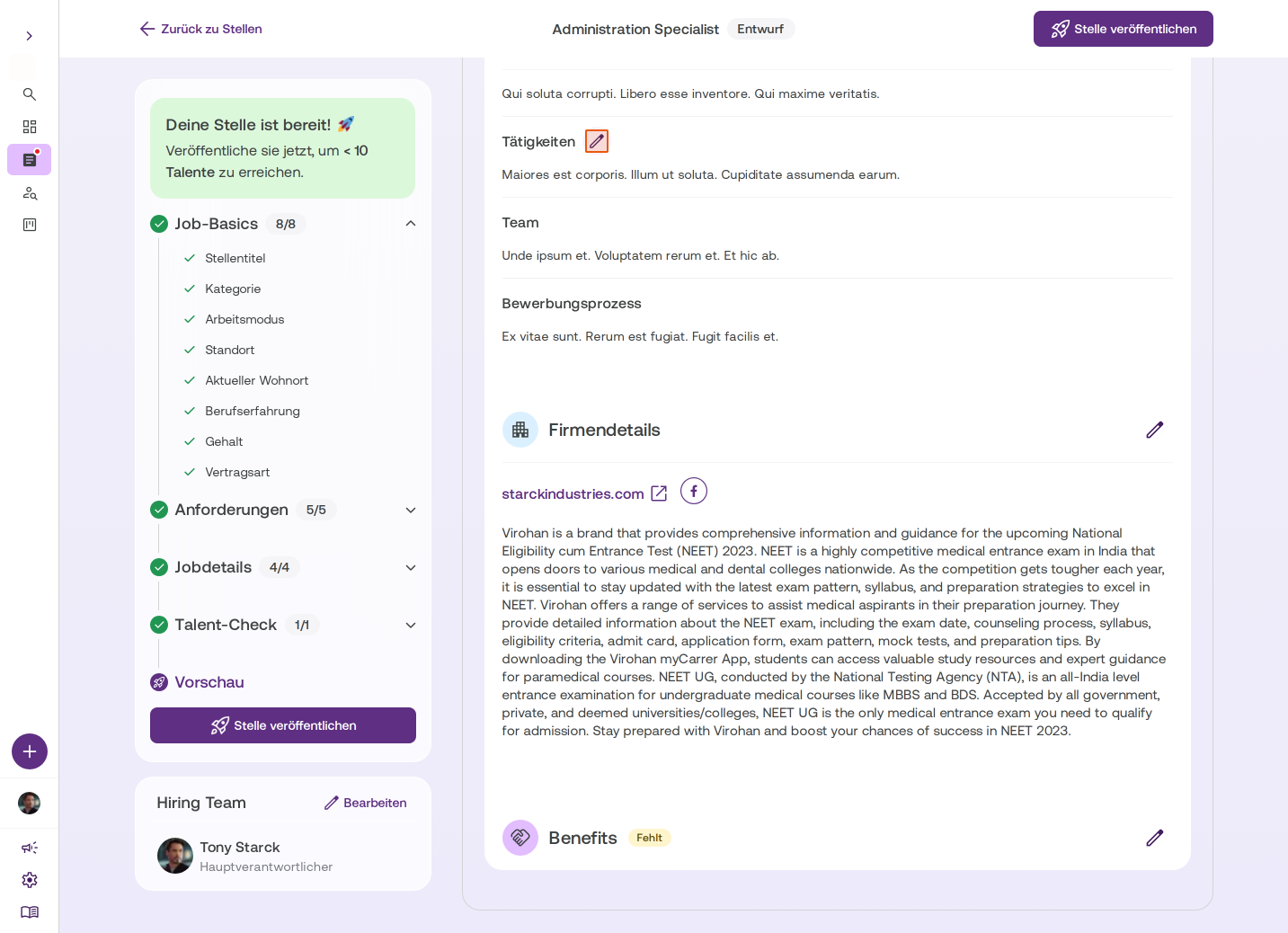
Review the job posting in preview
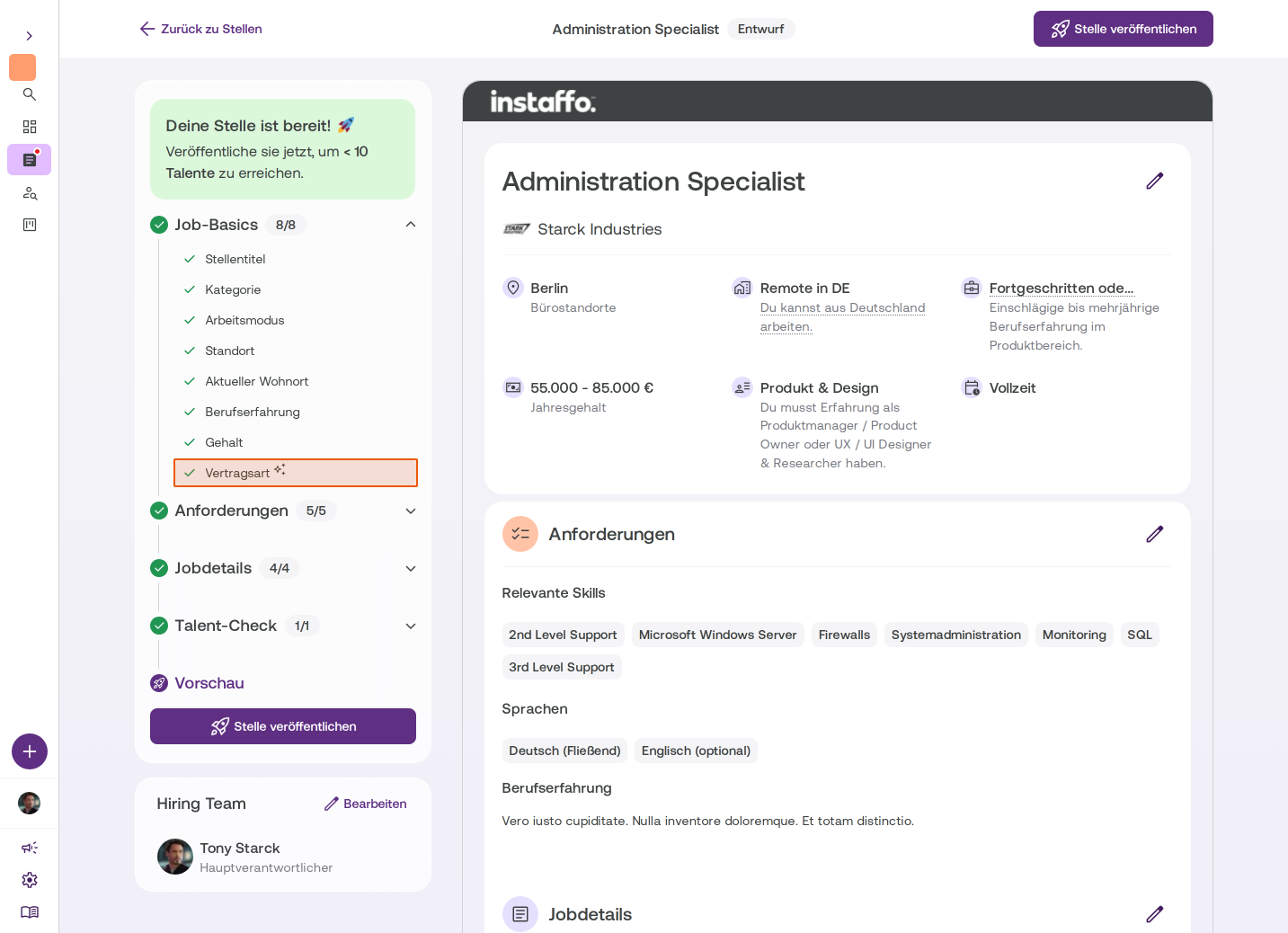
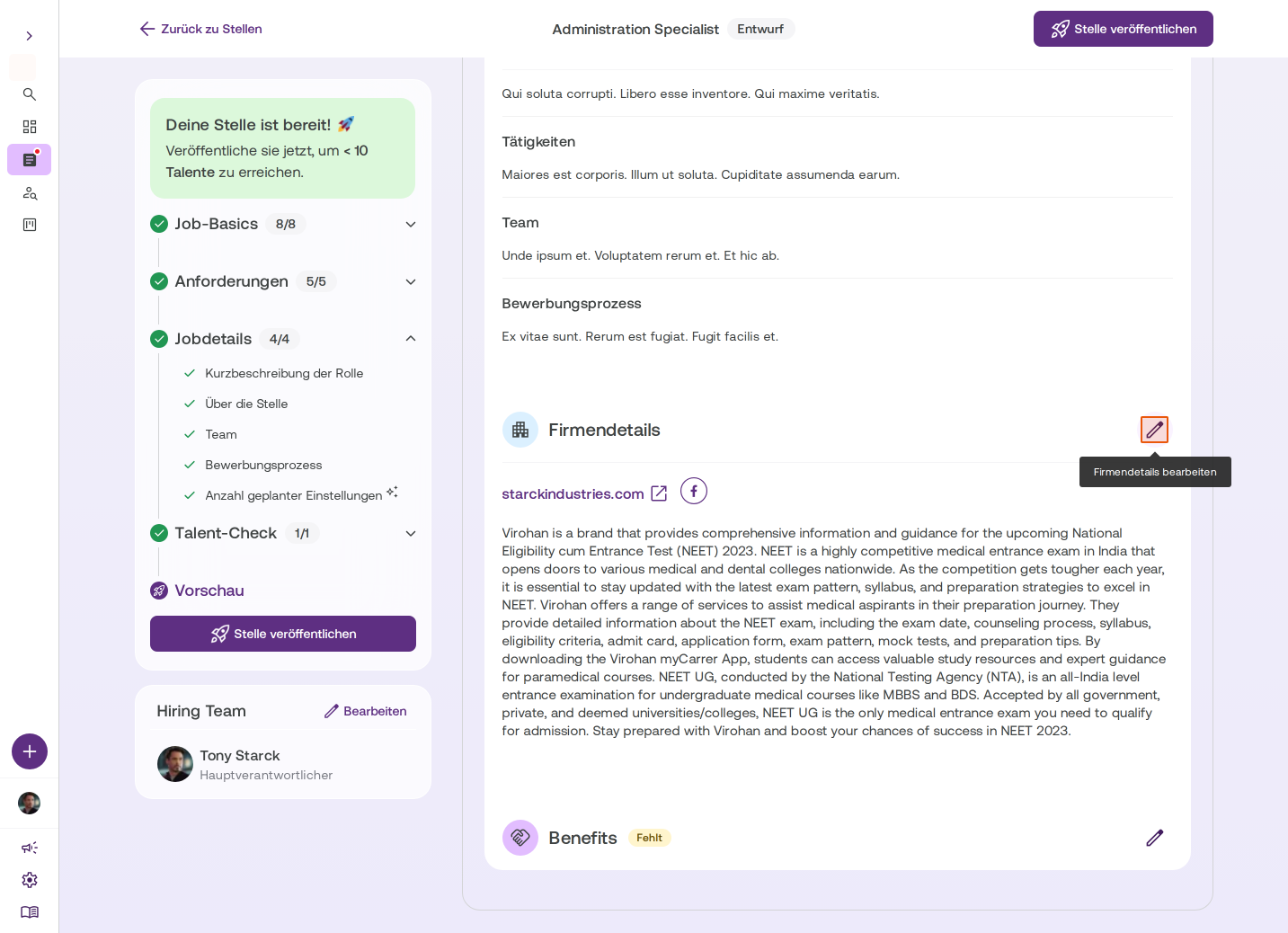
In the preview, you'll see how the job posting will look to talent. You'll find all the sections you've edited here. Fields with a small asterisk were pre-filled by Instaffo. You can edit all sections directly from the preview. -
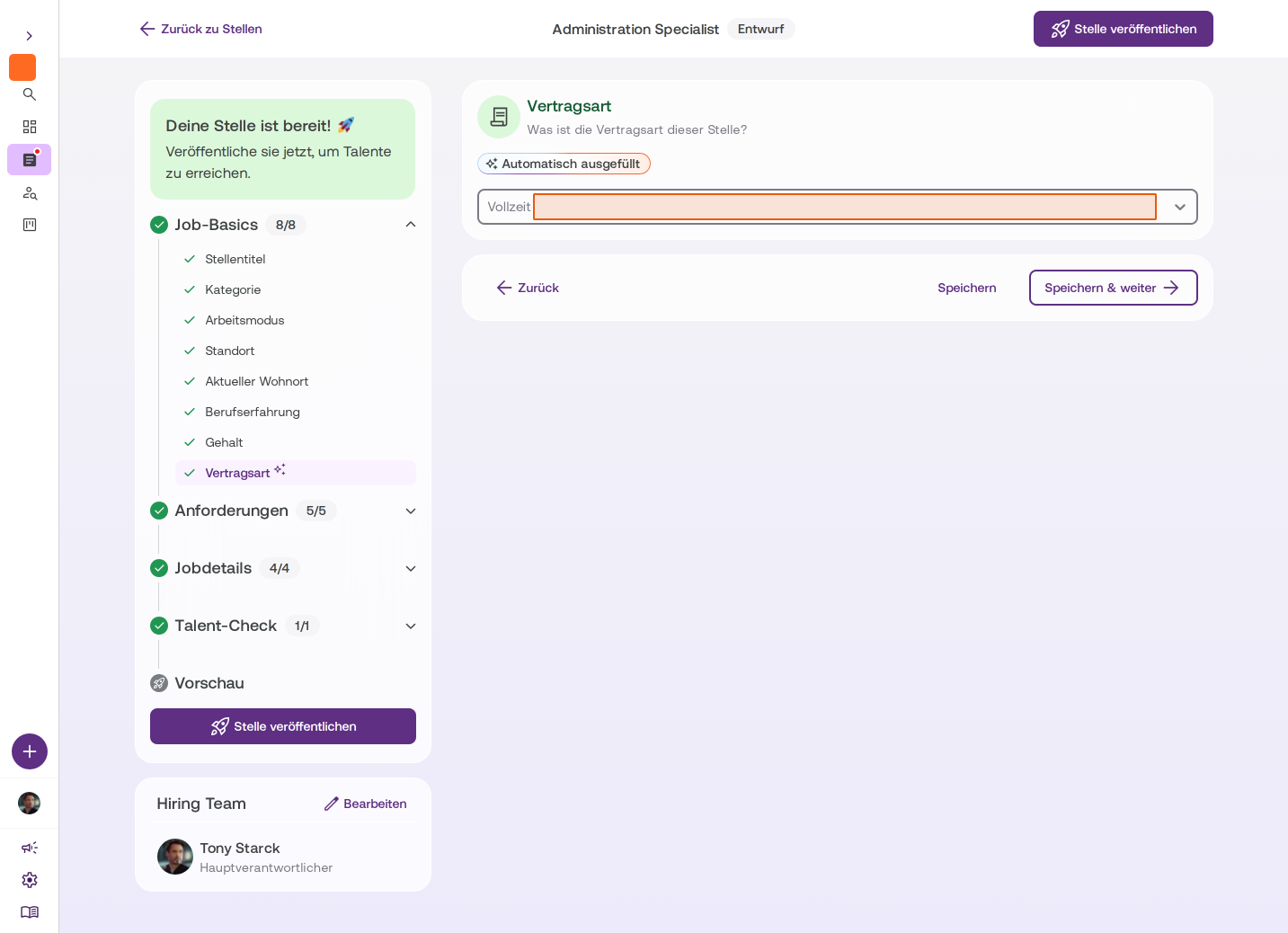
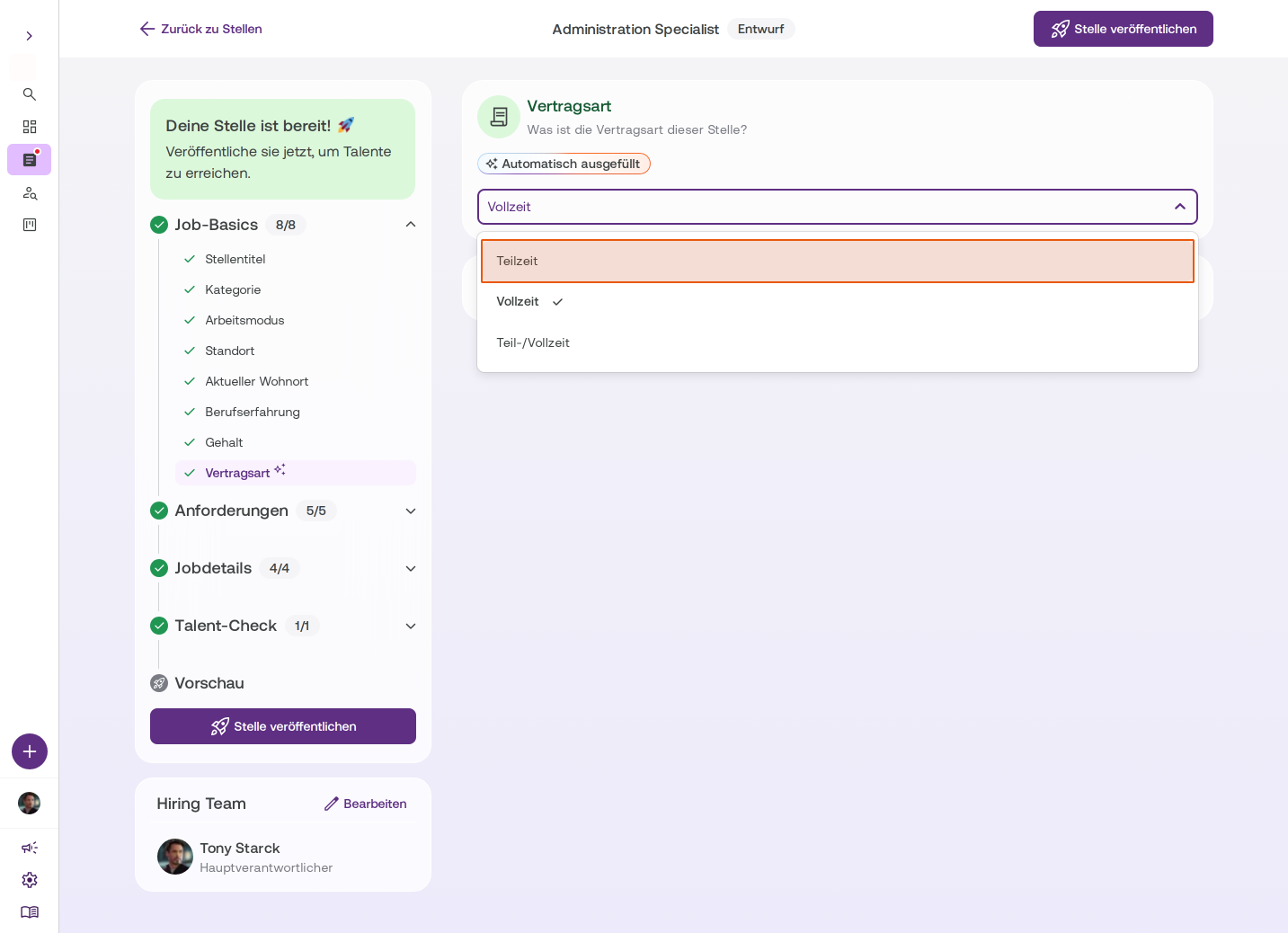
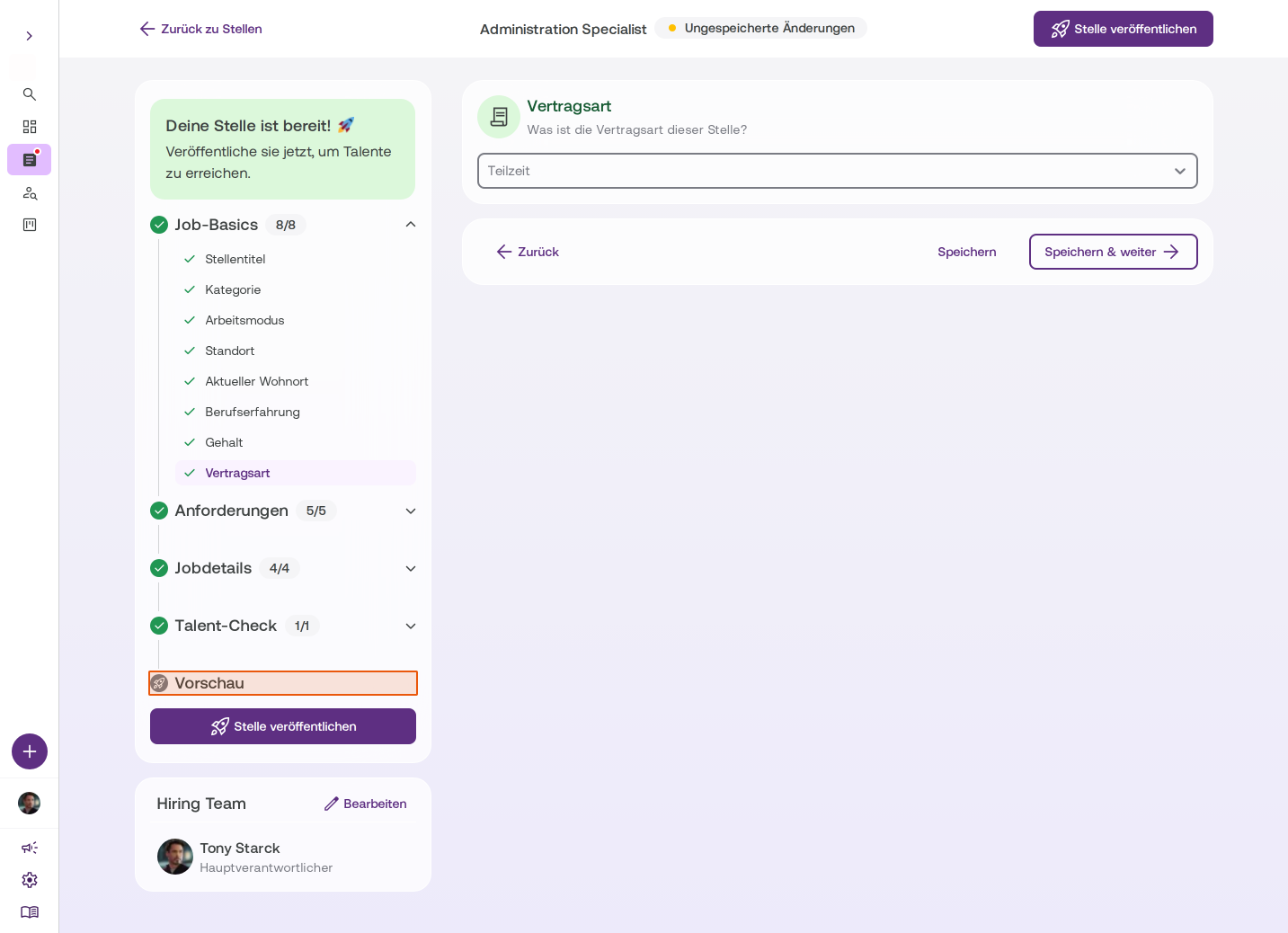
Adjust contract type
If necessary, change the contract type (full-time, part-time, or part-time/full-time). -
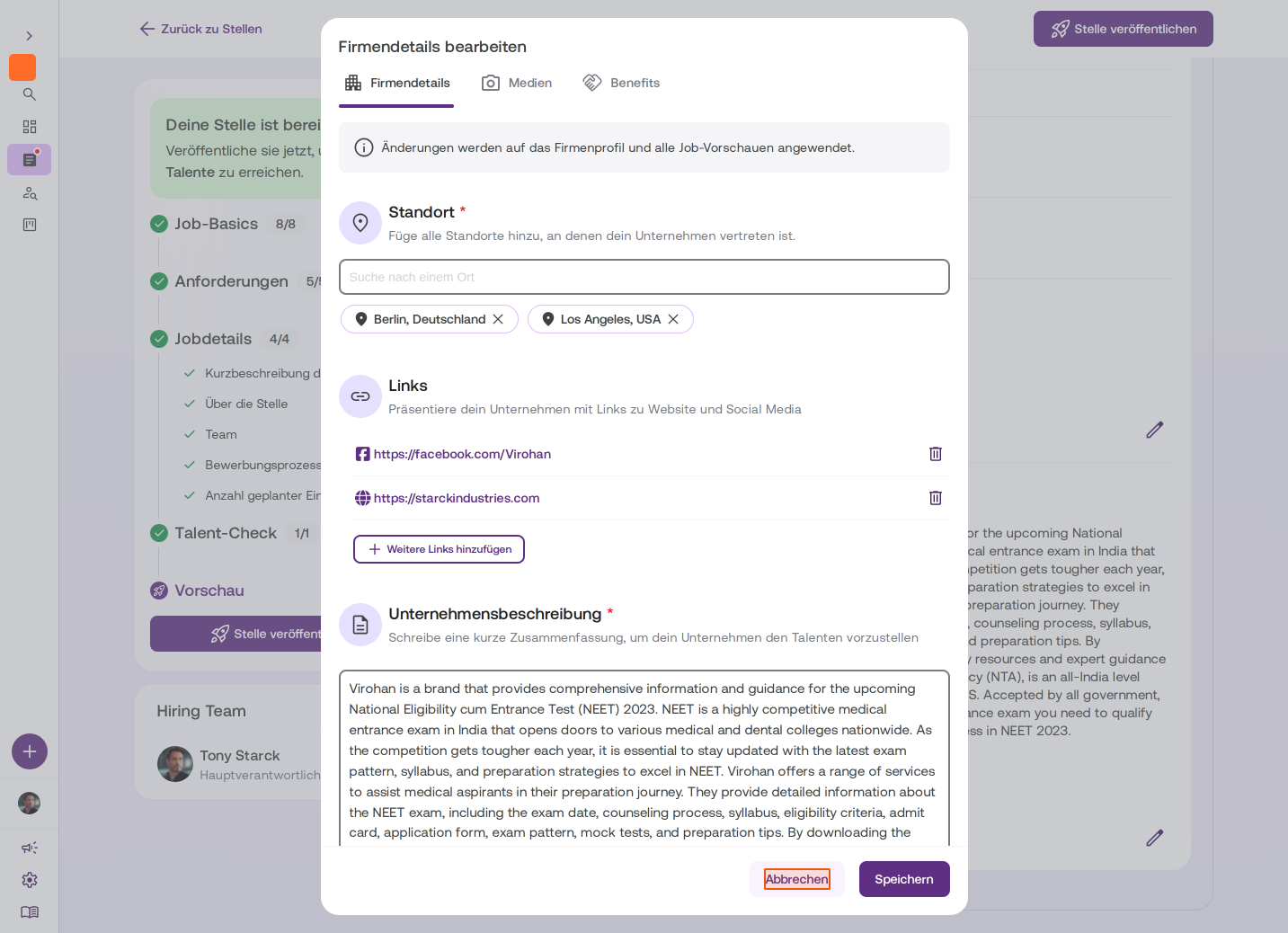
Review company details
The company details come from your company profile. If you change anything here, the change applies to all job postings. -
Add benefits
We recommend specifying benefits - it makes your job posting more attractive to talent. -
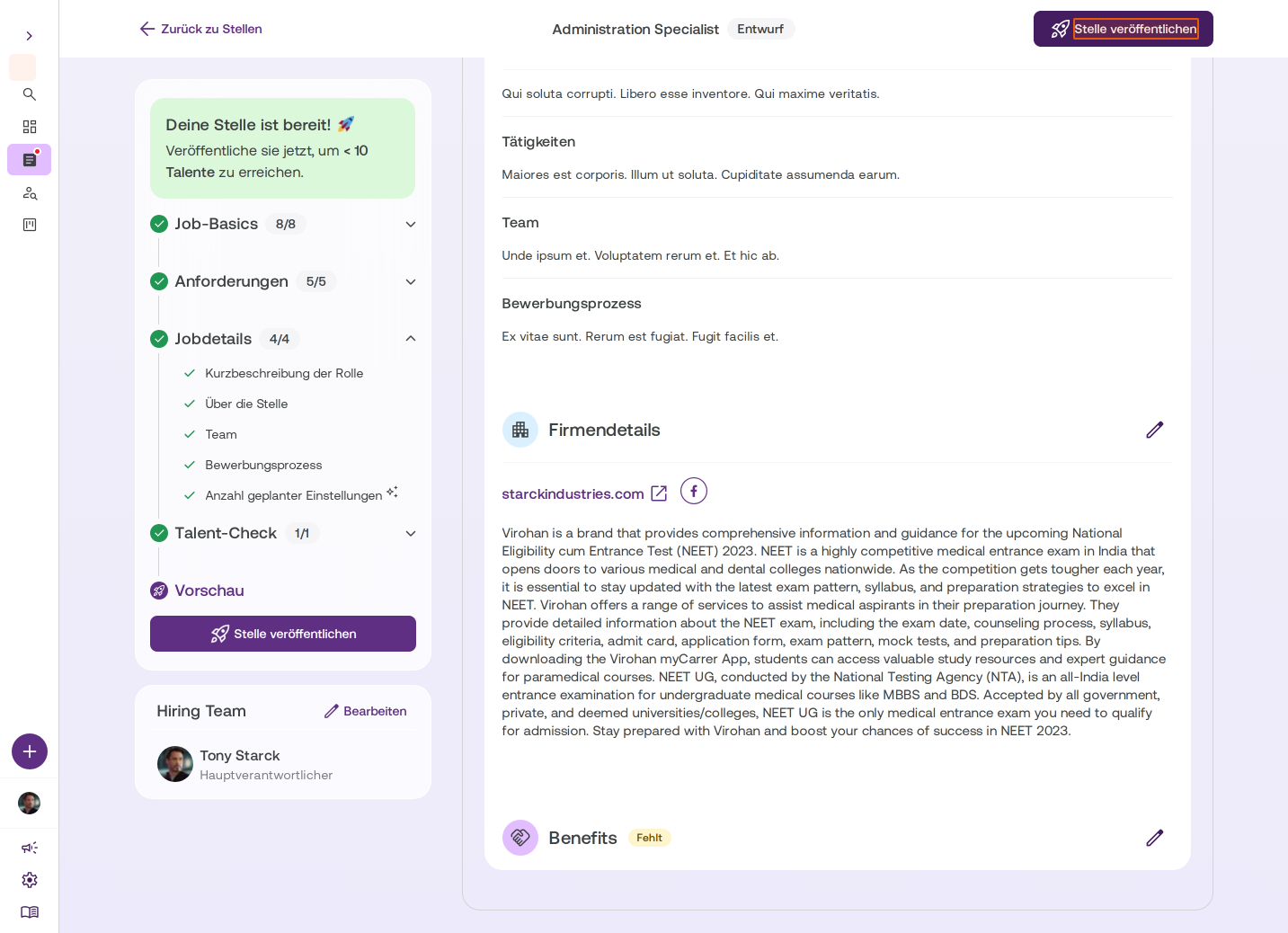
Publish the job posting
When you're satisfied with everything, click Publish Job to go live and reach talent.
After you've published the job posting, it's active and you can start receiving applications from suitable talent.
 Powered by happysupport.ai