
What's the Easiest Way to Find Jobs and Talent in Instaffo?
Use the global search feature with Ctrl+K or Cmd+K to quickly find jobs, applications, and talent across Instaffo
In this article, you'll learn how to use the global search feature in Instaffo to quickly and easily find jobs, applications, and talent. With the global search function, you can navigate directly to the entries you're looking for without having to click through different menus.

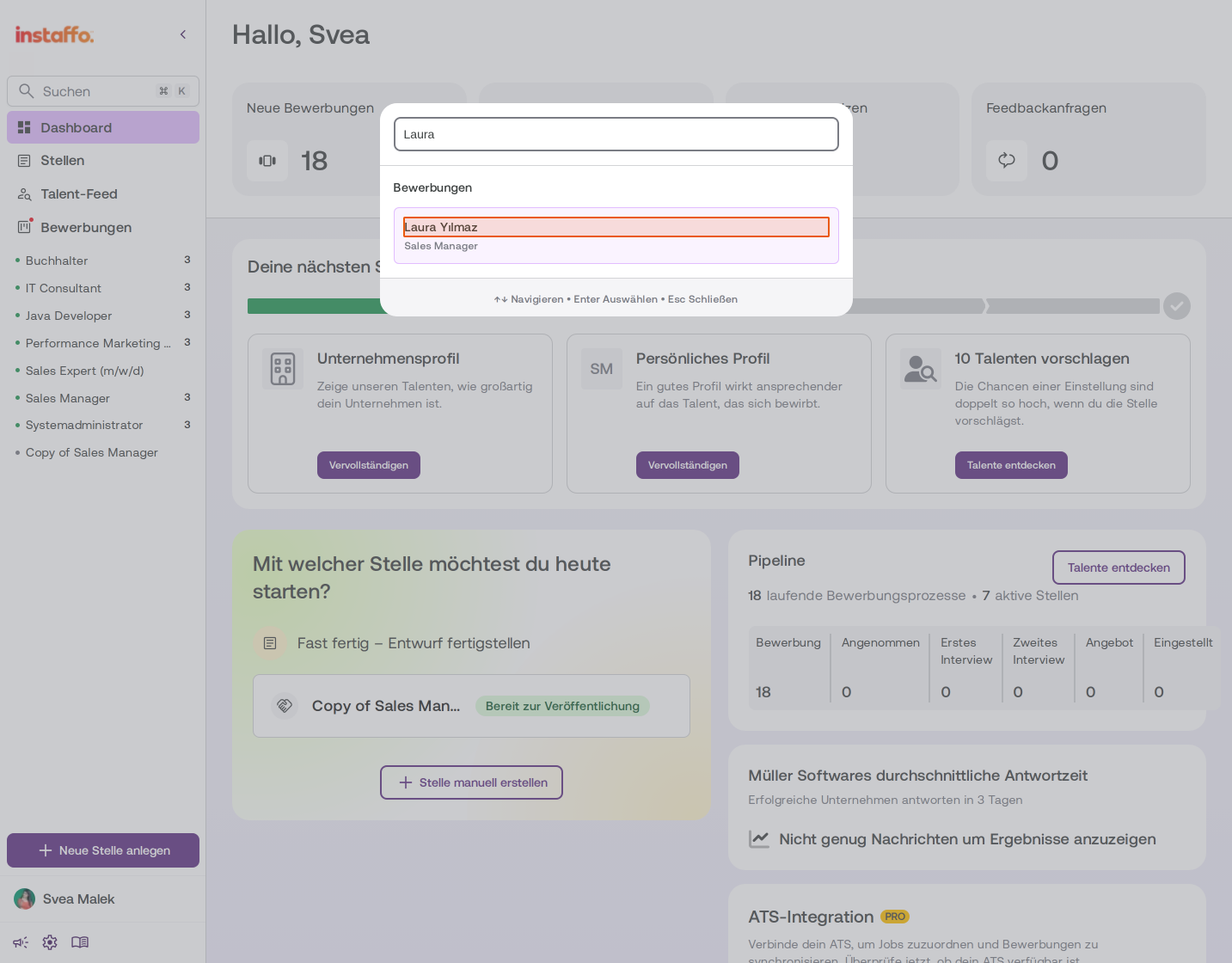
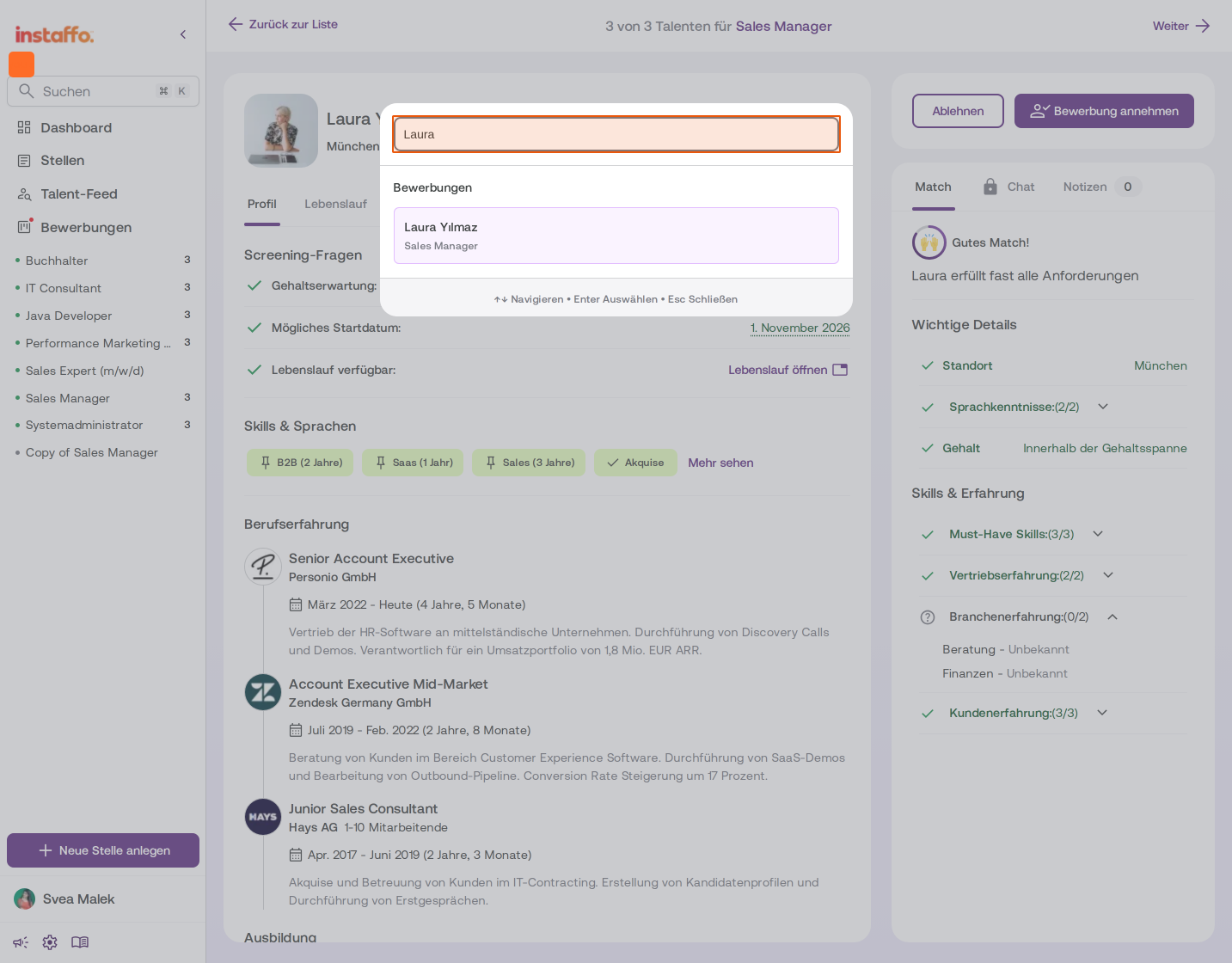
Opening the Global Search
-
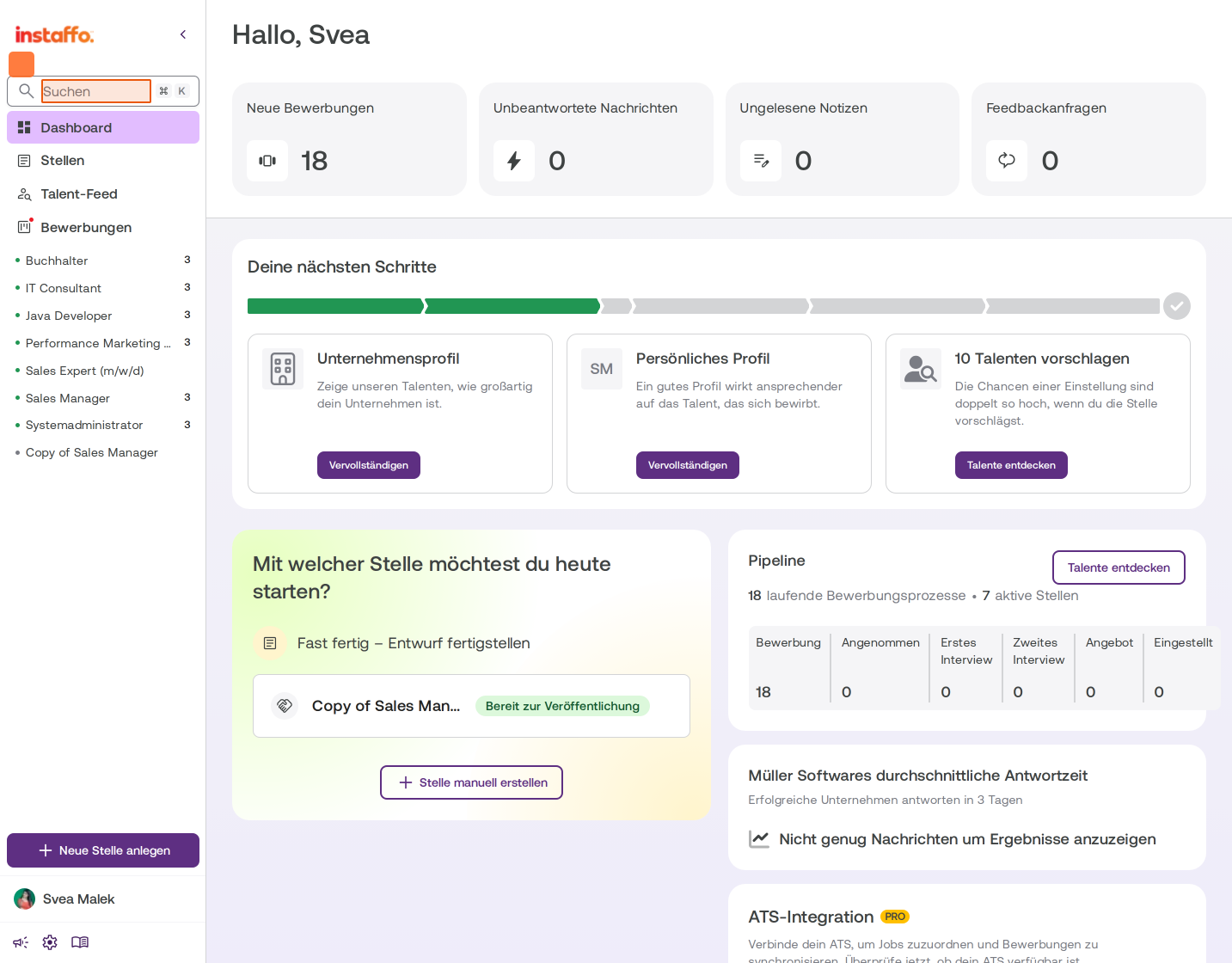
Activate the search field in the dashboard
Click on the search field in the left sidebar directly below the Instaffo logo. The field displays the placeholder text "Search" and a magnifying glass icon. -
Alternative: Use a keyboard shortcut
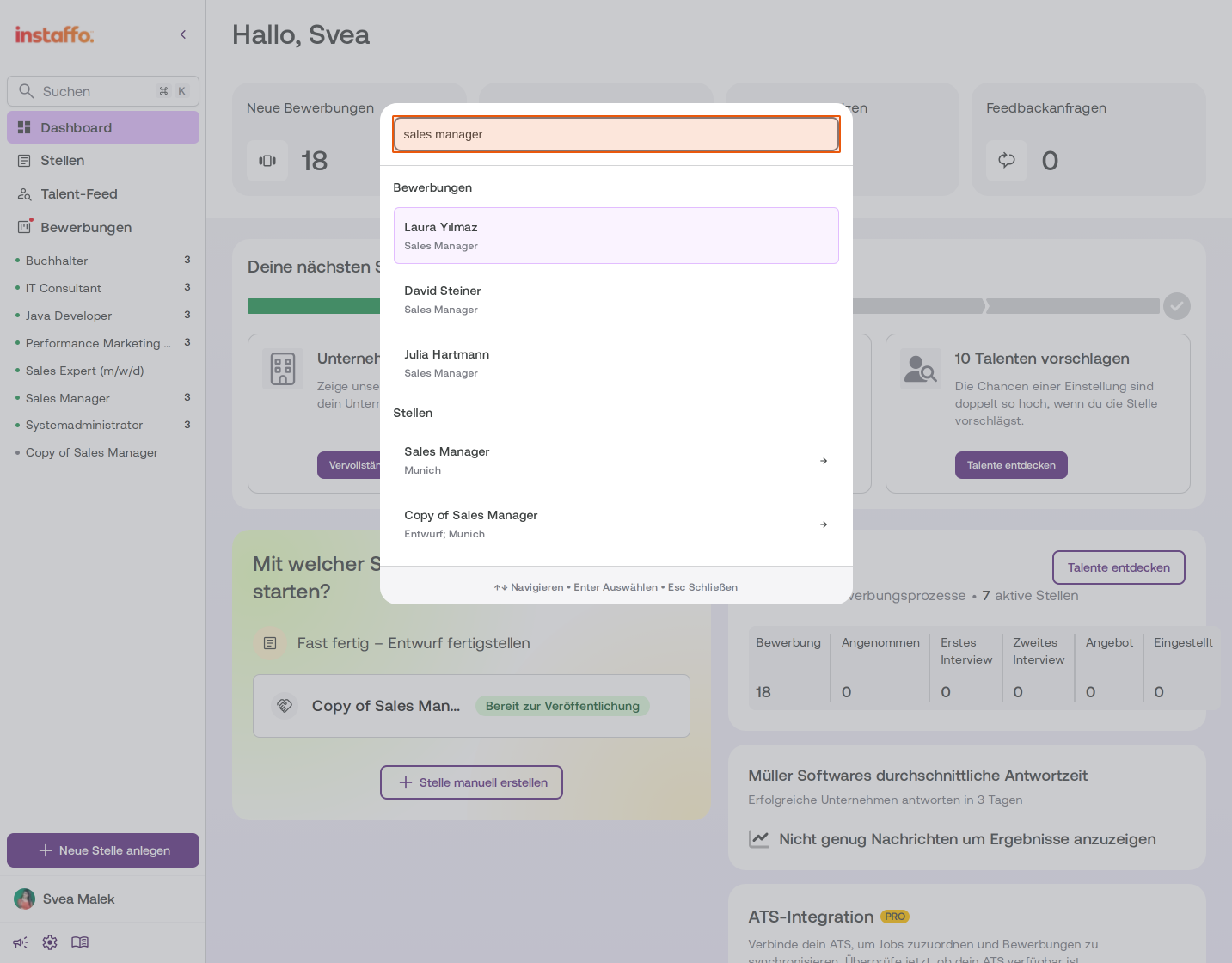
You can also open the search using the shortcut Ctrl + K (Windows) or Cmd + K (Mac). The search field will then be displayed as a central overlay.
Searching for Jobs and Applications
-
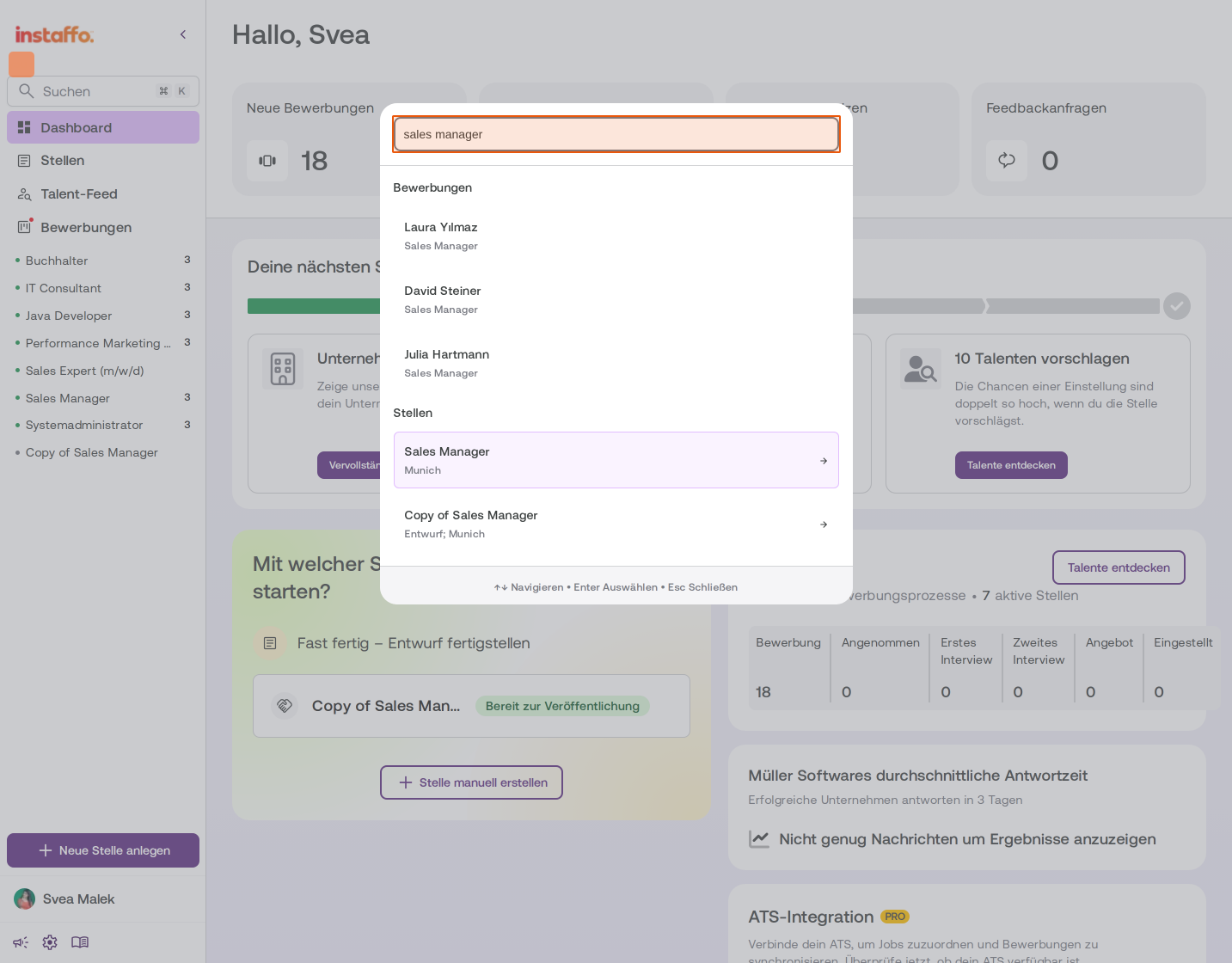
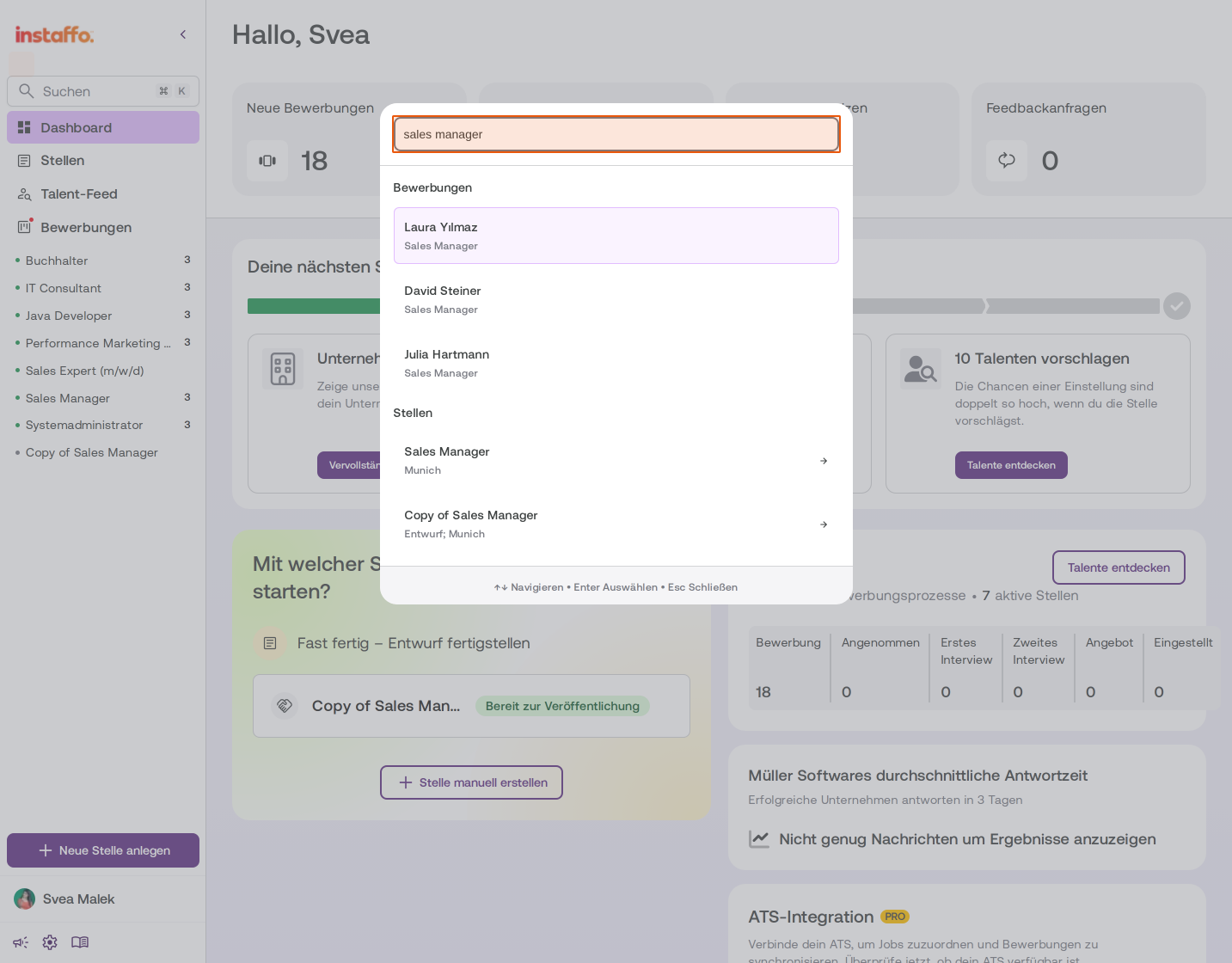
Enter your search term
Type your search term into the search field, for example "Sales Manager". The results are automatically displayed in two categories:- Applications: Shows matching talent for the job you're looking for
- Jobs: Shows the corresponding job listings
-
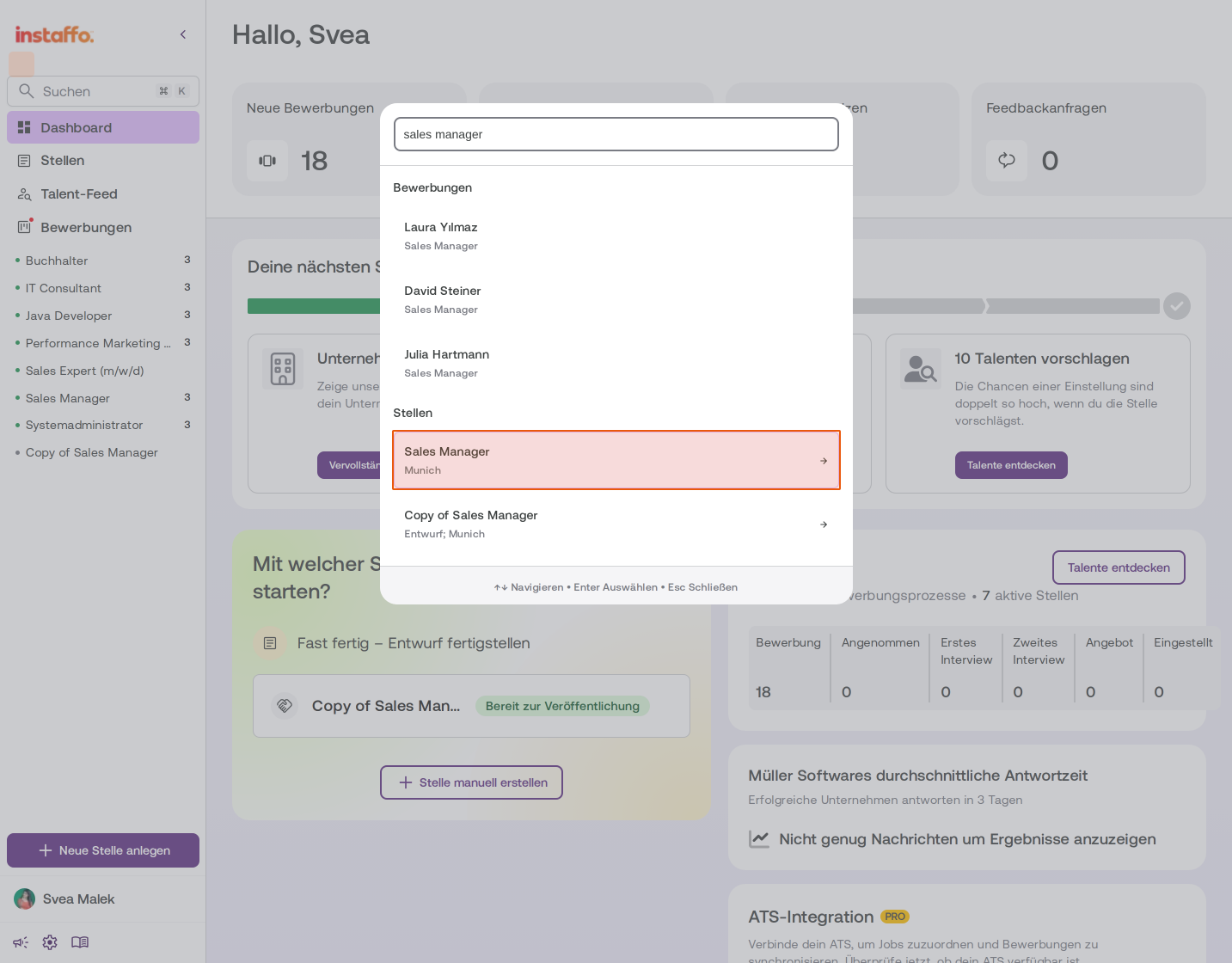
Select a job from the search results
Click on a job in the results list under "Jobs". The selected job will be highlighted with a light background.
-
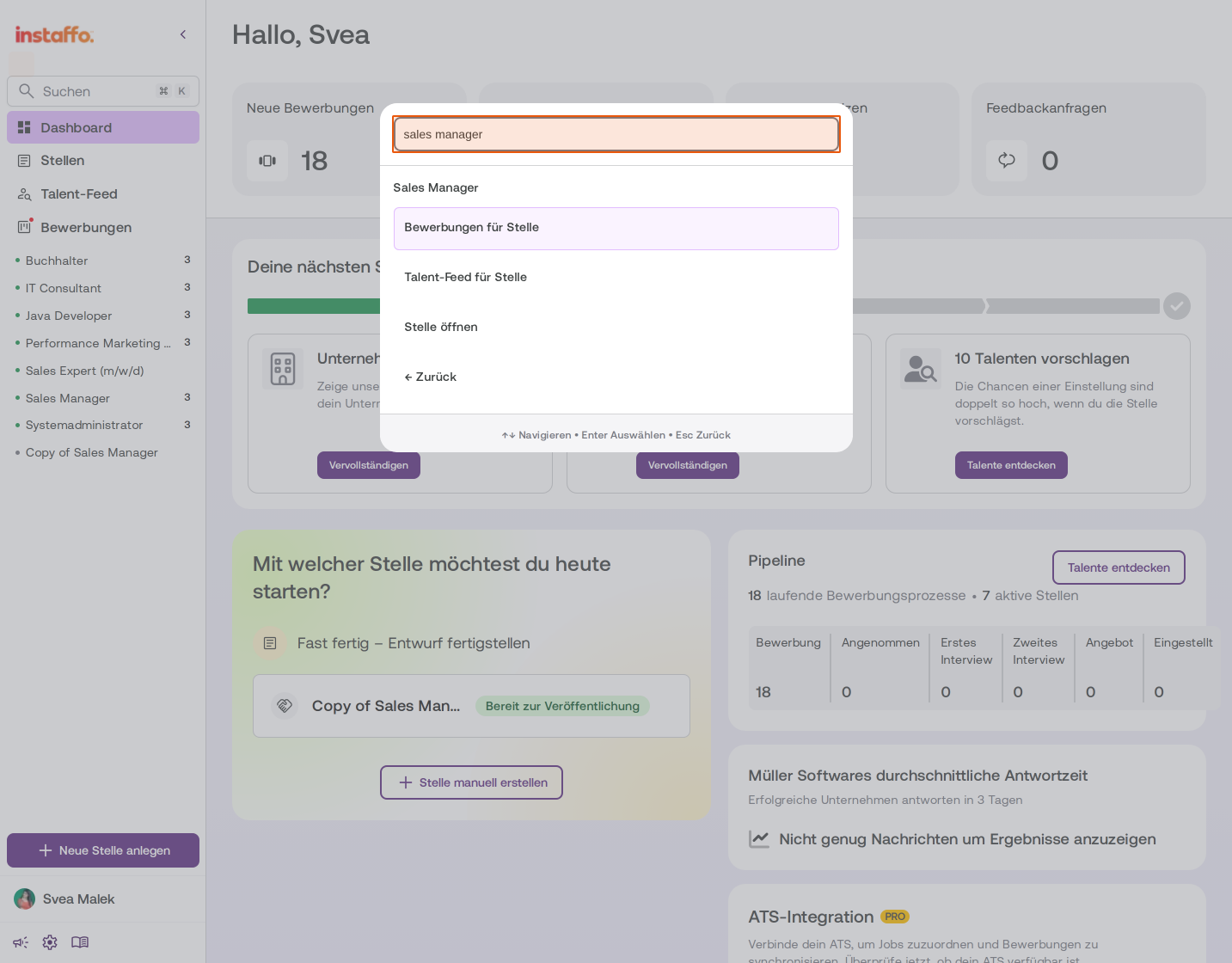
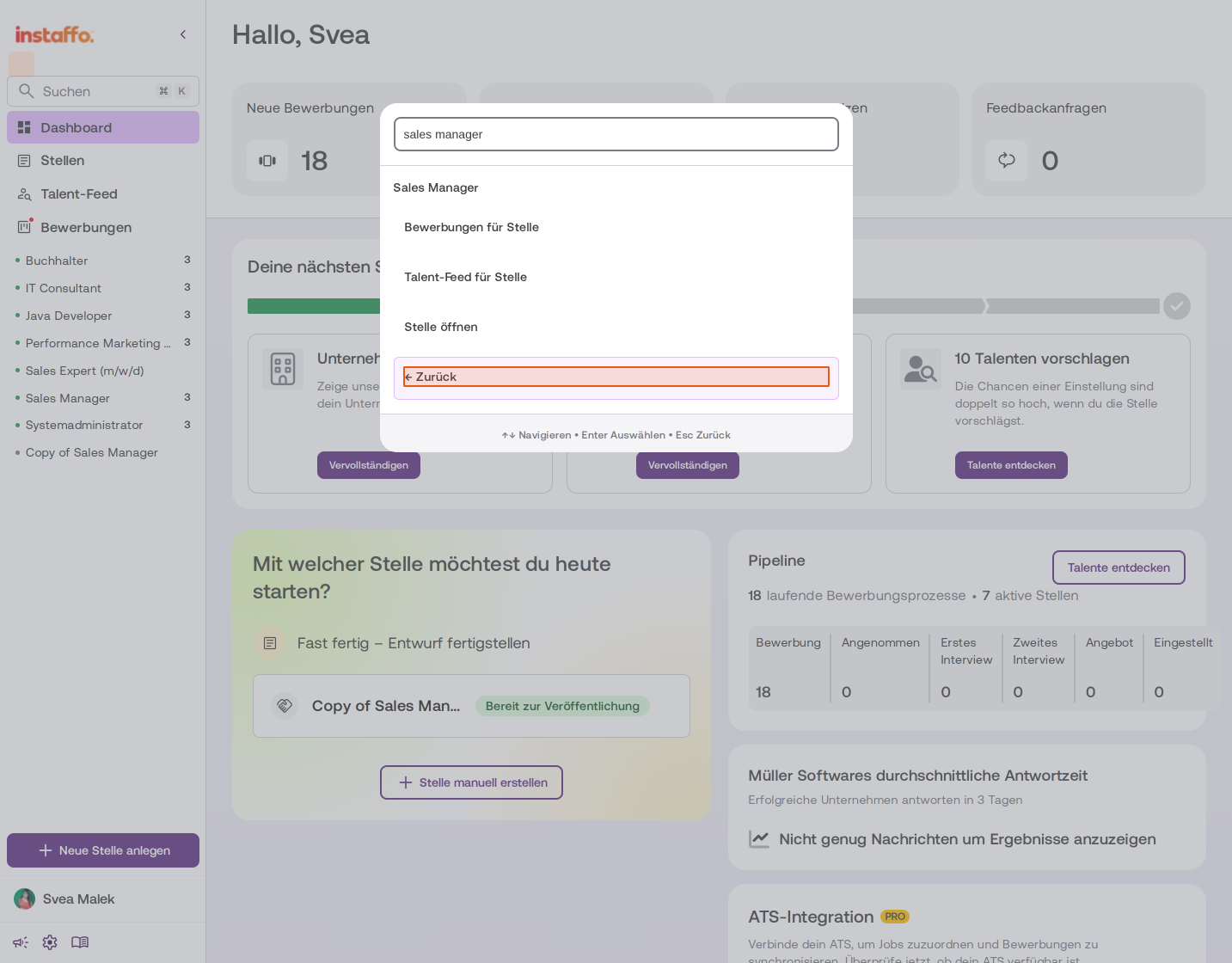
Use actions for the selected job
After selecting a job, you have several options available:- Applications for job: Shows all applications for this job
- Talent feed for job: Opens the talent feed with matching talent
- Open job: Opens the job details directly
-
Return to the previous view
Click on "← Back" to return to the main overview of your search results.
Search for Talent Directly
-
Find talent in the search
The search displays up to five matching jobs and up to five matching application processes, each sorted by recency. The results list is scrollable, so you can browse through all the displayed results. -
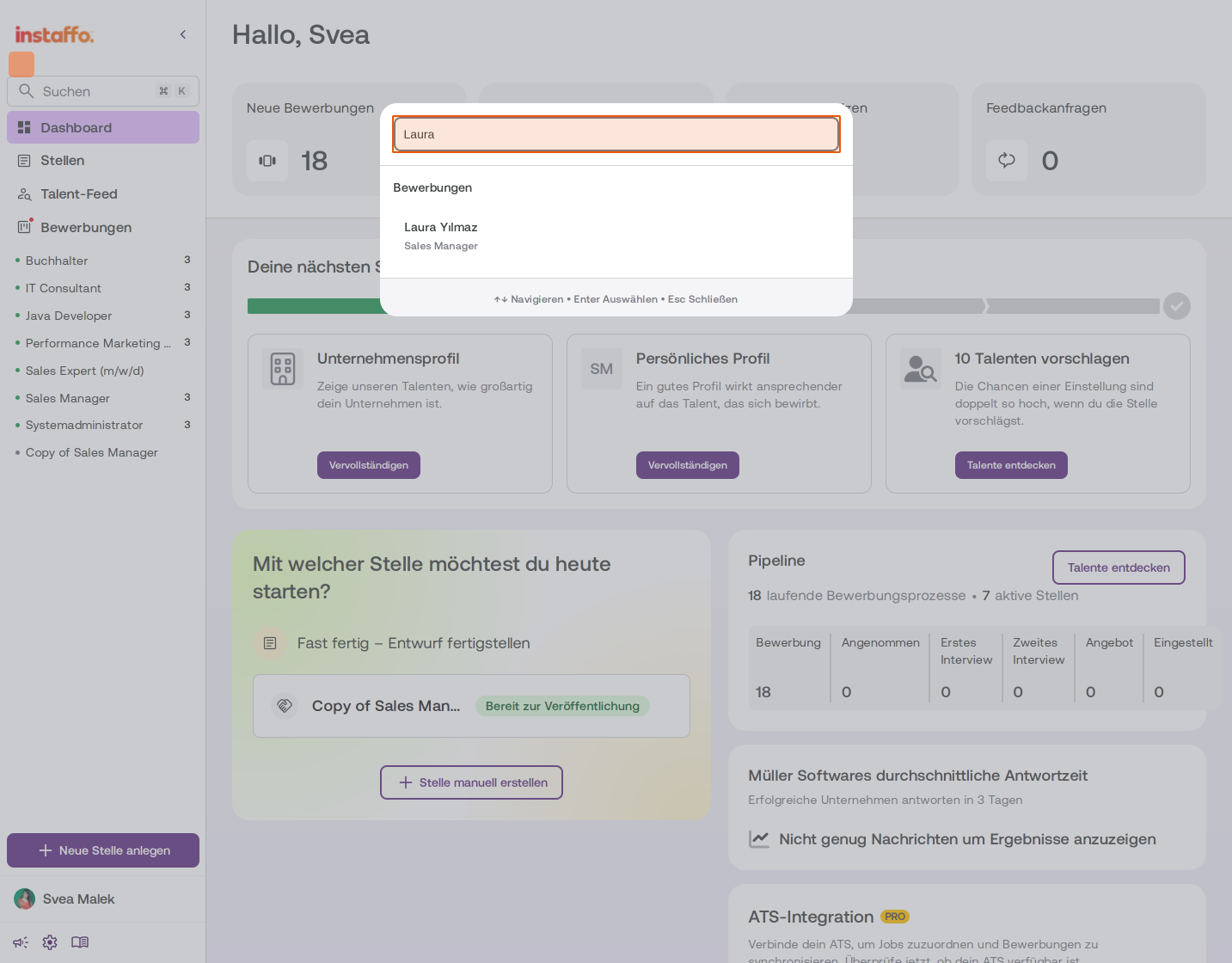
Enter the talent's name
Type a talent's name into the search field, for example "Laura". The matching results will appear immediately under the "Applications" category. -
Select the talent
Click on the desired talent in the results list. You'll go directly to the talent profile with all relevant information such as screening questions, salary expectations, skills, and work experience.
You can navigate up and down using the arrow keys. You can close the search again using the Esc key.
With the global search, you can find jobs and talent in Instaffo quickly and easily - either through the search field in the sidebar or using the keyboard shortcut Ctrl/Cmd + K.
 Powered by happysupport.ai