
How do you move applications to another job?
Move candidate applications between open positions using the position dropdown to match talented applicants to better-fitting roles.
This feature is part of Instaffo Professional
Would you rather consider a talent for another open position at your company? Here’s how to get talents where they’re the best fit. 💼✨

🚀 Move an application: here’s how
Note: This feature is available exclusively with the Instaffo Professional package.
-
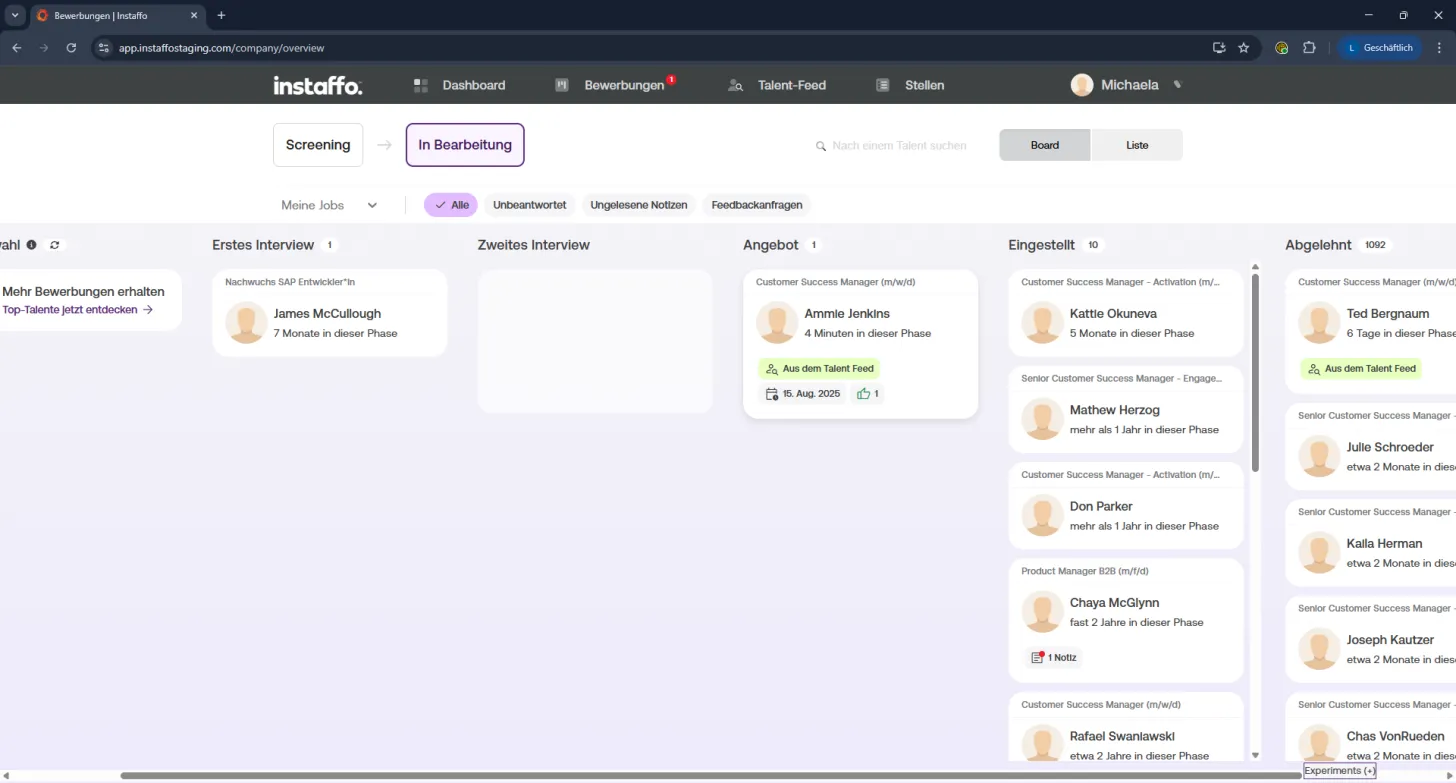
Select an application
Go to your application overview and click the card for the talent you want to move. -
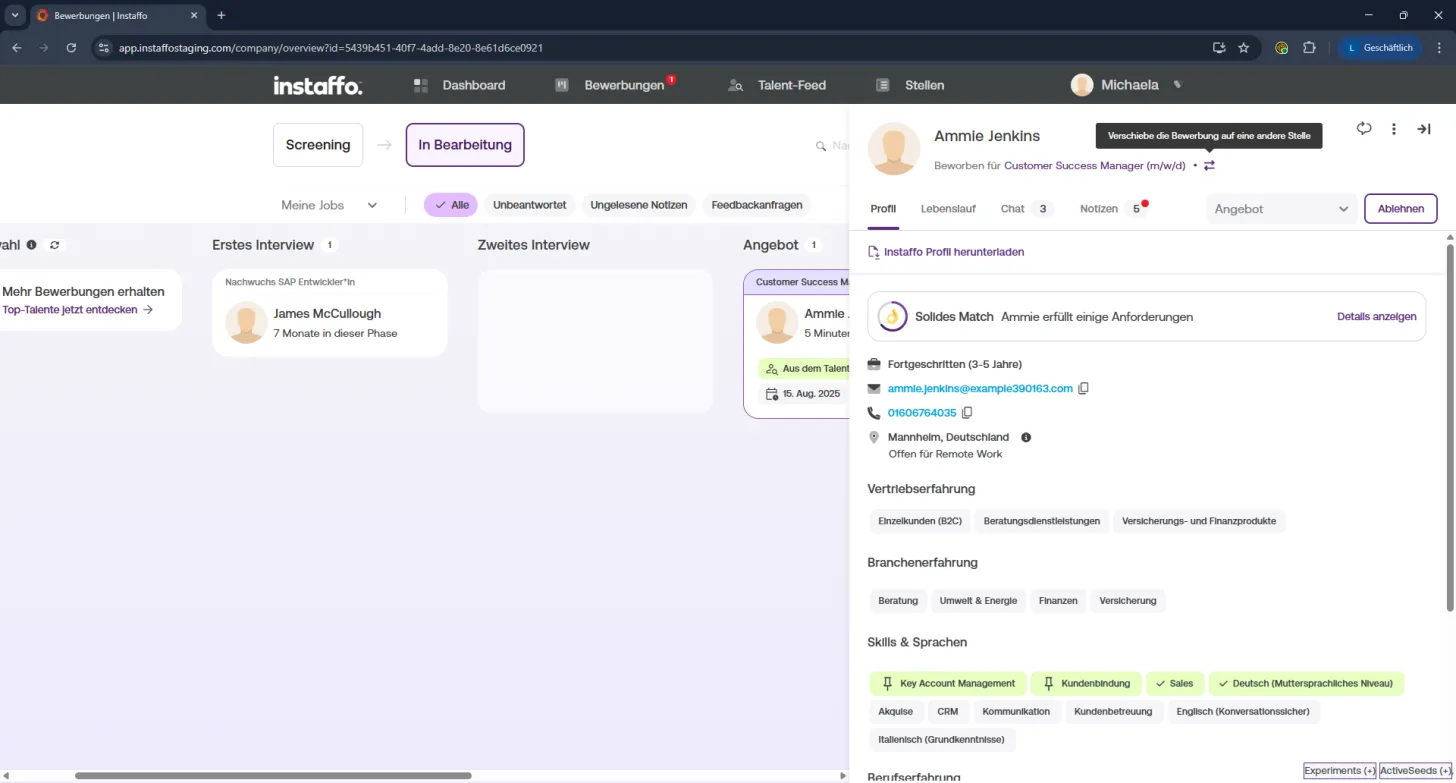
Open the move option
Click the three-dot menu in the application sidebar and select „Bewerbung verschieben“. -
Select the target position
A dropdown with your active positions will open in the „Verschiebe die Bewerbung auf eine andere Stelle“ window. -
Choose a new position
Click the position that’s a better fit for the talent.
It will then be added to the selection field automatically. -
Confirm the move
Click „Verschieben“ to assign the talent to the new position.
A new chat for the new position will start automatically after the move. Your previous messages will, of course, still be there.
💡 Curious about even more smart features?
Talk to your account manager to discover all the benefits of the Instaffo Professional package.
👇 Don’t have the Professional package?
If you’re not using the Professional package yet, you can’t move applications yourself.
But no problem:
Just contact your account manager when you’d like a talent to be considered for another position.
We’ll make sure everything is assigned correctly and documented.
 Powered by happysupport.ai