
How do I accept new applications and open the chat?
Accept new applications and unlock chat from the detail view using the accept button, which moves applications to your Angenommen folder
What you’ll be able to do
You can now accept or reject new applications with a single click. The chat only starts when you’re genuinely interested.
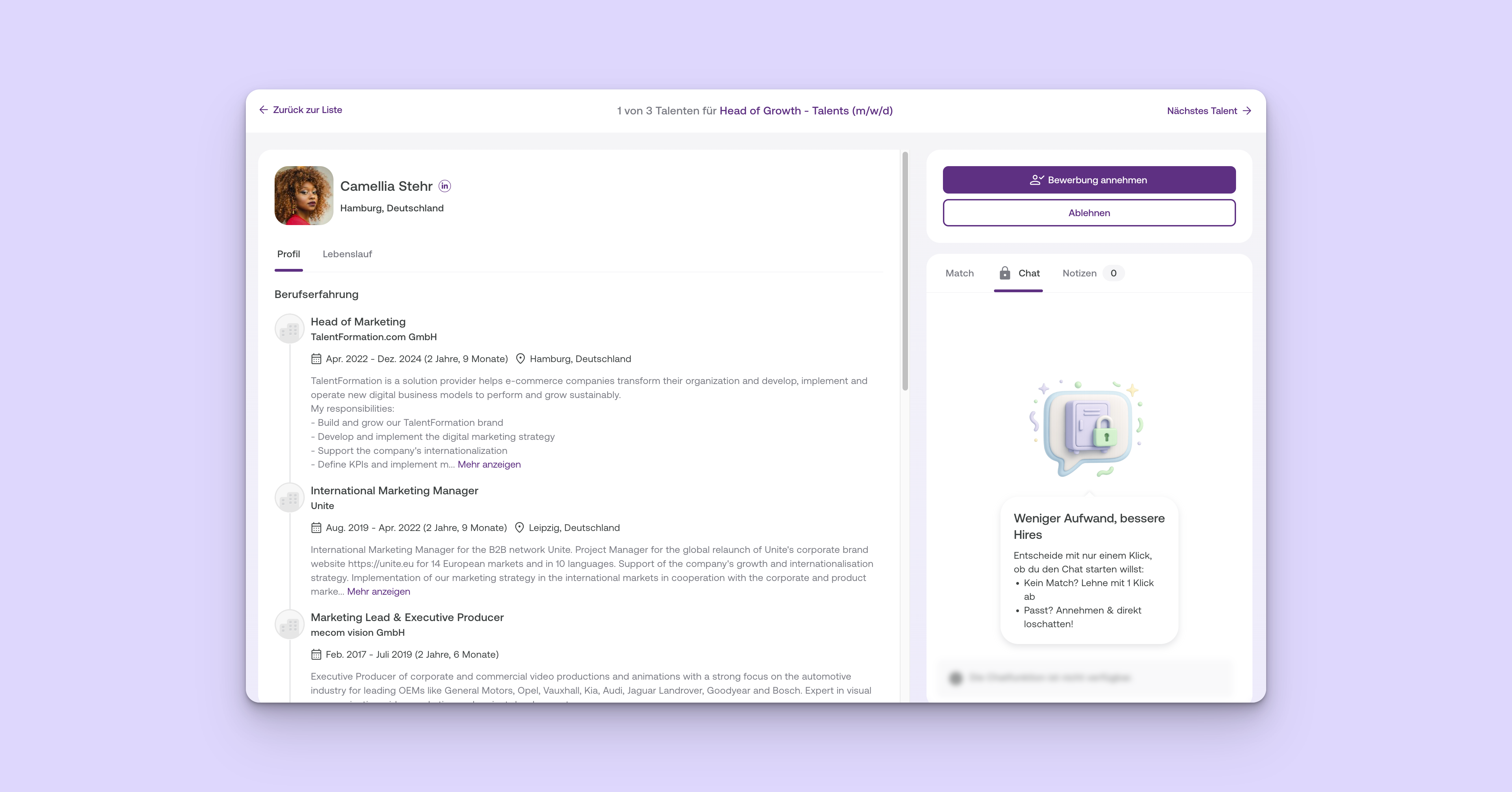
What’s new?
The detail view now shows the Chat tab. Above the message field, you’ll find the „Bewerbung annehmen" button:
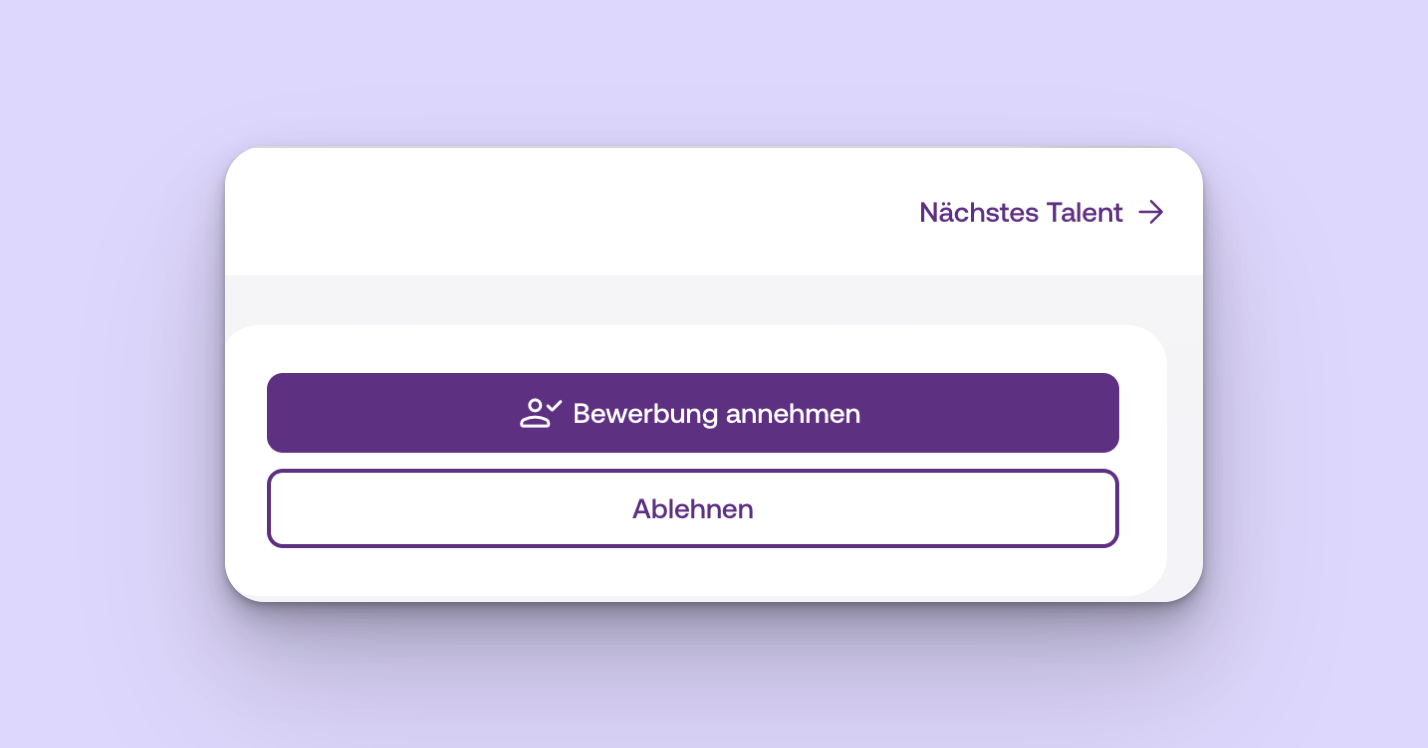
- „Bewerbung annehmen" – moves the application to Angenommen, sends your automated first chat message, and unlocks the chat
- „Ablehnen" – rejects the application immediately
- „Nächstes Talent →" – lets you decide later
How the new decision process works
1. Review new applications
-
In Bewerbungen, open the Screening tab.
-
Select a new application to review it in detail. Applications are split into two groups. You’ll see talents who meet your language, location, and must-have skill requirements first.
-
The Chat tab is already visible. The message field is disabled and displays „Gesperrt bis zur Annahme". Your automated first chat message is sent only after you accept the application.
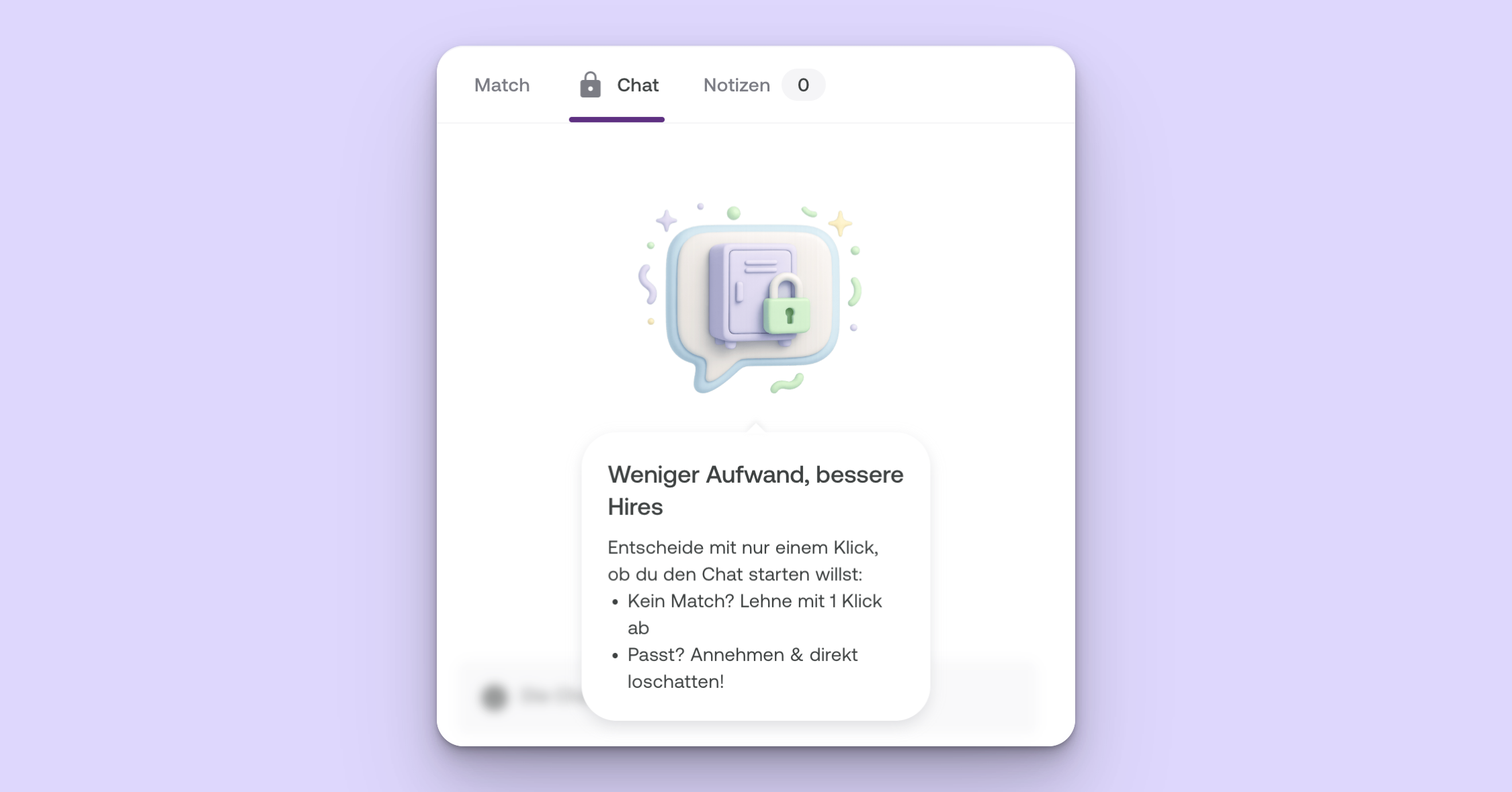
2. Make a decision
In the Chat tab, you’ll find the full-width „Bewerbung annehmen" button above the message field. This is the primary action. You can also choose „Annehmen und chatten" to focus the message field immediately after accepting.
- „Bewerbung annehmen" – accepts the application and moves it to Angenommen
- „Annehmen und chatten" – accepts the application and focuses the message field
- „Mit Nachricht ablehnen" – rejects the application and sends the talent your personal message in the chat
- „Ablehnen" – rejects the application
3. What happens next?
✅ Application accepted (using „Bewerbung annehmen")
- The application appears in the „In Bearbeitung" section, in the Angenommen column
- The chat is now available
- The talent has already received your first automated chat message
✅ Application accepted (using „Annehmen & Chat")
- The application appears in the „In Bearbeitung" section, in the Angenommen column
- The message field is focused immediately
- You’ll see the „Bewerbung angenommen" badge above the conversation
- Your automated first message is already visible
- The accept button is replaced by „Nächstes Talent"; „Ablehnen" remains available
❌ Application rejected
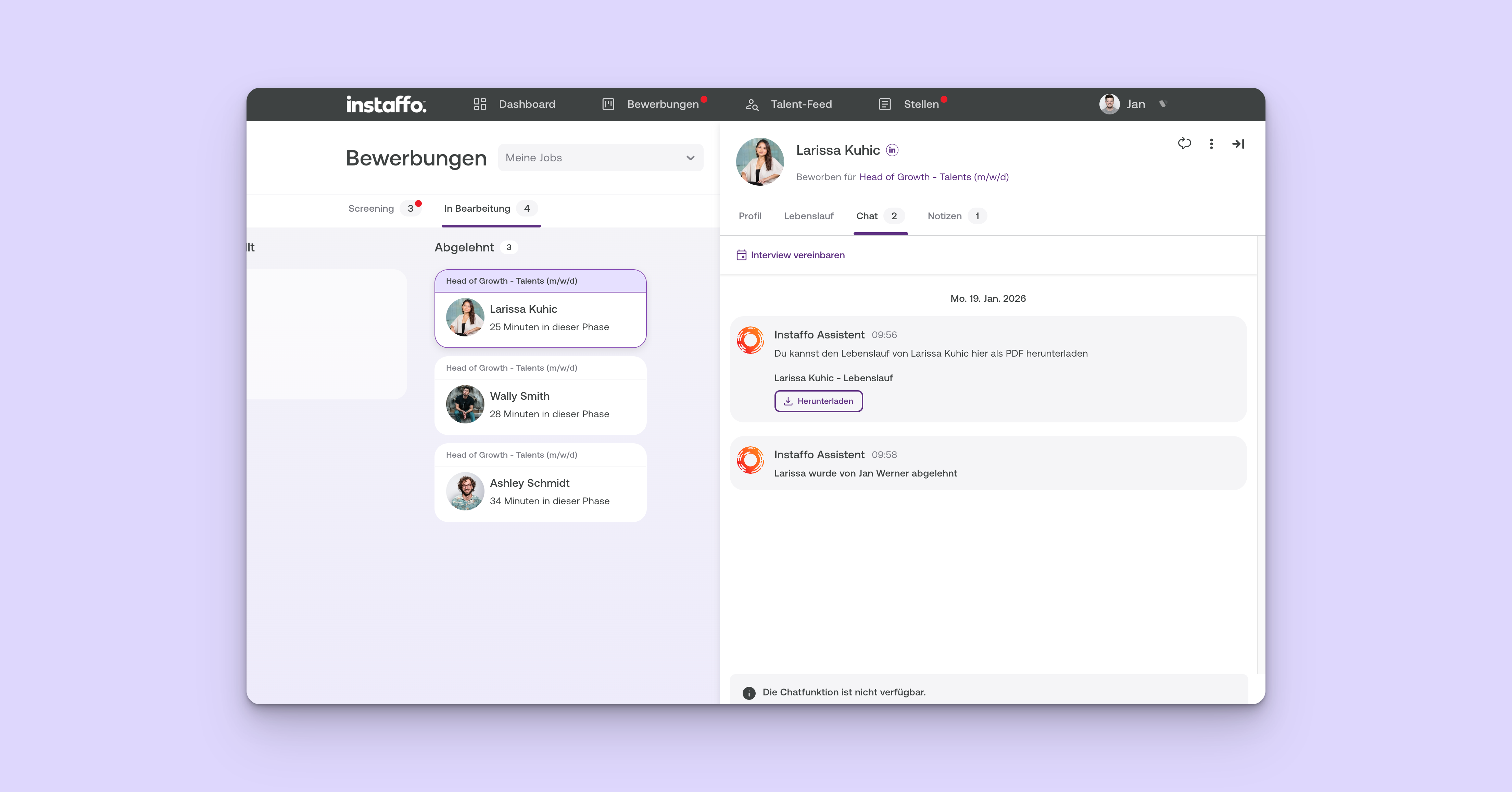
- The application is closed and moved to the Abgelehnt column
- We’ll let the talent know that things didn’t work out this time
- The composer remains visible but is disabled and displays „Die Chatfunktion ist nicht verfügbar."
- If you chose Mit Nachricht ablehnen, the talent will see your message in the chat but won’t be able to reply
➡️ Application skipped
-
The application remains visible in the Screening tab
-
You can decide the next time you review it
Why this change matters
-
You only chat with talents who are a good fit, because the chat opens only after your initial review.
-
You save time on unsuitable profiles because you can reject them without having to write a message.
-
Talents find out sooner where they stand.
Frequently asked questions
Will the chat open if I don’t make a decision?
- No. The chat opens only when you actively click Annehmen.
What does the talent see while the application is being reviewed?
- The talent can see that the application is being reviewed. The chat remains locked.
 Powered by happysupport.ai