
How do I link a job to our ATS?
Link a job in Instaffo to your ATS, select the matching ATS job, map application stages between systems, and automatically sync applications and status updates
This article explains how to link a job in Instaffo to your Applicant Tracking System (ATS). Once linked, applications are automatically exported to your ATS and status changes are synchronized.
Your ATS must be connected to Instaffo first: How do I connect our ATS to Instaffo?

Set up the ATS link
-
Open the ATS link in the Job Cockpit
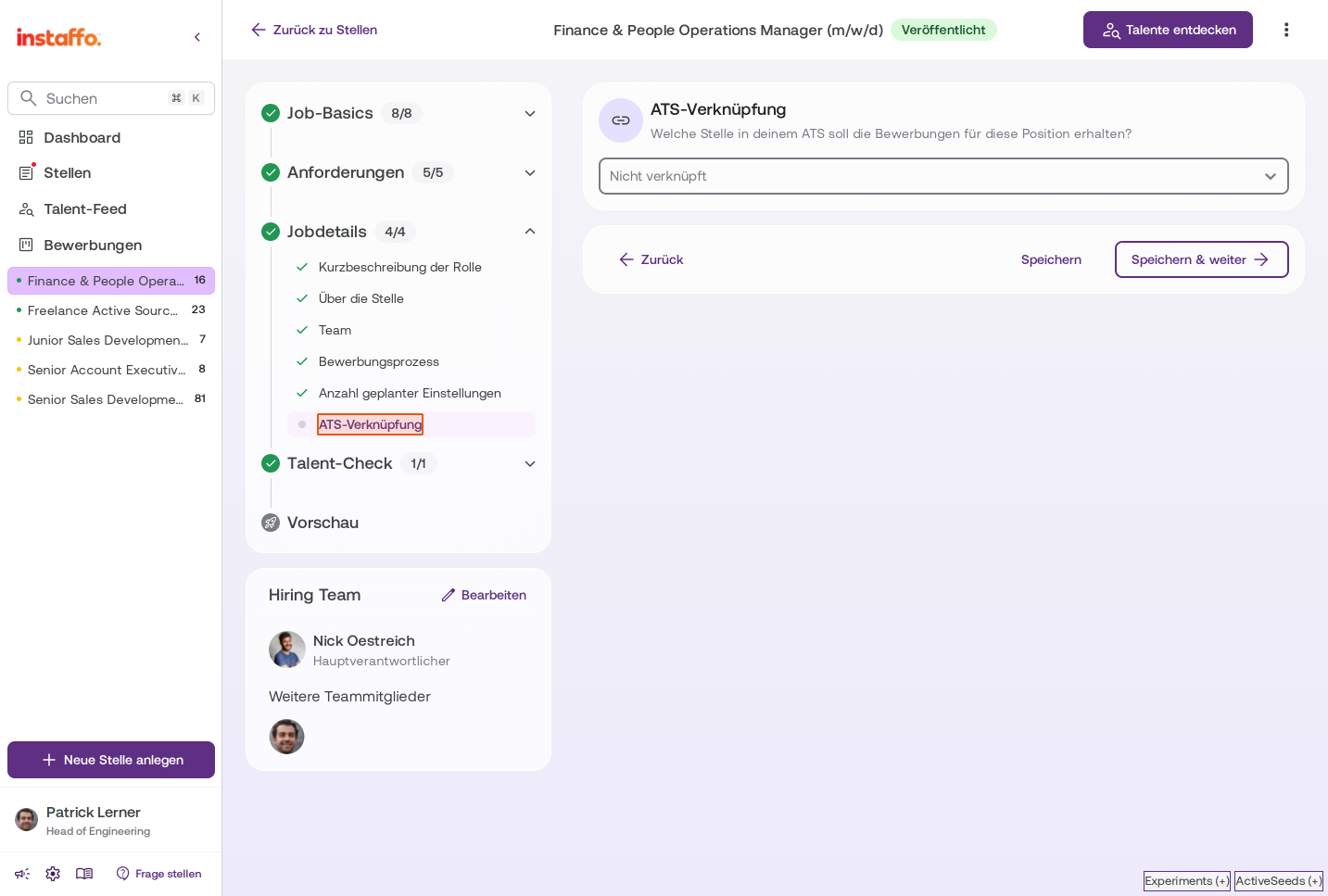
Open the job you want and go to Jobdetails to find ATS-Verknüpfung. You’ll also see this option when creating a new job. -
Select an ATS job
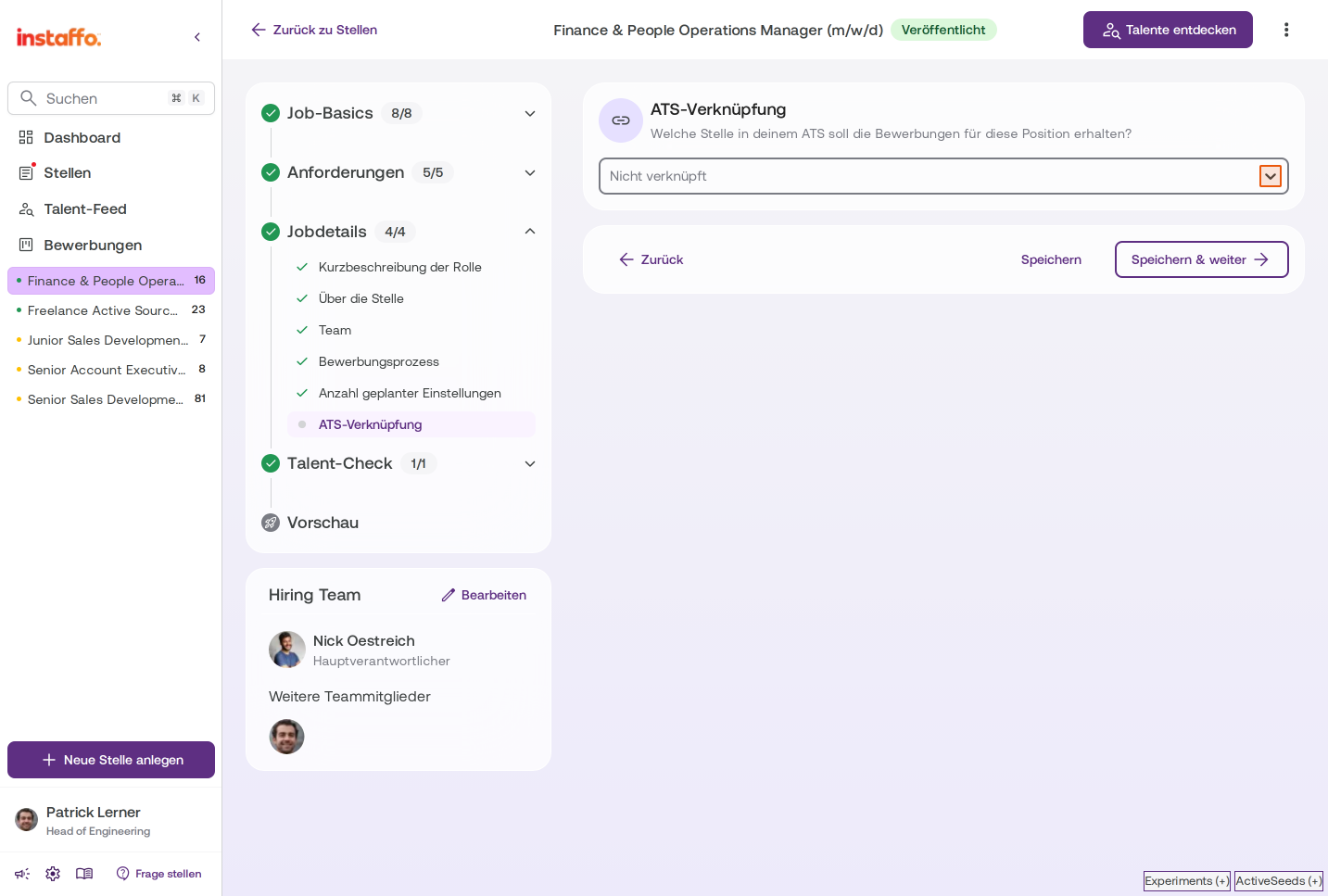
Click the dropdown field, which initially displays Nicht verknüpft, and select the relevant job from your ATS to link to this job.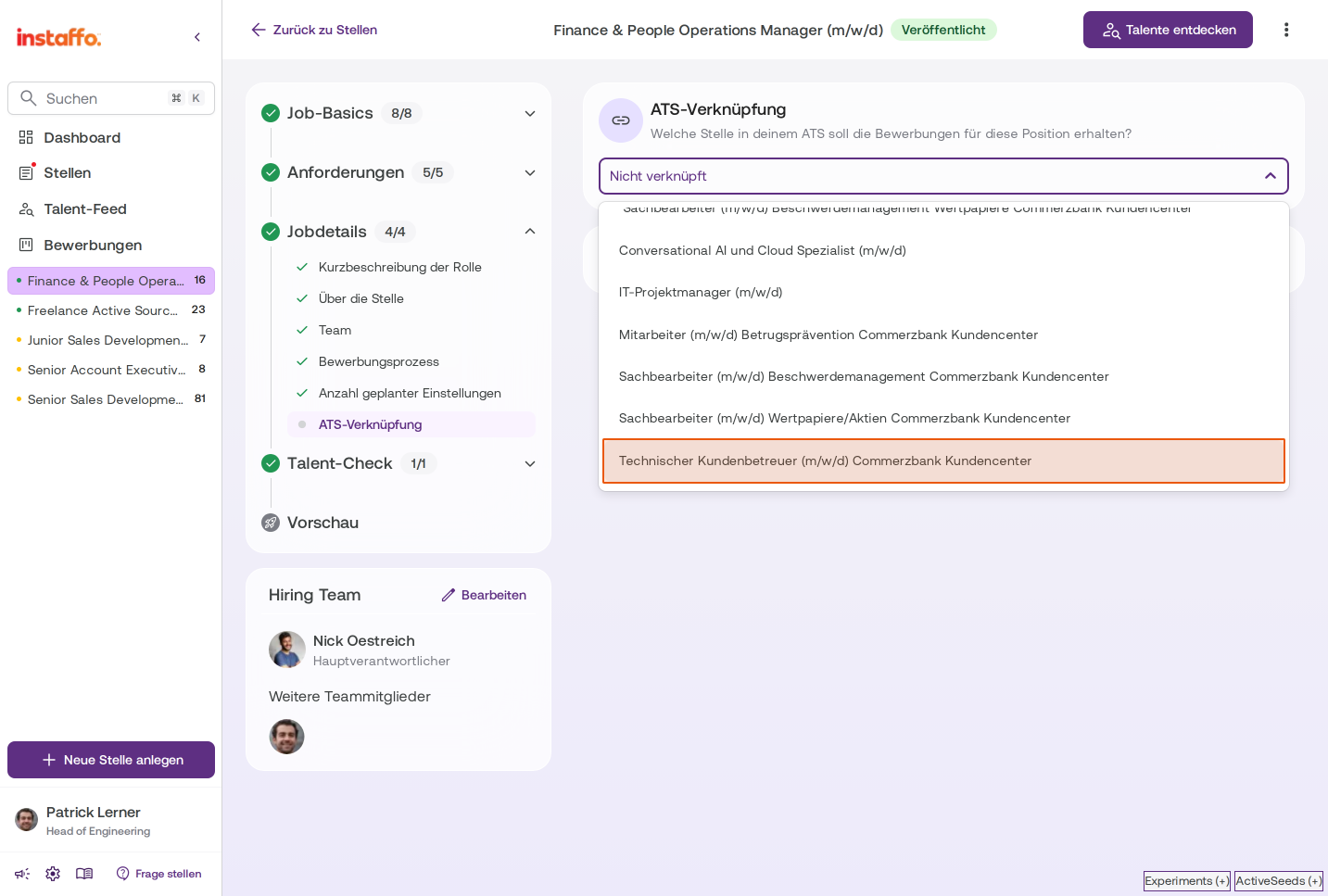
-
Open the ATS sync settings
After you select an ATS job, a message will appear explaining that applications will be exported to your ATS once they reach the prescreening stage on Instaffo. Click ATS-Sync-Einstellungen bearbeiten to configure the stage mapping.
Configure the stage mapping
-
Automatically map stages
The Phasen-Zuordnung dialog retrieves the stages from your ATS. Instaffo automatically suggests a mapping, matching Instaffo stages with the most suitable stages in your ATS. You’ll see an overview with two columns: ATS-Phase and Instaffo-Phase.Note for Personio and Softgarden: Stages can only be retrieved if applications have already been received. You may need to map the stages later.
-
Adjust the stage mapping
You can change the automatic mapping if needed. Click the relevant dropdown field in the Instaffo-Phase column and select a different stage. The available options are:- Nicht zugeordnet
- Bewerbung
- Angenommen/Vorauswahl
- Erstes Interview
- Zweites Interview
- Angebot
Rejections and hires in your ATS are automatically synchronized back to Instaffo, so no manual mapping is needed.
-
Confirm the stage mapping
Click Weiter to continue to the next step.
Set export settings
-
Define the export stage
In the Export-Einstellungen dialog, choose the stage on Instaffo from which an application should be exported to your ATS. The default is Vorauswahl. You can also select Bewerbung if you want applications to be exported as soon as they’re received. The application will then be exported to the ATS stage you mapped in the previous step. -
Save your settings
Click Speichern to apply the export settings.
Your job is now linked to your ATS. Applications will be exported automatically according to your settings, and status changes will be synchronized between the two systems.
 Powered by happysupport.ai