
Manage your ATS connection: Check status, reconnect, remove
Check your ATS connection status in settings and reconnect or remove the integration if sign-in fails to manage your applicant tracking system
If your ATS is connected, you can check whether everything is working under ATS-Integration in your settings. You can reconnect your ATS here if sign-in stops working, or remove the connection.
Only administrators can reconnect or remove the connection. Everyone else can see the status and any notices.
What does this section show?
- which ATS is connected and its status
- Verbunden seit
- Zuletzt synchronisiert
- Verknüpfte Stellen
| Status | What does it mean? | What can you do? |
|---|---|---|
| Verbunden | Applications and status changes are synced automatically. | Nothing. |
| Verbindungsproblem | Sign-in to your ATS no longer works. | Click Neu verbinden. |
| Verbindungsproblem (paused) | Your connection is paused. | Your account manager will get in touch and resolve this. |
| Einrichtung nicht abgeschlossen | Setup is not yet complete. | Your account manager will get in touch and complete it. |
| Getrennt | Your ATS no longer recognizes this connection. | Remove the connection and reconnect your ATS. |
Reconnect your ATS
If sign-in to your ATS no longer works, for example after a password change, you’ll see the status Verbindungsproblem.
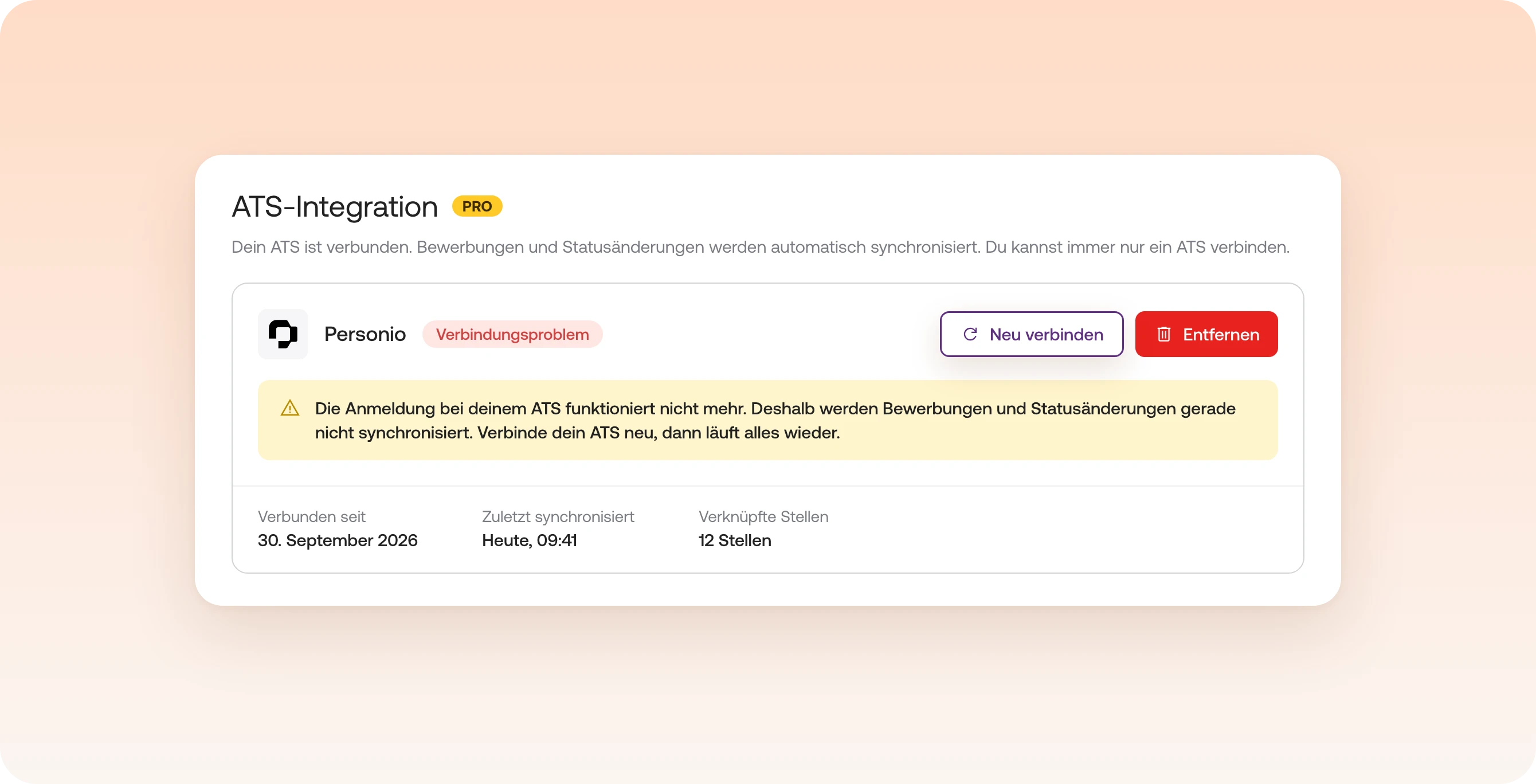
- Click Neu verbinden.
- Sign in to your ATS again in the dialog.
- The status will change back to Verbunden.
Your linked jobs, applications, and stage mappings will remain unchanged.
Remove your ATS connection
- Click Entfernen.
- Confirm by clicking Verbindung entfernen.
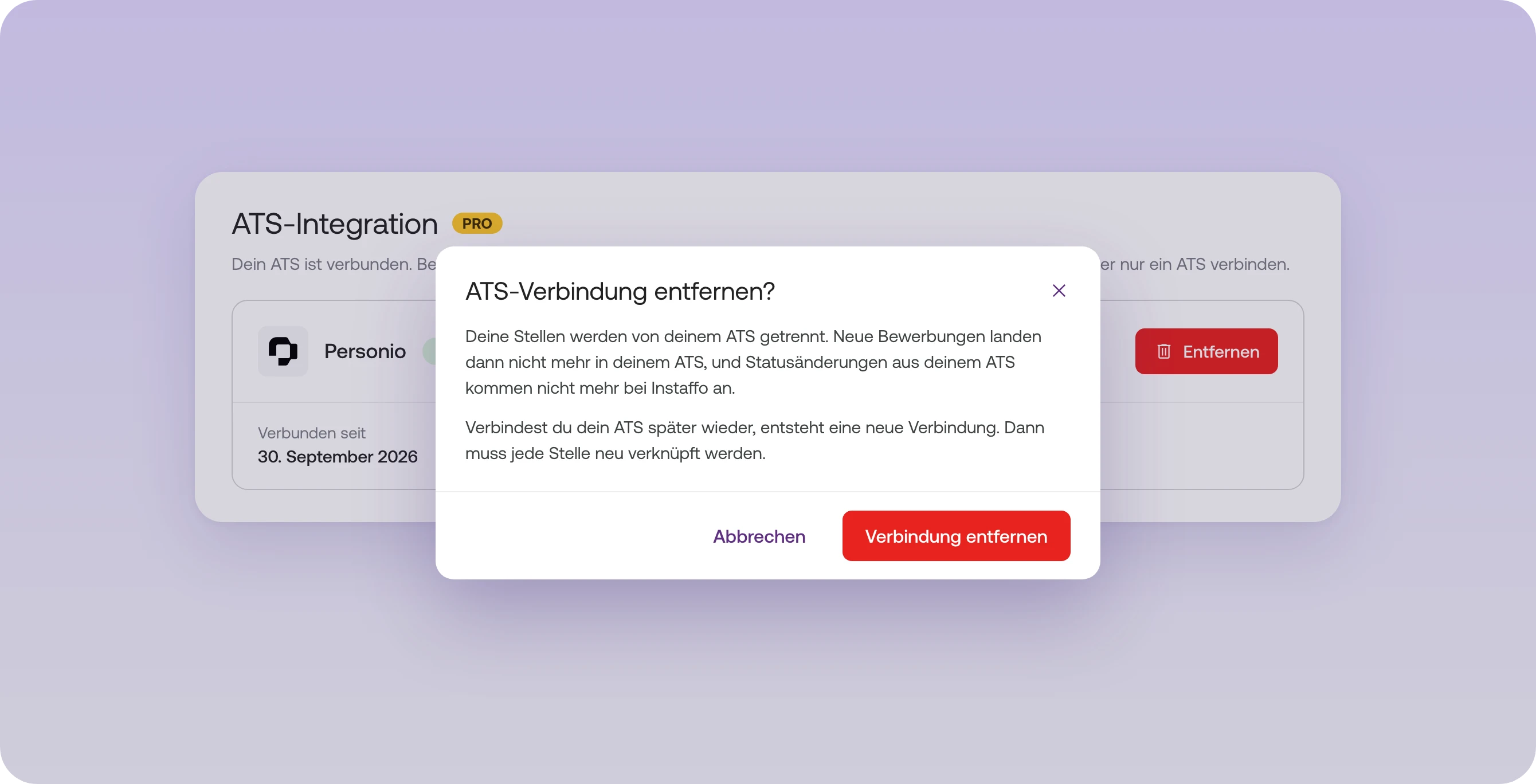
Once you remove the connection, your jobs will be disconnected from your ATS. New applications will no longer appear in your ATS, and status changes from your ATS will no longer be sent to Instaffo. If you reconnect your ATS later, a new connection will be created, and you’ll need to link each job again.
You’ll then see the catalog again and can connect an ATS: How do I connect our ATS to Instaffo?
 Powered by happysupport.ai