
How do I request an ATS integration?
Request your ATS integration from Settings by selecting your system and clicking Request to contact your Account Management team
ATS integration is included in the Pro plan. If you don’t have a Pro plan, you can still see all supported systems and request your ATS directly. Your Account Management team will get in touch with you about upgrading.
Only admins can request an ATS integration. If you’re not an admin, contact your company’s admin team.
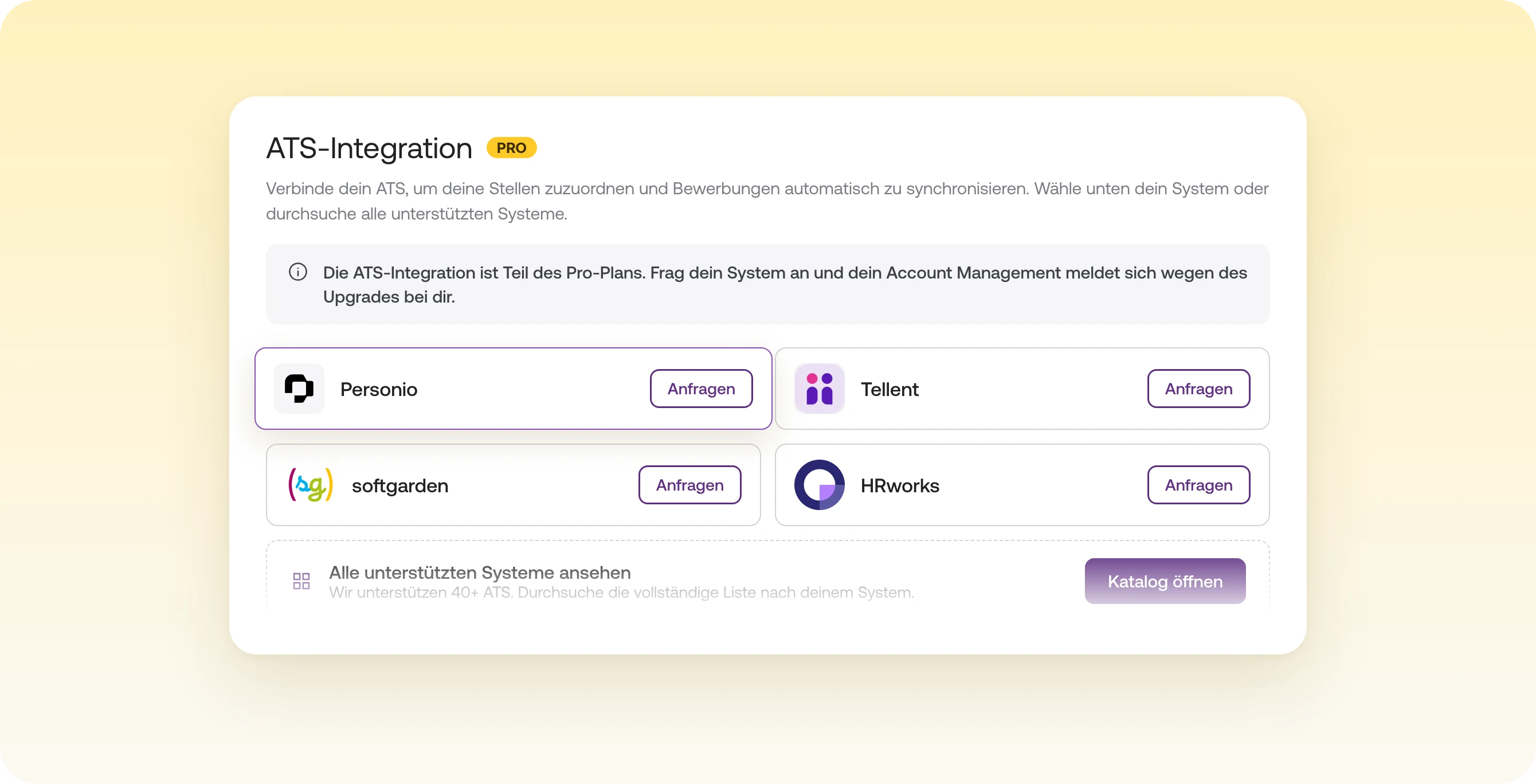
How to request your ATS
-
Open Settings
Open Einstellungen from your profile menu and select ATS-Integration. -
Select your system
Choose one of the suggested systems, or click Katalog öffnen to browse all supported systems. -
Click Request
Click Anfragen next to your system. You can also click Setup anfragen on your dashboard. -
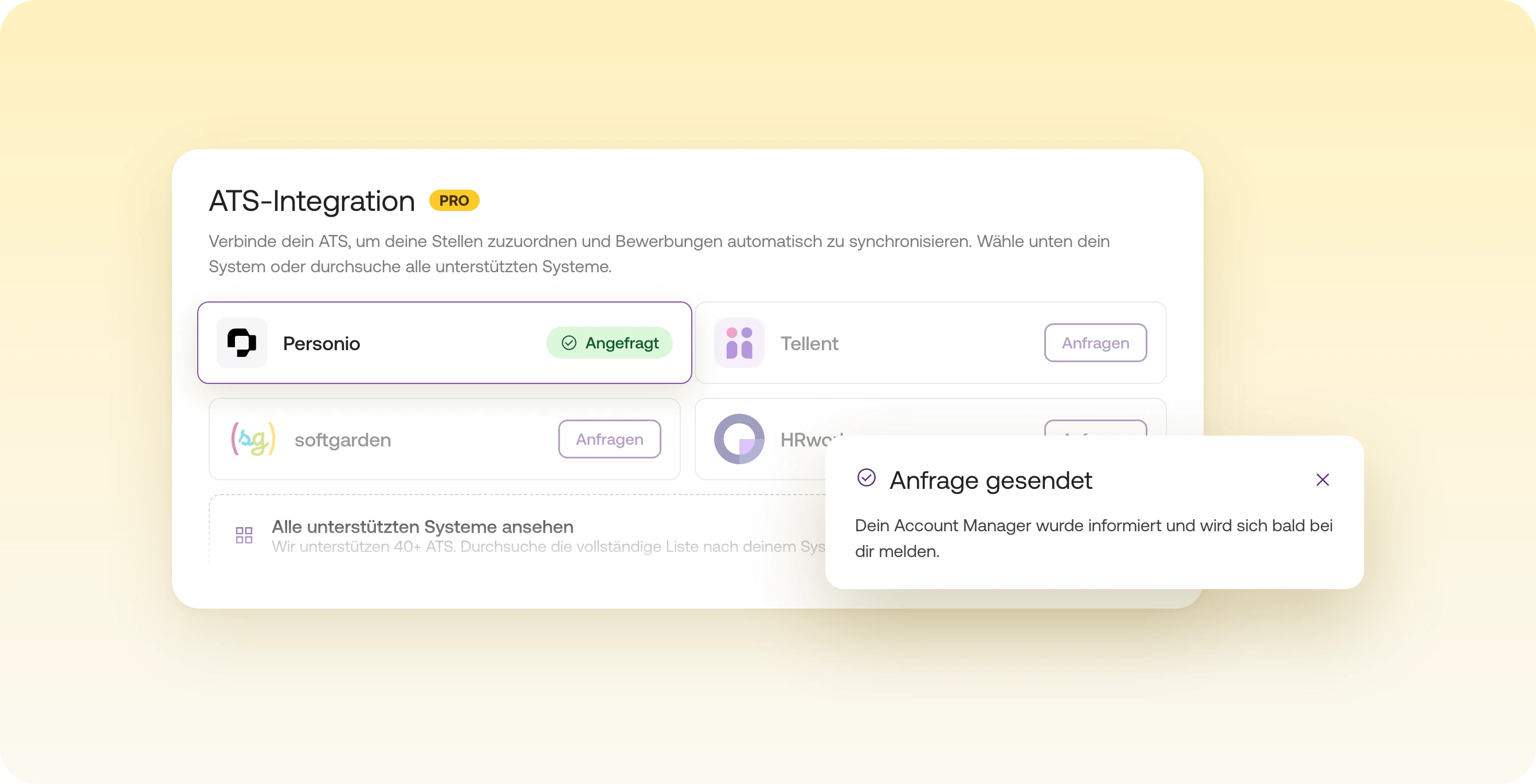
Request sent
Your Account Management team will be notified and will get in touch with you soon. Your system will now be marked as Angefragt, and the other systems will be locked.
Can’t find your system?
Open the catalog and click Nur Interesse anmelden. Your Account Management team will then get in touch with you.
Frequently asked questions
Can I submit a second request?
Not while a request is open. This prevents duplicate requests. Your Account Management team will follow up about the open request.
What happens after I upgrade?
With the Pro plan, you can connect your ATS yourself: How do I connect our ATS to Instaffo?
 Powered by happysupport.ai