
How do I accept an invitation as a team member?
Accept a team invitation on Instaffo by activating your access link, setting a password, and completing your profile to join the hiring team.
In this article, you'll learn how to accept an invitation to a hiring team on Instaffo, set up your account, and complete your profile. Once you've finished these steps, you'll have full access to the hiring team and can start discovering the right talent.

Activate your invitation
-
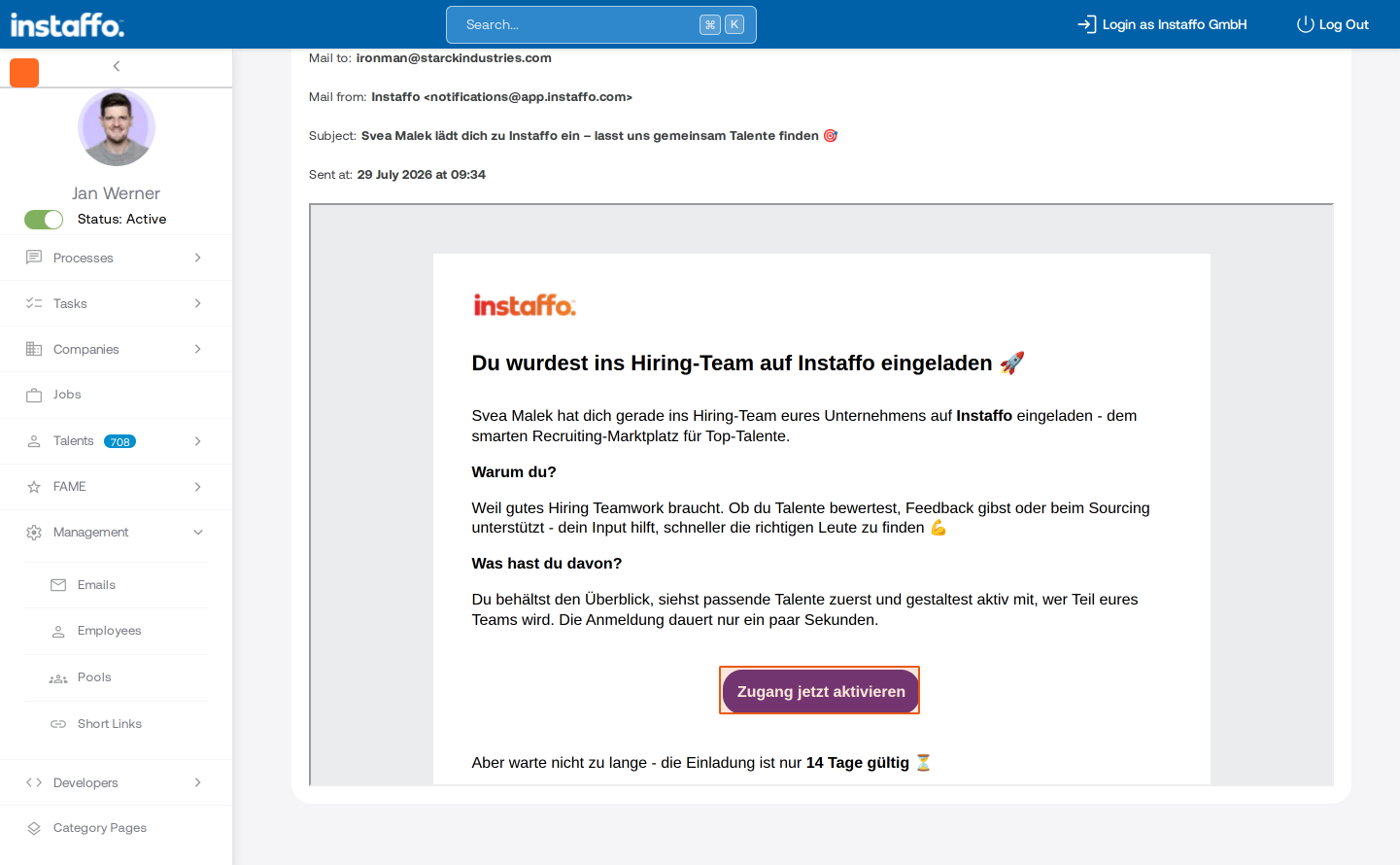
Activate access through your invitation
Open the invitation email or landing page you received. There you'll find information about who invited you and what benefits come with joining the hiring team. Click the Activate access now button to continue.
Keep in mind that the invitation is only valid for 14 days.
Create your password
-
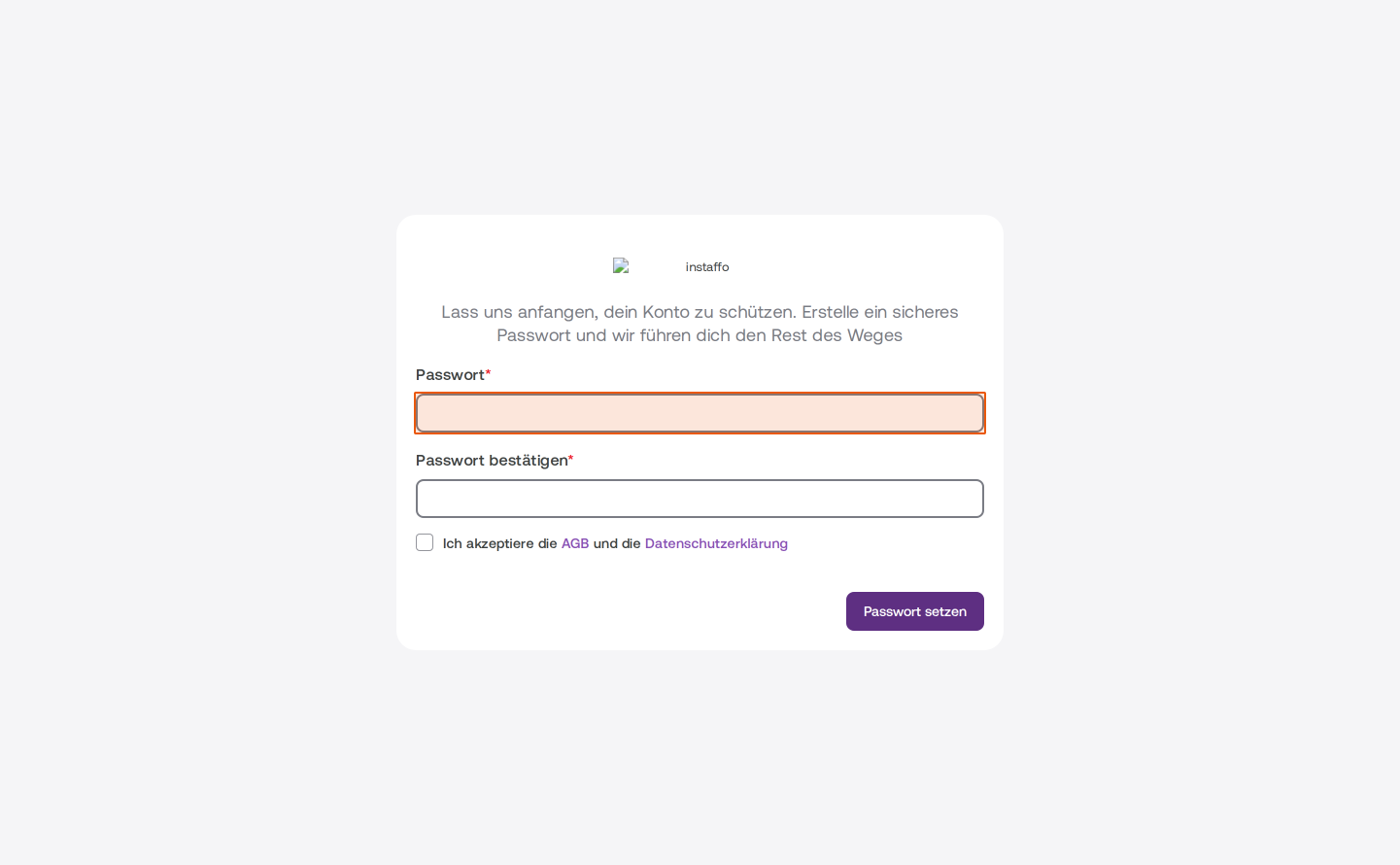
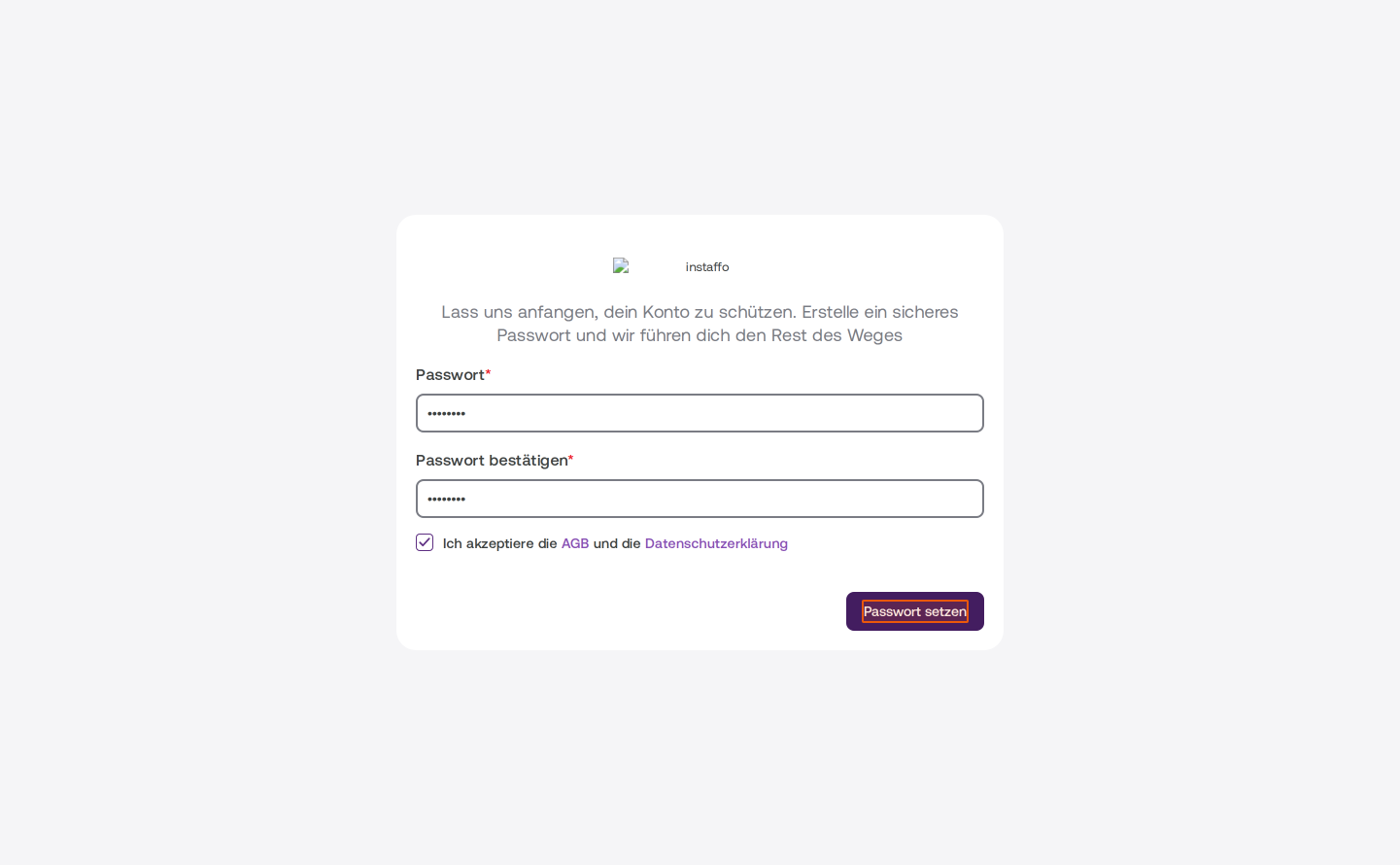
Set your password
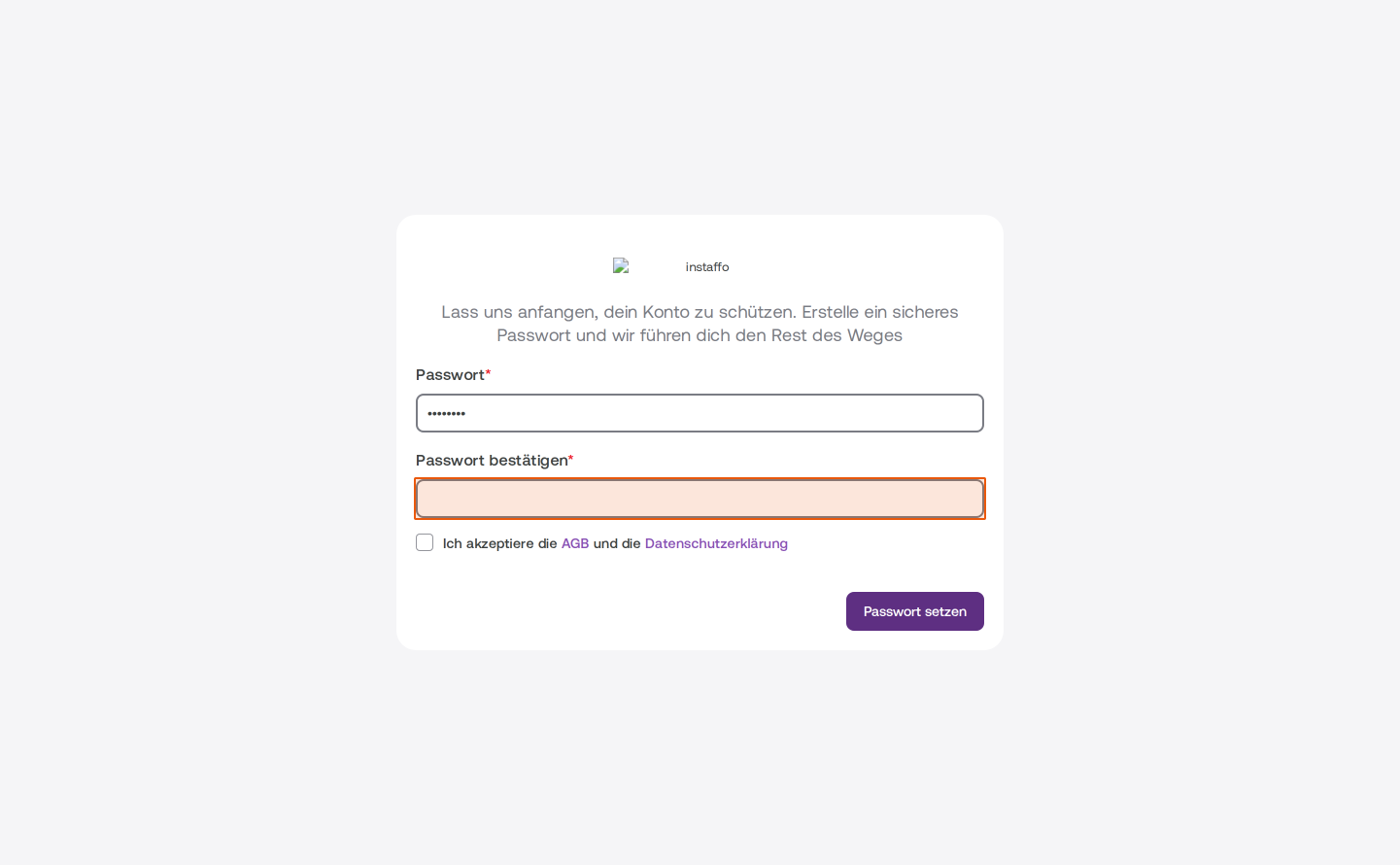
You'll be redirected to a form to secure your account. Fill in the following fields:- Password: Enter a secure password
- Confirm password: Re-enter your password to confirm
-
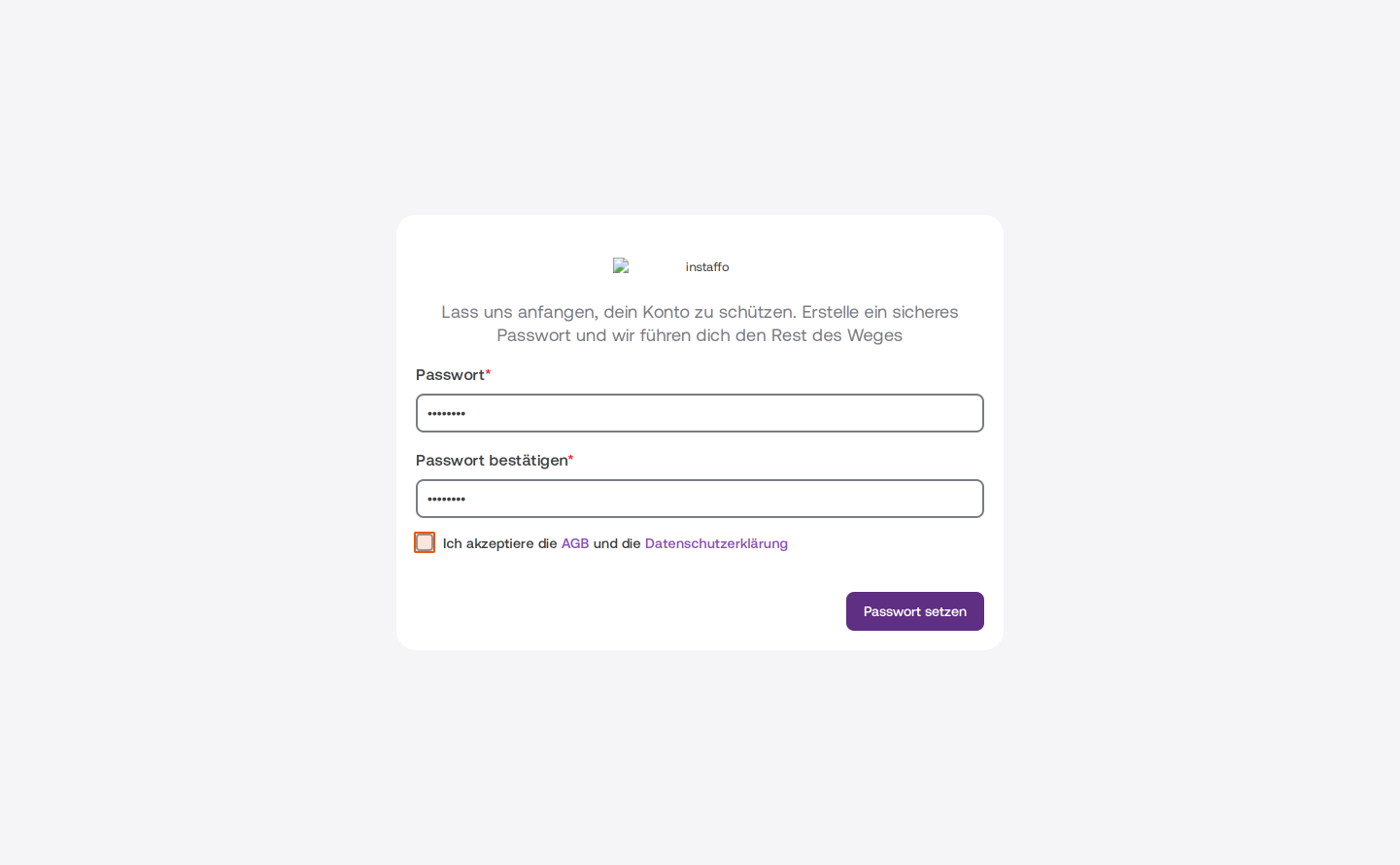
Accept the terms and conditions
Check the box I accept the terms and conditions and privacy policy. You can review the linked documents beforehand if needed. -
Save your password
Click the Set password button to save your password and move on to the next step.
Complete your profile
-
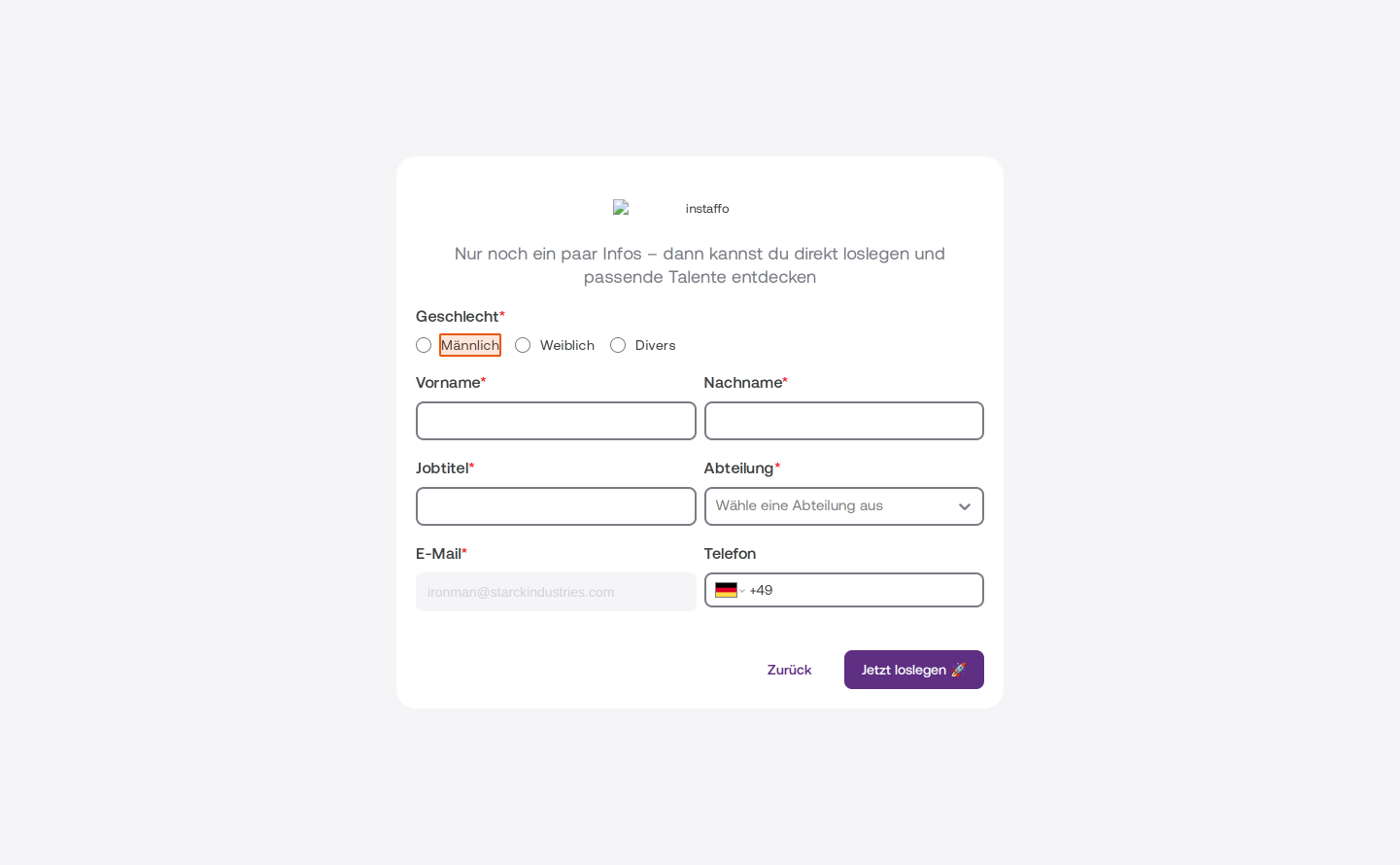
Enter your personal information
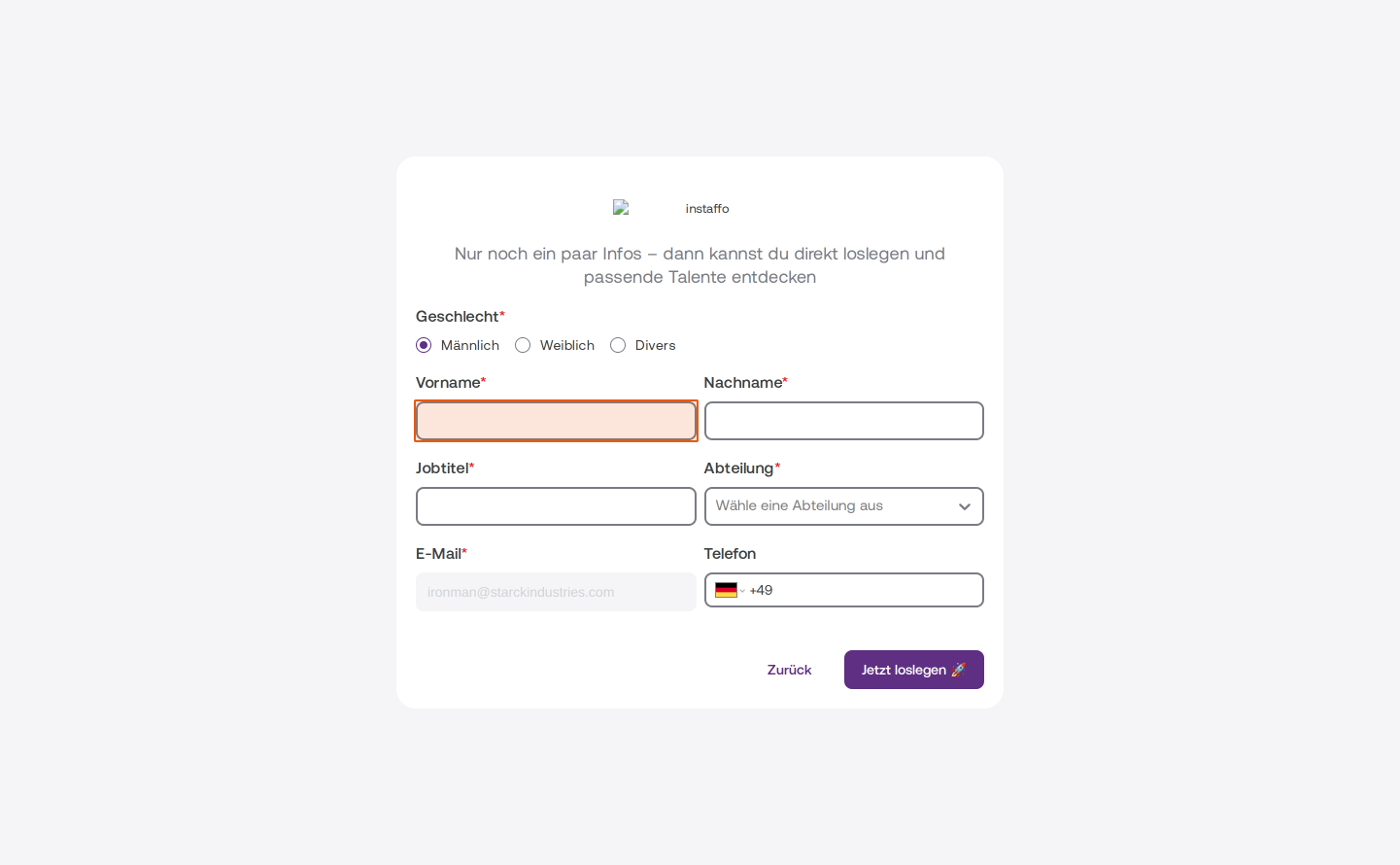
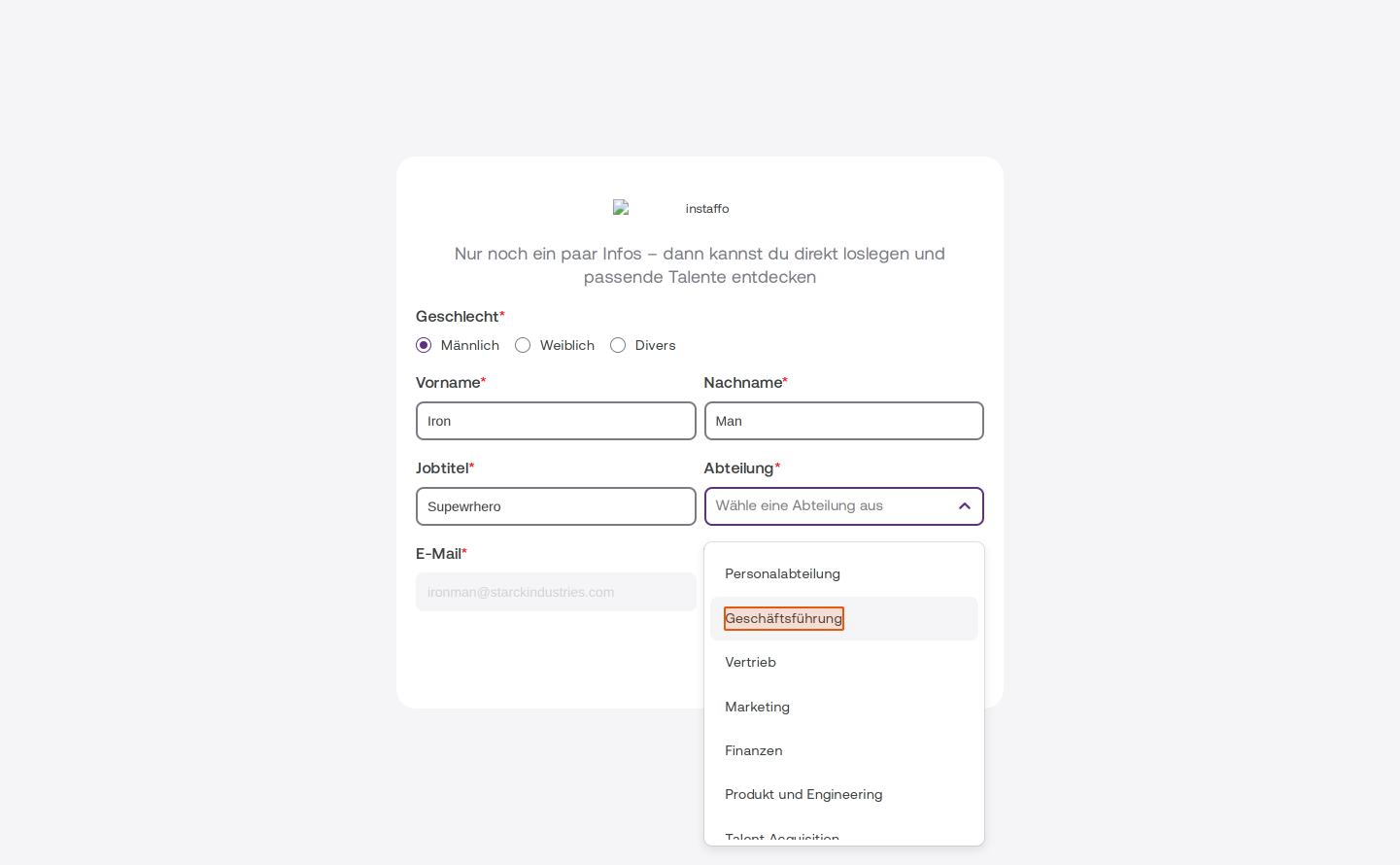
In the final step, you'll complete your profile with the following information:- Gender: Choose between Male, Female, or Other
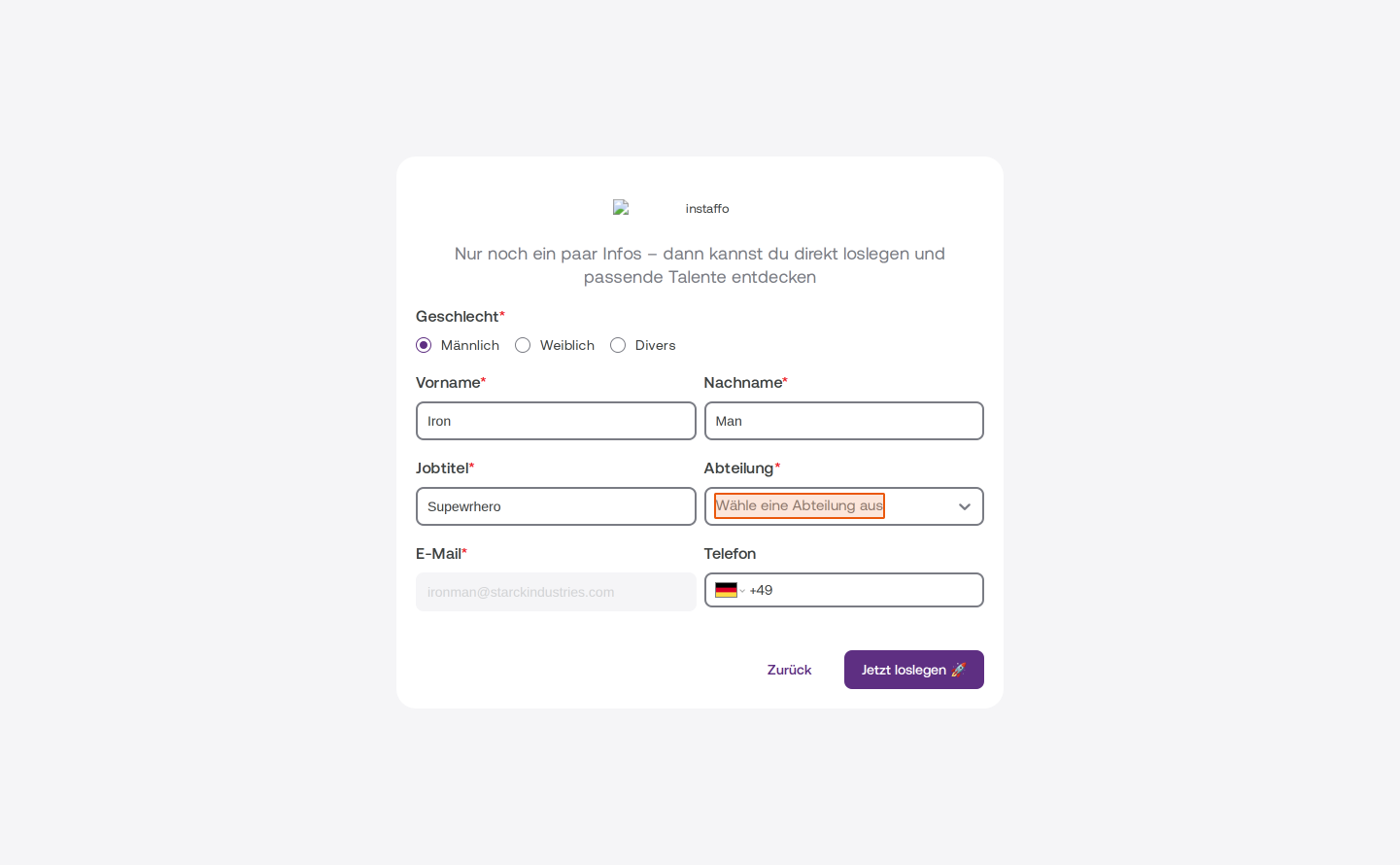
- First name: Enter your first name
- Last name: Enter your last name
- Job title: Enter your current position
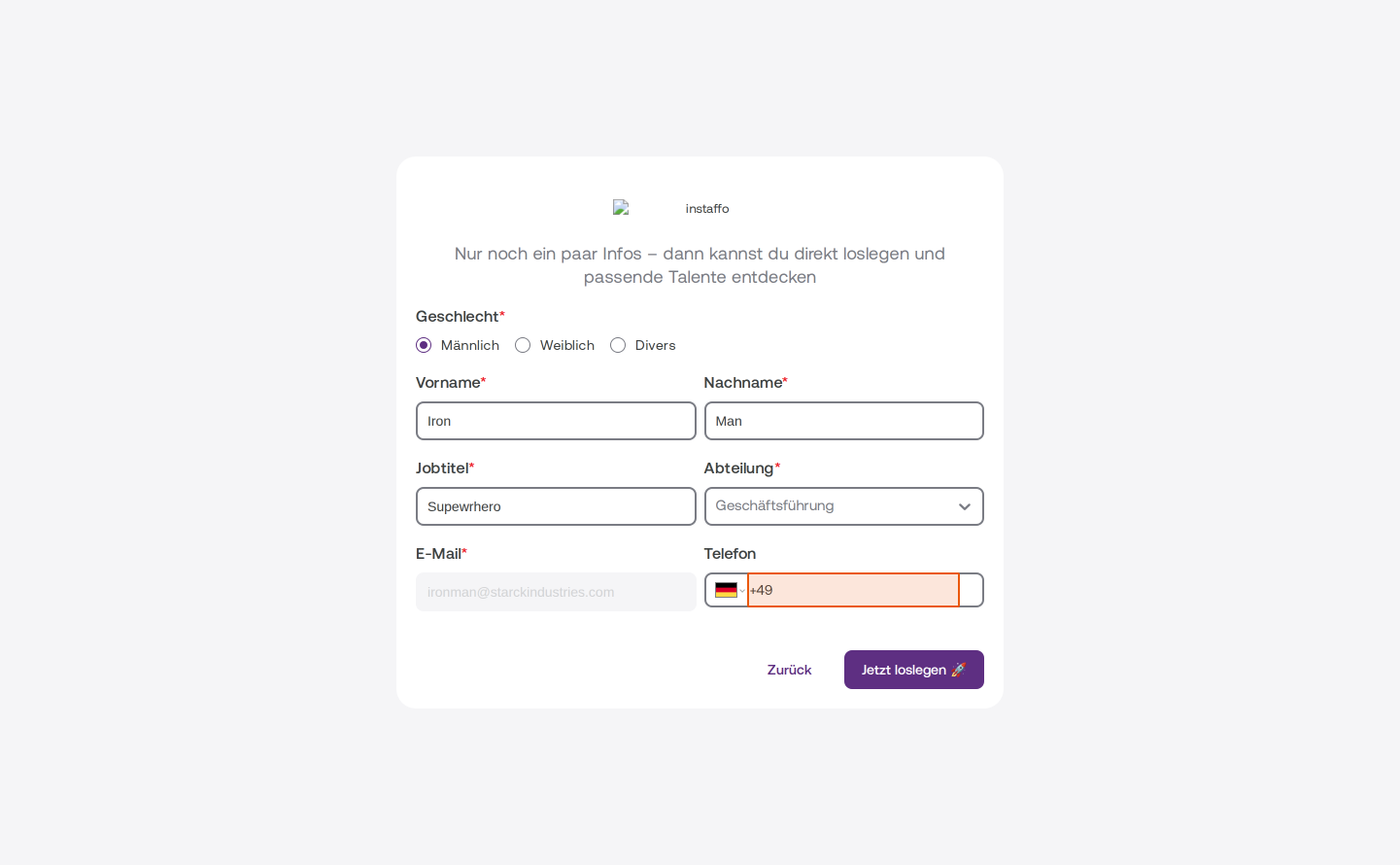
- Department: Select your department from the dropdown menu (for example, Management, Human Resources, Sales, Marketing, Finance, or Product and Engineering)
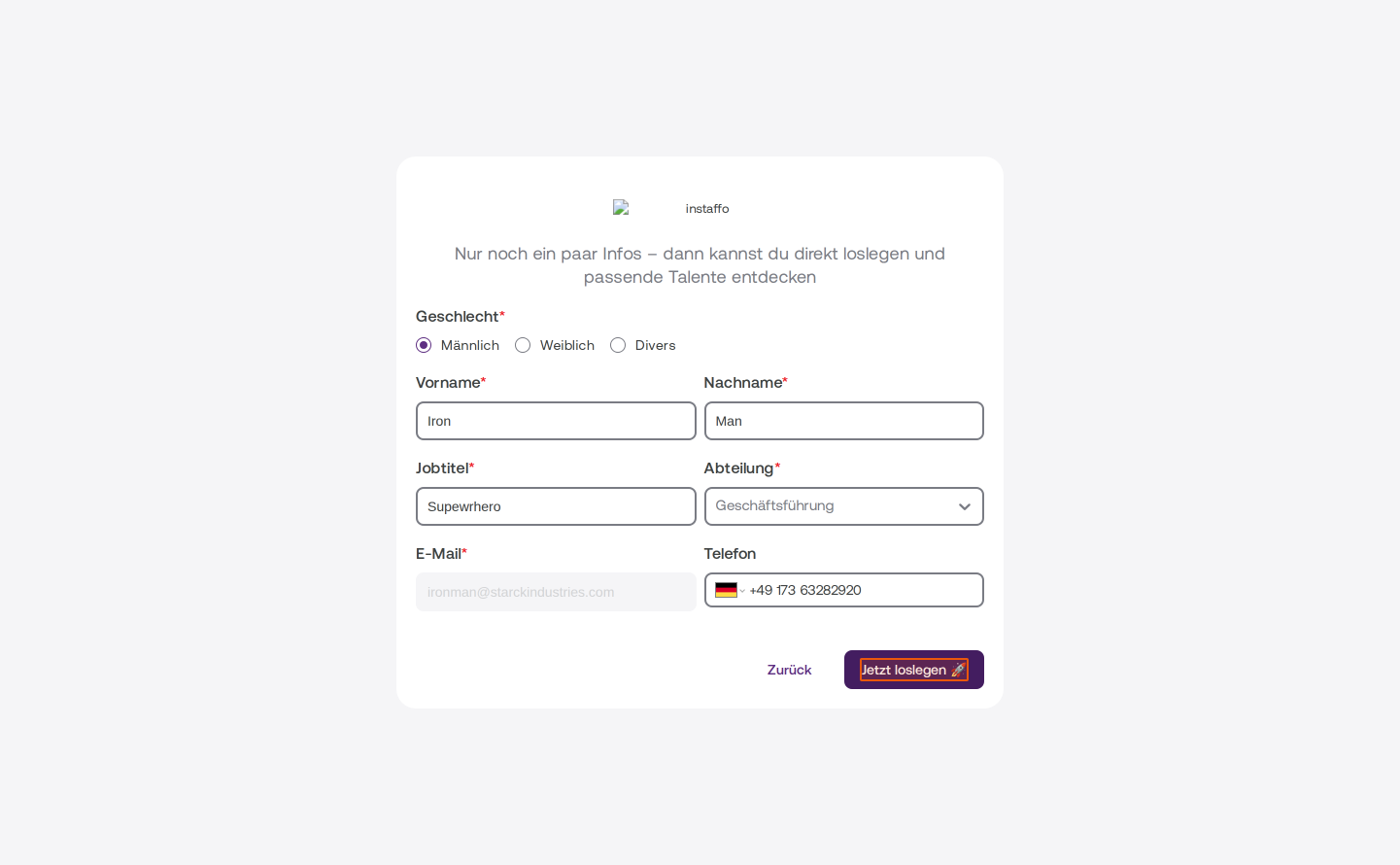
- Phone: Optionally enter your phone number (the country code +49 is already pre-selected)
The Email field is already filled in with your email address and cannot be changed.
-
Complete your registration
Click the Get started now 🚀 button to finish your registration.
You're now part of the hiring team and can start discovering and evaluating the right talent right away.
 Powered by happysupport.ai